If you are searching for 17 movement fivem scripts, this guide covers the twelve 17 Movement listings currently on FiveM Shops and explains which ones suit which kind of server. The range spans phone and communication systems, HUD and interface packages, a character tool and several multiplayer jobs, so the right starting point depends on what your roleplay community is missing most.
Each of the 17 movement fivem scripts below is described in terms of what it does on a live server rather than how it looks in a screenshot. The comparison table near the end gives a quick overview. Every title links to its own product page, where you can read the full listing.
How to choose 17 movement fivem scripts for your server
A new server usually needs communication first, then a HUD and interface layer, then jobs that give players a reason to log in. Start with the category that fills your biggest gap, and add the rest once that part of your city is running smoothly.
17 Movement Phone System
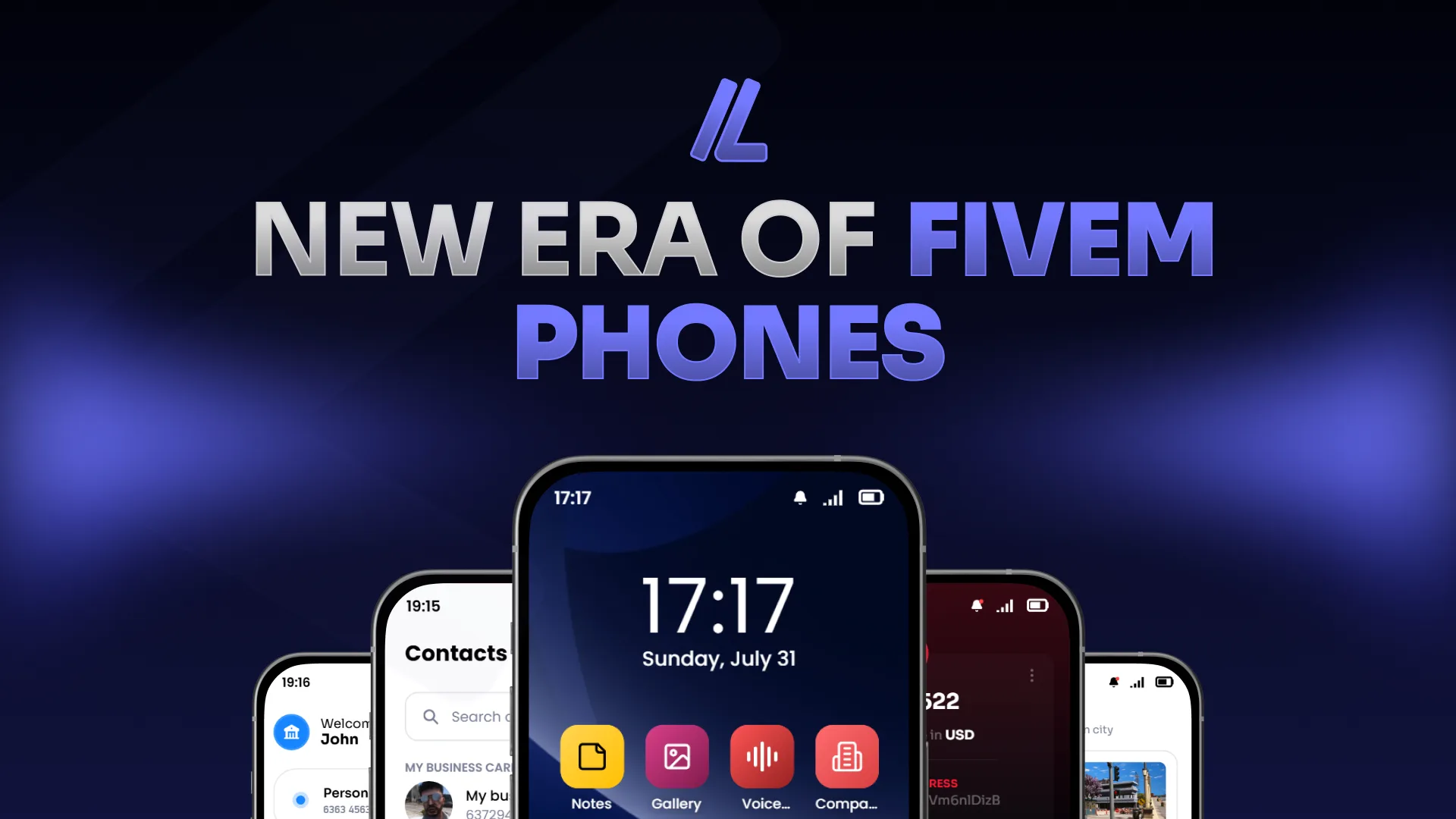
The 17 Movement Phone System is a communication script for roleplay servers that want phones to feel like part of the city. Its listing stresses that it was built to be used rather than only screenshotted, and everything is packaged so it is ready to run as soon as the resource starts. That makes it a practical first install when players need a working phone without a long setup.
Best for: servers that need a ready-to-run phone system as their core communication layer.
17 Movement Multiplayer Oil Rig Job
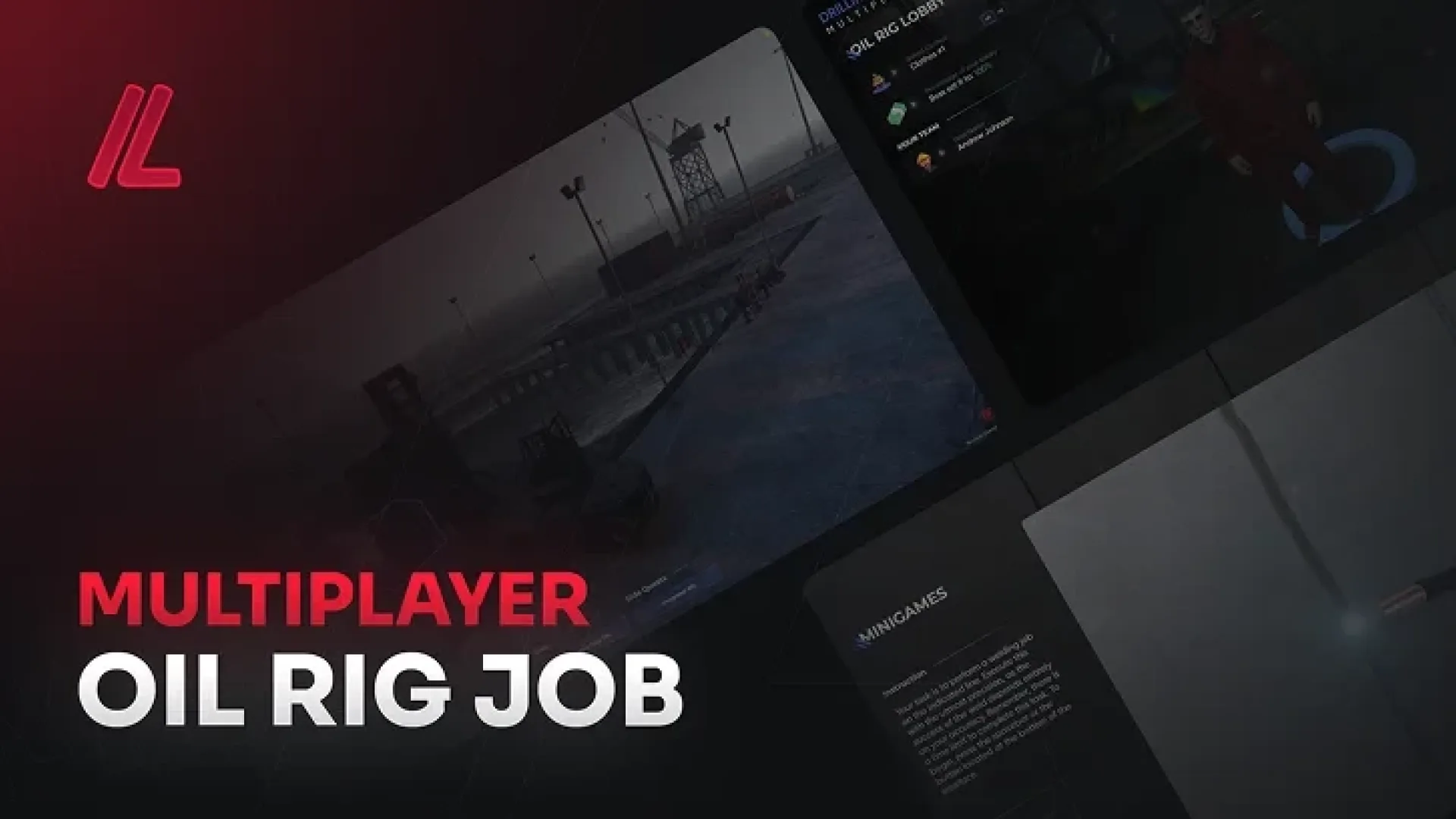
The 17 Movement Multiplayer Oil Rig Job adds a group job set on an industrial site, packaged as a finished resource rather than a half-built demo. Its description points to materials that hold up at close range and lighting that reads correctly after dark. It suits groups that want a team-based job with a distinct setting.
Best for: servers that want a multiplayer industrial job with a strong sense of place.
17 Movement Multiplayer Lumberjack Job
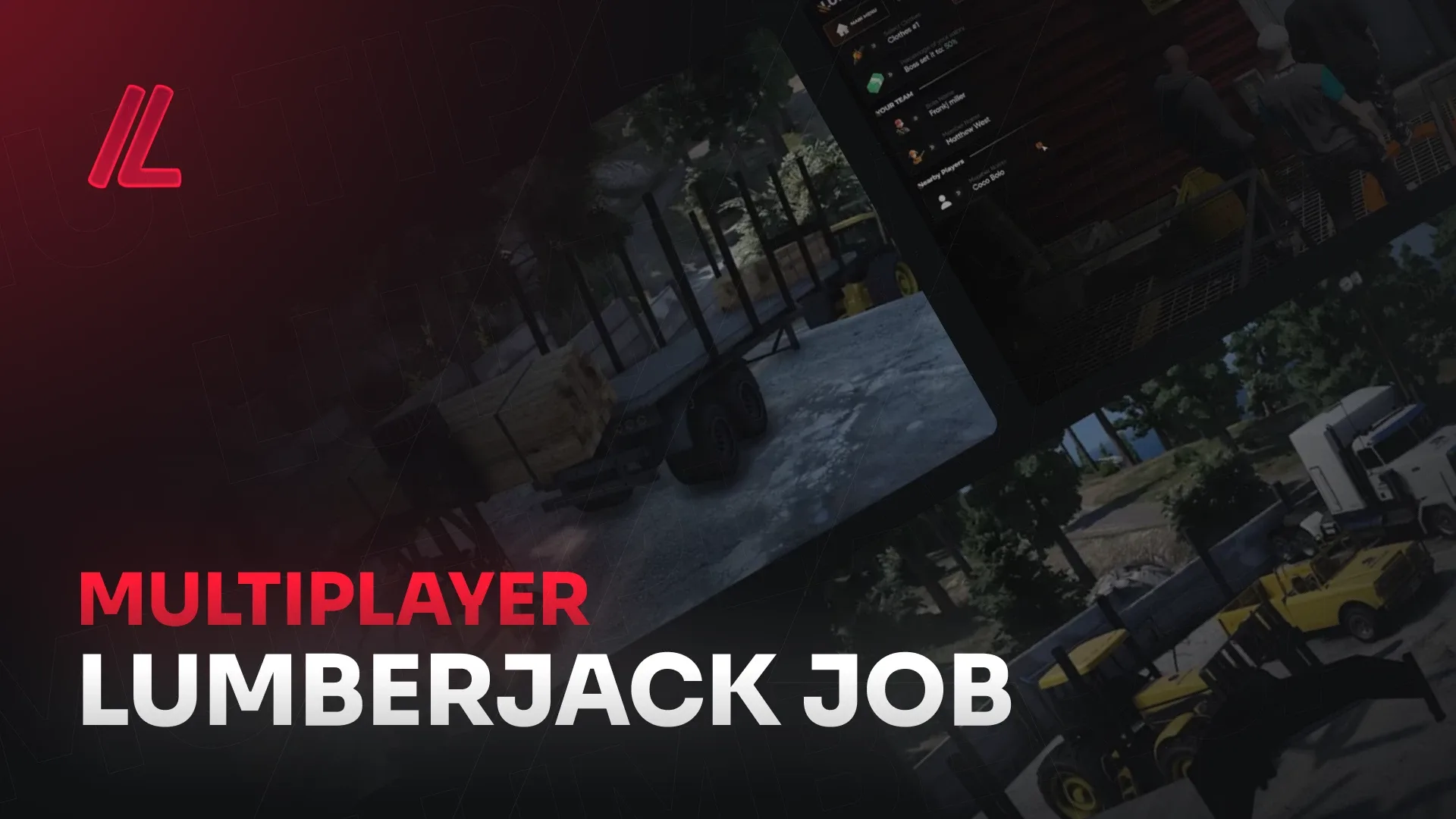
The 17 Movement Multiplayer Lumberjack Job is a multiplayer work resource shipped with its files packaged and its assets checked in a live environment. Its listing puts weight on sensible file sizes and on avoiding runaway draw calls, which helps when many players move through the same area. It is a straightforward option for a working job in a forest or rural setting.
Best for: servers that care about streaming load as much as the look of a job.
17 Movement Multiplayer Builder Job
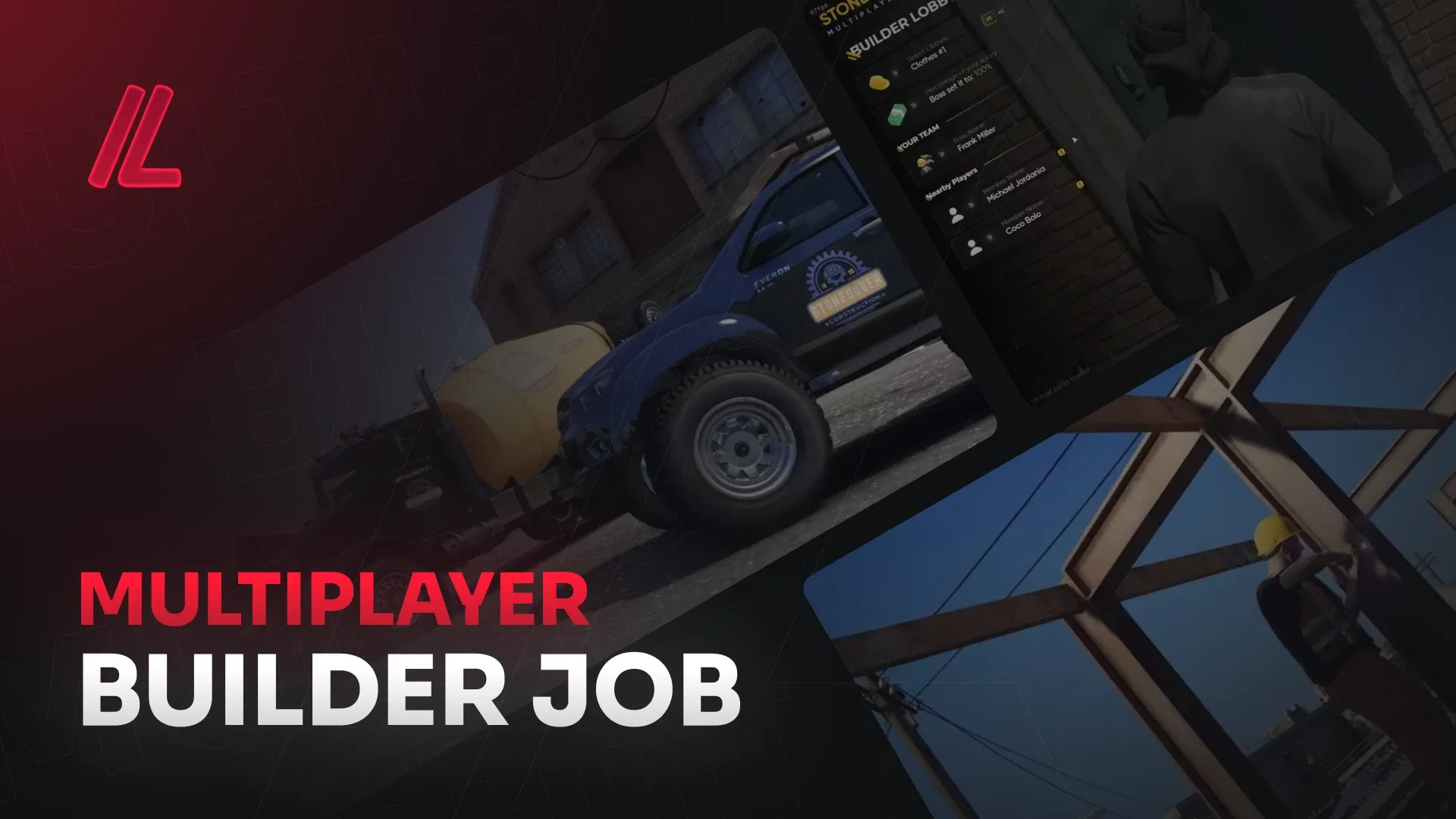
The 17 Movement Multiplayer Builder Job is built to production standard, so it is ready to run straight after install. Its listing notes that the proportions follow GTA V's own scale and that the textures are sized for streaming rather than for a render. That restraint suits a city where construction crews work alongside players without overloading their clients.
Best for: city servers that need a job system to hold up under heavy player traffic.
17 Movement Complete Pause Menu
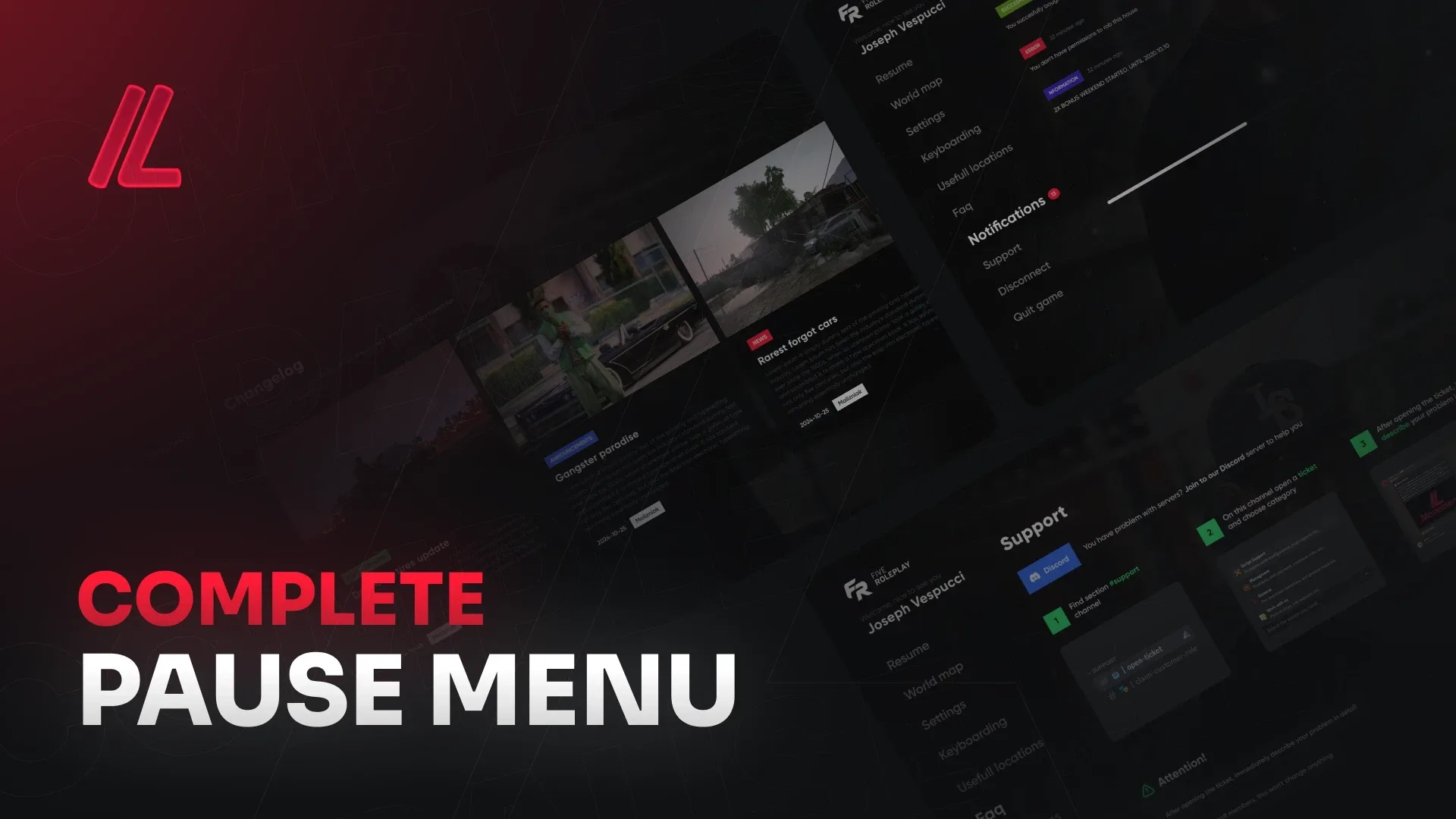
The 17 Movement Complete Pause Menu is a HUD and UI script from the same range, packaged to run as soon as the resource starts. Like the other releases, it is presented as a finished product rather than a set of parts to assemble. It is a sensible addition when you want the pause screen to match the rest of the server.
Best for: servers that want a complete pause menu from the same creator as their other scripts.
17 Movement Complete Interface System
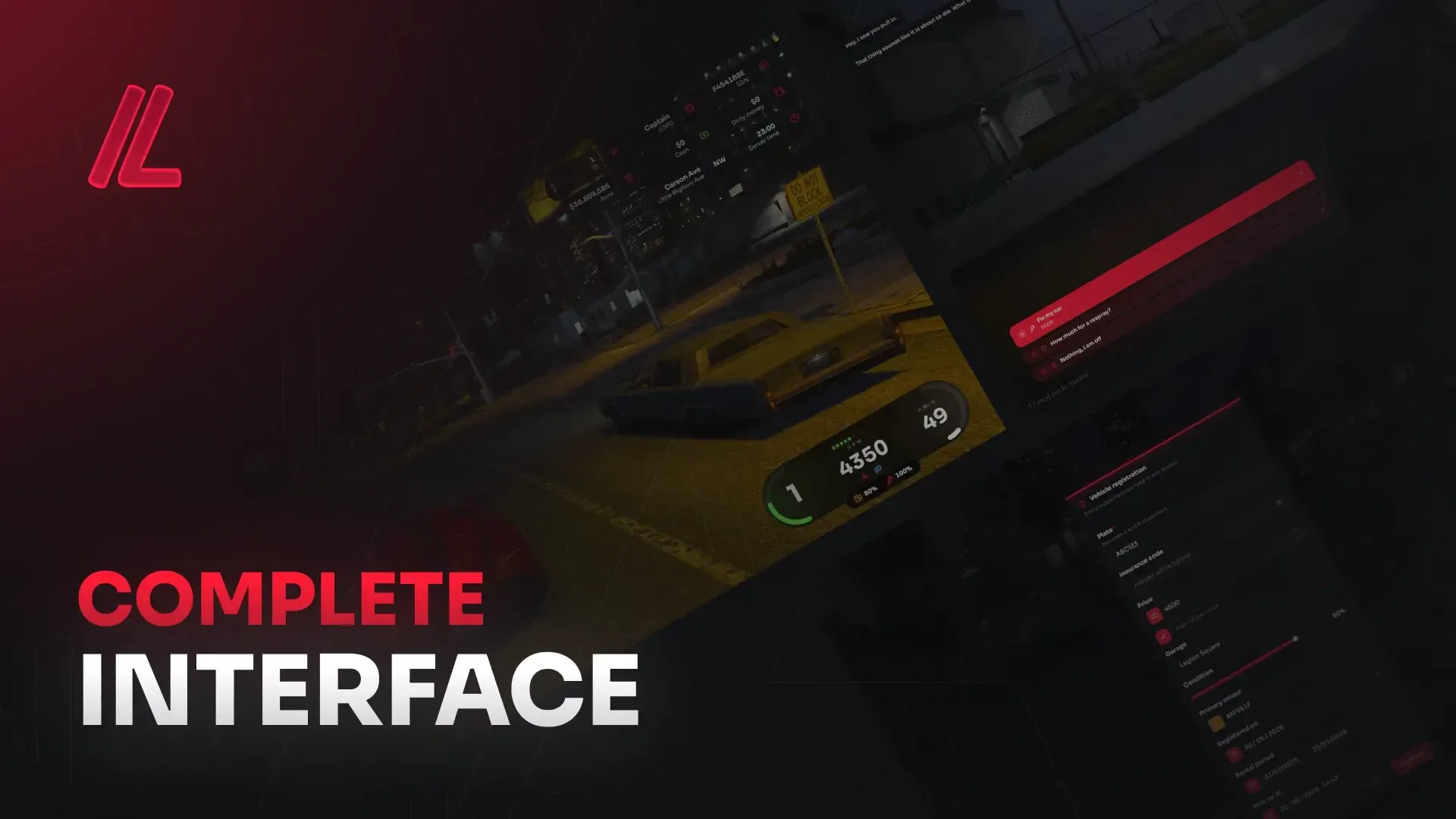
The 17 Movement Complete Interface System belongs to the HUD and UI group, the layer players see in every session. Its listing describes textures sized for streaming and a build meant to hold up under real player traffic.
Best for: servers building a complete interface layer on top of their HUD.
17 Movement Advanced Hud
The 17 Movement Advanced Hud is the on-screen status layer for players, shipped as a finished resource in the same style as the rest of the range. Its listing presents it as ready to run on a live server from the first start. It is the piece to compare against your current HUD before you replace anything.
Best for: servers that want a dedicated advanced HUD from a single creator.
17 Movement Multiplayer Scrapyard Job
The 17 Movement Multiplayer Scrapyard Job gives players a salvage-style work site to run as a team. Its description follows the same production pattern as the rest of the set, with files packaged and assets tested in a live environment before release. It fits servers that already run a lumberjack or miner job and want another working location.
Best for: servers building out a set of multiplayer work locations.
17 Movement Multiplayer Renovator Job
The 17 Movement Multiplayer Renovator Job is a team job built for renovation roleplay, shipped ready to run. Its listing describes proportions that follow GTA V's scale and textures sized for streaming, so the work area reads correctly without taxing players' machines. It pairs well with the builder job for a construction-themed part of the city.
Best for: servers that want renovation and construction work in the same city.
17 Movement Complete Character System
The 17 Movement Complete Character System sits in the character and appearance group, the layer that handles how players look. It is packaged as a ready-to-run resource with the same production approach as the other 17 Movement releases. Its listing is aimed at servers that want the character layer to feel as finished as the rest of the city.
Best for: servers that want character and appearance tools from a single creator.
17 Movement Multiplayer Miner Job
The 17 Movement Multiplayer Miner Job adds a mining work site that players can run together. Its listing covers the same practical points as the rest of the range, including streaming-friendly textures and proportions that follow GTA V's own scale. It is a useful counterpart to the lumberjack job for servers that want resource gathering in more than one place.
Best for: servers that want resource gathering jobs with a team element.
17 Movement Multiplayer Window Cleaner
The 17 Movement Multiplayer Window Cleaner is a multiplayer job in the general scripts category. Its listing follows the same production standard, with textures sized for streaming and files checked before release. It suits servers that want a smaller job alongside the larger work sites in this set.
Best for: servers adding a smaller job alongside bigger work sites.
Quick comparison of the twelve 17 Movement picks
| Product | Category | Best for |
|---|---|---|
| 17 Movement Phone System | Phone & Communication Scripts | Core communication |
| 17 Movement Multiplayer Oil Rig Job | Jobs & Business Scripts | Industrial team job |
| 17 Movement Multiplayer Lumberjack Job | Jobs & Business Scripts | Streaming-light work job |
| 17 Movement Multiplayer Builder Job | Jobs & Business Scripts | City construction crews |
| 17 Movement Complete Pause Menu | HUD & UI Scripts | Pause screen |
| 17 Movement Complete Interface System | HUD & UI Scripts | Interface layer |
| 17 Movement Advanced Hud | HUD & UI Scripts | Dedicated HUD |
| 17 Movement Multiplayer Scrapyard Job | Jobs & Business Scripts | Salvage work site |
| 17 Movement Multiplayer Renovator Job | Jobs & Business Scripts | Renovation roleplay |
| 17 Movement Complete Character System | Character & Appearance Scripts | Character tools |
| 17 Movement Multiplayer Miner Job | Jobs & Business Scripts | Resource gathering |
| 17 Movement Multiplayer Window Cleaner | Scripts | Smaller starter job |
Frequently asked questions
Do 17 movement fivem scripts work with QBCore?
The listings do not state framework support in the descriptions used for this guide, so check the individual product page on FiveM Shops before installing. Confirm the requirements in each listing, especially if your server runs a specific framework.
Can I install one 17 Movement script at a time?
Each listing is packaged as its own resource, so you can add one system at a time and test it before the next. Check the product page for the exact files included, then restart the resource and watch for conflicts with your current HUD or phone scripts.
For the rest of the 17 movement fivem scripts, browse the jobs and business scripts and HUD and UI scripts collections on FiveM Shops. Pick the systems that match your roadmap, then ask whether each one adds what your roleplay needs right now. That is a sensible way to grow a city one system at a time.