High phone FiveM scripts are the most personal part of a roleplay city, because players check their phone more than any other menu, and this guide shows how to build a themed area around them.
The guide walks through the phone, tablet, chat, radio and message book products on FiveM Shops, then suggests how to group them into one district. Each product section covers what it does and who it suits.
Building a Themed District with High Phone FiveM Scripts
High Phone
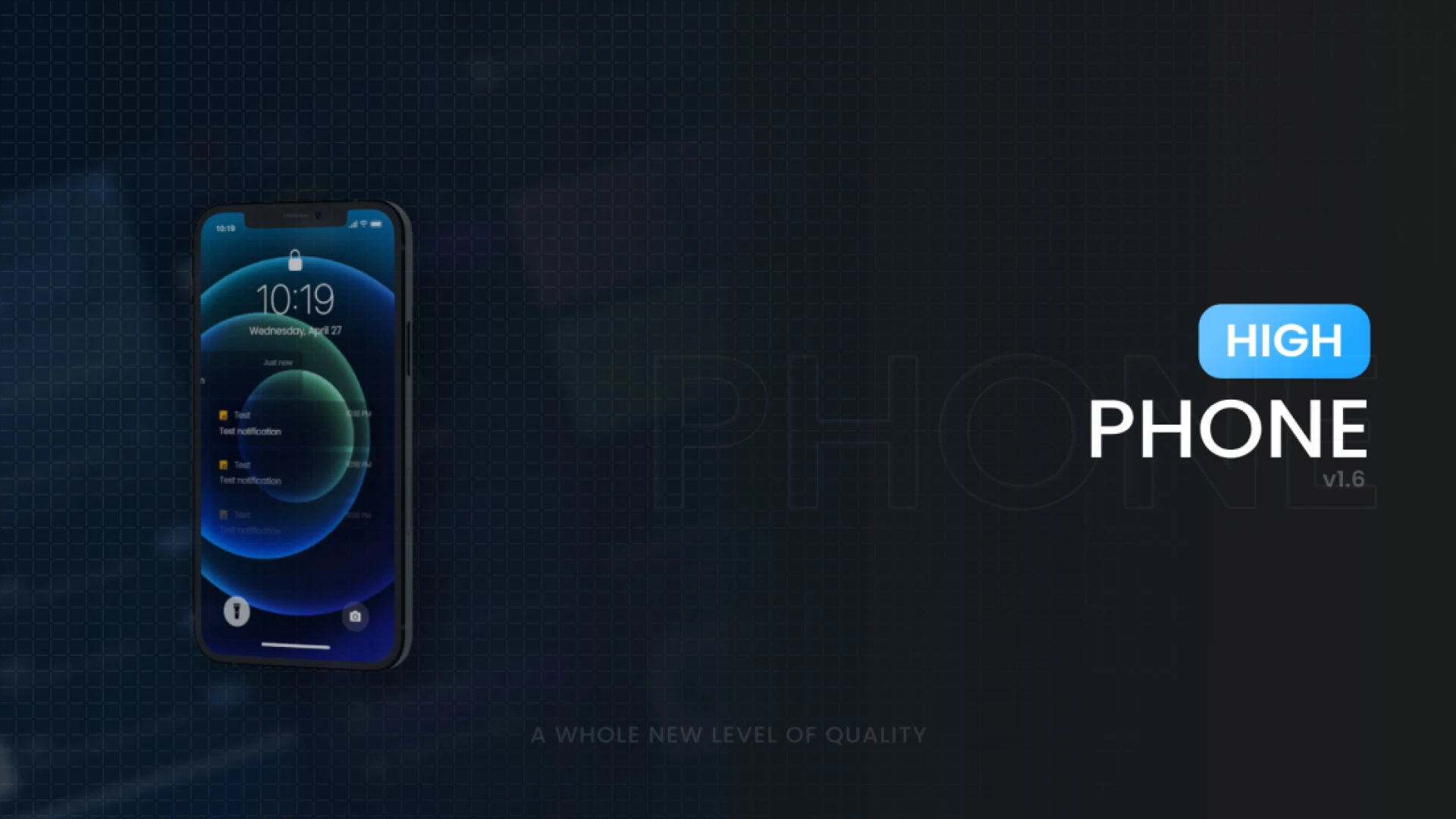
High Phone is a customisation-focused phone, where nearly every colour, layout and element can be shaped to suit your server. It covers messaging and calls with conversation history, group threads and notifications, so players rely on it through the whole session.
Best for: servers that want a phone with a distinct identity.
W-Labs Tablet
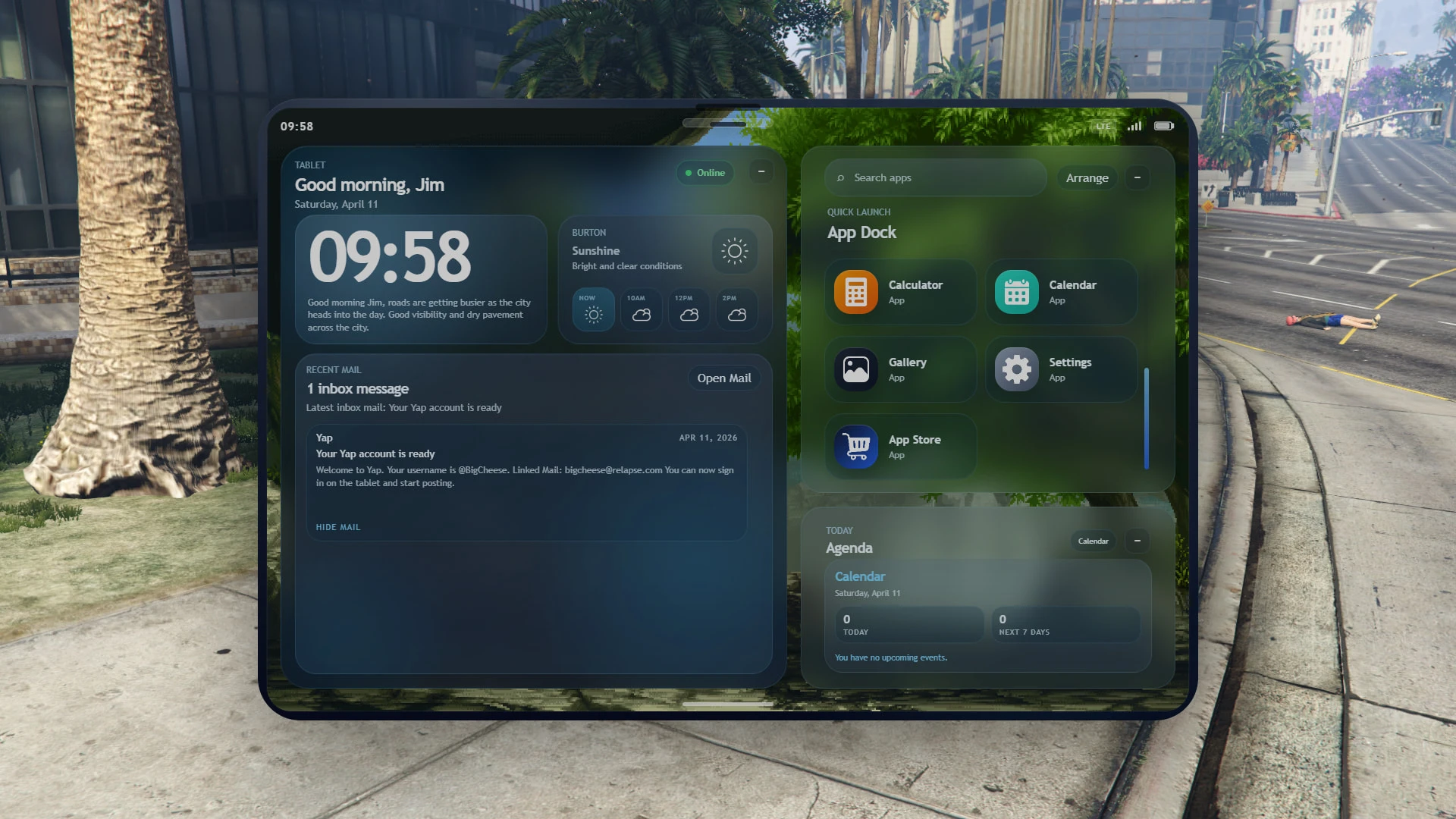
W-Labs Tablet gives players a feature-packed tablet with apps, mail, a camera and social feeds. It supports ESX, Qbox and QBCore, so it fits into several established frameworks.
Best for: ESX, Qbox and QBCore servers that want a tablet alongside the phone.
Meteo Chat
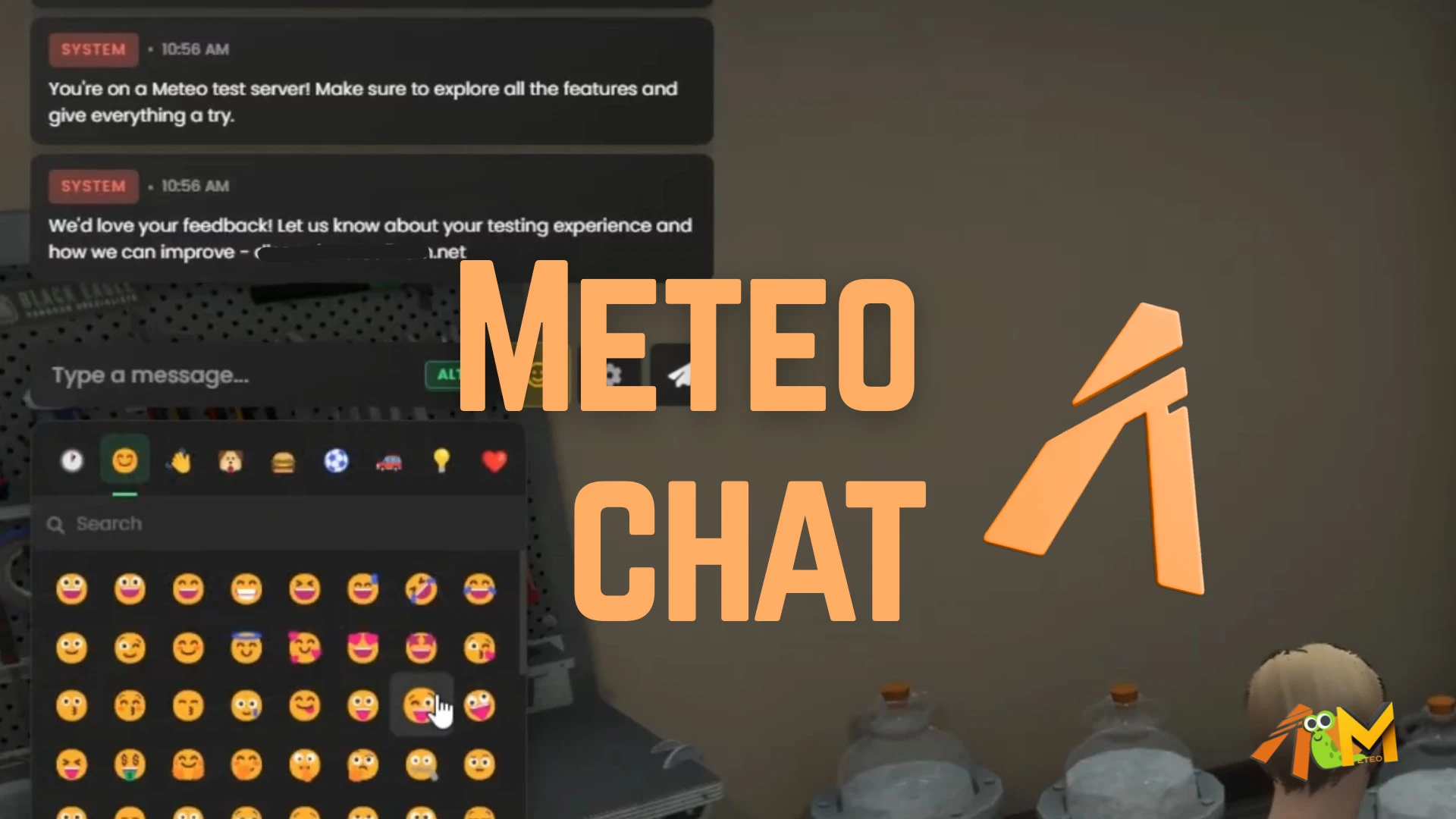
Meteo Chat replaces the default chat box with a modern, readable messaging experience. It is built for QBCore and Qbox, keeps the familiar command flow and is designed to be lightweight, so every message is easy to follow in a busy scene.
Best for: QBCore and Qbox servers that want a cleaner chat.
LB Radio App
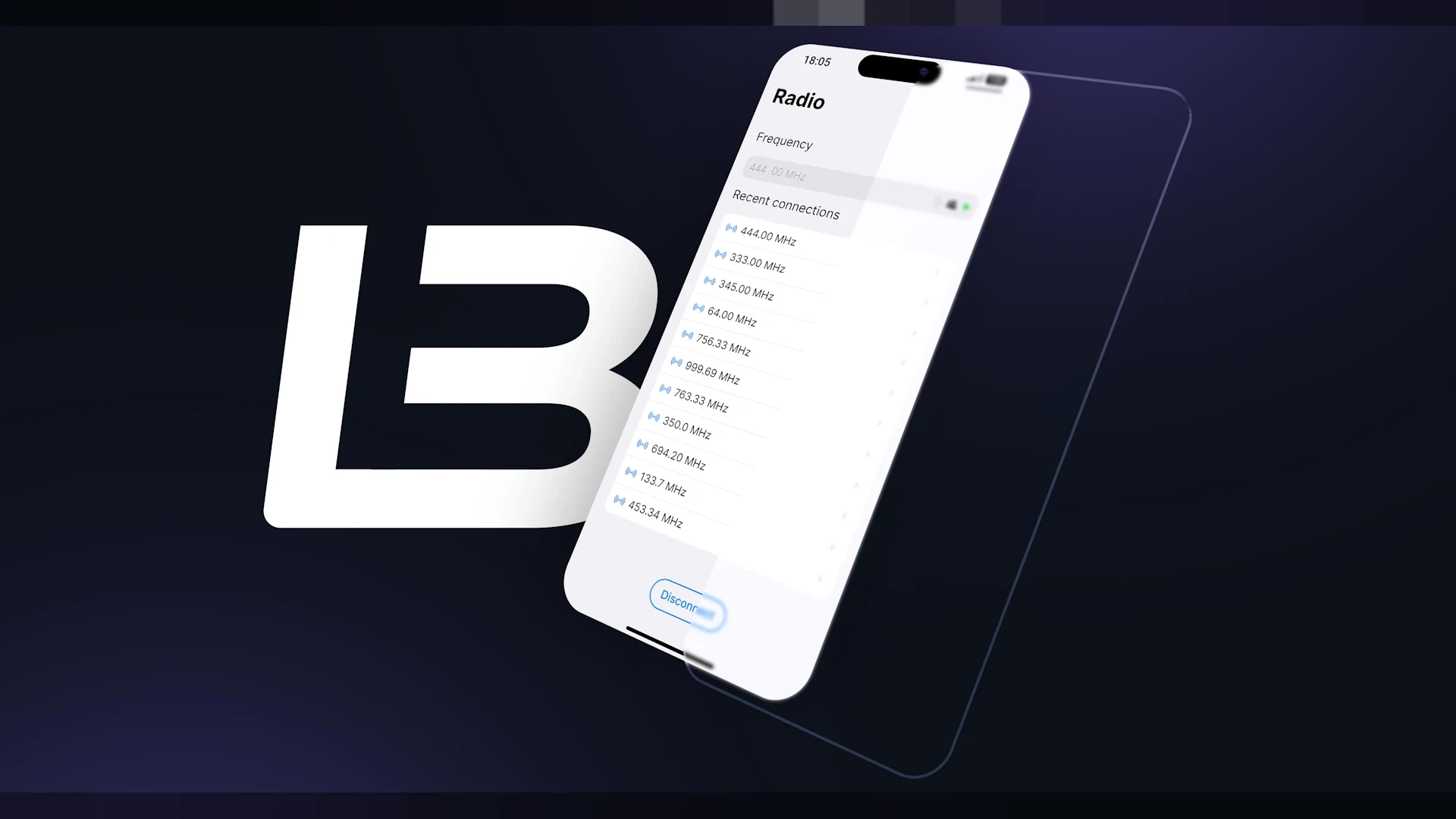
LB Radio App is an add-on for lb-phone that lets players connect to radio channels from the in-game phone. Radio access sits beside calls, messages and apps, and it installs as a drag-and-drop product that works out of the box.
Best for: servers already running lb-phone that want channel-based communication.
Crypto Phone
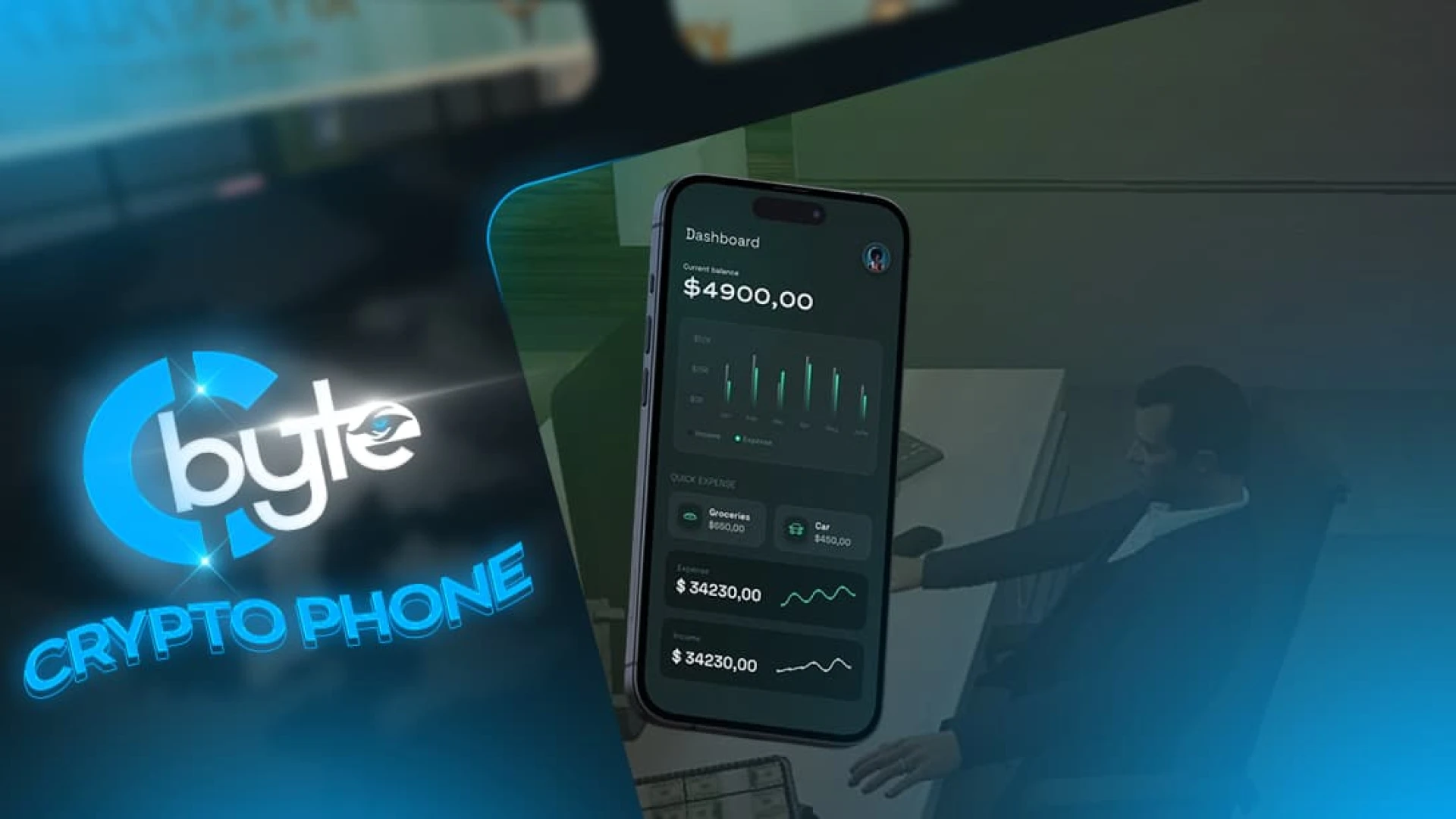
Crypto Phone is a sleek smartphone that brings calls, messaging, contacts and a suite of apps into one clean interface. It supports both ESX and QBCore, so it fits either framework.
Best for: ESX and QBCore servers that want a modern phone.
Z-Phone
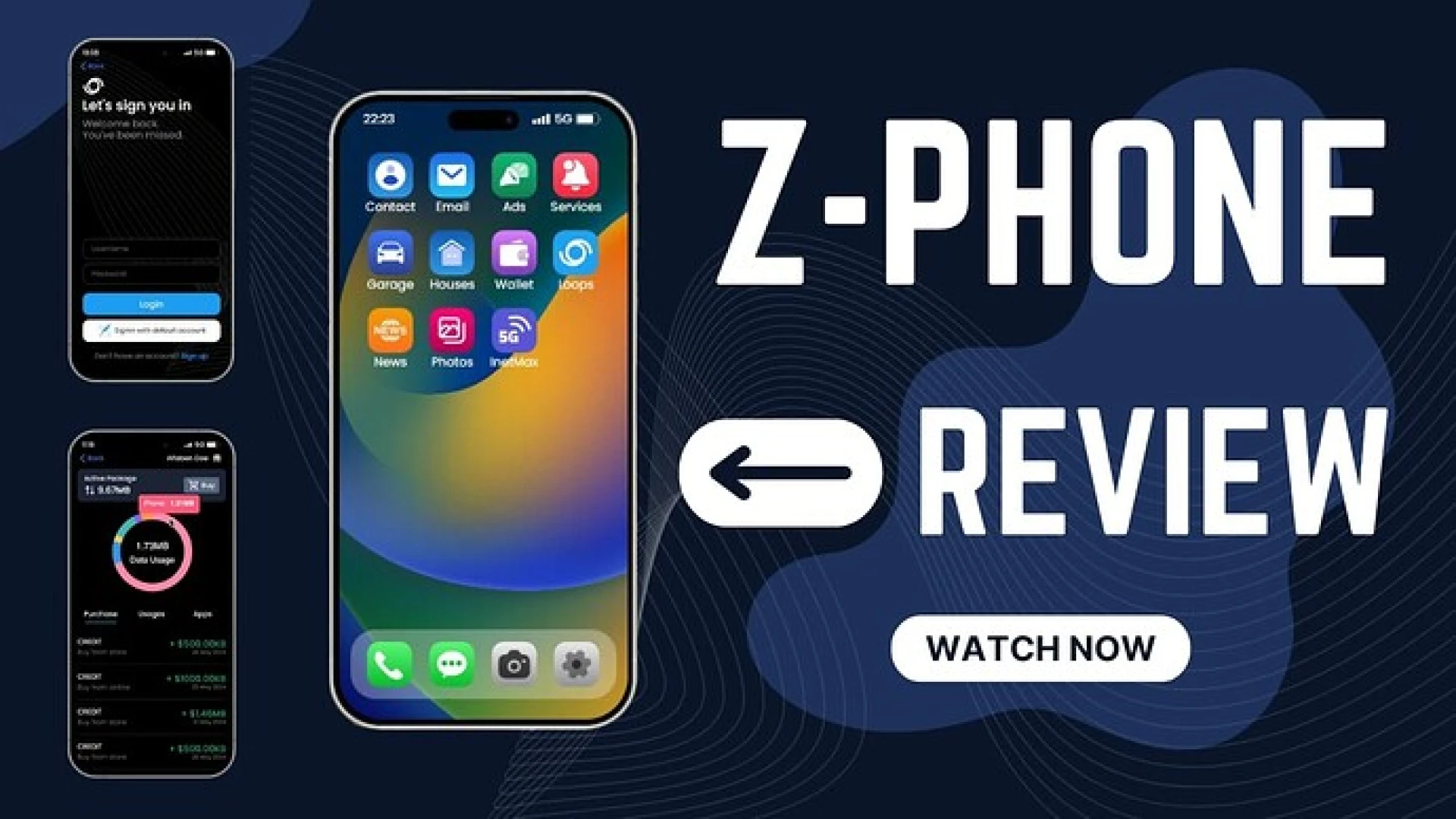
Z-Phone is a modern, open-source phone with messaging, calls, group chats and notifications. Servers that want to reshape their phone can work directly with its open-source code.
Best for: servers that want to edit the phone itself.
Hunter Phone
Hunter Phone is a smartphone built for QBCore roleplay servers that want a reliable device without extra bloat. It offers calls, text messages, contacts, banking and a tidy set of apps inside a responsive interface that stays out of the way.
Best for: QBCore servers that want a lean everyday phone.
RCPhone
RCPhone is a full-featured smartphone with many built-in apps, covering messaging, calls, banking and social feeds. Its interface and data layer are designed to be readable, configurable and easy to extend.
Best for: servers that want many built-in apps in one phone.
NPDS Radio
NPDS Radio replaces flat radio menus with a detailed hand radio prop, so officers and medics pull out a real radio model during a call. Two visual styles let you choose a crisp clean look or a worn, used finish.
Best for: police and medic roleplay that relies on radio calls.
Project Error | NPWD
Project Error | NPWD is an app-driven smartphone that delivers calls, messages and social apps in a modern shell. Like the other phones in this set, it is designed to be readable, configurable and easy to extend.
Best for: servers that want an app-based phone with social features.
Anonymous RP Message Book
Anonymous RP Message Book adds a mysterious in-world channel where players leave and read anonymous notes at configured locations. It works well for tips, threats, confessions and slow-burn storylines, and it feels like a hidden ledger passed around the underworld.
Best for: underworld intrigue and slow-burn roleplay.
PicChat
PicChat gives players an in-game social feed where they post photos, follow each other and build profiles with likes and comments. Developed by LB, it adds a social layer that keeps the community connected after a scene ends.
Best for: social roleplay, influencer scenes and photo feeds.
A themed district works best when the phone, radio and message tools share one visual style. A creator district could pair the tablet, chat and message book, while a station area could pair a radio with a police set.
Comparison Table for High Phone FiveM Scripts
The table places the twelve products side by side with the best use for each.
| Product | Category | Best for |
|---|---|---|
| High Phone | Phone & Communication Scripts | A distinct phone identity |
| W-Labs Tablet | Phone & Communication Scripts | ESX, Qbox and QBCore tablets |
| Meteo Chat | Phone & Communication Scripts | Cleaner chat |
| LB Radio App | Phone & Communication Scripts | lb-phone radio channels |
| Crypto Phone | Phone & Communication Scripts | Modern ESX and QBCore phone |
| Z-Phone | Phone & Communication Scripts | Editable open-source phone |
| Hunter Phone | Phone & Communication Scripts | Lean QBCore phone |
| RCPhone | Phone & Communication Scripts | Many built-in apps |
| NPDS Radio | Phone & Communication Scripts | Police and medic radio |
| Project Error | NPWD | Phone & Communication Scripts | App-based phone |
| Anonymous RP Message Book | Phone & Communication Scripts | Underworld notes |
| PicChat | Phone & Communication Scripts | Social photo feeds |
Common Questions About High Phone FiveM Scripts
Do high phone FiveM scripts need ESX or QBCore?
Some listings name frameworks. W-Labs Tablet supports ESX, Qbox and QBCore, Crypto Phone supports ESX and QBCore, Meteo Chat is built for QBCore and Qbox, and Hunter Phone is built for QBCore. Check the product page for the rest.
Does the LB Radio App need lb-phone?
Yes, the LB Radio App is described as an add-on for lb-phone, so lb-phone has to be running on the server first.
Can a server run two phones at the same time?
The descriptions do not say whether phones can run side by side. Pick one main phone for your city and test any second device on a staging server before you add it.
A themed district is easiest to build around a single phone at its centre, so browse the Phone & Communication Scripts collection on FiveM Shops and choose the pieces that match your high phone FiveM scripts plan.