
The pazeee custom category set is the place to start when your roleplay needs animations that feel right in a scene. This walkthrough follows the Pazeee packs through a typical server night, so you can see where each emote or script earns its place.
Most of the range sits in the Emotes collection on FiveM Shops, with one script in the phone and communication group. Use the scene order below to plan what your players can reach first, then open each product page for the full description and preview.
Walking through a roleplay night with the pazeee custom category packs
A good animation set follows the story. Players arrive, greet each other, handle business, and close the night with something memorable. The packs below are grouped by the scene they serve best, based on their titles and the descriptions their creator published. Nothing here adds features the listings do not describe.
Scene one: the custom base set
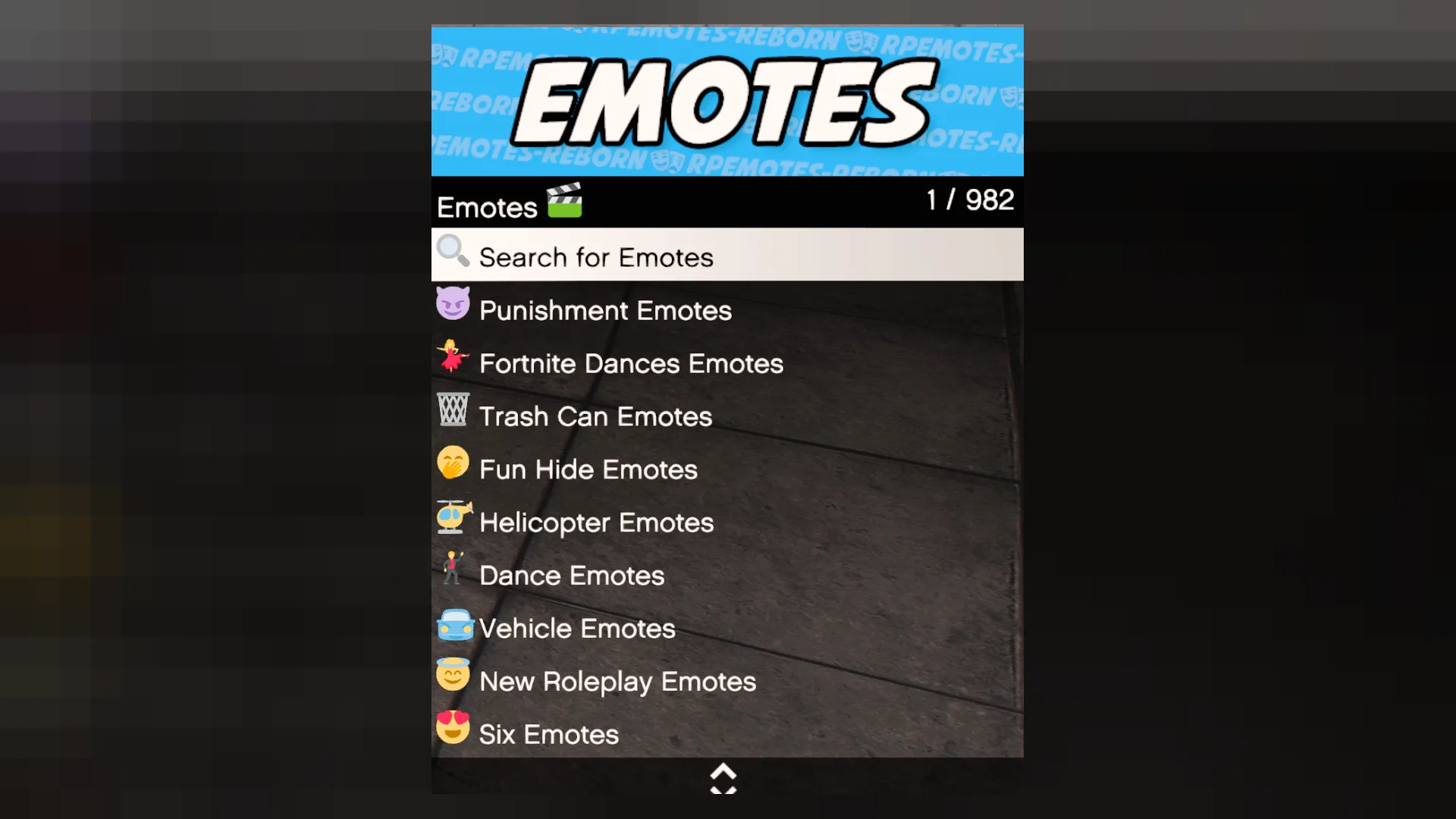
Start with the Pazeee Custom Category animation pack. Its listing says it is ready to play the moment it is streamed and that the files are packaged and tested in a live environment. That makes it the base set for everyday emotes that players will use in almost every scene.
Because the description stresses sensible file sizes, it is a safe first install for a server that is still tuning performance.
Best for: the everyday emote set that every player on a roleplay server should have.
Scene two: greetings and gestures
The Pazeee Ultimate Six Emote Pack fits the opening moments of a scene, when characters meet and set the tone. Its listing describes a complete animation pack built for live servers, with the same packaged, ready to play approach as the rest of the range.
Best for: greetings, introductions and first contact between characters.
Scene three: ceremony and display

The Pazeee Ultimate Flag Emote Pack suits moments of ceremony, such as a parade, an anthem or a public tribute. The listing says the animations are packaged and ready to play as soon as the resource starts, and that the pack was checked for close camera work.
Best for: public ceremonies, sports celebrations and formal displays.
Scene four: a dance on the floor
The Pazeee JKT Fortune Cookie Dance is the pick for a party or a club scene. The listing describes a ready to play pack with the same production care as the rest of the set, so it works in a crowd without extra setup.
Best for: clubs, parties and lighthearted dance scenes.
Scene five: a trunk and a roadside moment
The Pazeee Trunk Emote Pack is aimed at vehicle based scenes, such as a roadside stop or a delivery. The title points to the trunk, and the listing says the pack is ready to play once streamed, so it can sit alongside the vehicle scenes on your server.
Best for: roadside scenes, deliveries and anything that happens around a vehicle.
Scene six: a dance for the street
The Pazeee ZDanceV1 adds a street dance option. Its listing describes animations built to production standard, with textures and timing checked against players moving through busy areas.
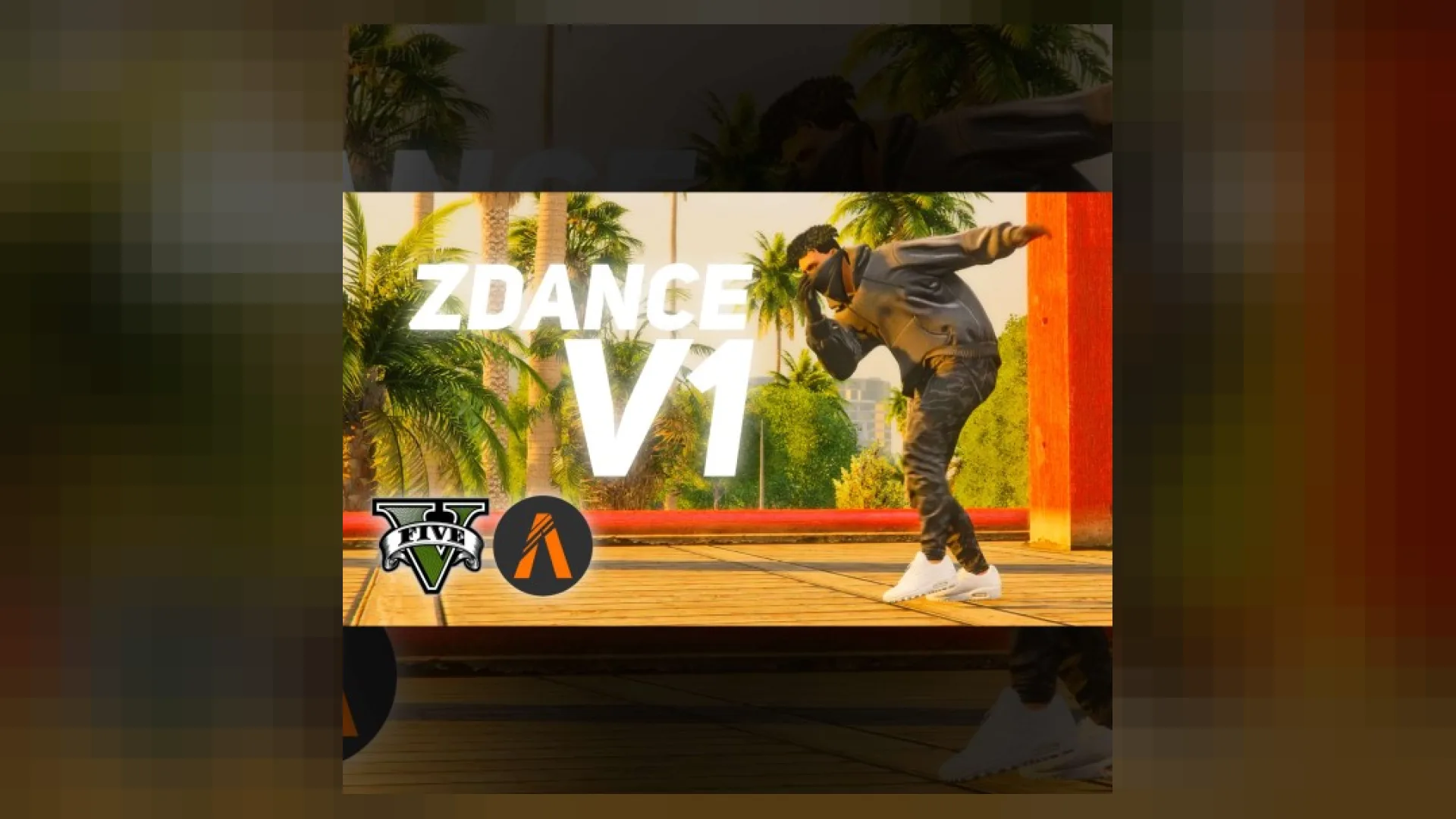
Best for: street scenes, block parties and casual dance moments.
Scene seven: the roleplay core
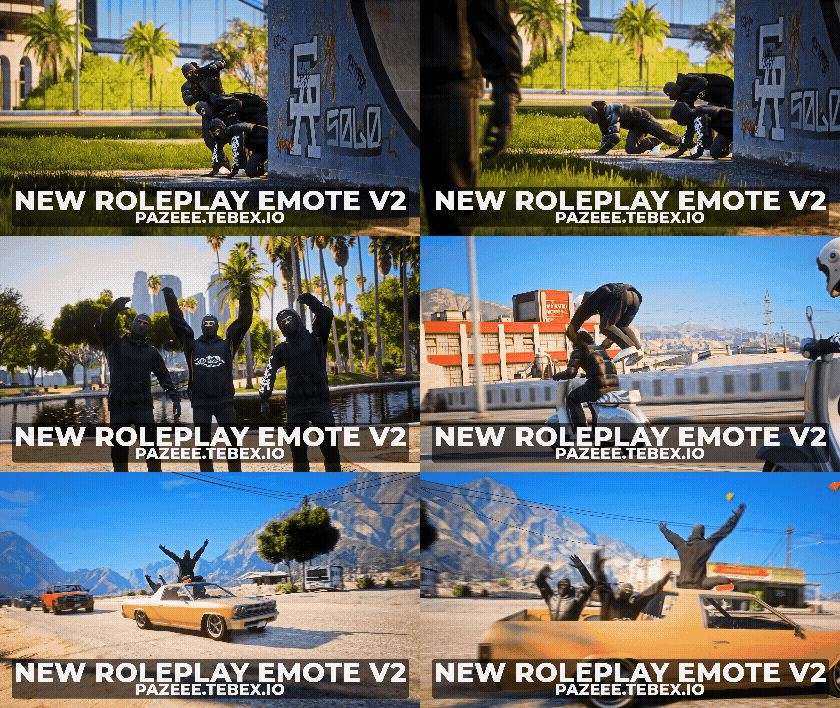
The Pazeee New Roleplay Emote Pack V2 is the most general pick for serious roleplay. Its listing describes a pack built to hold up under real player traffic, so it suits the everyday work of a scene, from talking to a witness to handling paperwork.
The original version, Pazeee New Roleplay Emote Pack, shares that description and fills the same role on servers that prefer the first release.
Best for: general roleplay, interviews and everyday interaction between characters.
Scene eight: the phone and the radio
The Pazeee Radio Selector Script is listed under phone and communication scripts, so it is a script rather than an emote set. Use it where your server needs a radio selection tool. Check the product page for the exact commands and integration notes before you add it.
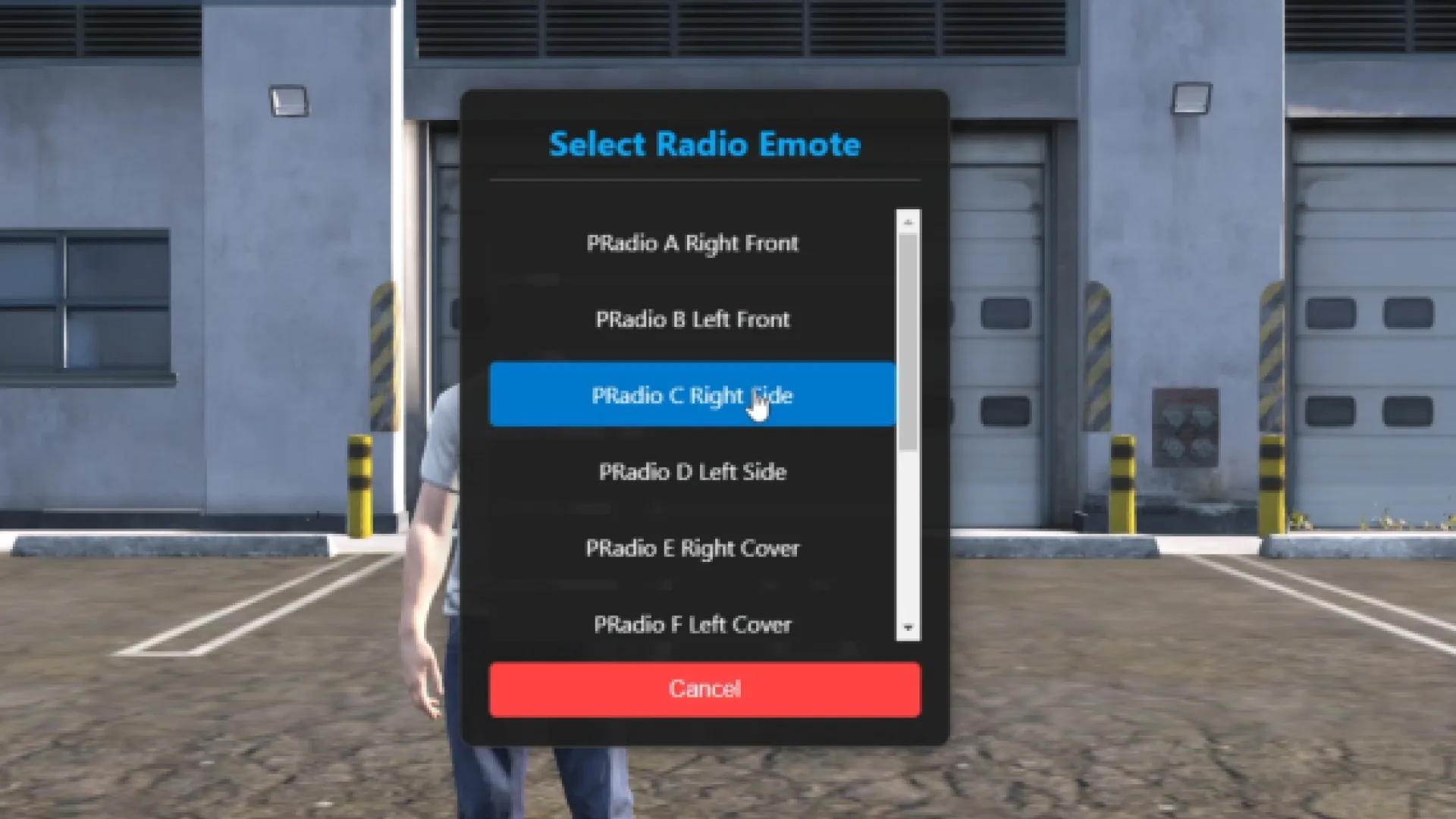
Best for: servers that want players to pick a radio channel from a script rather than a bare emote.
Scene nine: a card and a table
The Pazeee Card Emote Pack covers the table side of a scene, such as a card game or a meeting around a table. The listing describes a ready to play pack that was checked for close camera work.
Best for: card games, meetings and social scenes at a table.
Scene ten: the funny moments
The Pazeee Ultimate Carry Funny Emote Pack brings lighter moments into the set. Its listing describes the same packaged, tested approach, so it can be used for comic beats without breaking the mood of a serious scene.
Best for: comedy scenes, pranks and lighthearted interactions.
Scene eleven: the celebration
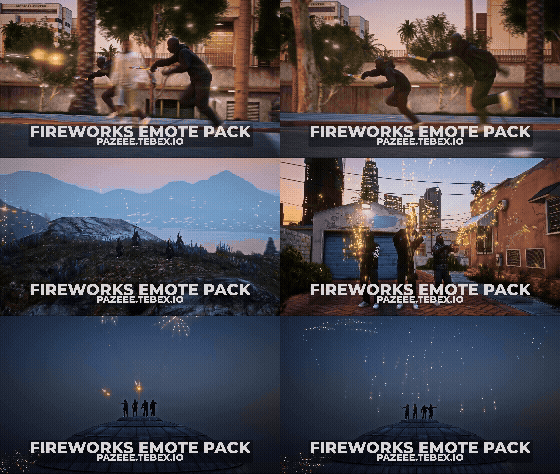
The Pazeee Fireworks Emote Pack closes the night. The listing describes a ready to play animation pack, and the title points to celebration scenes such as a party finale or a festival.
Best for: finales, festivals and celebratory moments that end a session.
Scene planner for the pazeee custom category set
| Product | Category | Best for |
|---|---|---|
| Pazeee Custom Category | Emotes | Everyday base set |
| Pazeee Ultimate Six Emote Pack | Emotes | Greetings and introductions |
| Pazeee Ultimate Flag Emote Pack | Emotes | Ceremonies and displays |
| Pazeee JKT Fortune Cookie Dance | Emotes | Clubs and parties |
| Pazeee Trunk Emote Pack | Emotes | Roadside and vehicle scenes |
| Pazeee ZDanceV1 | Emotes | Street dance moments |
| Pazeee New Roleplay Emote Pack V2 | Emotes | General roleplay interaction |
| Pazeee Radio Selector Script | Phone & Communication Scripts | Radio channel selection |
| Pazeee Card Emote Pack | Emotes | Tables and card games |
| Pazeee Ultimate Carry Funny Emote Pack | Emotes | Comedy beats |
| Pazeee New Roleplay Emote Pack | Emotes | First release roleplay set |
| Pazeee Fireworks Emote Pack | Emotes | Celebrations and finales |
Frequently asked questions about the pazeee custom category set
Do these packs work with QBCore?
The listings say the emote packs are ready to play after install, but they do not name QBCore or another framework. Check the product page for framework notes before you add a pack to your server.
Is the radio selector an emote pack?
No. It is listed under phone and communication scripts, so it is a script that handles radio selection. Its listing describes it in animation terms, so read the product page carefully before you install it.
Which pack should a server install first?
Start with the Pazeee Custom Category base set, then add the New Roleplay Emote Pack V2 for everyday interaction. Add the celebration and comedy packs once your players ask for them.
This pazeee custom category guide gives your server a clear order for its emote library. Browse the full line in the Emotes collection, then open each product page for the complete description and preview. FiveM Shops keeps every pack on its own listing, so you can plan each scene before your players reach it.