
Soloty Los Angeles Pack listings run to a dozen MLOs, so this guide explains which one to install first and how to order the rest. You will get a product-by-product look at 12 City and Public MLOs from the same creator, each with a note on who it suits and why it matters on a live server. The notes stick to what each listing says, so you can plan a rollout without guessing.
Los Angeles themed cities depend on interiors that look right at street level and hold up under traffic. The listings in this range share similar wording, so the practical question is order: which pack gives the city its base, and which ones add detail later. Browse the full city and public MLOs collection after you choose a starting pack, and check each product page for install details.
Which Soloty Los Angeles Pack to install first, and in what order
Soloty Los Angeles Pack 3
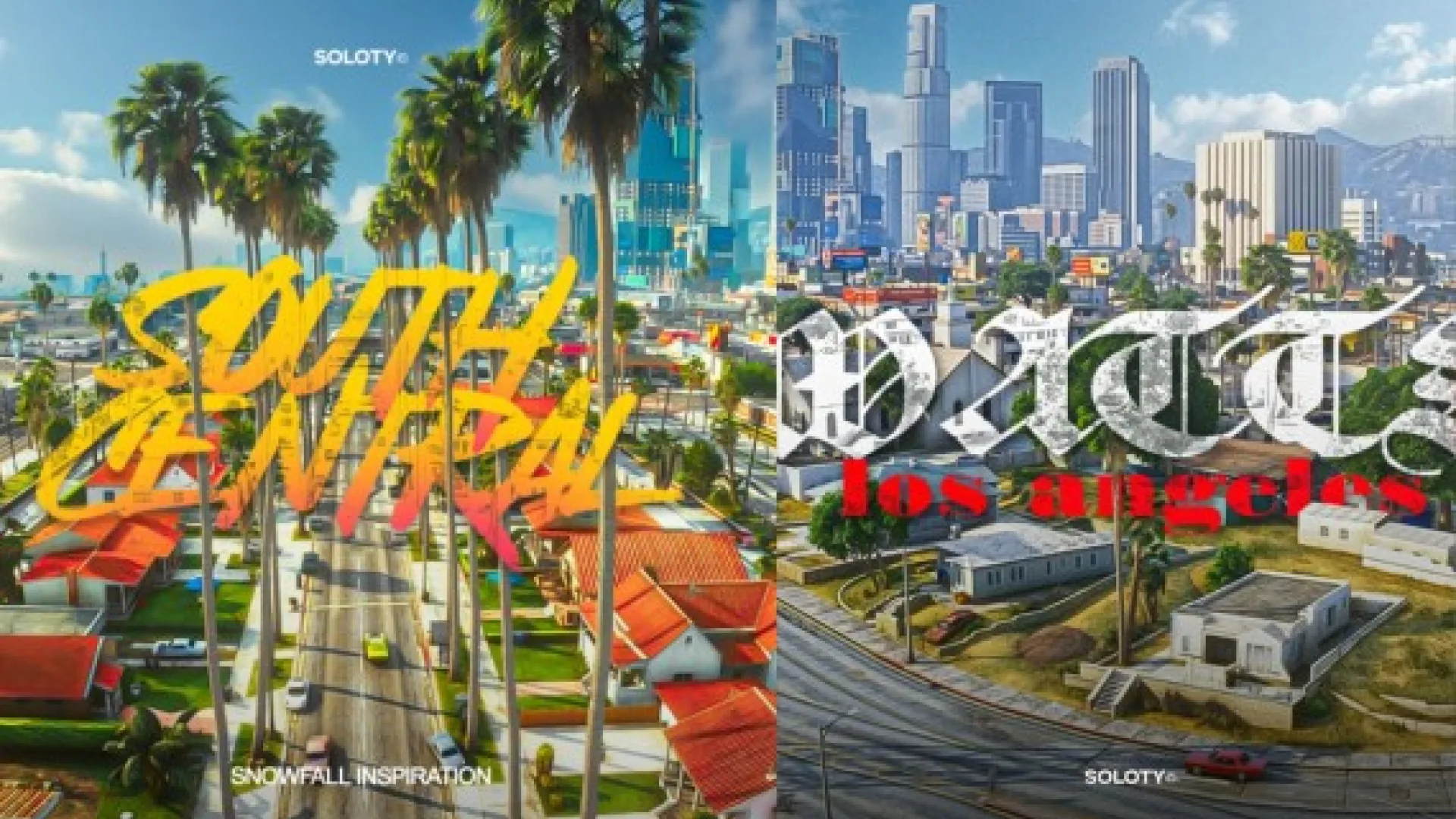
Install the Soloty Los Angeles Pack 3 first. Its description says it is built to hold up under real player traffic and is ready to walk into straight after install. The textures are sized for streaming, and the proportions follow the base game's scale, which makes it a sound starting point for a Los Angeles themed city.
Best for: the first interior on a Los Angeles themed server.
Soloty Los Angeles Pack 13
The Soloty Los Angeles Pack 13 is the next interior to add. Its description says it ships finished, with packaged files and assets tested in a live environment. It fits once the first pack's streets need more doors to walk through.
Best for: a second interior after the starting pack.
Soloty Los Angeles Pack 16
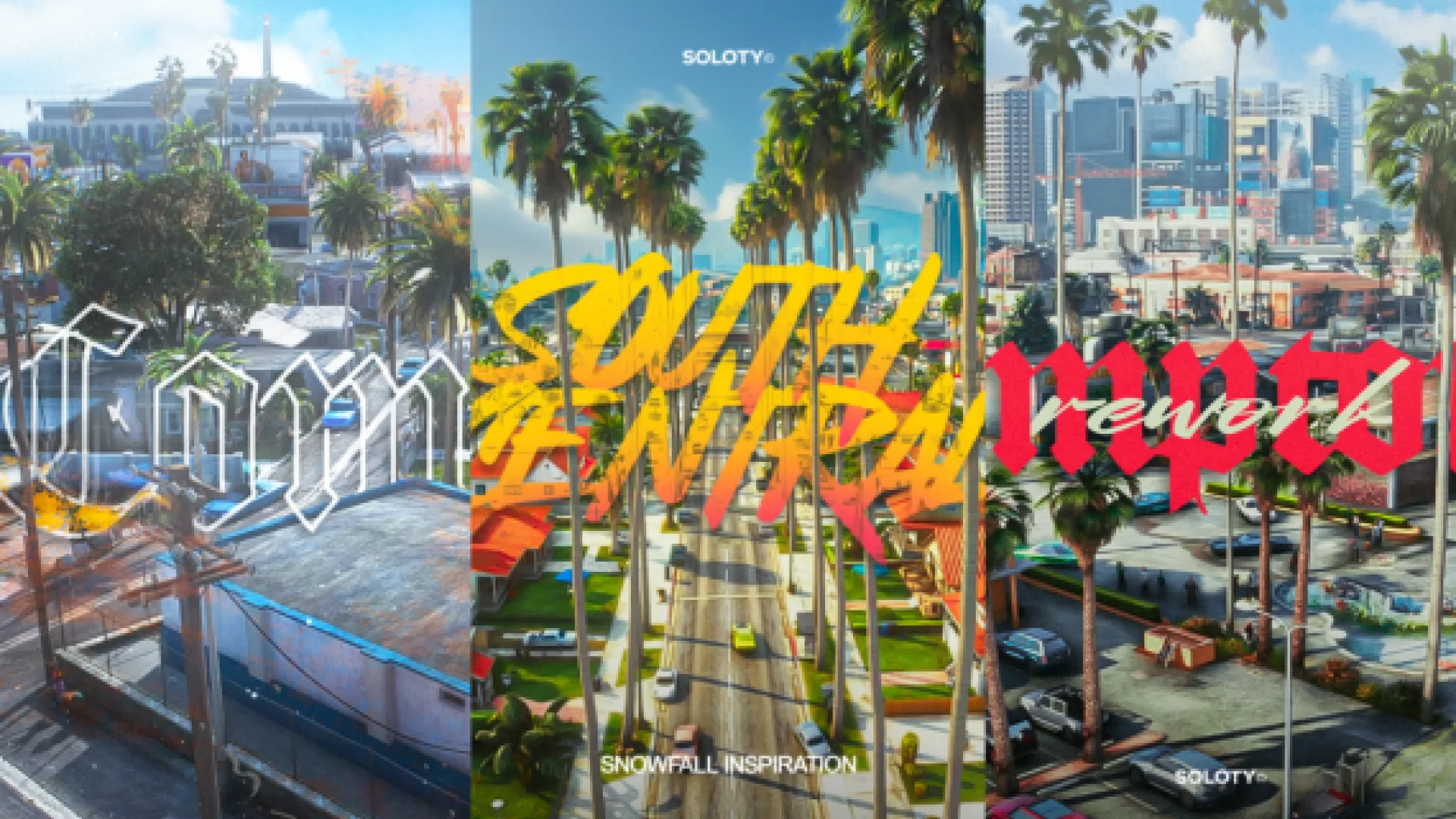
The Soloty Los Angeles Pack 16 follows the same production approach as the rest of the range. The files are packaged and the assets are tested before release, so it is ready to walk into once streamed. Add it when the city needs another place to visit.
Best for: growing a Los Angeles city one building at a time.
Soloty Los Angeles Pack 29
The Soloty Los Angeles Pack 29 is described as bringing Soloty quality to a server without compromise. Its materials survive a close camera, the collision behaves the way players expect, and the lighting reads correctly at midnight. It works as a later addition once the core streets are in place.
Best for: later additions to a built-out city.
Soloty 7. Compton L.A
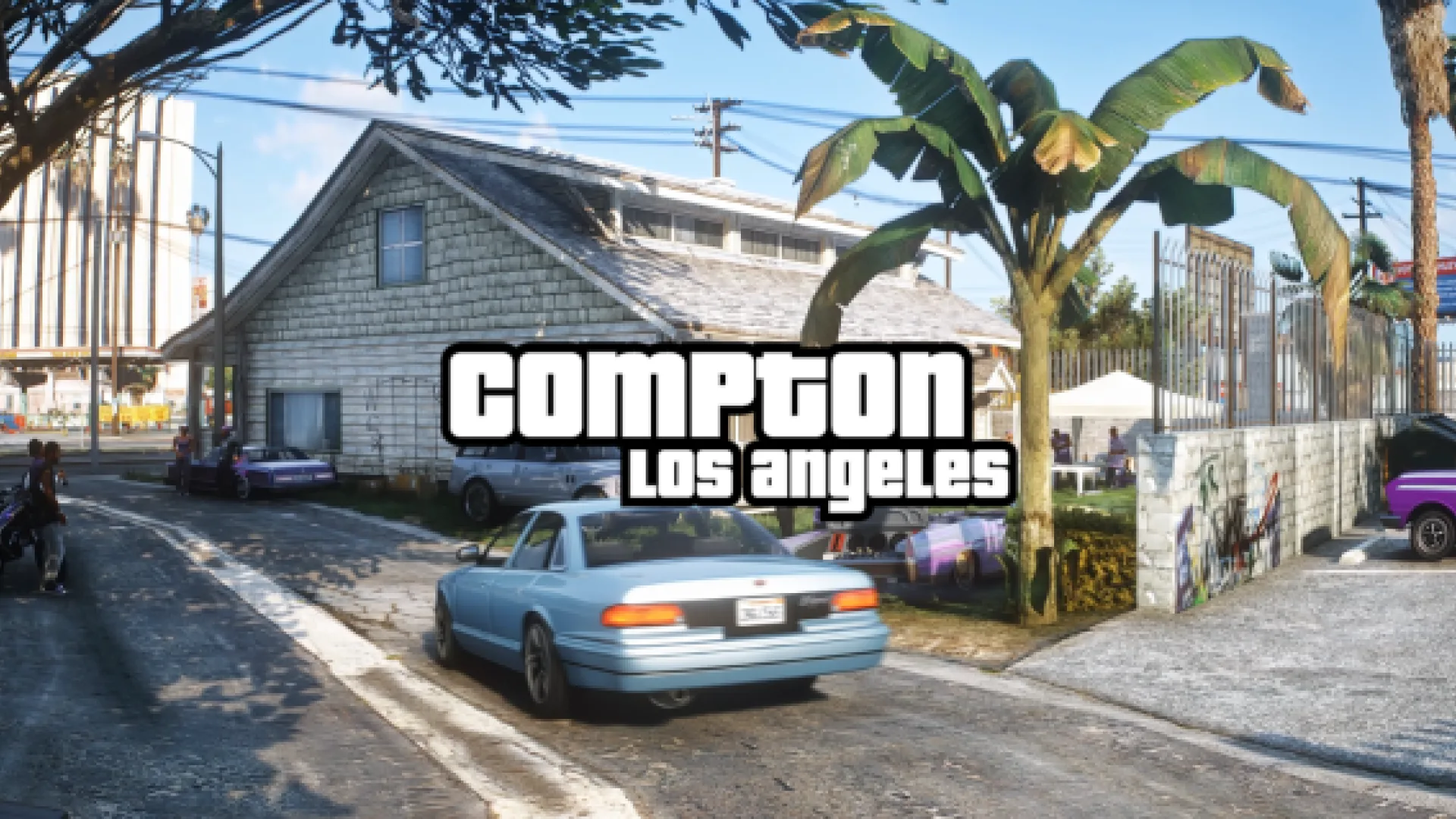
The Soloty 7. Compton L.A is an interior built to hold up under player traffic, and it is ready to walk into after install. Every part was checked with players moving through it, and the proportions follow the base game. It suits a neighborhood-focused Los Angeles theme.
Best for: neighborhood roleplay in a Los Angeles theme.
Soloty Los Angeles Pack 11
The Soloty Los Angeles Pack 11 is an interior built to be used rather than just screenshotted. The description highlights packaged files that are ready as soon as the resource starts. It is a useful pick for adding street-level variety to a city.
Best for: street-level variety in a Los Angeles city.
Soloty Los Angeles Pack 4
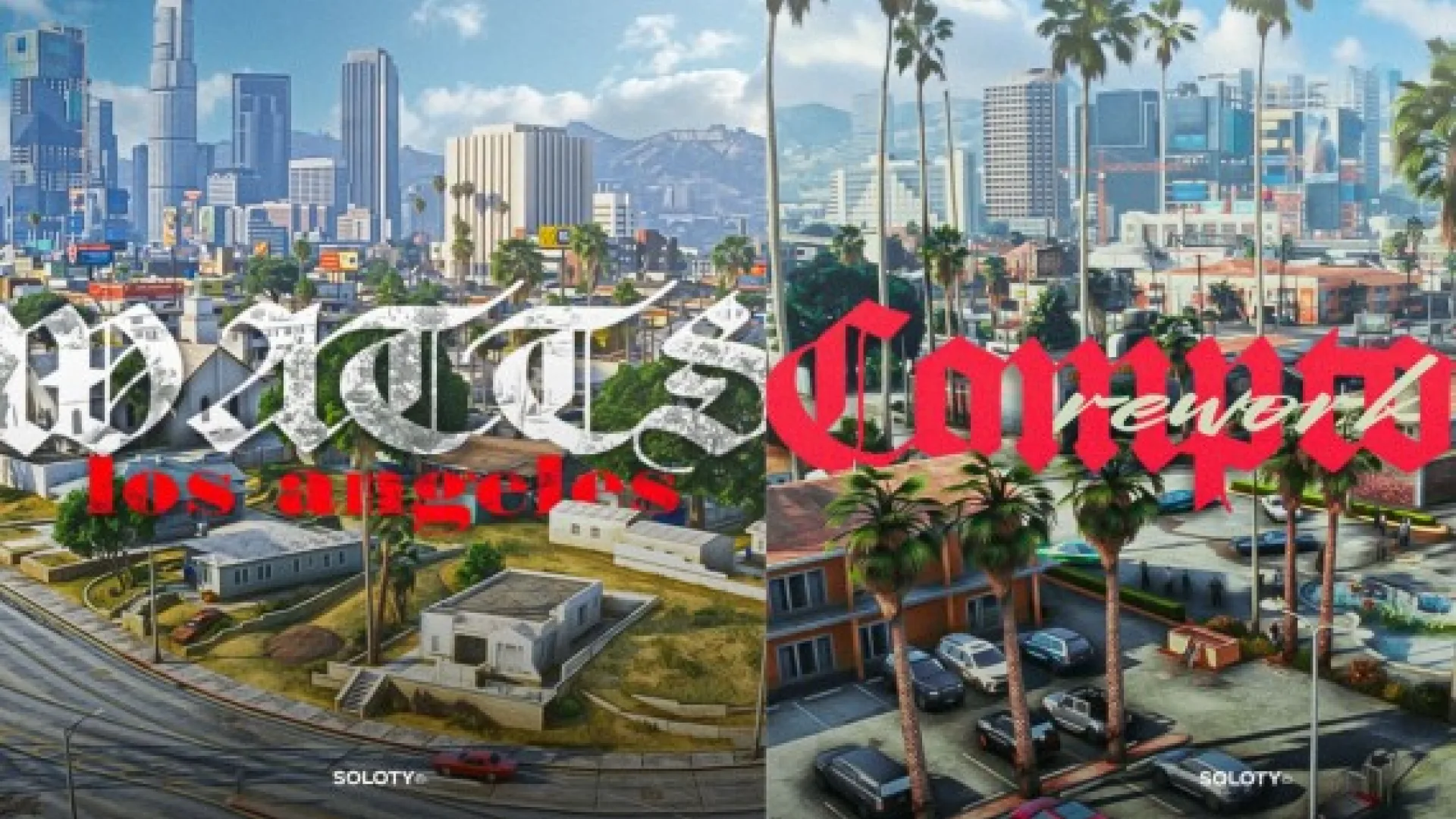
The Soloty Los Angeles Pack 4 is a MLO from Soloty that ships finished, with assets tested in a live environment before release. Its look is meant to suit a city setting, and the files are sized to keep a busy server responsive. It is a dependable interior for everyday traffic.
Best for: busy servers that need interiors that blend in.
Soloty Pack Mix 2
The Soloty Pack Mix 2 brings Soloty quality to a server in a mixed set. It was built to be used, not just screenshotted, and it is ready to walk into as soon as the resource starts. A mix pack is useful when a city needs a range of interior types from one install.
Best for: interior variety from a single pack.
Soloty Los Angeles Pack 14
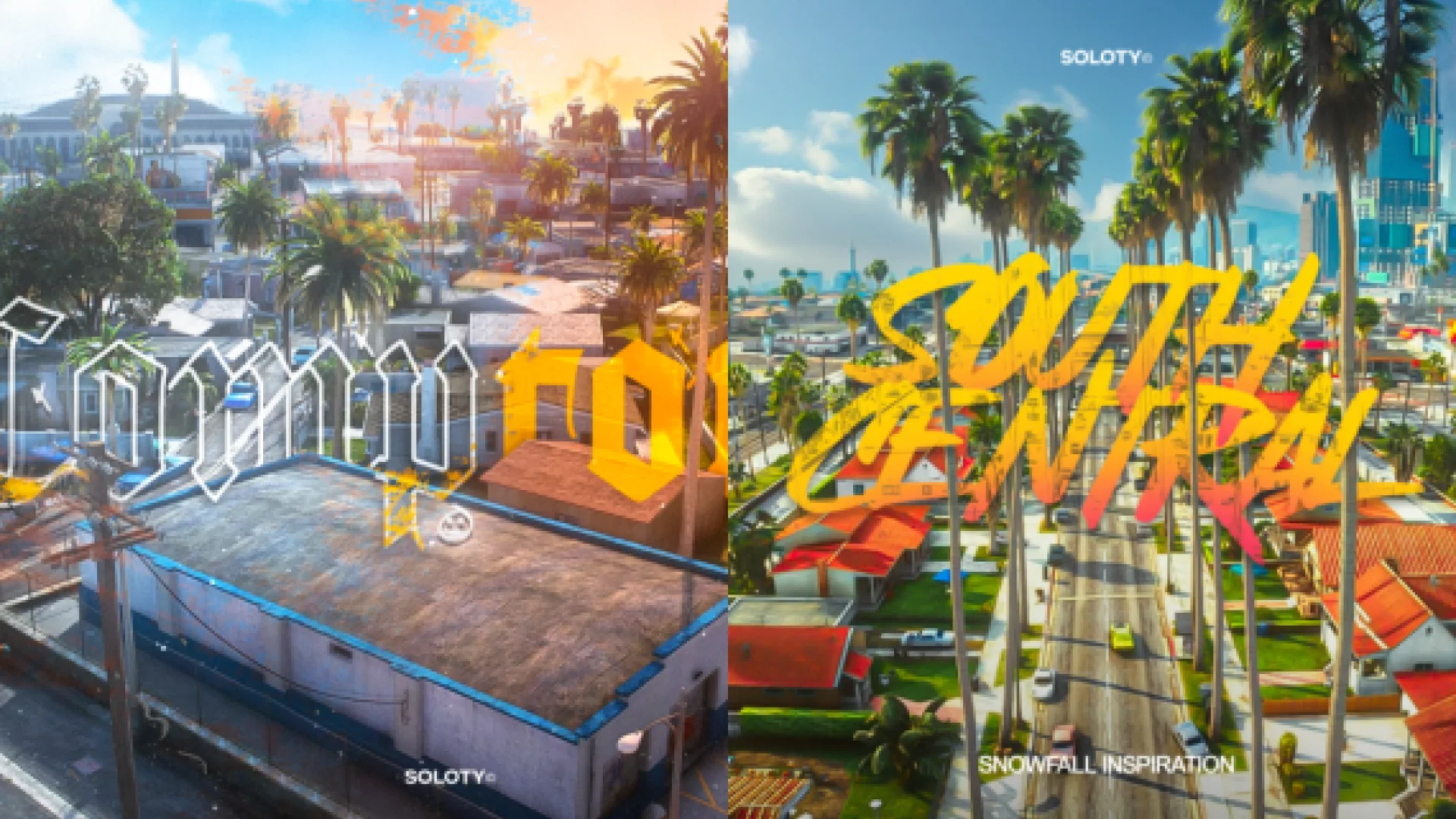
The Soloty Los Angeles Pack 14 follows the same finished-package approach as the rest of the range. Its materials and lighting are tuned for close camera work and night scenes. Add it once the core packs are in place.
Best for: night scenes and a later Los Angeles expansion.
Soloty Los Angeles Pack 5
The Soloty Los Angeles Pack 5 is described as bringing the Soloty standard to a server without the usual compromises. Its packaged files and tested assets mean it is ready to use once the resource starts. It is a steady addition to a growing city.
Best for: steady growth of a Los Angeles city.
Soloty Los Angeles Pack 6
The Soloty Los Angeles Pack 6 is built to production standard and is ready to walk into straight after install. Its textures are sized for streaming, which helps keep the server responsive. It fits when a city needs one more well-made interior.
Best for: performance-minded servers.
Soloty Los Angeles Pack 19
The Soloty Los Angeles Pack 19 is a finished interior from Soloty, made for servers that care how the world plays. Its files are packaged and tested, and the look is built to hold up in real use. It closes out the range as a final addition.
Best for: the last interior in a full Los Angeles build.
Use this checklist to roll the range out in order.
- Pack 3: install first as the base interior.
- Pack 13 and Pack 16: add next to fill out the core streets.
- Pack 29 and Compton L.A: add once the city has its main blocks.
- Pack 11, Pack 4 and Pack Mix 2: fill in street-level variety.
- Pack 14, Pack 5 and Pack 6: add for night scenes and steady growth.
- Pack 19: close out the range as the final interior.
Frequently asked questions
Which pack should I install first?
Pack 3 is the cover pick and the strongest starting point in this guide. Add the others once your core streets are set.
Are these packs ready to use after install?
Most of the descriptions say the packs ship finished and are ready to walk into once streamed. Check each product page for the install steps before you publish an interior.
What makes Compton L.A different?
The Soloty 7. Compton L.A is the neighborhood-focused option in this list, so it suits street and community roleplay. Its description names it as an interior that holds up under player traffic.
A Los Angeles city grows best one pack at a time, and Pack 3 is the right place to start. Browse the city and public MLOs collection at FiveM Shops for more options, and read each product page before you publish a new interior.