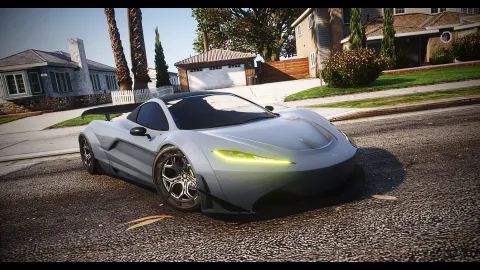
A Soloty map pack is the fastest way to get a new city off the base map, because one listing covers ground that would otherwise take a dozen separate purchases and a dozen separate install nights. For a server launching in a few weeks, that time saving is the whole argument.
This starter kit sets out which bundles and mixes to look at first, what order to install them in and how to avoid the classic launch mistake of streaming everything at once. All of these listings are at FiveM Shops under the maps side of the catalogue.
How to plan a Soloty map pack install
Decide your city shape before you buy. Write down the districts you want, the three jobs you will launch with, and the crime tier your rules allow. A bundle that fits that plan is worth far more than a larger one that scatters interiors across areas your players will never visit in the first month.
Soloty Big Bundle
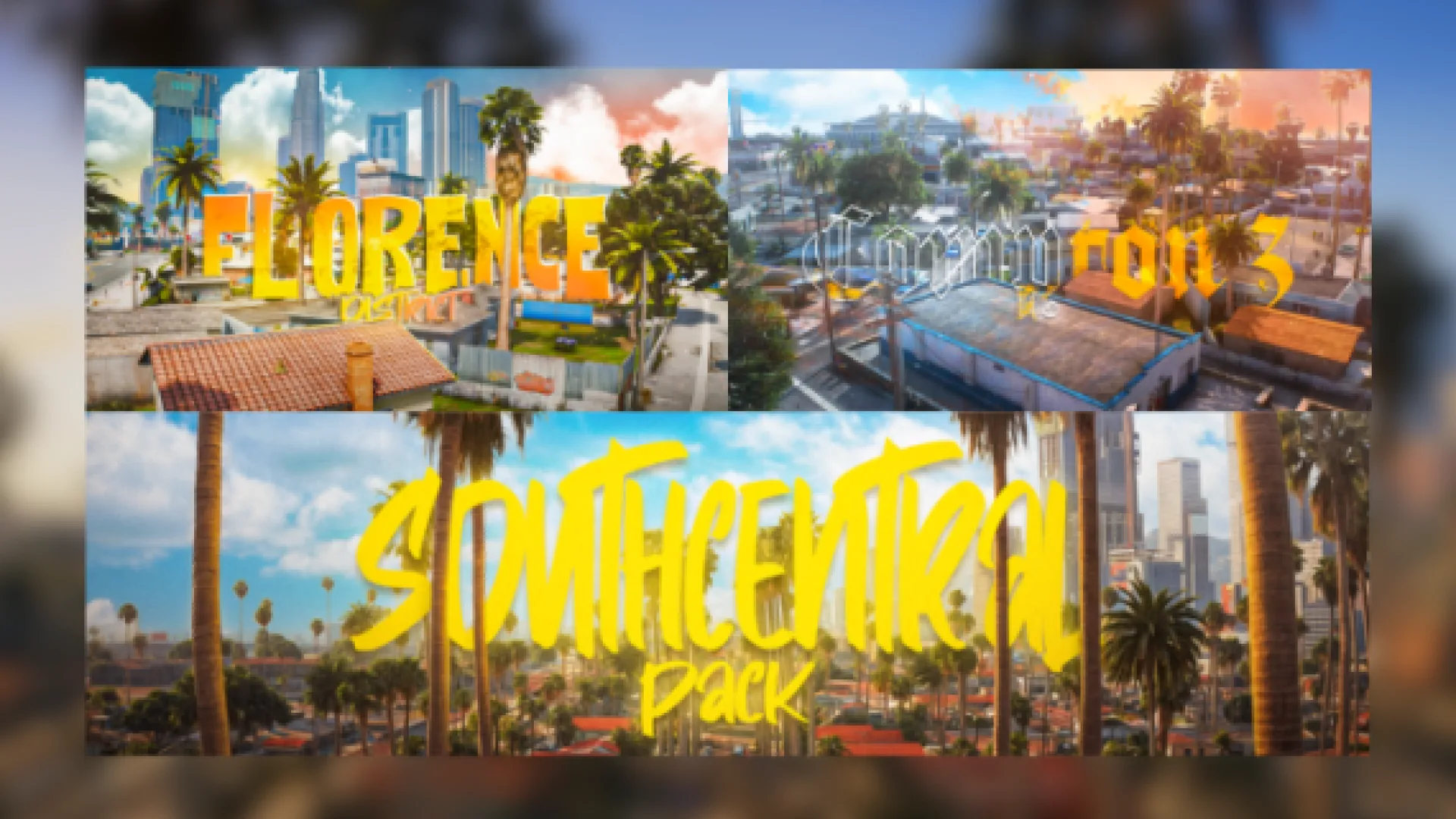
Soloty Big Bundle is the widest single listing in this brand's catalogue, and the obvious centrepiece of a starter kit. A bundle of this size is aimed at teams that want their map settled in one decision rather than spread across a season of purchases.
Treat it as a project, not a download. Schedule the install across several evenings, add areas in the order your launch needs them, and keep a record of what went live when.
Best for: new servers that want the map question answered in one go.
Soloty Value Pack 1
Soloty Value Pack 1 is the smaller entry point, which suits a team that is still deciding how big the city should be. Starting small keeps your first month simple, and simple maps are much easier to moderate while your rules are still being written.
Best for: cautious launches with a small staff team.
Soloty Value Pack 2
Soloty Value Pack 2 is the natural second step once the first has proved that this style fits your city. Adding a second grouped listing from the same creator keeps the look consistent, which matters more than variety when a map is still young.
Best for: month two of a staged map rollout.
Soloty Pack Mix 1
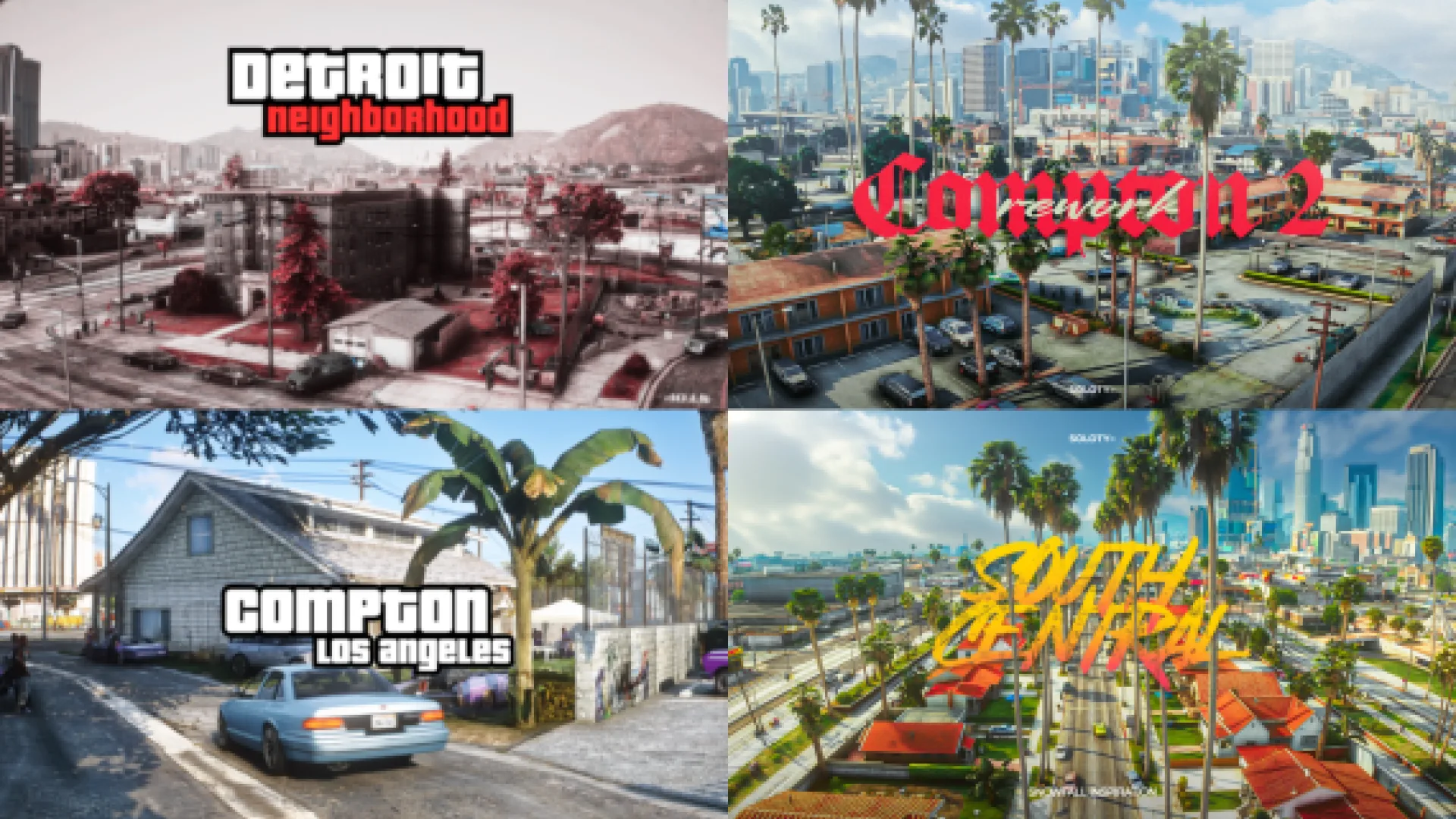
Soloty Pack Mix 1 takes a different approach, grouping varied locations rather than one district. Mixed listings are good for filling awkward gaps, because a new server rarely knows in advance which type of location it will run out of first.
Best for: covering several different needs from one listing.
Soloty Pack Mix 3
Soloty Pack Mix 3 does the same job later in that run. By the time you are shopping mixes, you should be buying against a list of complaints from your own players rather than against a wishlist written before launch.
Best for: the first round of post launch map fixes.
Soloty Mirror Maps Pack
Soloty Mirror Maps Pack groups releases from the creator's mirror line. Buying a themed group keeps a set of locations visually related, which is useful if you want one part of your city to feel distinct from the rest.
Best for: giving one district its own look.
Soloty NoFace Map Pack
Soloty NoFace Map Pack is another themed grouping worth opening before you commit to a big purchase. Comparing two packs side by side is the only reliable way to see which one overlaps with ground you have already covered.
Best for: owners comparing themed groups before a large buy.
Soloty Parkour Pack
Soloty Parkour Pack is the outlier and a genuinely useful one. Activity maps give players something to do that is not a job or a crime, and a launch server with nothing to do at three in the morning loses people quickly.
Best for: filling quiet hours with something active.
Launch week checklist
- Install one grouped listing per evening, restarting between each.
- Record which areas came from which purchase.
- Test with real players on the second night, not an empty server.
- Keep one district unfinished so you have something to announce later.
- Check download size for new players before you open the doors.
How to choose
Bundle or single maps
A bundle saves install nights and keeps one style across a district. Single maps give precise control. New servers usually want the bundle, established ones usually want the single.
What if a pack overlaps what I own
List your installed areas before buying, and open each product page to check the ground it covers. Overlap wastes memory and creates the visual glitches players report as broken maps.
How long does a Soloty map pack take to install
Plan a full evening per grouped listing: the install itself, a restart, a flight over every area it touches and a line in your changelog saying what went live. Rushing that process is how launch night problems start, and they are much harder to unpick once players are already in the city.
Start with the plan, then match a listing to it. The grouped releases are easy to compare in Maps and MLOs and City and Public MLOs at FiveM Shops, which is the sensible place to shortlist a Soloty map pack for launch night.