A Wasabi Scripts starter kit is the shortest path from an empty server to one that feels finished on launch day, because the creator covers the whole join flow and the basic economy from one catalogue. This post lists nine scripts in install order: characters and spawn, the loading screen, notifications, banking, billing, jobs, vehicle locks and the admin menu.
Every product detail comes from the listing's title, category and tags. Read each product page for the specifics before you put it in your launch plan.
The Wasabi Scripts starter kit in install order
The order matters because early scripts shape how later ones are tested. The join flow comes first so staff can log in cleanly, the economy second so jobs have something to pay with, and the admin tools last so moderation covers everything that came before.
Wasabi Scripts Multicharacter + Spawn Bundle

Start with Wasabi Scripts Multicharacter + Spawn Bundle, the grouped listing that pairs character selection with spawn choice. These are the first two decisions a player makes on every join, and having both from one creator means the sequence looks like one screen flow rather than two.
Install this before anything else, because every test you run afterwards starts by logging in through it. Confirm the exact contents on the bundle page.
Best for: new servers that want the join flow settled before launch week.
Wasabi Scripts Loading Screen
Before the character screen, players stare at the loading screen. Wasabi Scripts Loading Screen is the listing for that moment, and it is the first thing a curious player judges your city on.
Set it up in the same week as the character and spawn screens. That way the first three screens a player sees share one look.
Best for: any launch where first impressions decide whether a player stays.
Wasabi Scripts Notify System
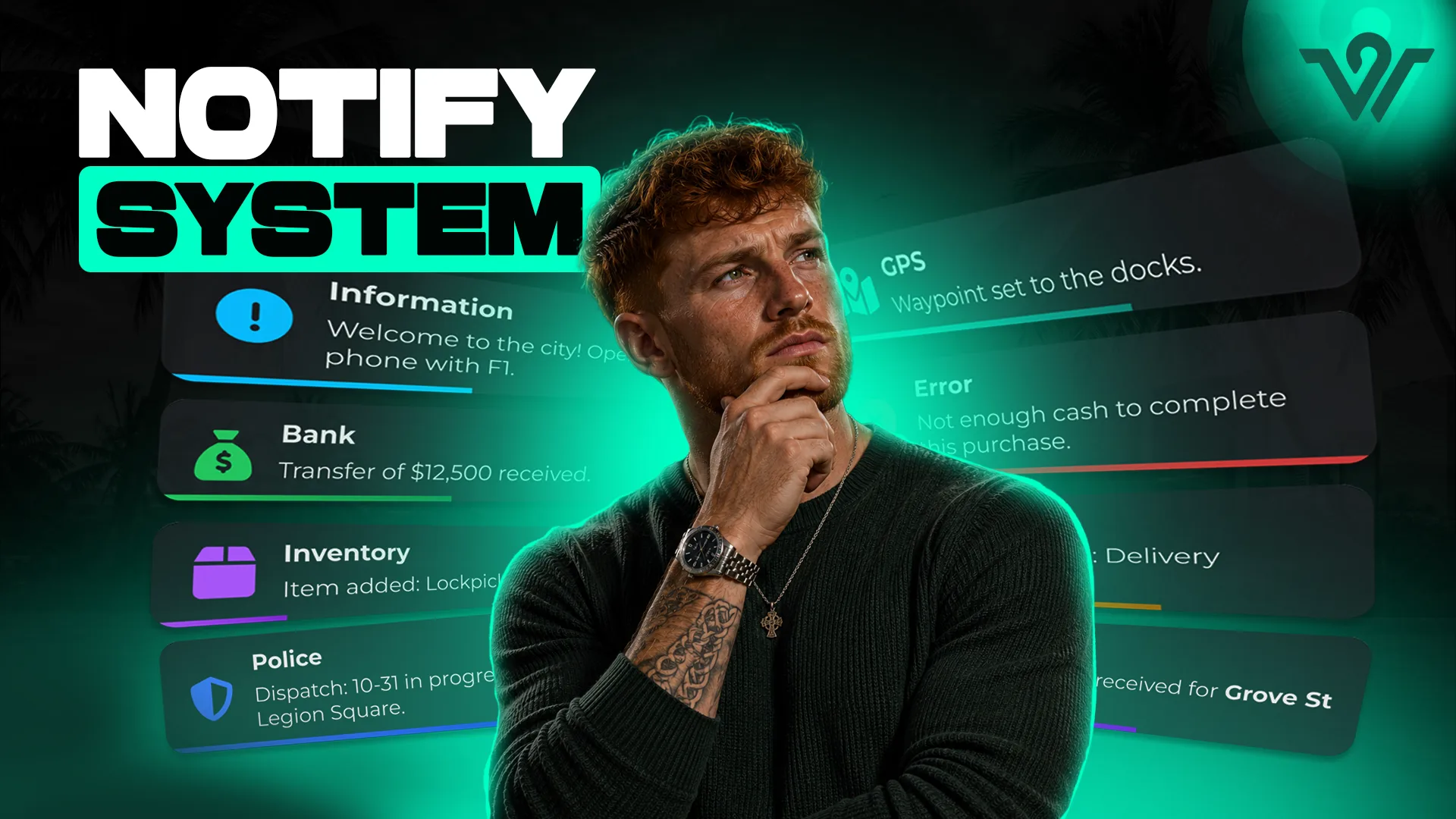
Every script you add later will send alerts, so pick the notification style early. Wasabi Scripts Notify System is the creator's notification script, and standardising on it from day one avoids the mess of five alert styles fighting for the same corner of the screen.
Best for: servers that want consistency before the script count grows.
Wasabi Scripts Complete Banking
An economy needs a bank before it needs anything to spend on. Wasabi Scripts Complete Banking is the banking listing, and putting it in early means every job and business you add afterwards has a working place for money to go.
Test it with staff accounts before players arrive. Money bugs found on launch night are the hardest kind to walk back.
Best for: new cities setting up the economy before the jobs.
Wasabi Scripts Complete Billing
Once money exists, players need a way to charge each other for services. Wasabi Scripts Complete Billing covers billing, which is what mechanics, lawyers, medics and shop owners use to turn roleplay into income.
Best for: servers that want player-run businesses to invoice from the first week.
Wasabi Scripts Multi Job System
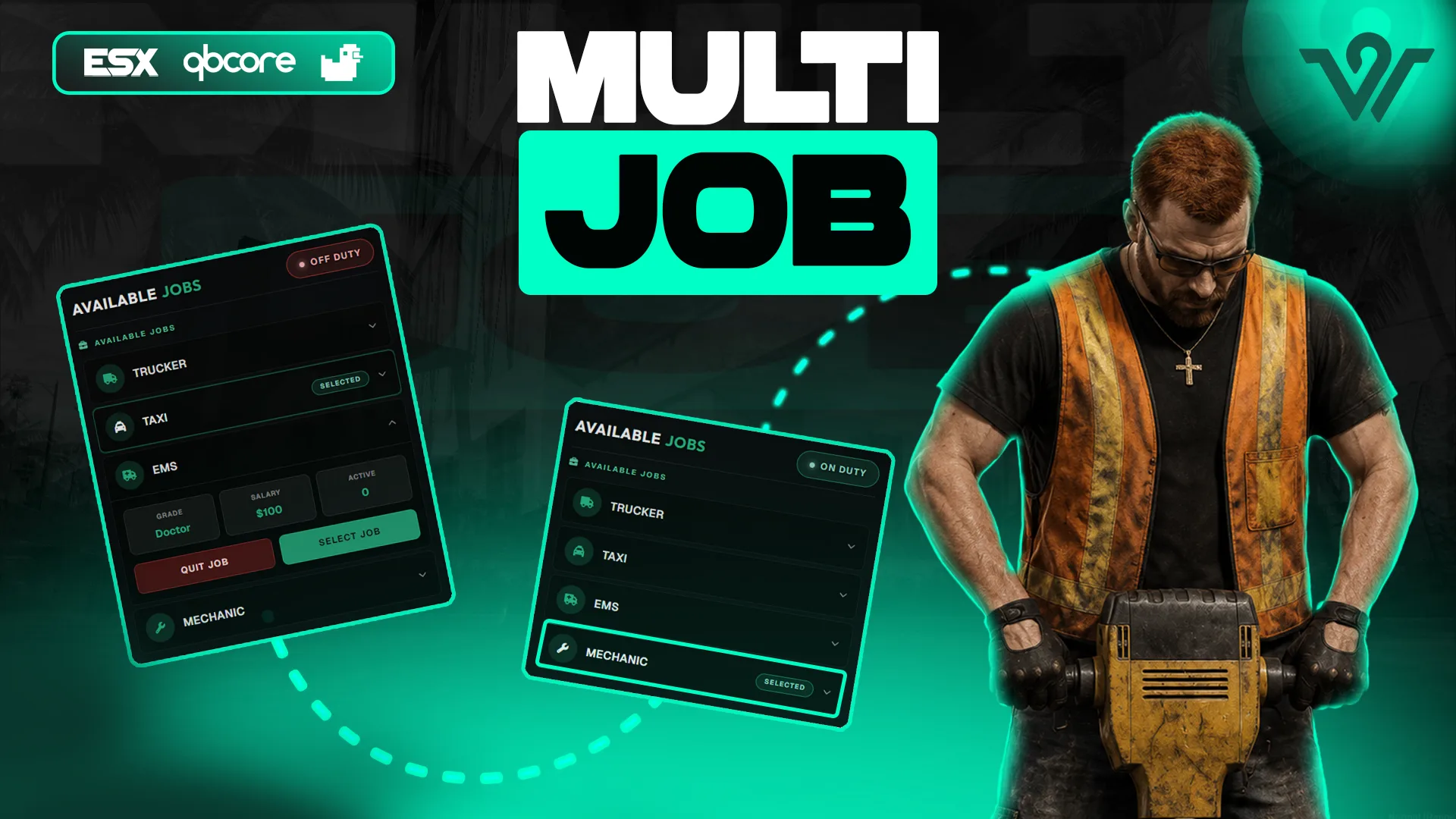
Launch-week servers never have enough players to fill every role. Wasabi Scripts Multi Job System, from the Jobs and Business Scripts category, is built around one player holding more than one job, which is how a small population keeps the taxi, the garage and the cafe all open on the same evening.
Best for: small launches where twenty players have to cover forty roles.
Wasabi Scripts Advanced Car Lock
Vehicles are the first thing players buy and the first thing other players try to take. Wasabi Scripts Advanced Car Lock, from the Garage and Vehicle Scripts category, gives owners a lock and gives your rules something to lean on when the first theft complaint arrives.
Best for: any city where players own vehicles, which is every city.
Wasabi Scripts Advanced Admin Menu
Last in the order, but not least: Wasabi Scripts Advanced Admin Menu is the staff tool from the HUD and UI Scripts category. Install it after the player-facing scripts so your moderators can see and act on everything that exists by launch.
Best for: staff teams that need a single place to handle launch-night problems.
Launch-day checklist
- Join flow first: loading screen, character selection and spawn choice tested by staff.
- Notification style chosen before the second script is installed.
- Banking live and tested with staff accounts, then billing on top of it.
- Multi-job rules written before recruitment opens.
- Car lock active before the first vehicle purchase.
- Admin menu installed last, then a full walkthrough by every moderator.
How to choose what goes in your Wasabi Scripts starter kit
Can I skip the loading screen?
You can, but it is the first thing every player sees. Skipping it saves little and costs a first impression.
Banking or billing first?
Banking. Billing needs somewhere for money to land, so the bank has to exist before the first invoice.
Is the big bundle worth it for a new server?
Only if your plan already includes most of what Wasabi Scripts Advanced Bundle lists on its product page. A server buying singles learns what it needs; a server buying the creator's largest grouped listing should already know.
Everything in this Wasabi Scripts starter kit is listed on FiveM Shops, and the Scripts collection is where to browse the rest of the catalogue when launch week is behind you. Get the join flow right, get the money right, and the rest of the city has room to grow.