The Wasabi Scripts UI kit is only one part of a wider interface line, and this deep dive covers all of it: the bundle, the kit, the pause menu, notifications, the loading screen, the admin menu and the character and spawn screens. If you want every screen a player sees to feel like it came from the same city, this is the list to work from.
Product facts are taken from each listing's title, category and tags. The advice on ordering and consistency is ours, and the product pages have the detail this post leaves out.
Where the Wasabi Scripts UI kit fits in the interface line
Interface scripts are judged on consistency more than on any single feature. A city where the pause menu, the notifications and the loading screen all share one design language feels finished; one where they come from five creators feels stitched together. The line below is one creator's answer to that problem.
Wasabi Scripts Core UI Bundle
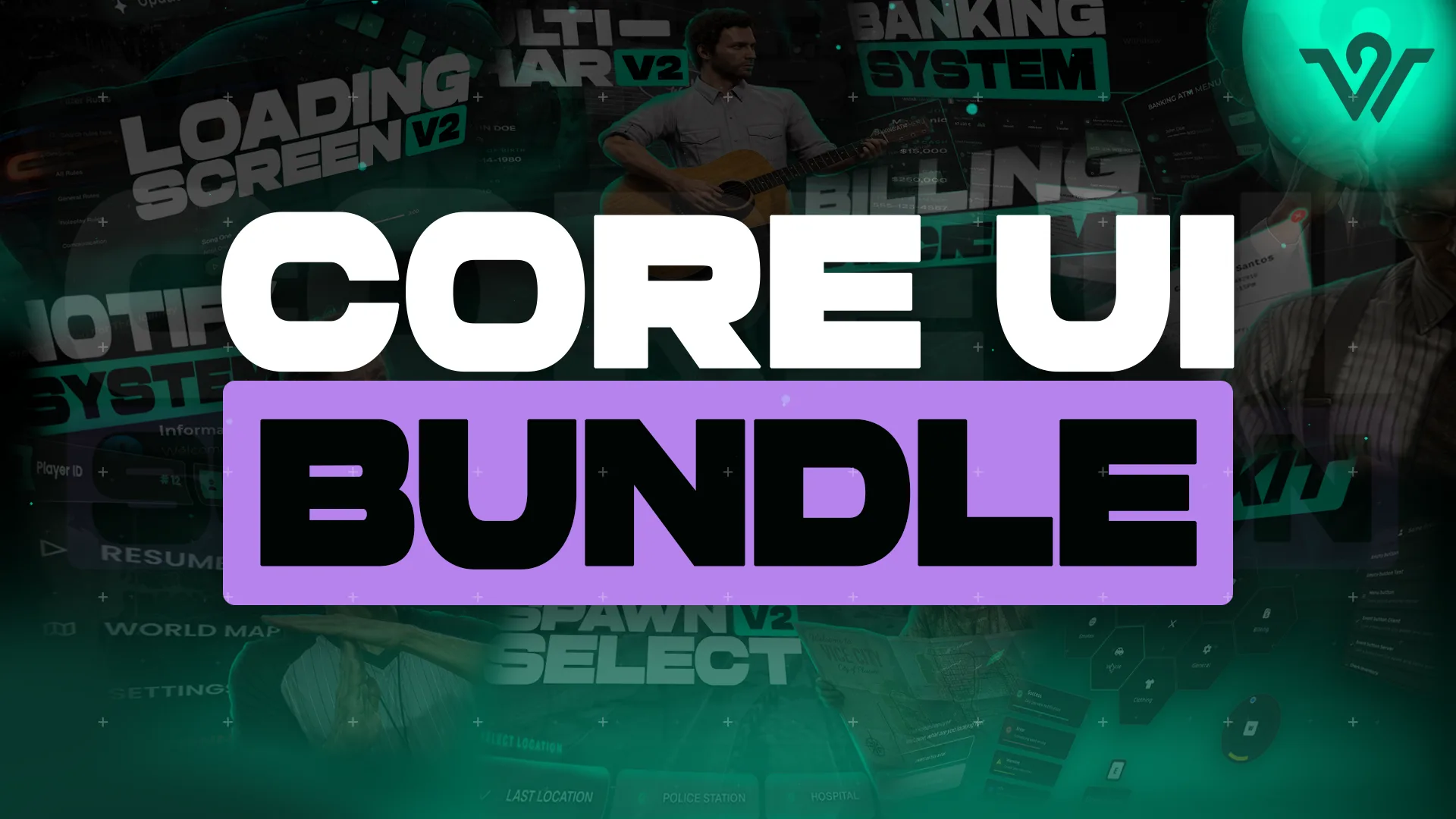
Wasabi Scripts Core UI Bundle is the grouped listing in the HUD and UI Scripts category. As a bundle, it is the purchase for servers that have decided to standardise their whole interface on this creator rather than picking pieces. Check the product page for the exact scripts it contains.
Buy it when you are replacing several screens at once. Buying it to fix one menu is the wrong tool.
Best for: servers standardising their entire interface in one step.
Wasabi Scripts Complete UI Kit
Wasabi Scripts Complete UI Kit is the kit listing, also in HUD and UI Scripts. Its title positions it as a complete set of interface elements rather than a single component, which makes it the natural comparison point against the bundle above.
Read both product pages together. The kit and the bundle serve the same goal from different angles, and the right one depends on how much of your interface you intend to replace.
Best for: servers that want one consistent kit of UI elements without committing to the full bundle.
Wasabi Scripts Pause Menu
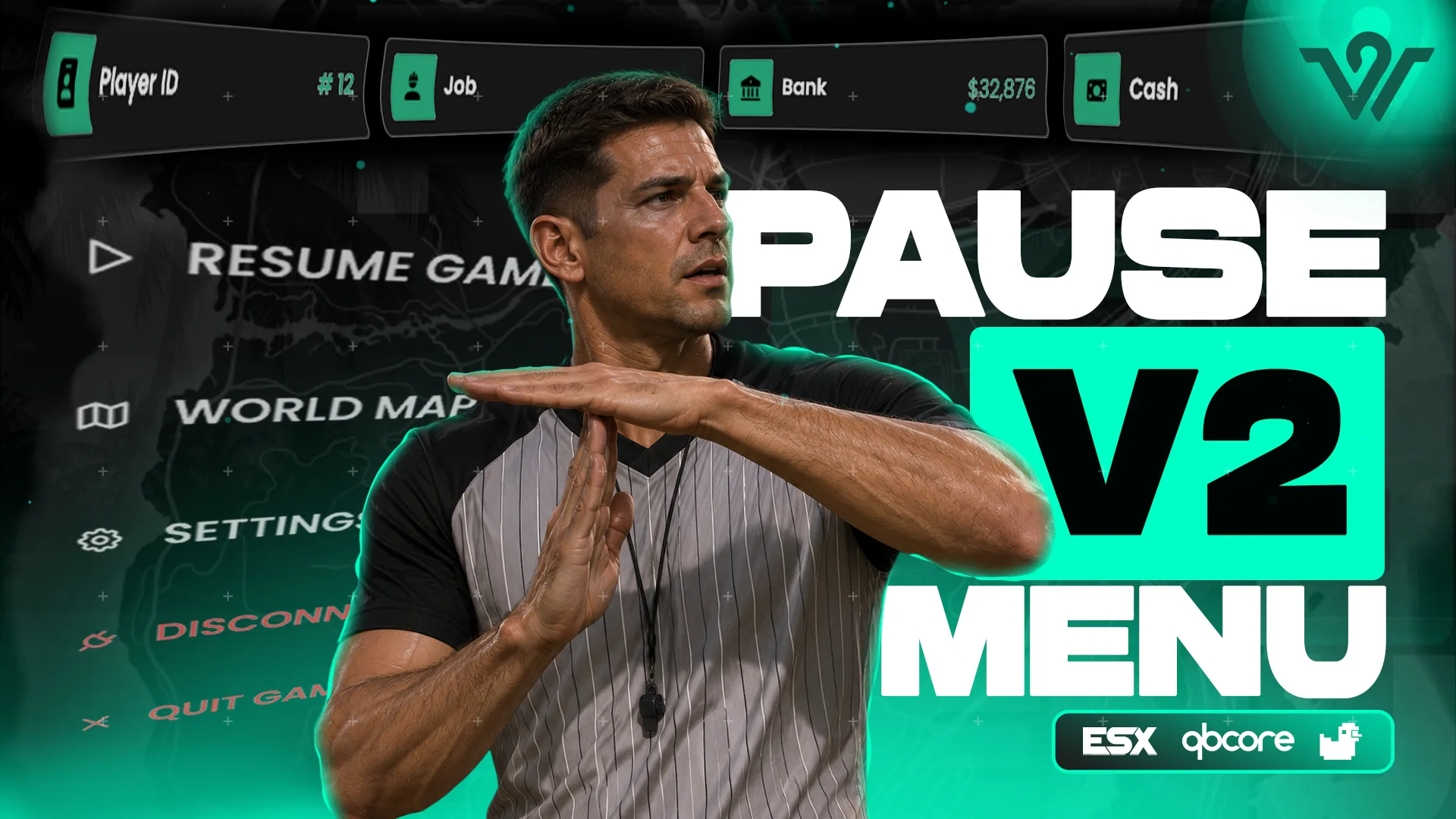
The pause menu is the screen players open more than any other, which is why a stock one looks so out of place on a custom server. Wasabi Scripts Pause Menu replaces it with the creator's own design, so the most frequently seen screen matches the rest of the line.
It is a small change with a large effect on how polished a city feels. Players notice it within the first minute of every session.
Best for: any server where the default pause menu is the last stock screen left.
Wasabi Scripts Notify System
Notifications are the interface players read hundreds of times a night. Wasabi Scripts Notify System is the notification script in the line, and routing every alert through one style is the simplest consistency win available.
Best for: servers where alerts currently arrive in three different styles from three different scripts.
Wasabi Scripts Loading Screen
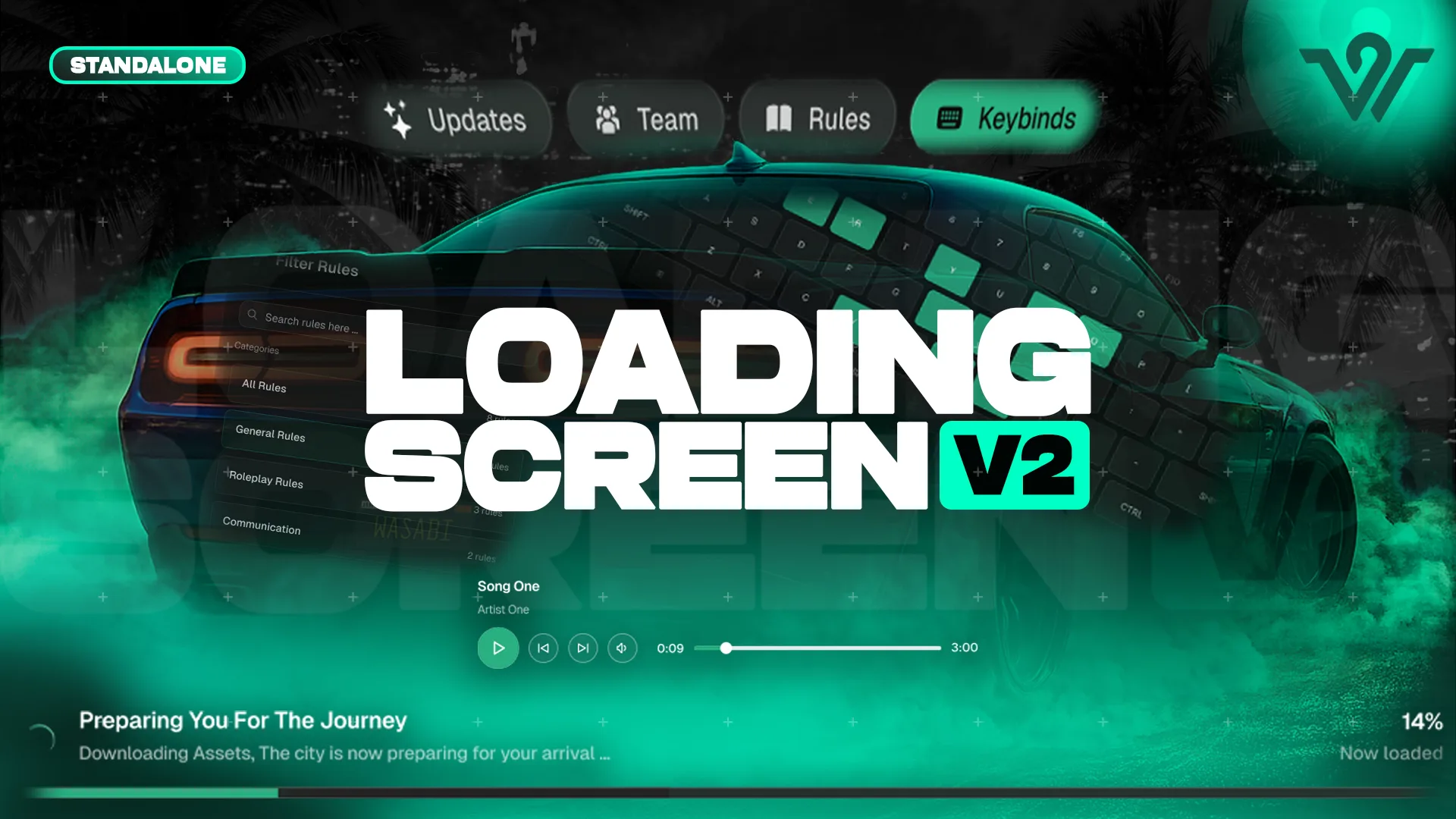
The loading screen is the first impression of your city, before the player has seen a single street. Wasabi Scripts Loading Screen is the creator's answer, and pairing it with the pause menu and notifications means a player's first three screens share one look.
Best for: servers that want the join experience to match the in-game interface.
Wasabi Scripts Advanced Admin Menu
Staff see the admin menu more than any other screen, and a clumsy one slows every moderation action. Wasabi Scripts Advanced Admin Menu is the HUD and UI Scripts listing for that job, and it belongs to the same visual family as the player-facing screens above.
Best for: staff teams that spend real hours in the admin menu each week.
Wasabi Scripts Spawn Selector
After the loading screen comes the spawn choice. Wasabi Scripts Spawn Selector is the listing for that screen, and it is the point where a player decides where their session starts.
Best for: servers that want spawn selection to look as considered as the rest of the join flow.
Wasabi Scripts Multicharacter
Before spawning, players pick a character. Wasabi Scripts Multicharacter is the character selection listing, and together with the spawn selector and the loading screen it completes the sequence a player walks through on every join.
Best for: cities where players run more than one character and switch between them often.
The interface line at a glance
| Product | Category | Best for |
|---|---|---|
| Core UI Bundle | HUD and UI Scripts | Standardising the whole interface |
| Complete UI Kit | HUD and UI Scripts | One consistent kit of elements |
| Pause Menu | HUD and UI Scripts | Replacing the most-used stock screen |
| Notify System | Scripts | One alert style everywhere |
| Loading Screen | Scripts | First impression on join |
| Advanced Admin Menu | HUD and UI Scripts | Staff who moderate daily |
| Spawn Selector | Scripts | A considered spawn choice |
| Multicharacter | Scripts | Players with several characters |
How to choose a Wasabi Scripts UI kit setup
Bundle or kit?
Replacing most of your interface at once points to the bundle. Wanting one coherent set of elements without a full swap points to the kit. Read both pages before deciding.
Which single screen should I change first?
The pause menu. It is opened constantly, and a stock one undermines every other custom screen you have.
Does the join flow need all three scripts?
No. They are separate listings, so you can start with whichever screen looks worst today and add the others later.
The full interface line is listed on FiveM Shops, and the HUD and UI Scripts collection is where to compare it with other creators. Whether you start from the Wasabi Scripts UI kit or the bundle, pick one design language, apply it to the screens players see most, and the city will feel finished long before every script is custom.