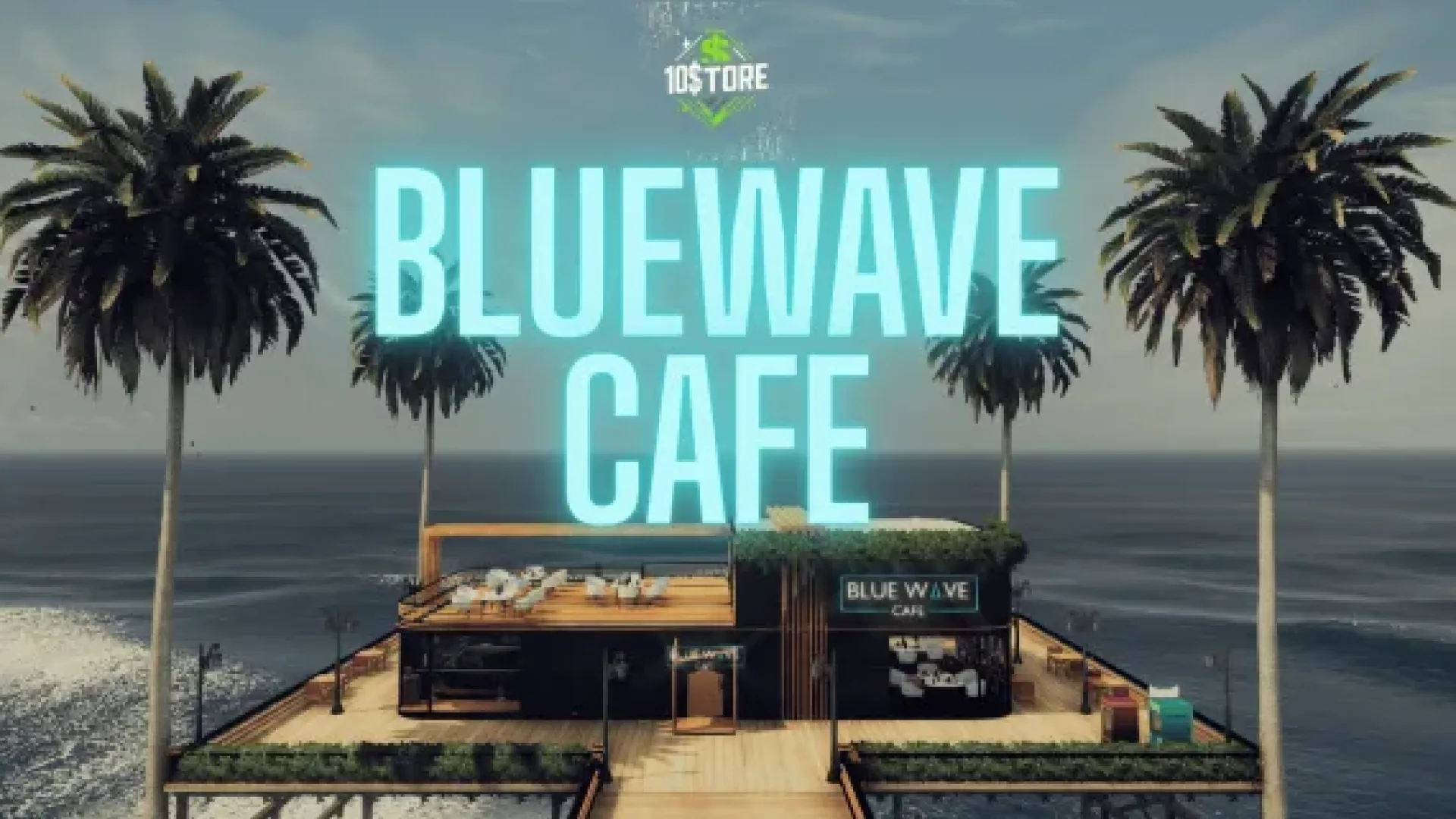
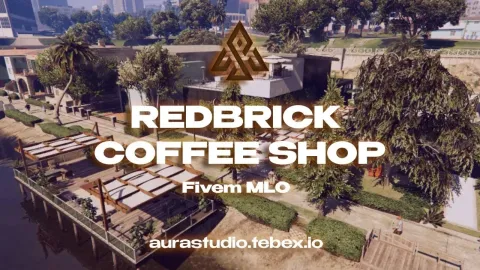
The 10 Store BlueWave Cafe V1 MLO brings a bright, blue-themed coastal cafe to FiveM, perfect for seaside roleplay zones around Vespucci, Del Perro and Paleto Cove. Players walk into a tidy service counter, booth seating along the glass front and a shaded outdoor terrace, which makes the interior equally usable as a chill meet spot or an active business.
What the 10 Store BlueWave Cafe V1 MLO includes
10$Store leans into visual consistency, and the BlueWave Cafe is built around a single cool palette so the interior reads as one cohesive brand rather than a collage of GTA V props. The front half serves customers, the back area handles drinks and inventory, and the terrace extends the roleplay space outside the walls.
- Beach-side cafe interior with a blue coastal theme and warm wood accents
- Open front counter with display shelves, pastries and drink stations
- Booth seating and small tables along the glass front for customer RP
- Outdoor terrace with umbrellas, planters and signage
- Backroom storage and staff-only corridor for job scripts
- Clean collisions and scripted-door friendly geometry
- Framework-agnostic — ESX, QBCore, Qbox and standalone
Install is the standard FiveM flow: unpack into your server resources folder, start the resource and bind your business, job or sell-item script to the counter and backroom locations. Pair it with a barista or restaurant-management script to turn the cafe into a working legal business for your citizens. More shop interiors live in the full Maps and MLOs collection.
The 10 Store BlueWave Cafe V1 MLO suits any FiveM server that wants another lightweight legal business for roleplayers who prefer service RP over heavy criminal content. Because the stream footprint is small, admins can add the cafe to an already busy map without worrying about frame budgets, and the clean blue palette plays well next to the vanilla Los Santos beach props.
Quick specs
- Type: MLO / interior
- Category: Restaurant & Business MLOs
- Framework: Any framework - ESX, QBCore, Qbox or standalone
- Install: Drag and drop into resources, ensure in server.cfg
- Delivery: Instant download after payment
Frequently asked questions
Does 10 Store BlueWave Cafe V1 MLO work with QBCore and ESX?
Yes. 10 Store BlueWave Cafe V1 MLO is a framework-independent restaurant and business MLO, so it runs on ESX, QBCore, Qbox and standalone servers. Your existing job, door-lock and target scripts can use it straight away.
How do I install this MLO?
Drop the folder into your resources directory, add ensure with the resource name to server.cfg and restart the server. The location streams automatically when players get close.
Will it hurt server performance?
No. The interior uses LODs and streaming-friendly textures, so it stays light even on busy servers with many custom maps.