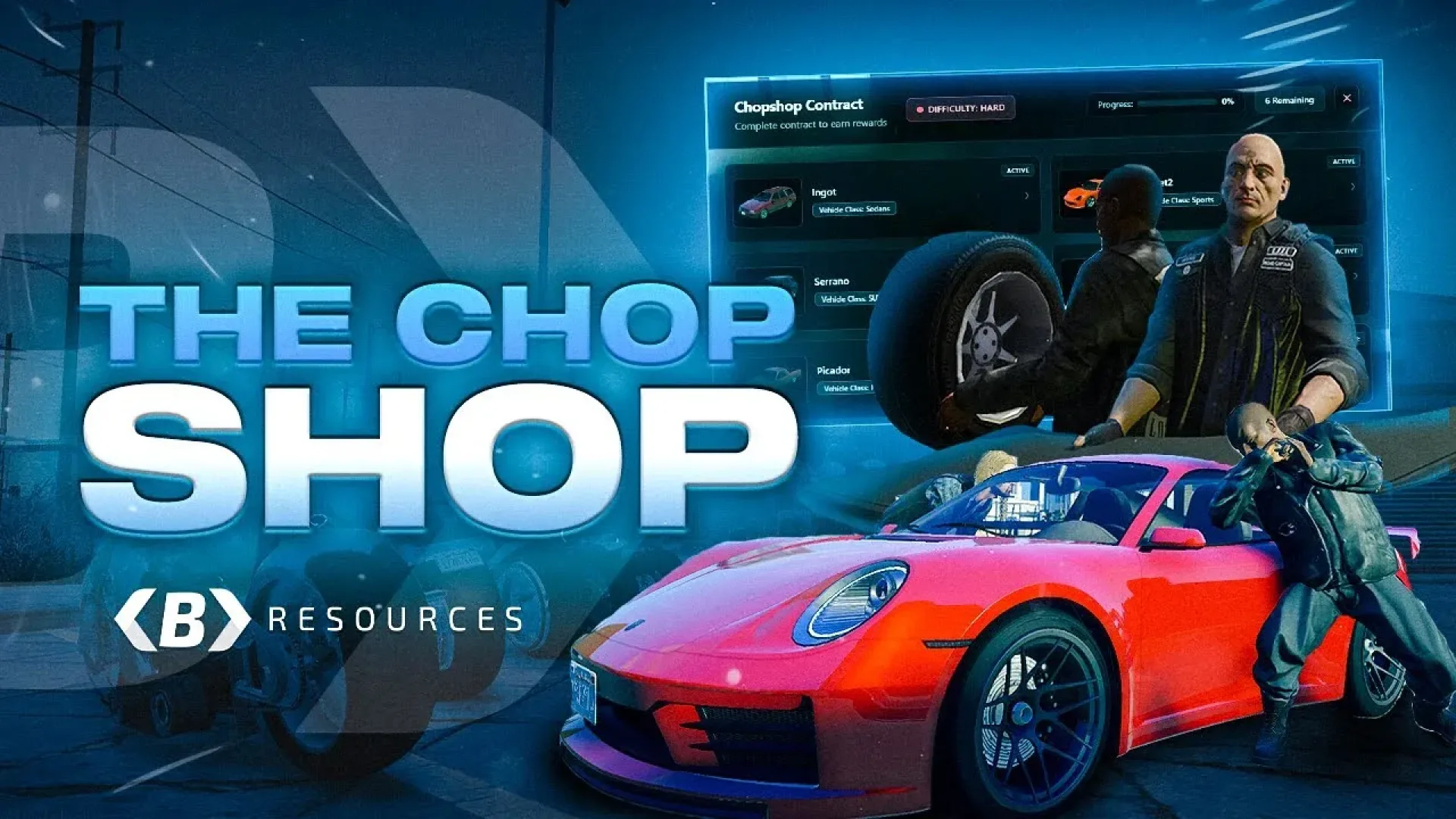
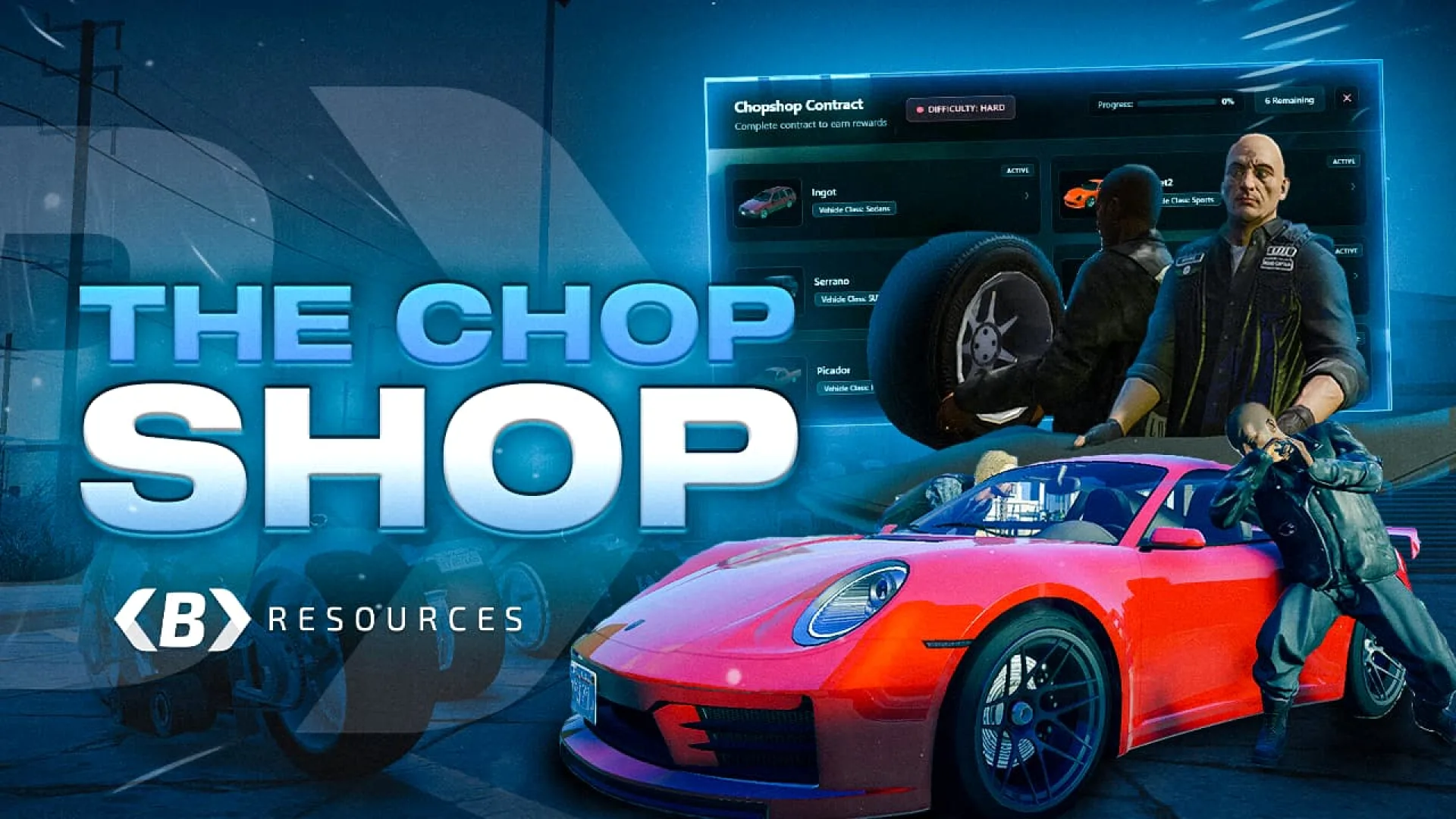
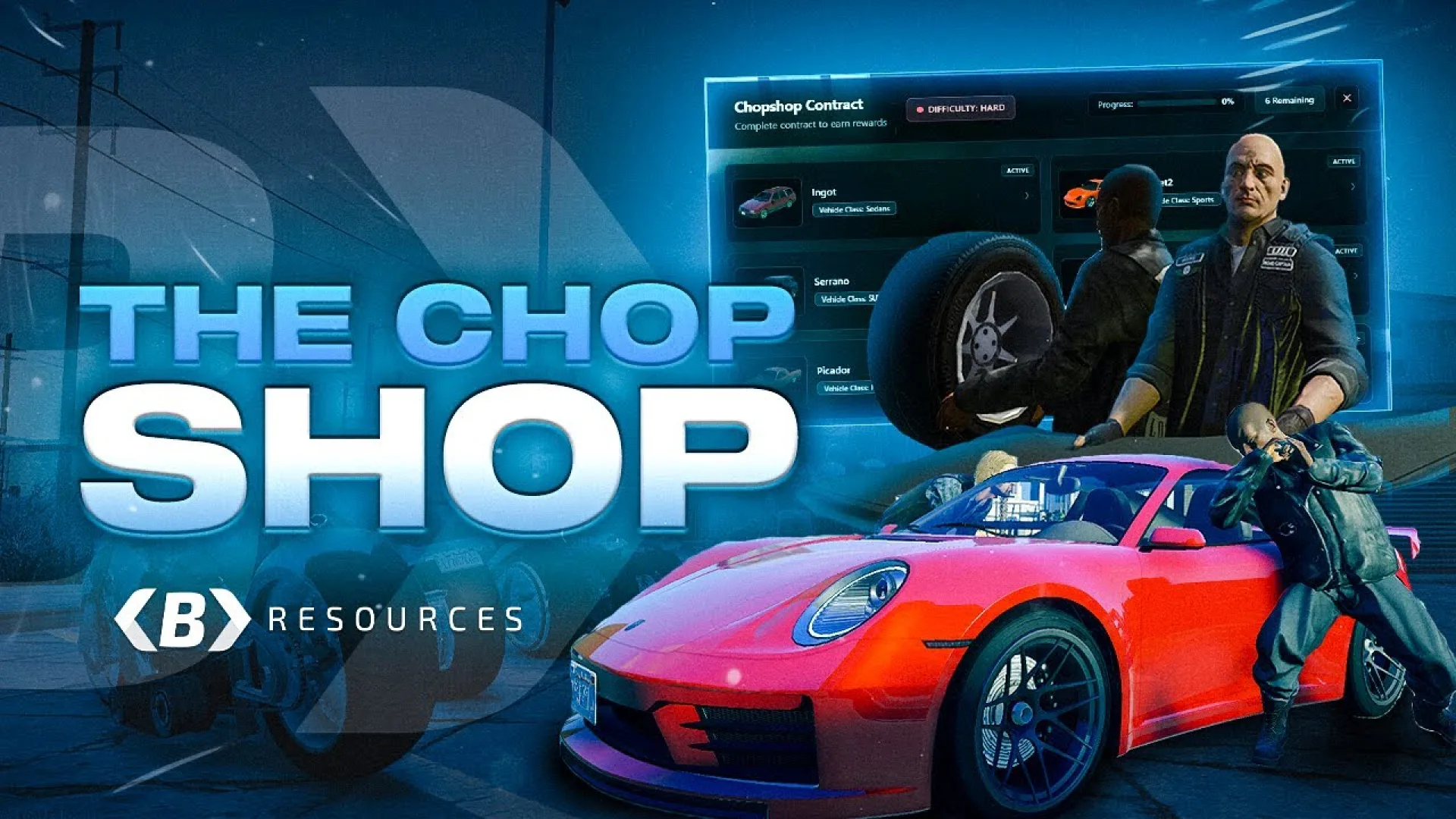
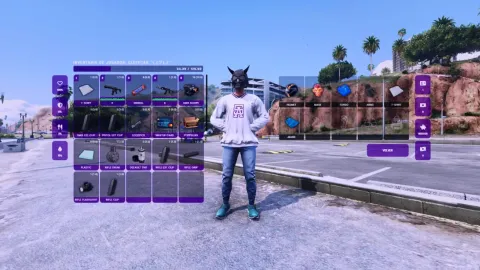
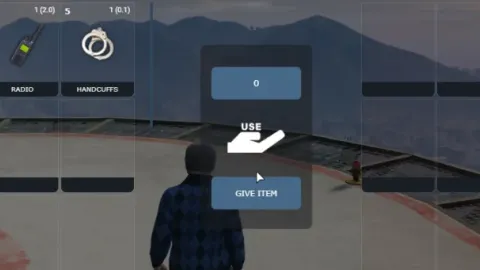
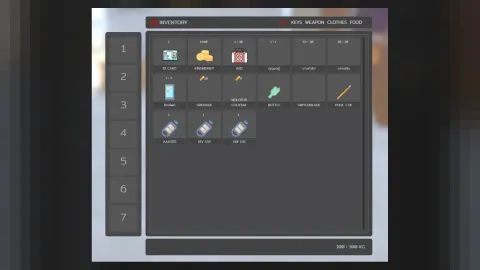
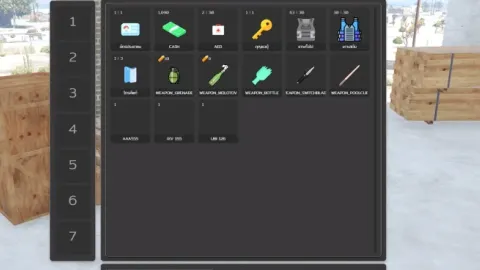
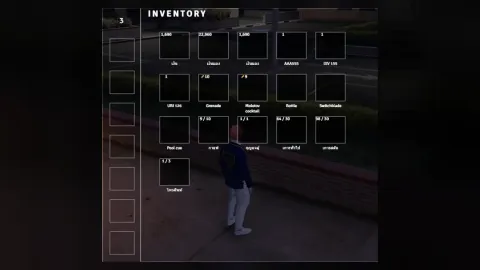
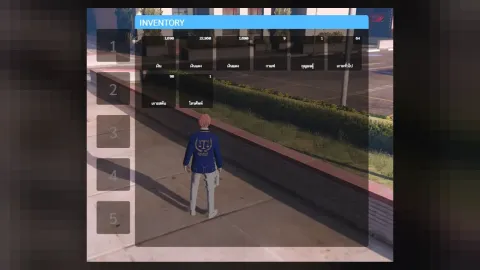
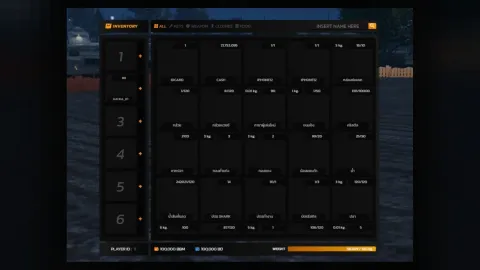
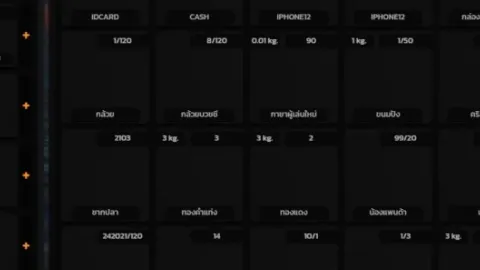
Bablo Chop Shop is built for server owners who want a polished feature that works out of the box. It supports ESX, QBCore and Qbox.
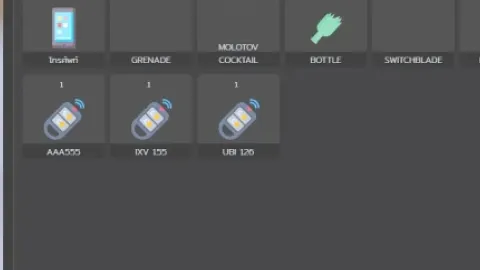
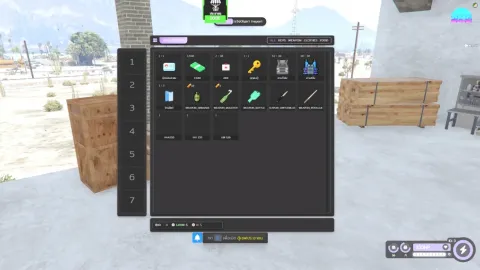
Introducing the Advanced Chop Shop – a dynamic and immersive vehicle theft system for QBCore, Qbox, and ESX-based FiveM servers. Instead of stealing random vehicles off the street, players can only target vehicles listed in active contracts they hold in their inventory. Deliver these specific vehicles to a hidden chop location and earn rewards based on an integrated reputation and progression system.
What Bablo Chop Shop brings to your server
Bablo Chop Shop is built around what server owners actually need: a feature players understand quickly, settings you can change without touching the core code, and server-side logic that keeps the experience fair. It slots into an existing city without forcing you to rebuild other systems.
Key features
- Freeroam contracts — take jobs anytime and scout at your own pace
- Chop with friends, every part synced for group work
- Shared contracts crew members complete together
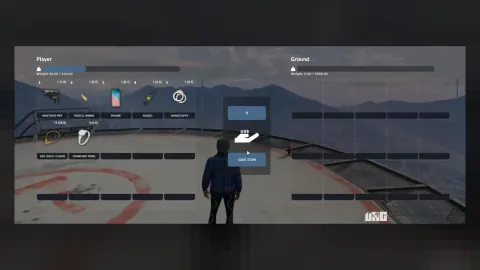
- Progress saved in inventory metadata
- Synchronized dismantling for faster group chops
- Chop leaderboards tracking vehicles and contracts
- Reputation system that scales rewards and progression
- Leveling system unlocking better rewards and XP boosts
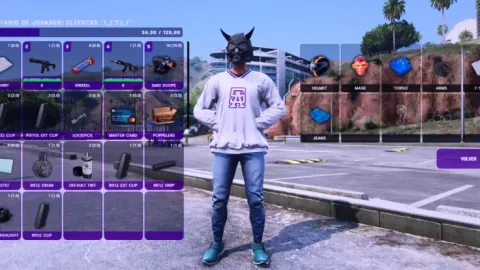
- Contract UI with vehicle previews and details
How servers use it
Bablo Chop Shop gives players a new loop to engage with and gives staff fewer reasons to step in manually. It fits serious roleplay servers as well as more casual communities. Bablo Chop Shop is written to stay light. Loops sleep when nothing is happening, heavy work stays on the server where it belongs, and the resource keeps a low footprint on the resource monitor.
Installation and compatibility
Setup takes a few minutes: place the resource in your resources folder, review the config file, ensure it in server.cfg and restart. Check the included readme for any dependencies your framework needs. Browse more Inventory & Crafting Scripts, or see the full FiveM scripts range to complete your setup.
Every order of Bablo Chop Shop is a one-time purchase with instant delivery after payment, so you can install it the same day. FiveM Shops keeps premium FiveM content affordable for growing servers.
Quick specs
- Type: Server resource
- Category: Inventory & Crafting Scripts
- Framework: ESX, QBCore and Qbox (standalone-friendly)
- Install: Drag and drop into resources, ensure in server.cfg
- Delivery: Instant download after payment
Frequently asked questions
Is Bablo Chop Shop compatible with QBCore, ESX and Qbox?
Bablo Chop Shop is made for the common FiveM frameworks. Check the included readme for the exact dependencies your setup needs before starting it.
Is it hard to configure?
No. The main options sit in a readable config file, so you can change prices, timers, locations and text without editing the core code.
Will this inventory and crafting script affect performance?
It is written to stay light: loops sleep when nothing is happening and heavy logic runs on the server, keeping resmon low.