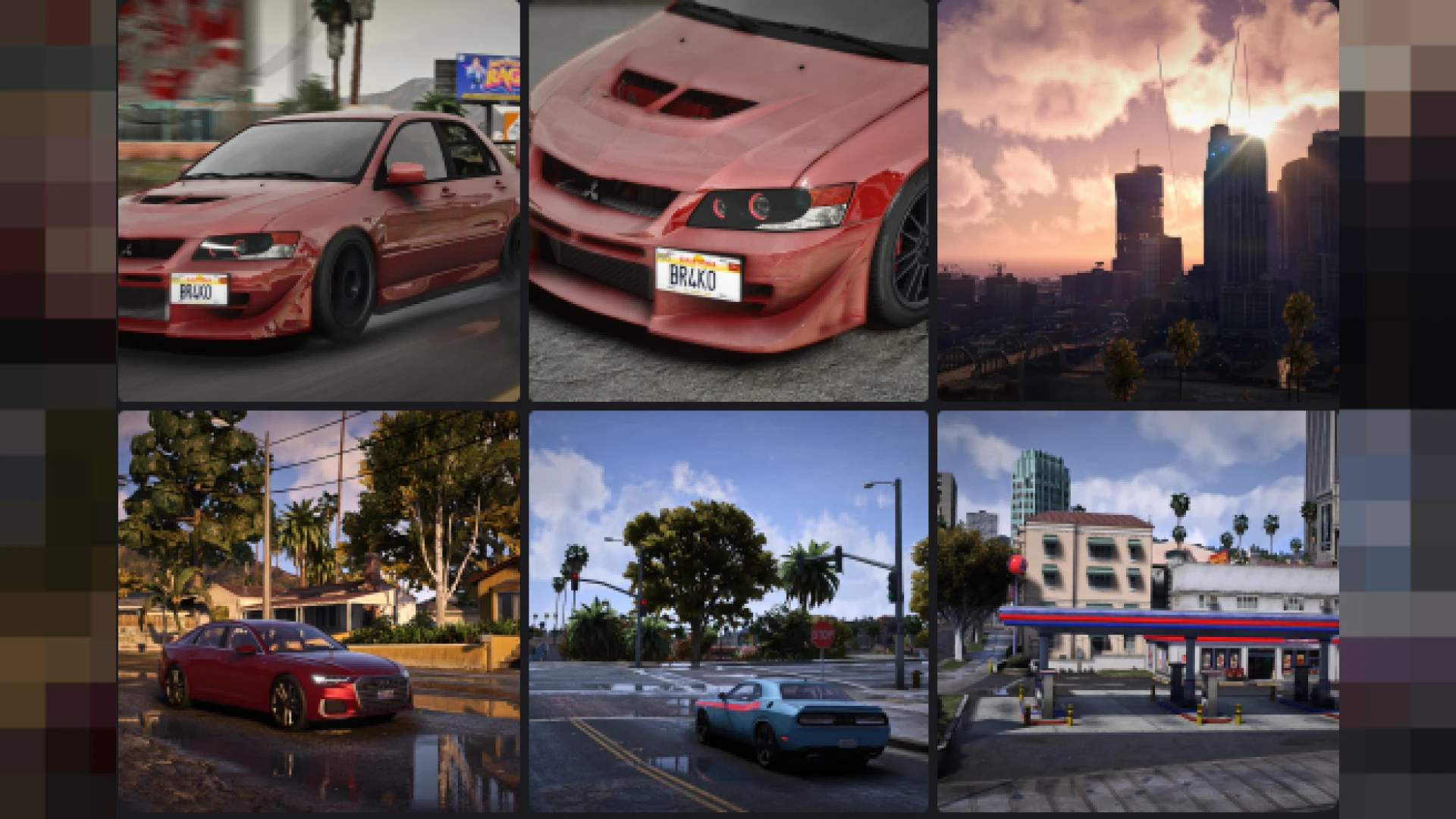
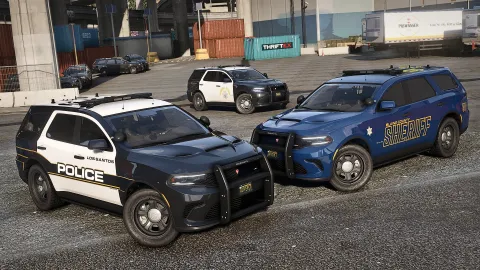
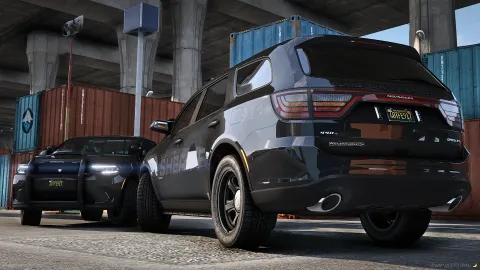
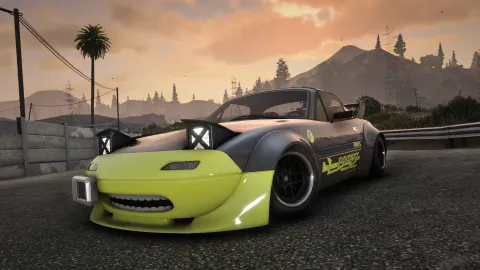
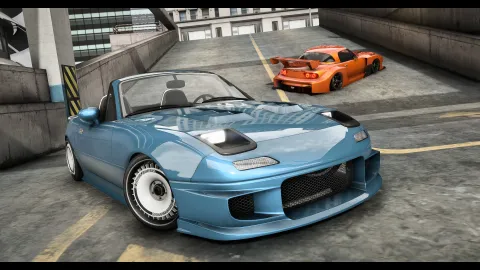
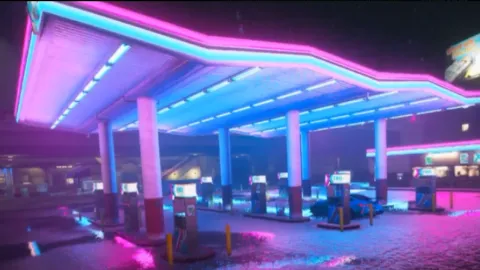
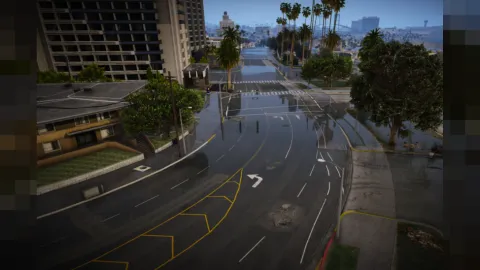
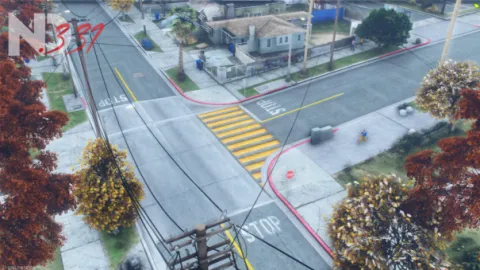
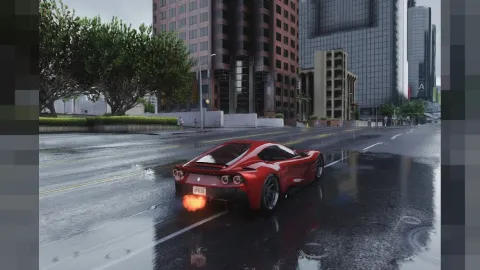
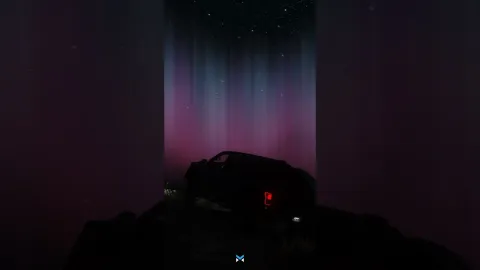
Brako's photorealistic reshade preset transforms the flat default FiveM image into a cinematic, true-to-life picture in a couple of minutes. Tuned around QuantV, it balances vivid color, deeper contrast and clean sharpening so streets, skin tones and skies all read like a modern film still rather than a decade-old game engine.
Because it is a client-side post-processing layer, nothing on the server changes and no textures are replaced. You simply drop the .ini into your ReShade folder, point the in-game menu at it and toggle it on. That makes it a safe, reversible upgrade for roleplay creators, content makers and anyone who wants screenshots that actually pop. ReShade sits on top of the game as a post-processing pass, so it is one of the safest visual upgrades you can run: it reads nothing from the server, writes nothing back, and can be disabled with a single keypress. That also means you can keep several presets on hand and switch between them depending on the scene, the time of day, or the mood of the content you are capturing that session.
Why this photorealistic reshade preset stands out
- Cinematic color grading that keeps skin tones natural instead of oversaturated
- Balanced contrast and shadow depth for convincing day and night scenes
- Subtle sharpening that reveals texture detail without harsh edges
- Tuned specifically for QuantV so lighting and weather stay consistent
- Lightweight profile designed to protect frame rate on mid-range rigs
Easy install and full control
- Ships as a single .ini preset file with clear placement instructions
- Works alongside your existing ReShade shaders and effect packages
- Toggle on or off instantly from the in-game ReShade overlay
- Adjust intensity of individual passes to match your monitor
- Fully client-side and reversible, leaving server assets untouched
Whether you run a serious roleplay city or you just want cleaner cinematics for your videos, this preset gives you a professional starting point you can fine-tune to taste. Photographers love how the depth and clarity make vehicle shots and character portraits stand out, while streamers appreciate that it stays stable during long sessions.
Setup takes only a few minutes and every value is editable, so you are never locked into someone else's vision. Nudge the saturation down for a grittier tone, or push the bloom for a warmer, sun-soaked feel that suits your community's identity. Many communities keep a house style this way, publishing a recommended preset so screenshots across their Discord and socials share one recognizable identity. It is a small touch that makes a server feel curated, and it costs you nothing but a few minutes of setup to establish.
Ready to keep polishing the visuals? Explore the full client-side mods library, or jump straight into more HUD and UI upgrades to keep upgrading your server the moment you are ready.