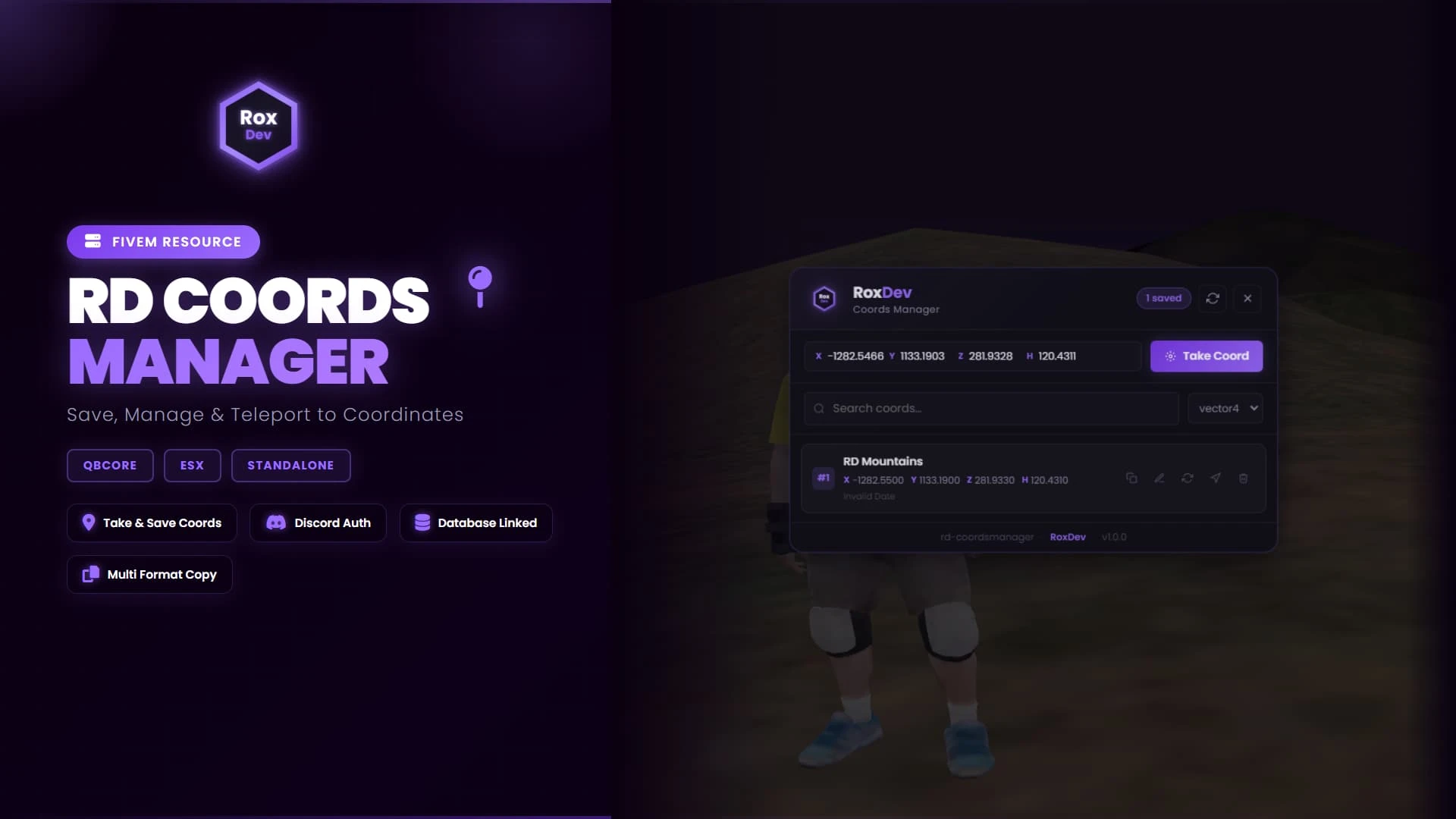
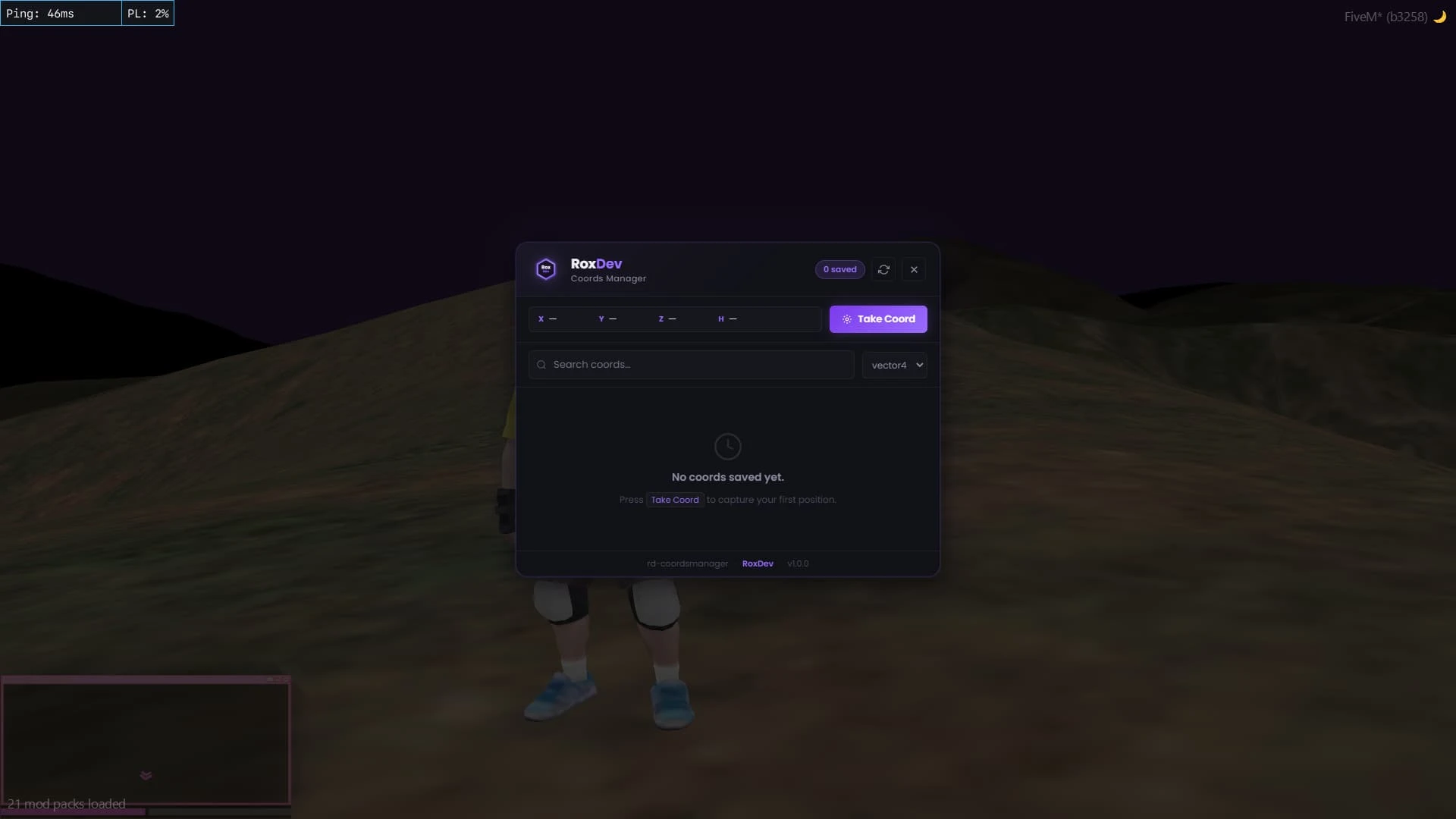
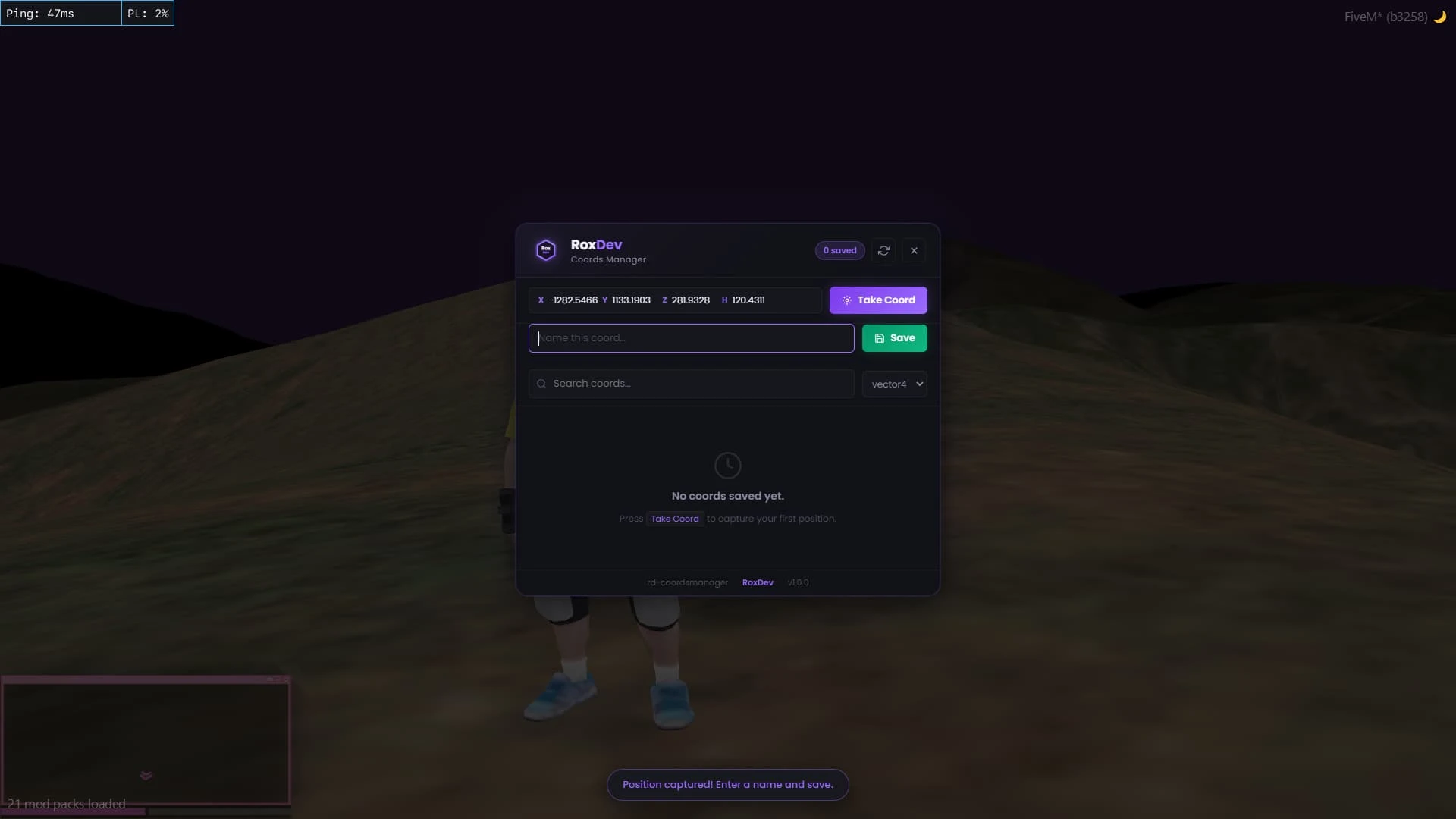
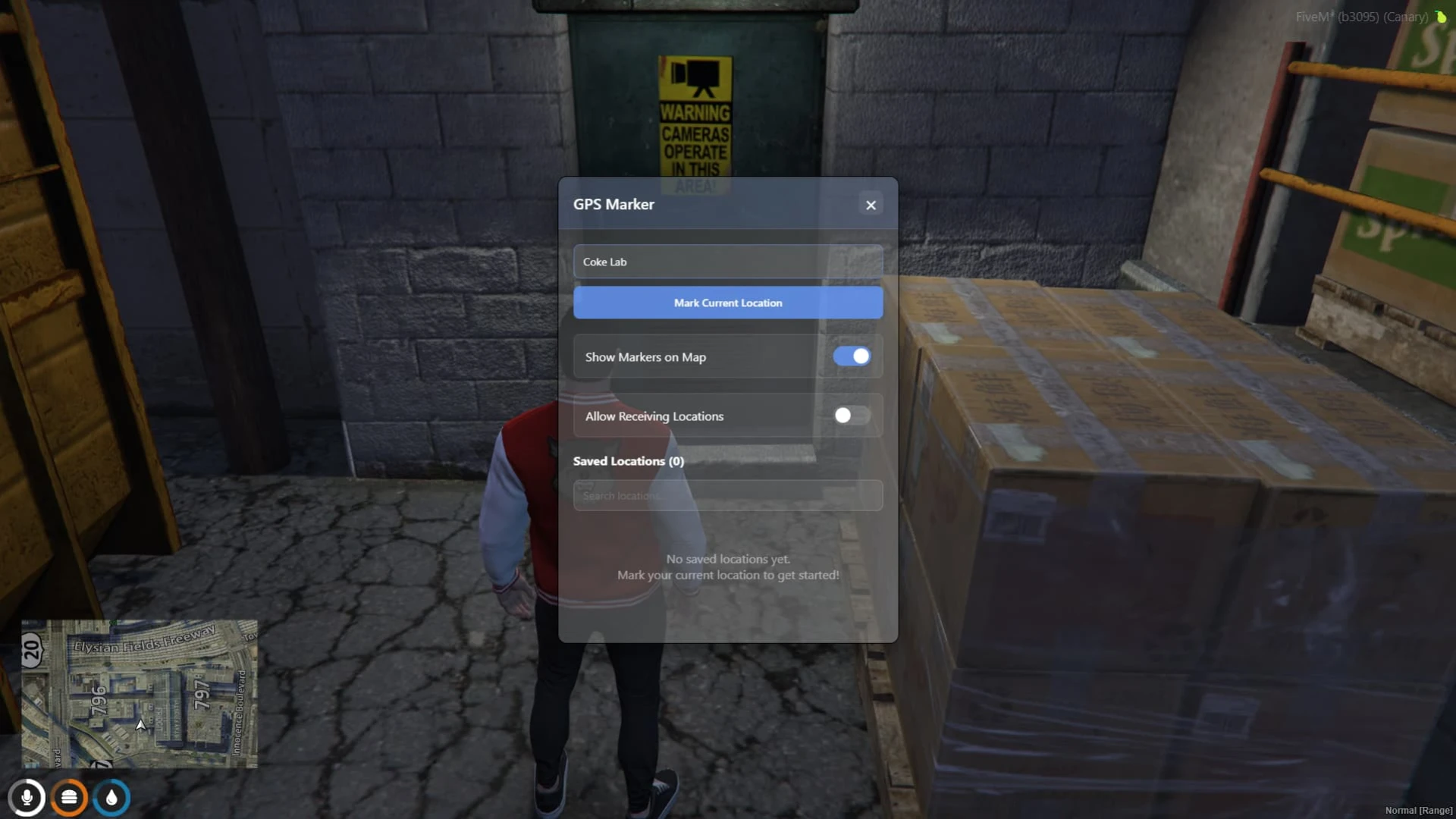
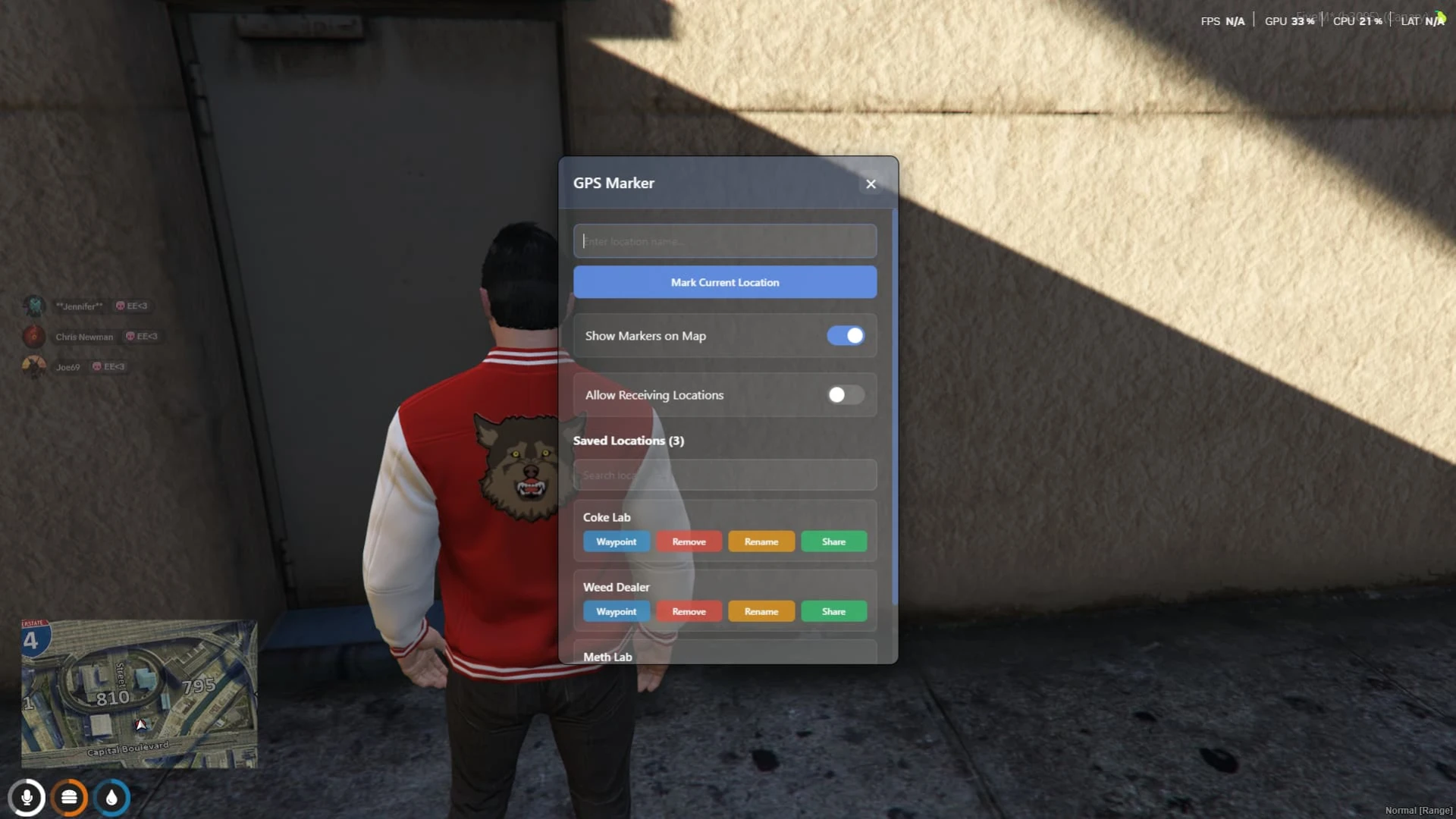
Coords Manager is the development companion that makes placing objects, vehicles, and locations painless, wrapping the whole coordinate-capture process in a clean, modern, and genuinely pleasant UI. Instead of squinting at endless console spam and copying numbers by hand, your builders get an elegant tool that copies exactly the format they need in a single click.
It is aimed squarely at server owners, developers, and mapmakers who spend long hours carefully positioning things throughout the world. With favorites and instant teleportation built directly in, it turns tedious back-and-forth travel into a few quick, satisfying clicks that keep you in the creative flow.
What the coords manager offers
The whole point of the tool is to shave friction off world-building at every stage. Every single feature exists for one clear reason: to get accurate coordinates into your code faster and with fewer mistakes along the way.
- A modern UI that displays your position clearly with proper, reliable mouse handling.
- A favorites system to save, name, and instantly revisit all your important spots.
- Instant teleportation to any saved favorite or freshly entered set of coordinates.
- Clean, ready-to-paste copy formats for both vector3 and vector4 output.
- No framework dependency whatsoever, so it drops neatly into absolutely any build.
Built for faster development
Small quality-of-life tools like this quietly save enormous amounts of time across a project's entire lifespan, especially during the long stretches when you are iterating on placements over and over.
- Copy coordinates in the exact format your particular scripts already expect.
- Jump instantly between saved favorites to compare and refine nearby spots.
- Lightweight and fully standalone, requiring no server-side code at all.
- Ideal for placing props, peds, vehicles, blips, and job locations precisely.
- A simple, readable interface that even brand-new developers grasp instantly.
Anyone who has ever manually copied coordinates line by tedious line already knows how much precious time a proper tool like this saves, and just how many silly mistakes it quietly prevents.
Keep it in your development toolkit and every mapping or scripting session moves noticeably faster and smoother, from the very first placement right through to the final polish pass before you ship your work. Once you have used it a few times, going back to raw console commands feels almost unthinkable.
Find more tools in our admin and utility scripts collection, or browse the full FiveM scripts catalog.
Explore more FiveM scripts and browse the full catalogue to keep building out your server.