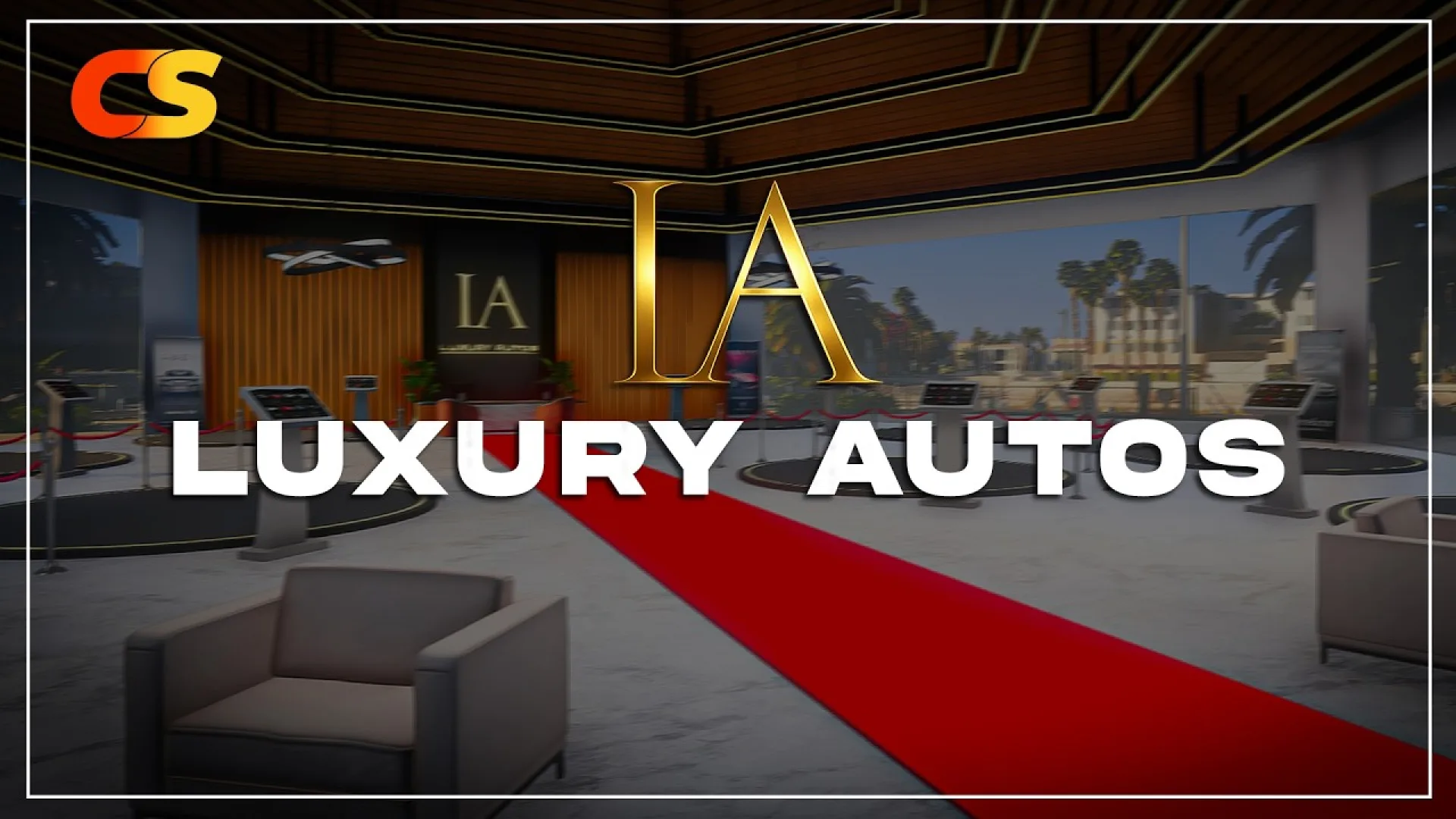
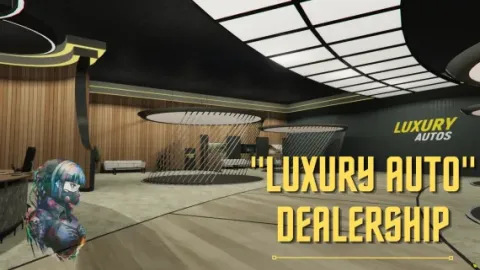
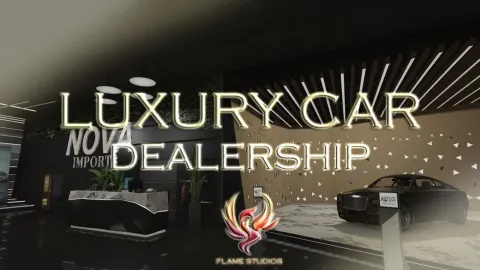
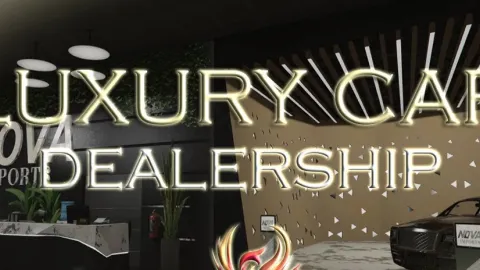
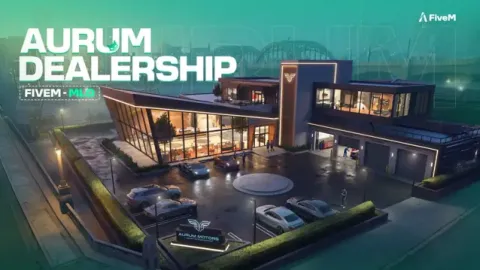
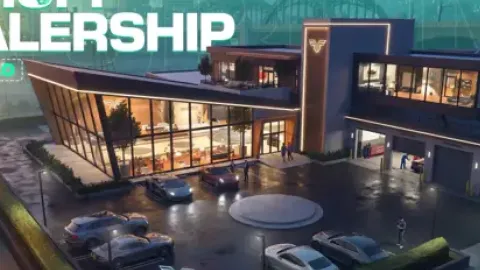
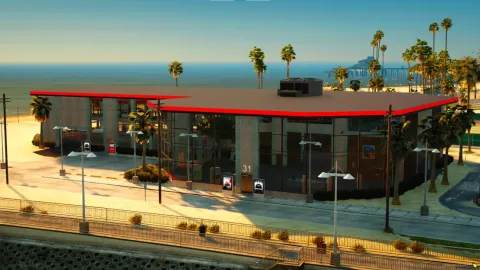
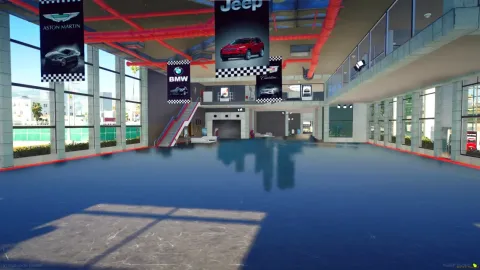
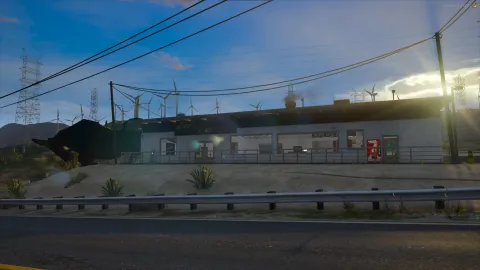
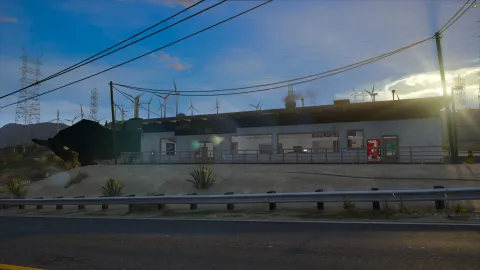
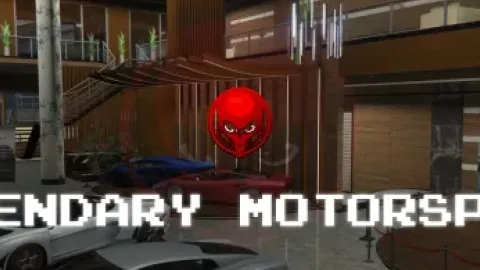
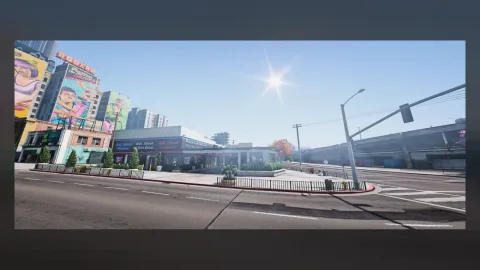
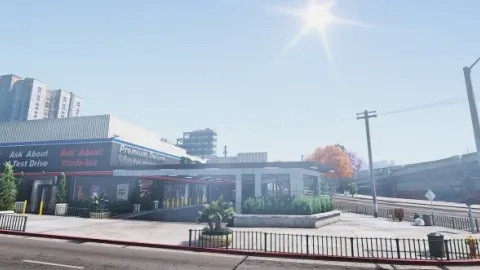
The Crux Studio Luxury Autos MLO drops a premium car dealership into FiveM, built around how a real high-end showroom actually operates. Hero vehicle platforms sit on the main floor to anchor the brochure shots, a reception desk handles walk-ins and bookings, salesperson offices back it up for finance and paperwork, and a detail bay out back takes care of PDI and clean-ups between hand-overs. Branded signage and showroom lighting carry the atmosphere, while audio occlusion zones and animated prop clusters keep the space feeling alive. It is sized for a serious dealership job on any ESX, QBCore or QBox roleplay server.
What the Crux Studio Luxury Autos MLO delivers
- Luxury Autos car dealership MLO built for high-end FiveM vehicle sales
- Grand showroom floor with hero vehicle platforms for featured stock
- Reception desk and customer waiting lounge for walk-ins and bookings
- Salesperson offices for finance, test-drive paperwork and ownership RP
- Workshop / detailing bay for prep, PDI and post-sale clean-up
- Rooftop or extended outdoor display area for additional stock
- Branded signage and showroom lighting throughout the floor
- Audio occlusion zones and animated prop clusters for a lived-in feel
- Custom props - showroom barriers, ropes, kiosks and decor
- Optimised collisions and LODs tuned for busy roleplay servers
- Compatible with QBCore, QBox and ESX dealership scripts
Install the dealership as a normal FiveM resource: unpack it into your resources folder, add it to server.cfg, and ensure it before start. Point your dealership, test-drive or ownable-business script at the showroom coordinates and the whole layout slots straight in. The hero platforms pair cleanly with a vehicle-preview script, the offices with a finance or paperwork flow, and the detail bay with a workshop or PDI job. For more dealerships, workshops and auto-themed MLOs, browse the full Maps and MLOs collection, or jump into more car-dealer MLOs to pair with Luxury Autos.
Quick specs
- Type: MLO / interior
- Category: Dealership & Showroom MLOs
- Framework: Any framework - ESX, QBCore, Qbox or standalone
- Install: Drag and drop into resources, ensure in server.cfg
- Delivery: Instant download after payment
Frequently asked questions
Does Crux Studio Luxury Autos MLO work with QBCore and ESX?
Yes. Crux Studio Luxury Autos MLO is a framework-independent dealership and showroom MLO, so it runs on ESX, QBCore, Qbox and standalone servers. Your existing job, door-lock and target scripts can use it straight away.
How do I install this MLO?
Drop the folder into your resources directory, add ensure with the resource name to server.cfg and restart the server. The location streams automatically when players get close.
Will it hurt server performance?
No. The interior uses LODs and streaming-friendly textures, so it stays light even on busy servers with many custom maps.