Themed weed shop MLO for FiveM with four growing stages, delivery van and branded uniforms
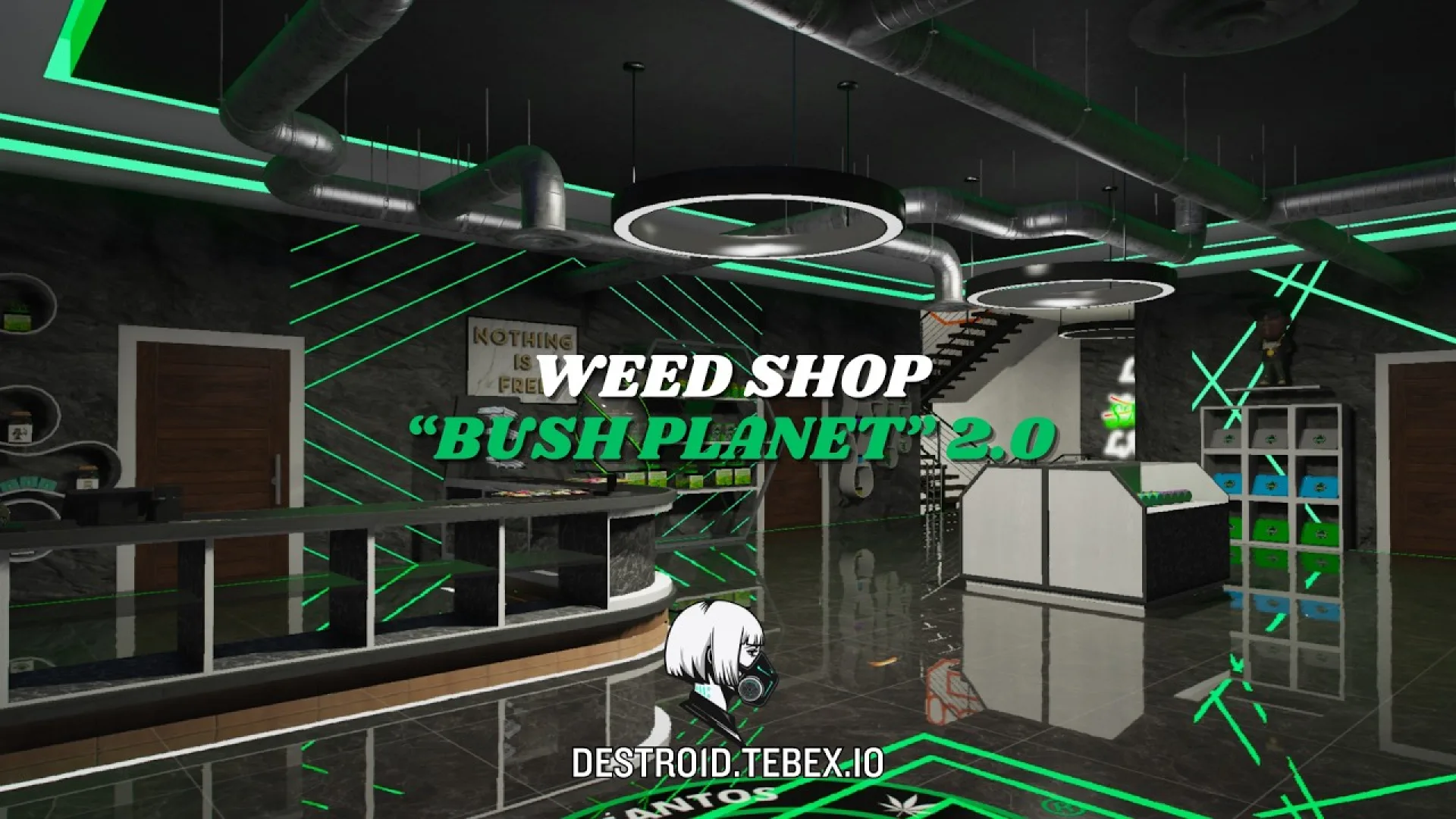
Destro1d Weed Shop Bush Planet 2 0 MLO is a detailed interior for FiveM roleplay servers that need a believable location players will actually use.
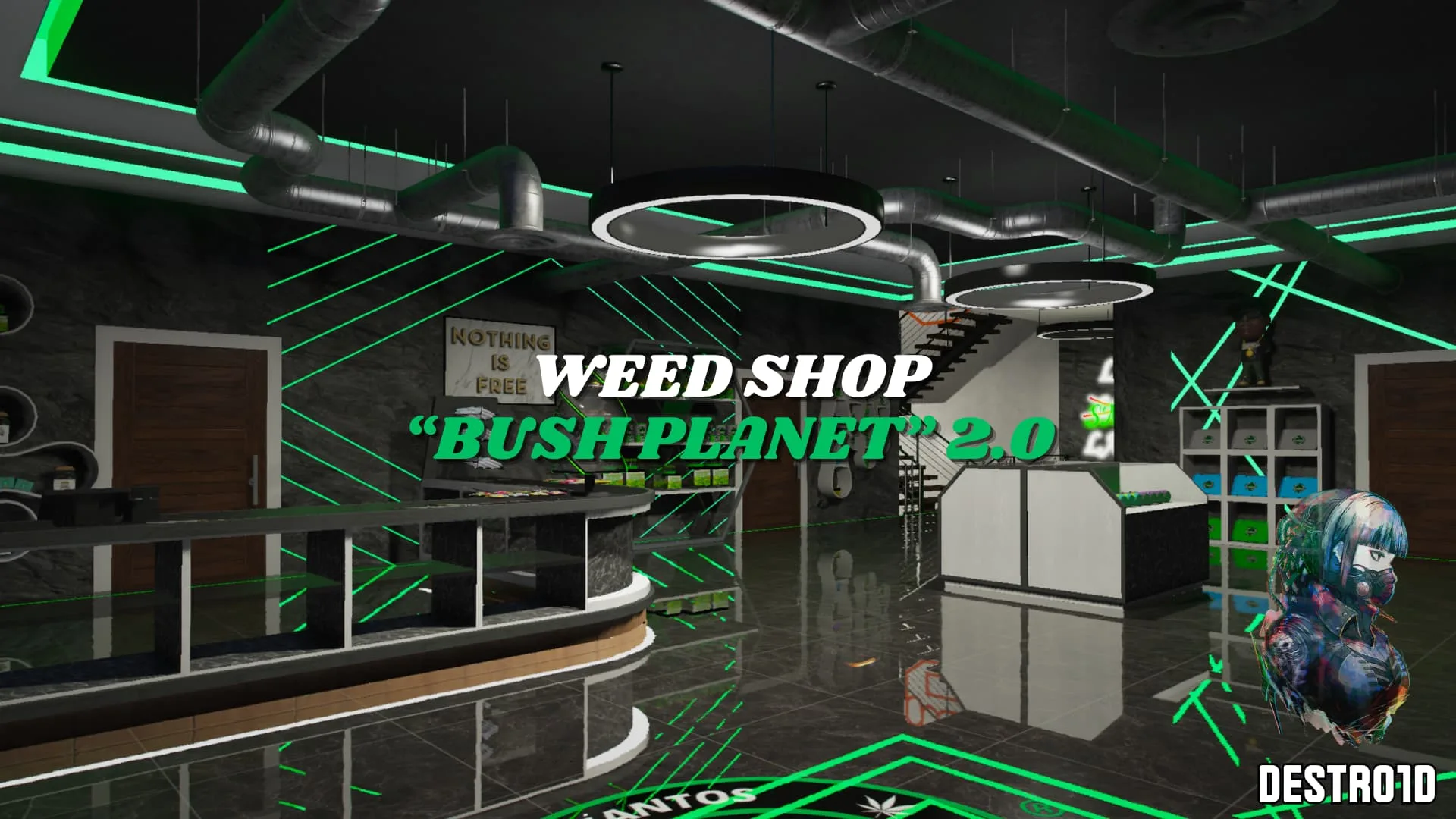
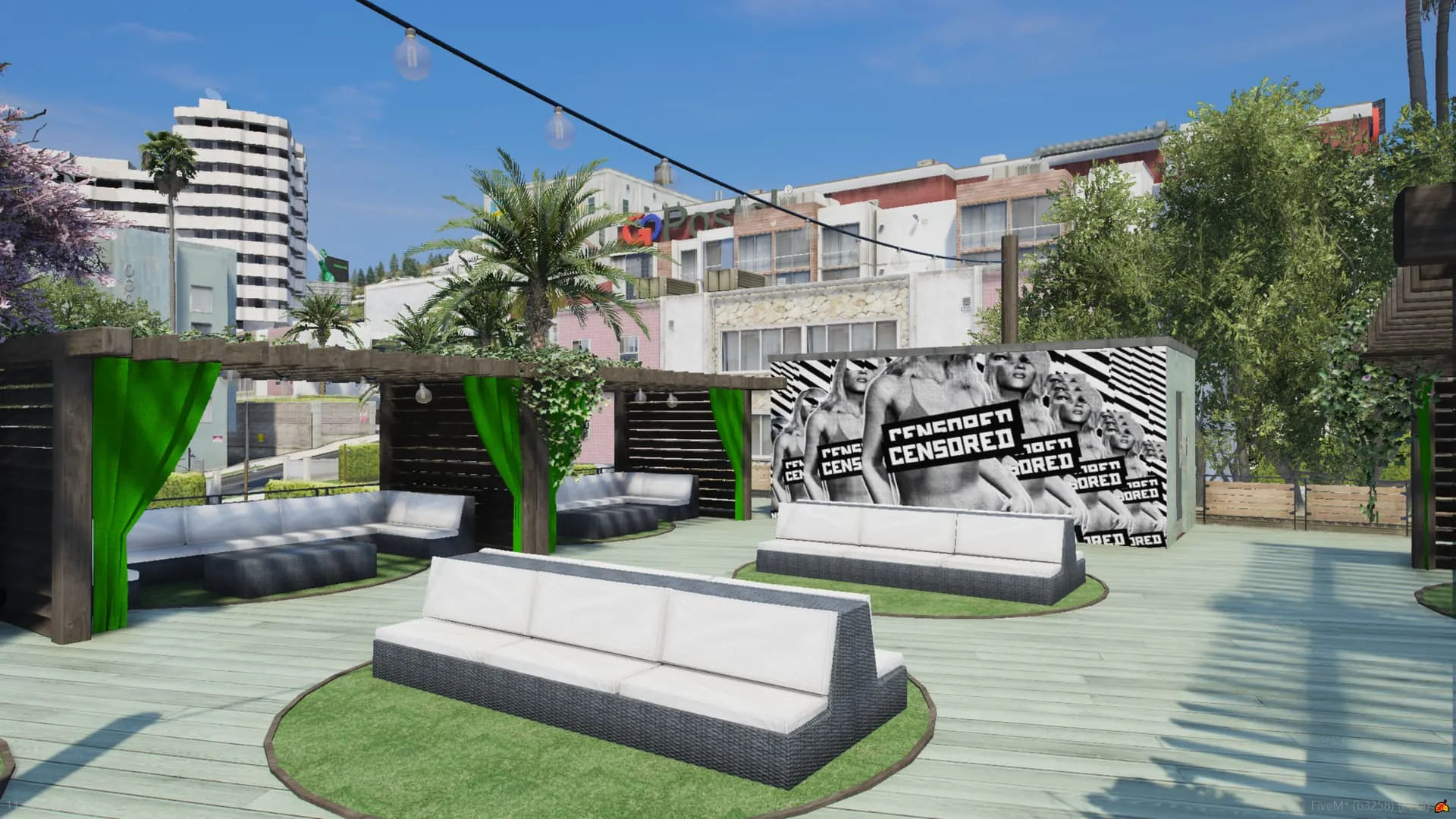
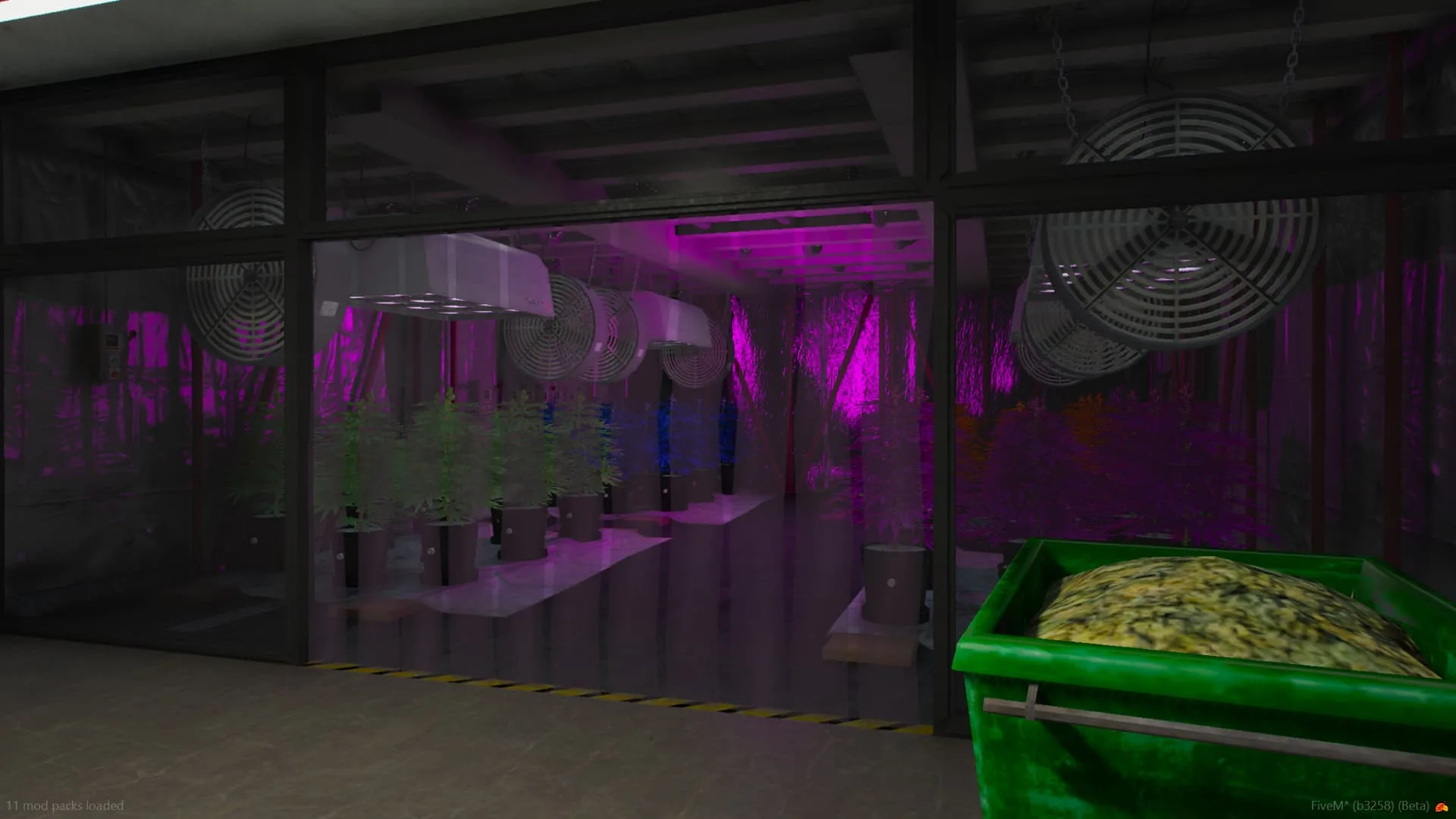
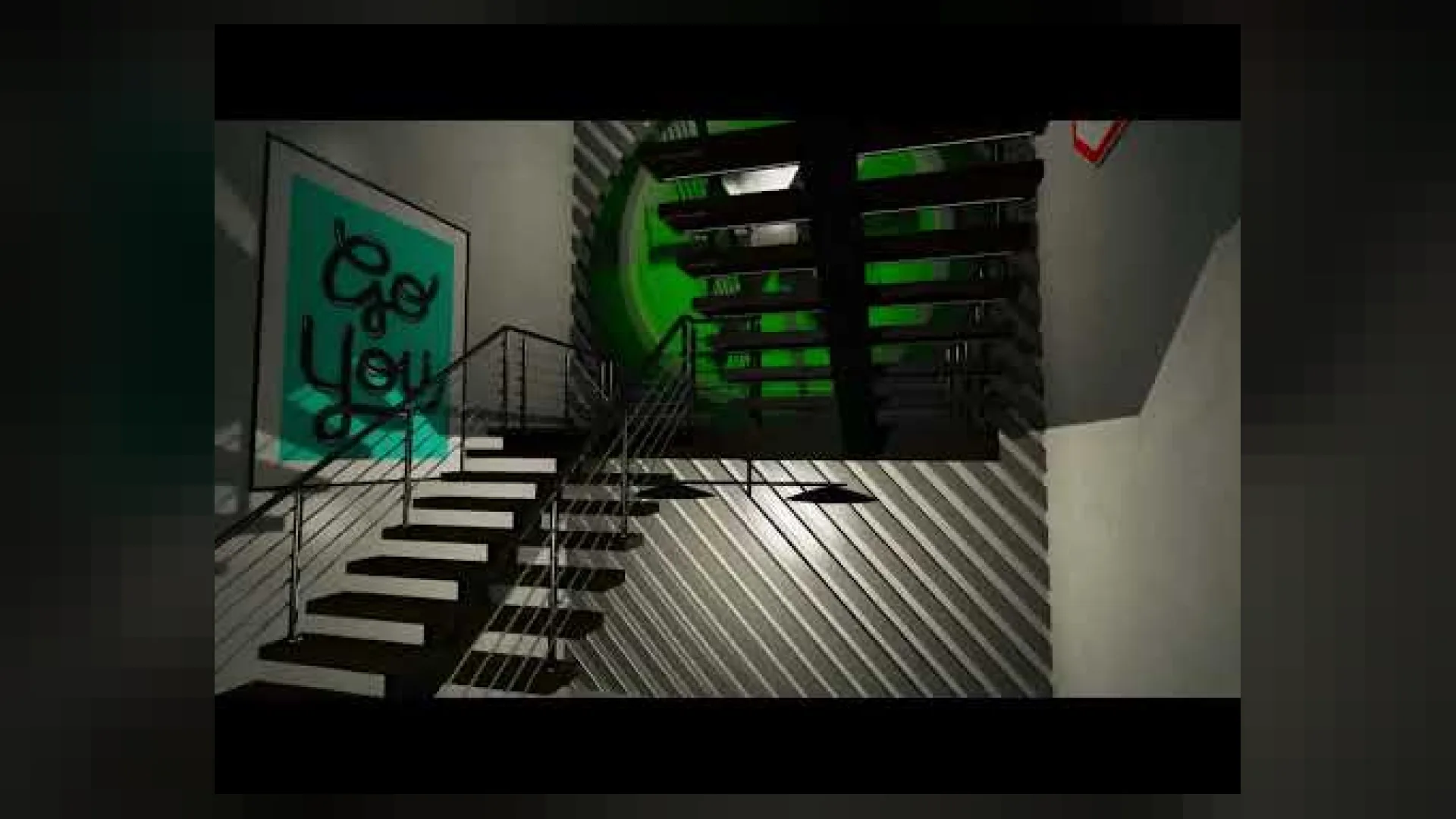
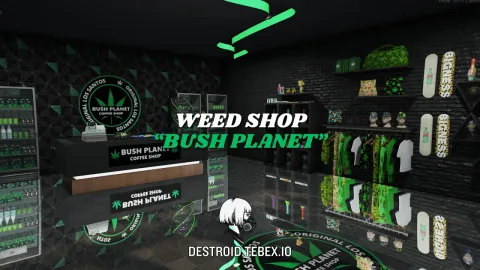
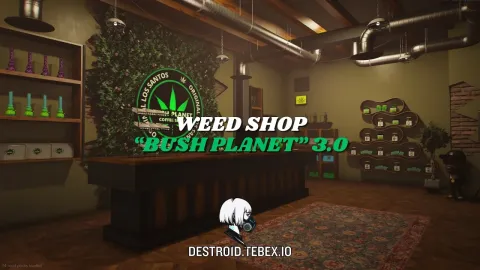
The destro1d weed shop bush planet 2.0 mlo delivers a fully themed cannabis shop for FiveM, with four live-switchable growing stages, a branded delivery van, worker uniforms and the music, door sounds and audio occlusion already baked in. It is the second generation of Destro1d's Bush Planet brand, rebuilt around nine rooms and a tuned prop budget so a packed server can still run a weed-run plot without the frame rate falling off. Changeable interior logos let a server rebrand the shop into its own cannabis chain without reopening the asset.
What Destro1d Weed Shop Bush Planet 2 0 MLO brings to your server
Players notice the details first, and Destro1d Weed Shop Bush Planet 2 0 MLO delivers them: believable materials, sensible lighting and a layout that makes sense the moment you walk in. Staff get a location they can build storylines around rather than improvising in stock buildings.
Key features
- Full "Bush Planet" weed shop MLO with themed branding and signage
- Nine-room interior sized for shop front, grow room, back office and storage
- Four custom IPL weed growing stages: small_weed, dry_weed, med_weed, large_weed
- Chat command toggle (/toggle_weed) to switch growth stages live
- Audio occlusion so interior music stays contained when the door is shut
- Door sound effects wired in for every entrance and interior door
- Looping music track playing inside the shop
- Branded delivery van included with the pack (ds_bush_planet_v2_car)
- Branded male and female worker uniforms included (ds_bush_planet_v2_clo)
How servers use it
Destro1d Weed Shop Bush Planet 2 0 MLO works as a permanent landmark or as the centrepiece of a storyline. Because it fits the scale of the world, players treat it as part of the city rather than an add-on. Performance was part of the build: textures are sized for streaming, LODs step down properly at range, and nothing in Destro1d Weed Shop Bush Planet 2 0 MLO runs a script every frame. It behaves on a full server, which is the test that matters.
Installation and compatibility
Installation is standard for FiveM: place the folder in your resources directory, add it to your server.cfg with ensure, and restart. The location is framework-independent, so it works on ESX, QBCore, Qbox and standalone servers, and your existing job, door-lock and robbery scripts can point at it straight away. Browse more Gang & Criminal MLOs, or see the full Maps & MLOs range to complete your setup.
Every order of Destro1d Weed Shop Bush Planet 2 0 MLO is a one-time purchase with instant delivery after payment, so you can install it the same day. FiveM Shops keeps premium FiveM content affordable for growing servers.
Quick specs
- Type: MLO / interior
- Category: Gang & Criminal MLOs
- Framework: Any framework - ESX, QBCore, Qbox or standalone
- Install: Drag and drop into resources, ensure in server.cfg
- Delivery: Instant download after payment
Frequently asked questions
Does Destro1d Weed Shop Bush Planet 2 0 MLO work with QBCore and ESX?
Yes. Destro1d Weed Shop Bush Planet 2 0 MLO is a framework-independent gang and criminal MLO, so it runs on ESX, QBCore, Qbox and standalone servers. Your existing job, door-lock and target scripts can use it straight away.
How do I install this MLO?
Drop the folder into your resources directory, add ensure with the resource name to server.cfg and restart the server. The location streams automatically when players get close.
Will it hurt server performance?
No. The interior uses LODs and streaming-friendly textures, so it stays light even on busy servers with many custom maps.