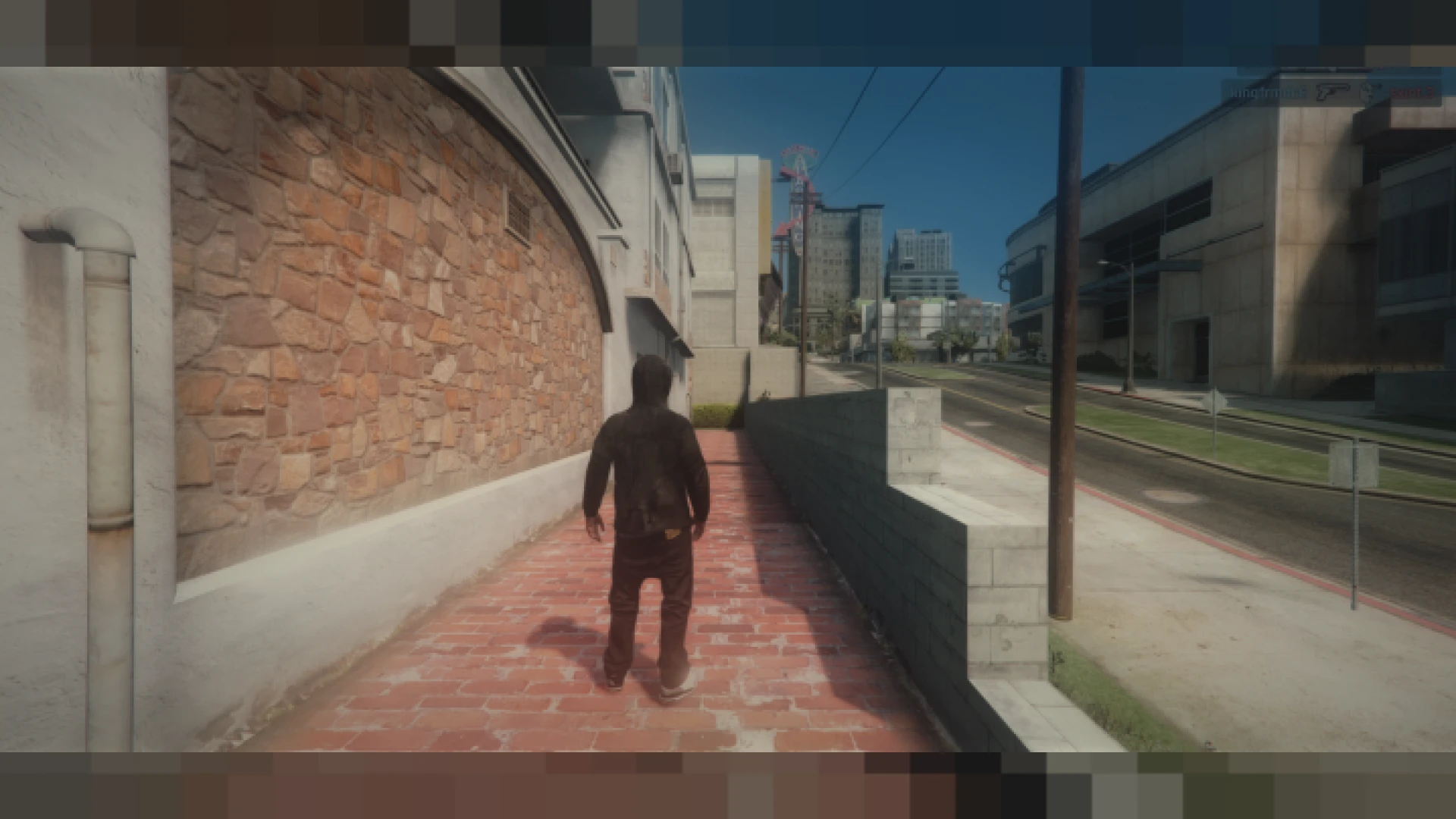
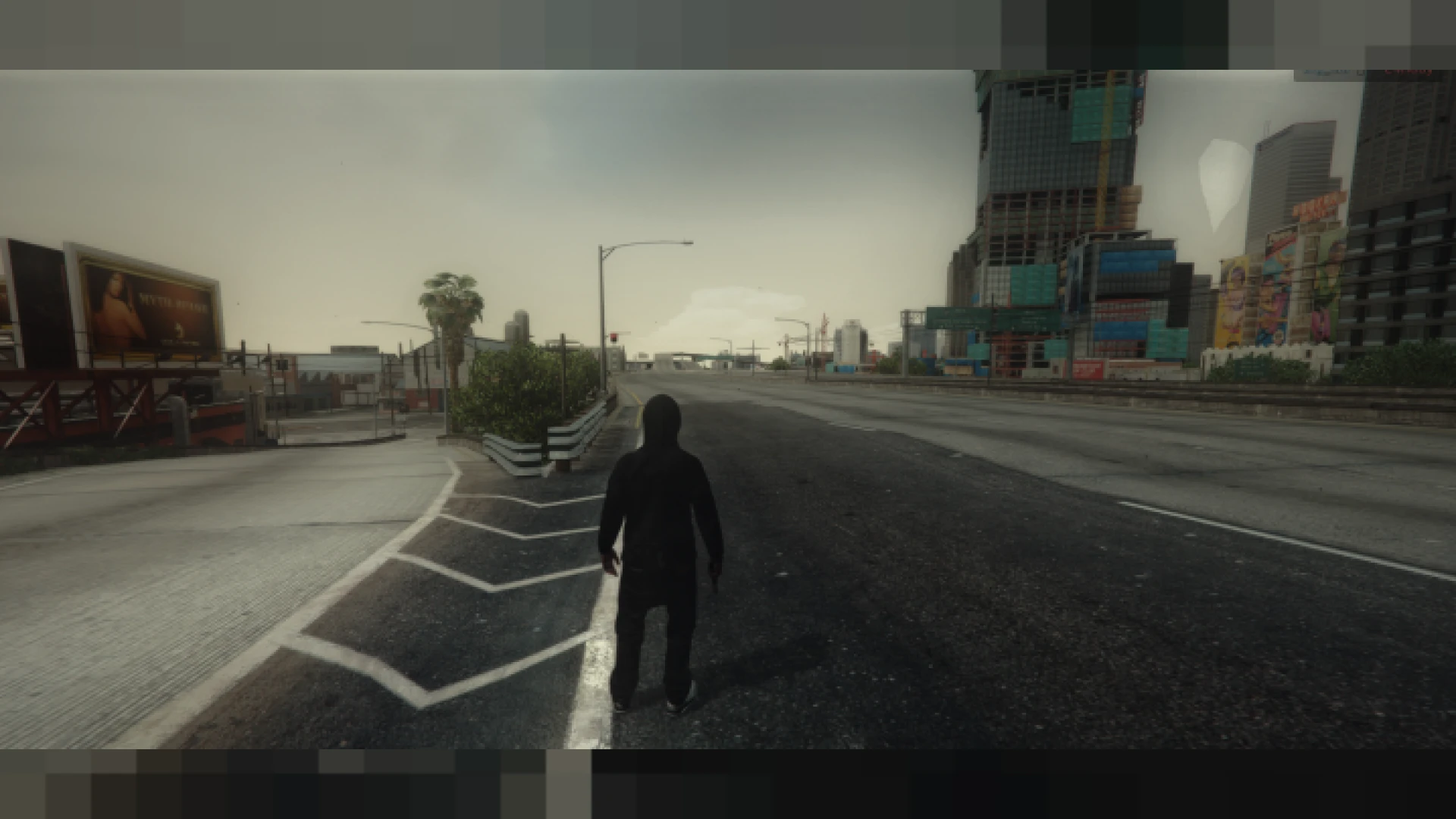
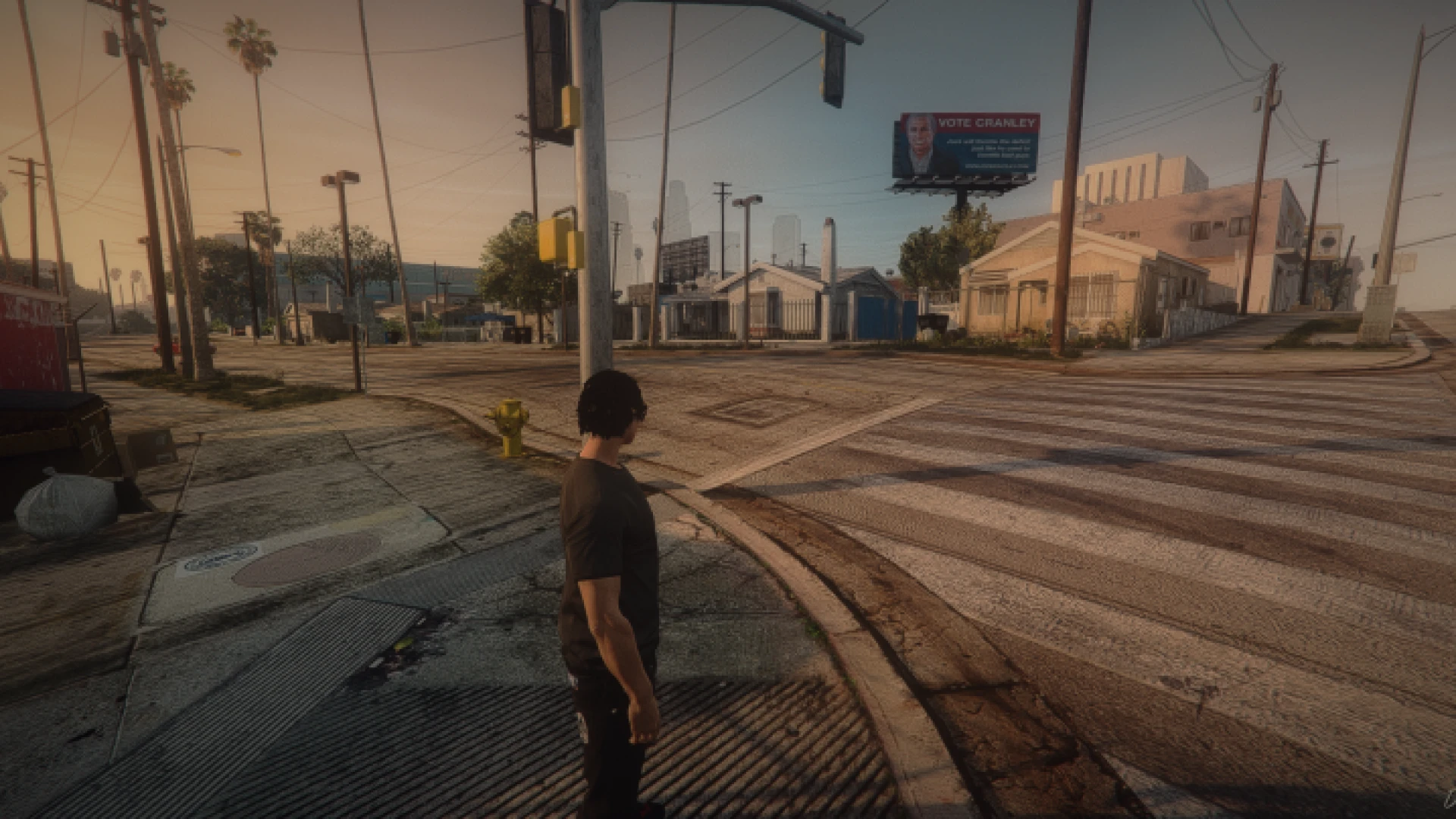
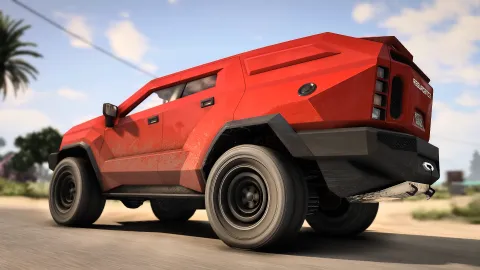
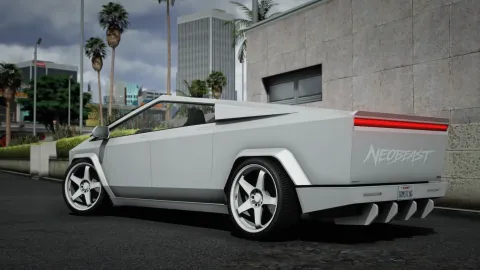
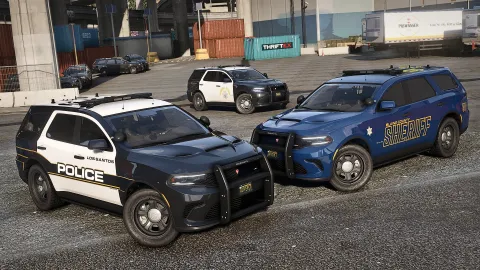
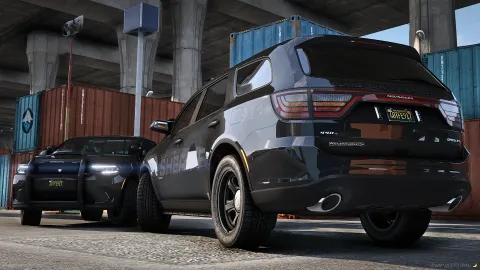
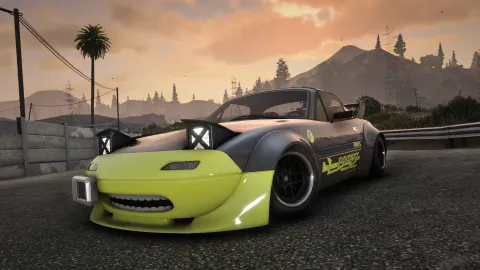
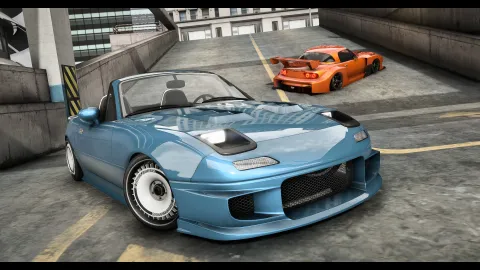
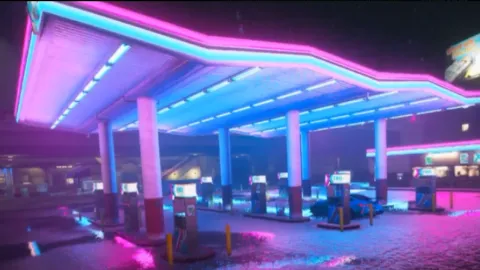
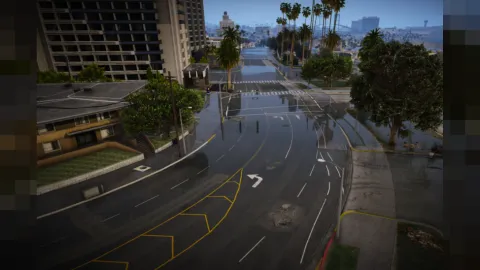
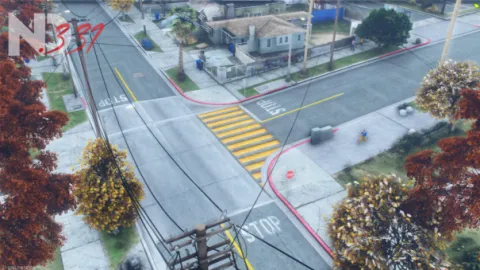
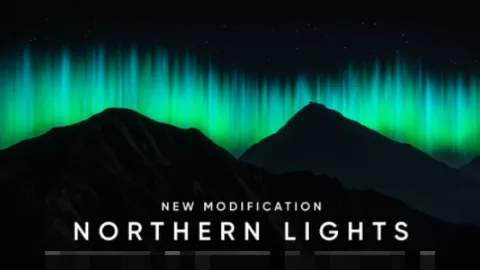
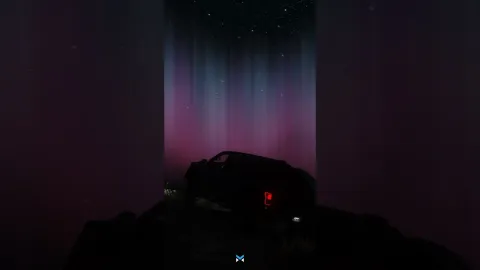
FFN Reshade preset is a clean, balanced graphics profile that refines FiveM without turning the world into an over-processed showcase. It leans toward natural colour and gentle sharpening, so the city keeps its familiar mood while gaining clarity, depth, and a more pleasing sense of contrast. If you have tried presets that looked stunning in screenshots but exhausting to actually play, this one is designed to be the opposite: comfortable for hours at a time.
The goal here is subtlety that lasts. Rather than crushing shadows or blowing out the sky, it lifts fine detail, tames haze, and keeps highlights under firm control across the full day-night cycle. That makes it dependable for long roleplay sessions, cinematic recording, and everyday driving alike. Colours stay true, faces read naturally, and the whole scene holds together instead of drifting toward a heavy filter that fights your eyes.
Inside the FFN Reshade preset
- Balanced colour grade with true, natural, believable tones
- Light sharpening that reveals detail without ugly halos
- Controlled bloom for clean, readable night driving scenes
- Subtle contrast lift that still keeps shadow detail intact
- Consistent look from bright midday to late, moody dusk
Simple install and control
- Standard ReShade drag-and-drop .ini setup in minutes
- Toggle and tweak individual effects from the in-game overlay
- Scale heavier effects freely to match your GPU budget
- Works cleanly over common weather and lighting bases
- Disable instantly the moment a server needs it off
Getting started takes only a few minutes. Install ReShade with its shader collection, place the preset in the correct folder, then select it from the overlay in game. If you want more punch, nudge saturation and contrast slightly; if you want maximum frames, ease off the depth-based effects and keep the core grade so the look survives on weaker hardware.
Since a preset only changes what you see locally, it never touches gameplay or server sync in any way. Confirm that a community allows client-side graphics files before you connect, because some enforce pure mode or restrict modified content. Turning the look off again is immediate and clean, so trying it out is completely low-risk and easy to reverse.
Explore more visual profiles in our client-side mods collection, or match your new look with fresh interface elements from our HUD and UI scripts range for a consistent, polished FiveM style.