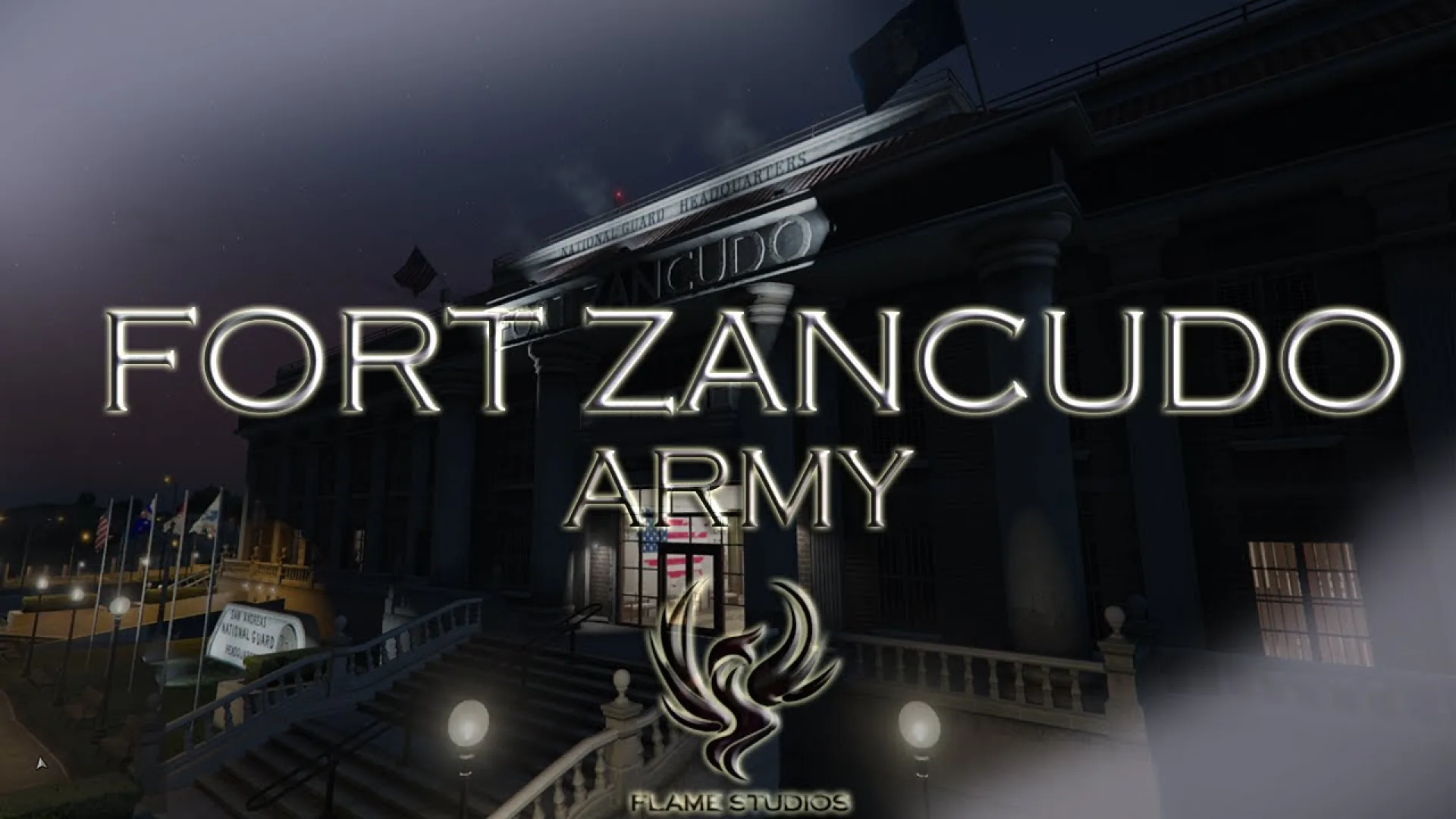
The Flame Studios Fort Zancudo MLO is a reworked military base drop-in for FiveM servers that run law enforcement, national guard or paramilitary roleplay storylines. The build turns the vanilla Zancudo footprint into a credible installation: reinforced entry gates with guarded checkpoints, perimeter fencing, watchtowers, a working hangar for helicopter operations and a National Guard HQ interior with command and briefing rooms. The exterior and interior are tuned to feel like a working base rather than a prop dump dropped on top of the vanilla assets, which gives faction RP a venue that holds up on both patrol and briefing scenes.
What the Flame Studios Fort Zancudo MLO includes
Inside, the National Guard HQ runs through a command room, briefing area and support spaces that read as a working chain of command. Outside, perimeter fencing, reinforced gates and watchtowers anchor the base against civilian traffic, and the hangar is sized for helicopter operations so air-support scenes have somewhere credible to launch from. Portals, LODs and shadow volumes are already tuned so the whole base streams cleanly on busy servers.
- Reworked Fort Zancudo exterior with reinforced gates and checkpoints
- National Guard HQ interior with command and briefing rooms
- Perimeter fencing and watchtowers for guard-post RP
- Hangar area tuned for helicopter operations
- Clean portals, LODs and shadow volumes
- Framework-agnostic shell for ESX, QBCore and Qbox servers
Because the MLO is standalone, it pairs with any dispatch, military job or faction script. Use it as the home base for a National Guard department, a story mission launchpad or a secure airfield for serious RP operations. Install is the standard FiveM MLO flow — unpack into resources, add the resource name to server.cfg and ensure it, then point dispatch, patrol or air-support scripts at the gate, hangar and command room coordinates for a working base shift. Portals, LODs and shadow volumes are already tuned, so streaming the asset from your server resources folder requires no CodeWalker clean-up. For more large exterior builds browse the full Maps and MLOs collection.
Quick specs
- Type: MLO / interior
- Category: City & Public MLOs
- Framework: Any framework - ESX, QBCore, Qbox or standalone
- Install: Drag and drop into resources, ensure in server.cfg
- Delivery: Instant download after payment
Frequently asked questions
Does Flame Studios Fort Zancudo MLO work with QBCore and ESX?
Yes. Flame Studios Fort Zancudo MLO is a framework-independent city and public MLO, so it runs on ESX, QBCore, Qbox and standalone servers. Your existing job, door-lock and target scripts can use it straight away.
How do I install this MLO?
Drop the folder into your resources directory, add ensure with the resource name to server.cfg and restart the server. The location streams automatically when players get close.
Will it hurt server performance?
No. The interior uses LODs and streaming-friendly textures, so it stays light even on busy servers with many custom maps.