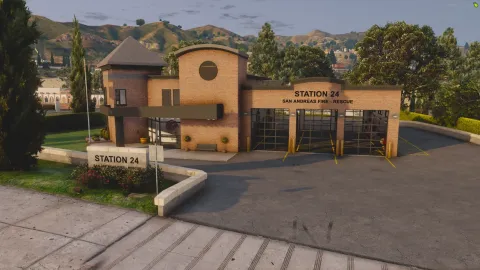
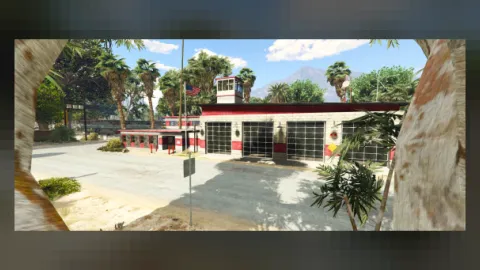
Looking for a new place to set your next roleplay story? Forge Studios Fire Station Paleto Bay MLO adds a polished, ready-to-use location to your FiveM map.
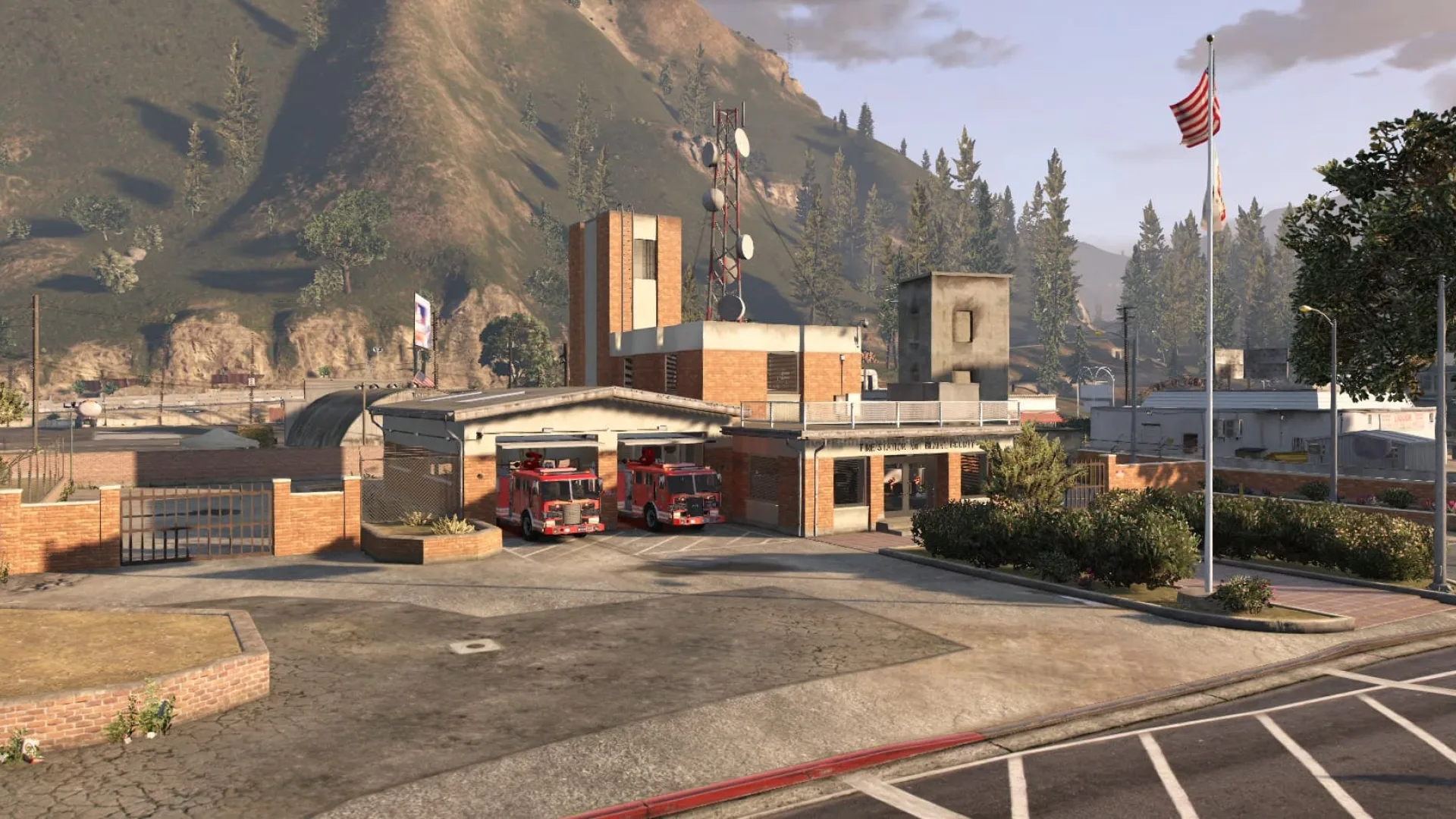
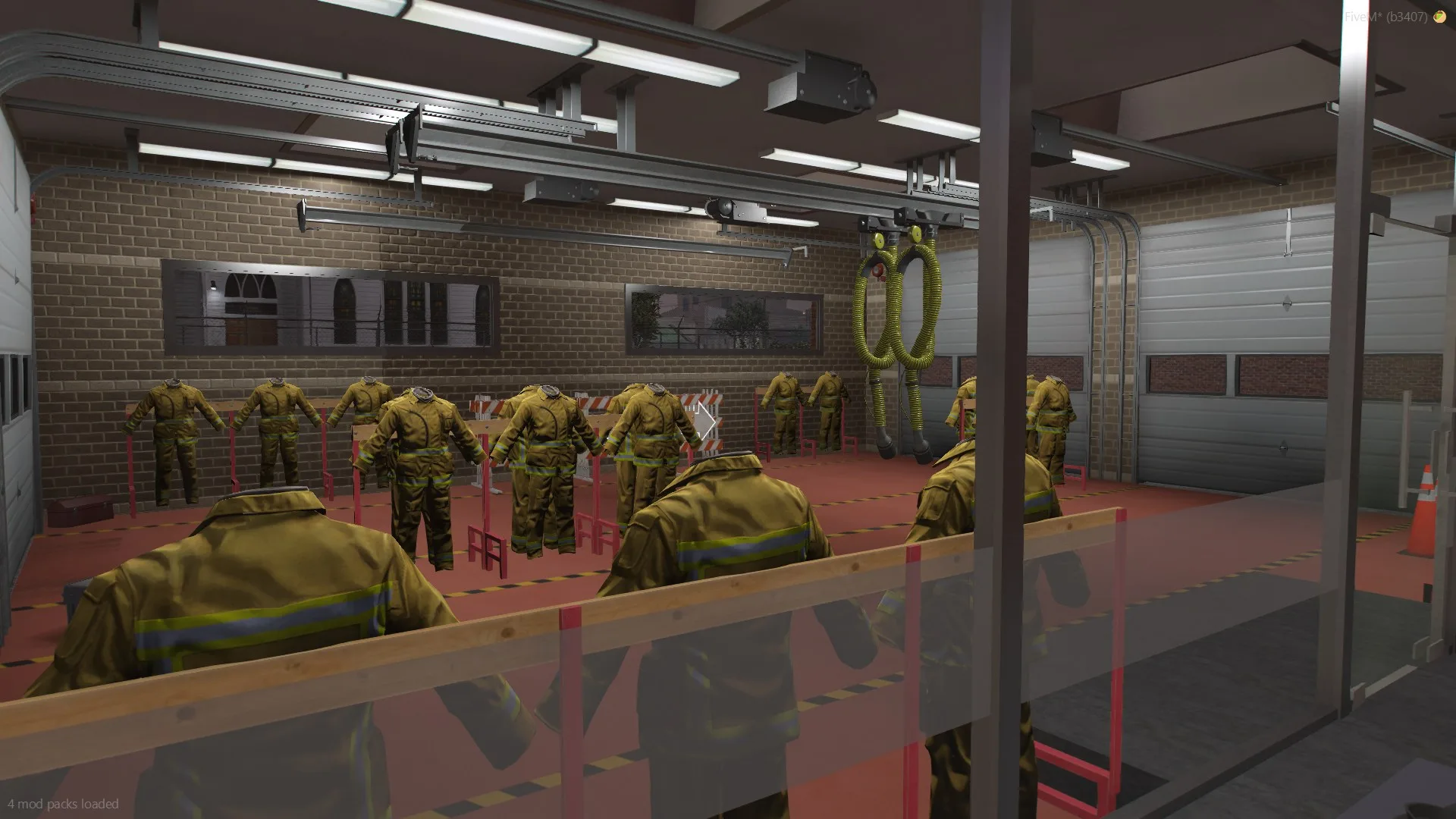
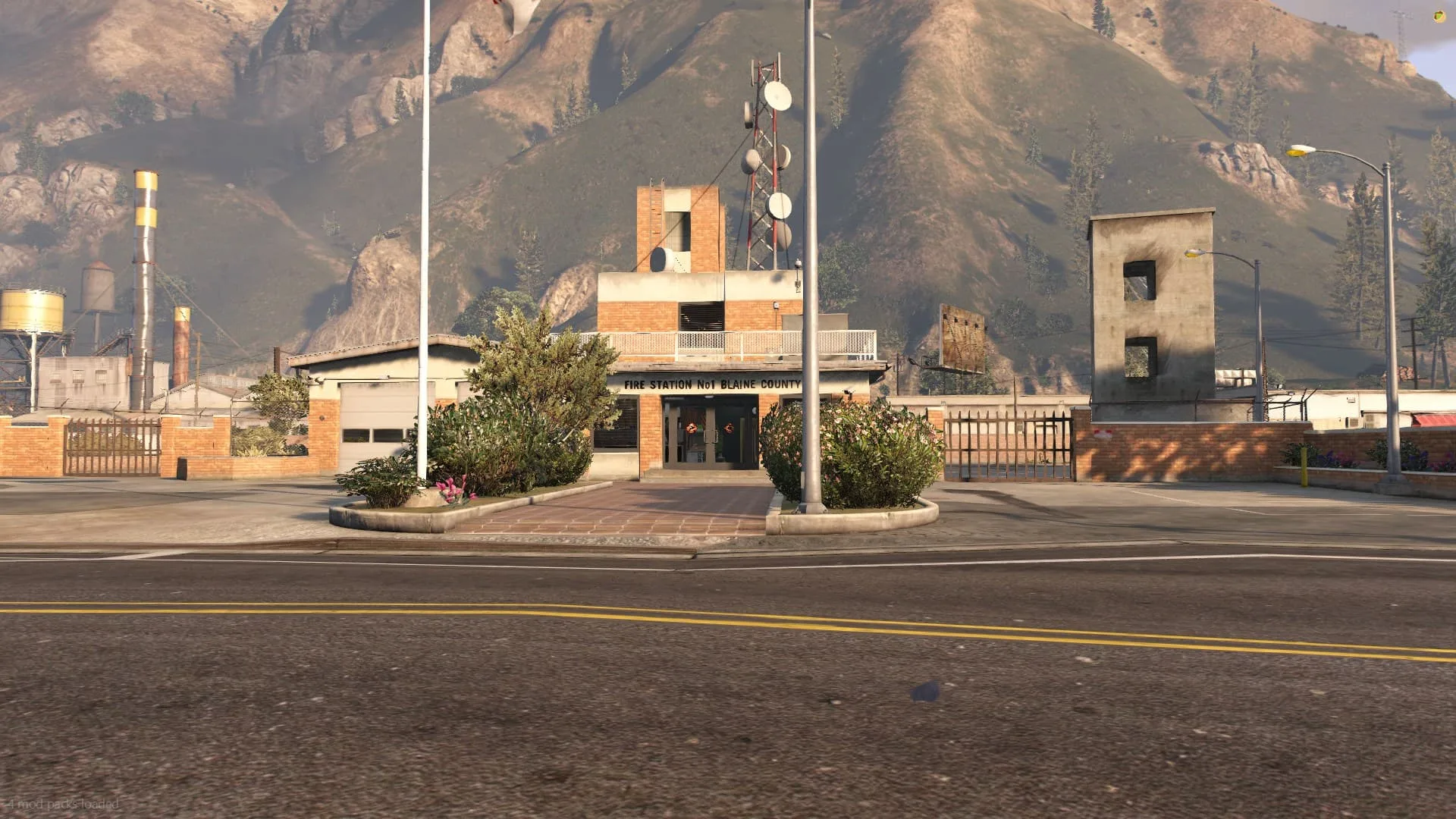
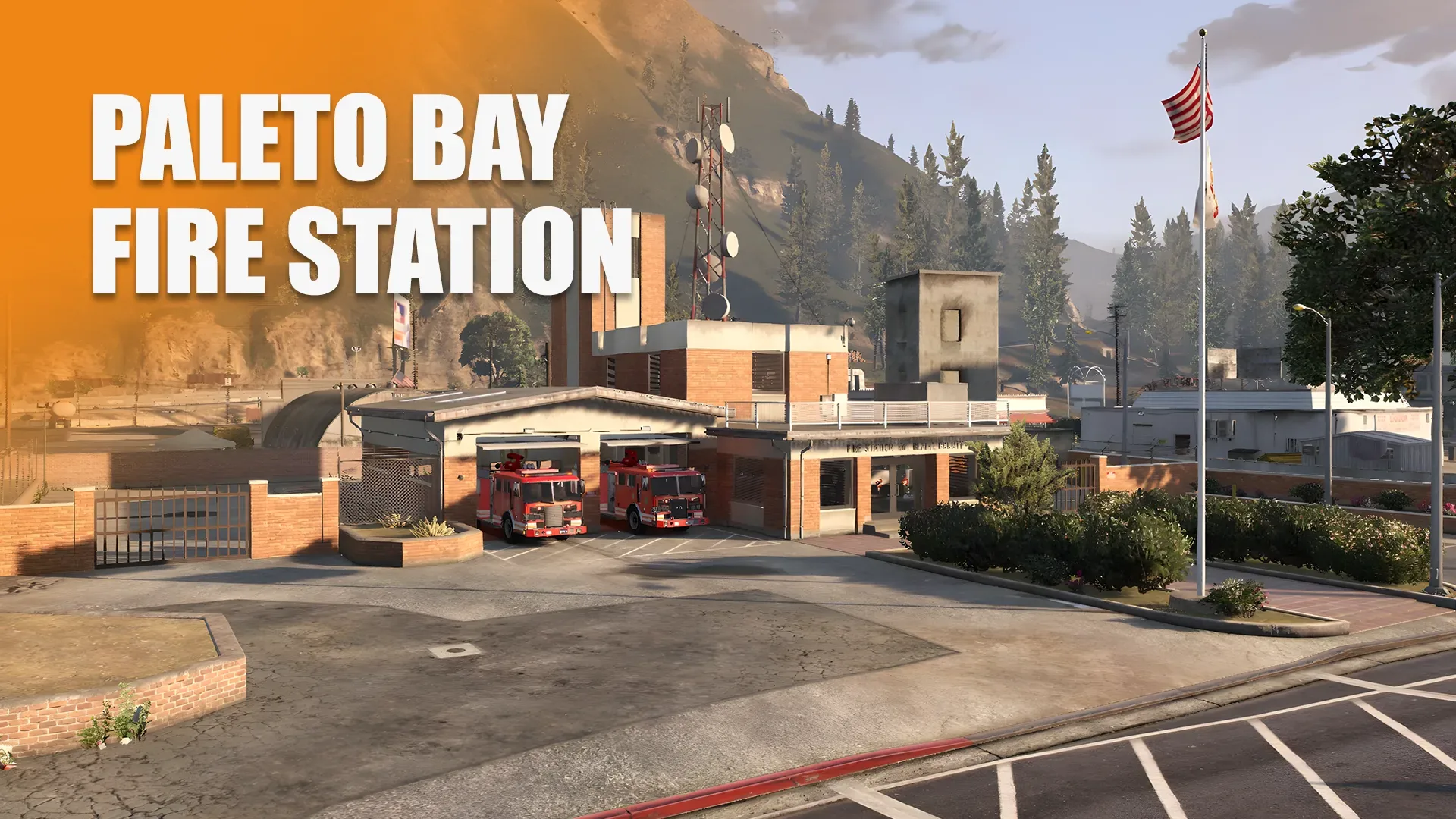
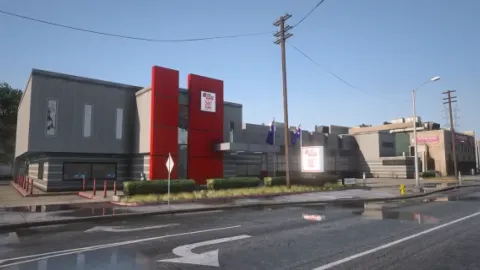
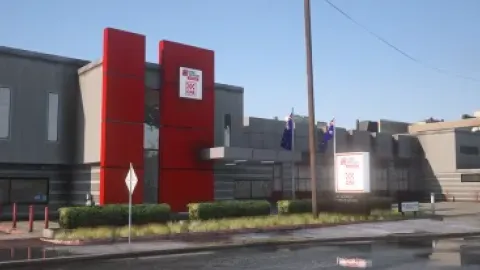
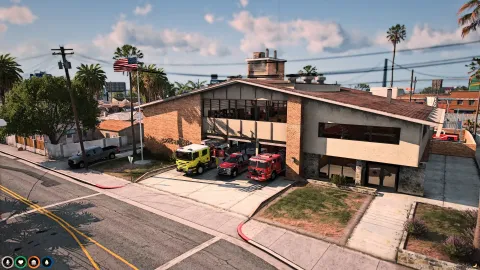
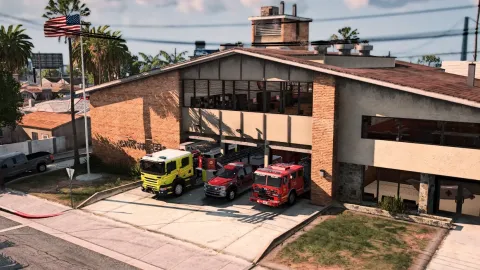
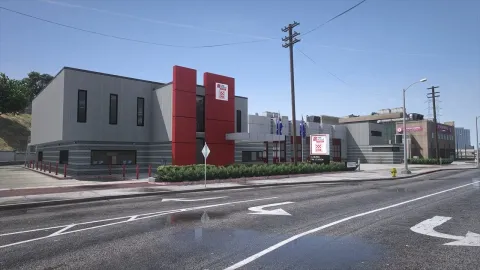
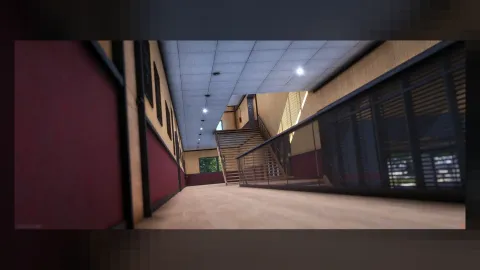
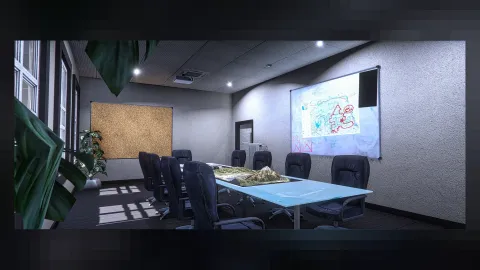
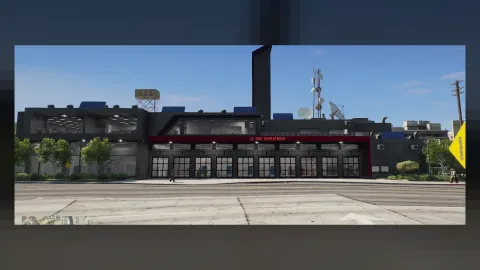
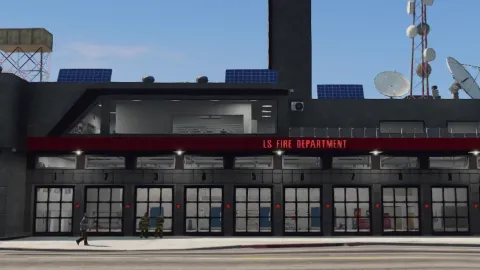
The Forge Studios Fire Station Paleto Bay MLO drops a complete working firehouse into Blaine County and finally gives the quiet top of the map a credible fire department base. Twin bay gates sit flush with the apron so every rig in the department can roll out without clipping, a public reception greets walk-ins, and a full back-of-house layout gives your crew a kitchen, lockers, chillout lounge and dorm-style bunks. A 12-hour shift on this MLO feels like one on duty, not one in a lobby, and the quiet-town atmosphere of Paleto Bay is kept intact around the station footprint so the surrounding Blaine roleplay still breathes.
What Forge Studios Fire Station Paleto Bay MLO brings to your server
Players notice the details first, and Forge Studios Fire Station Paleto Bay MLO delivers them: believable materials, sensible lighting and a layout that makes sense the moment you walk in. Staff get a location they can build storylines around rather than improvising in stock buildings.
Key features
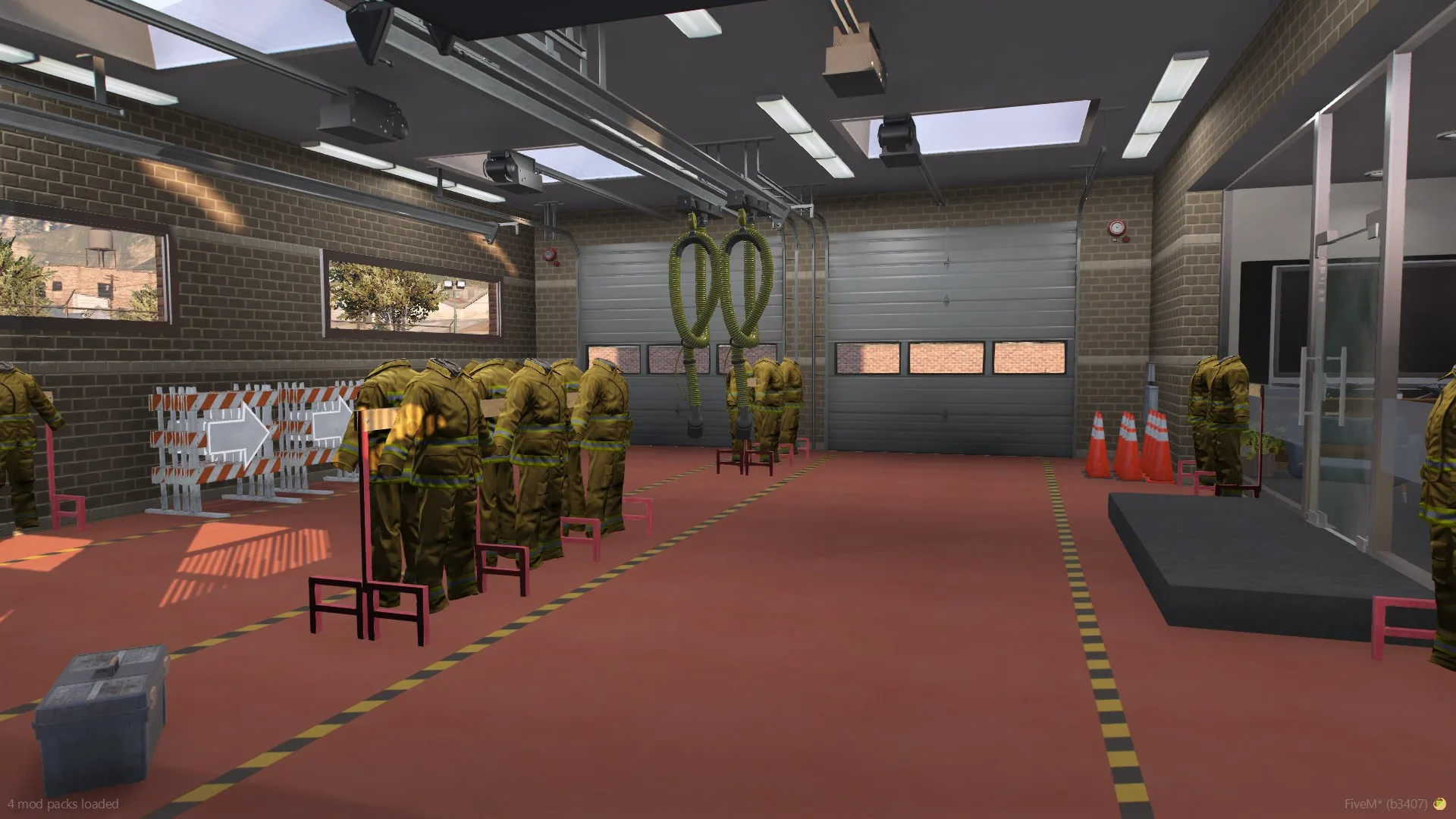
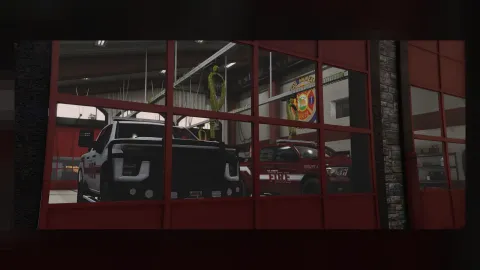
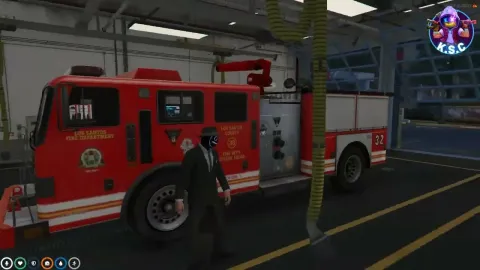
- Vehicle hall with two gates for fire trucks and routine maintenance
- Reception and waiting area at the public entrance
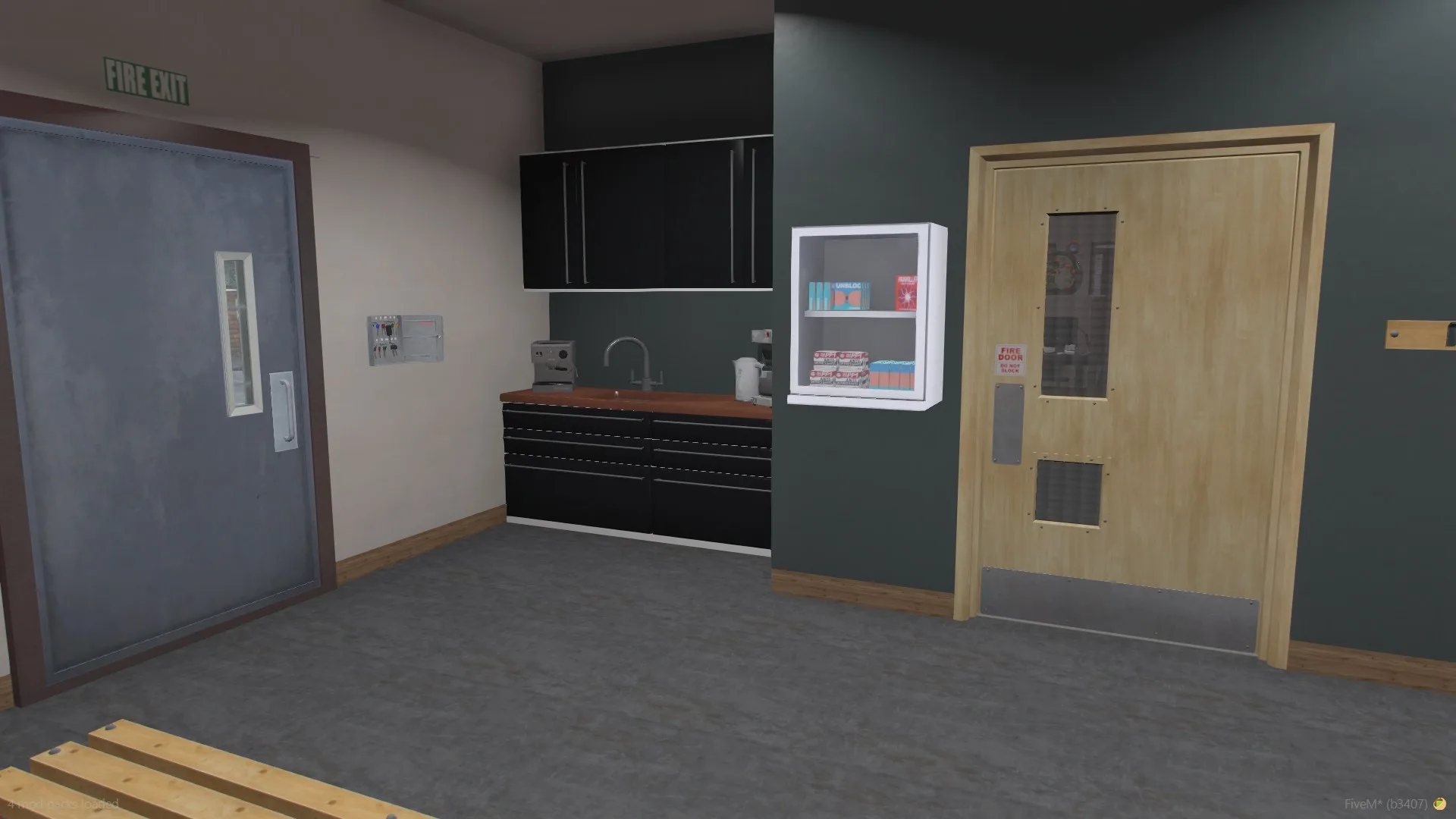
- Employee kitchen for station crews
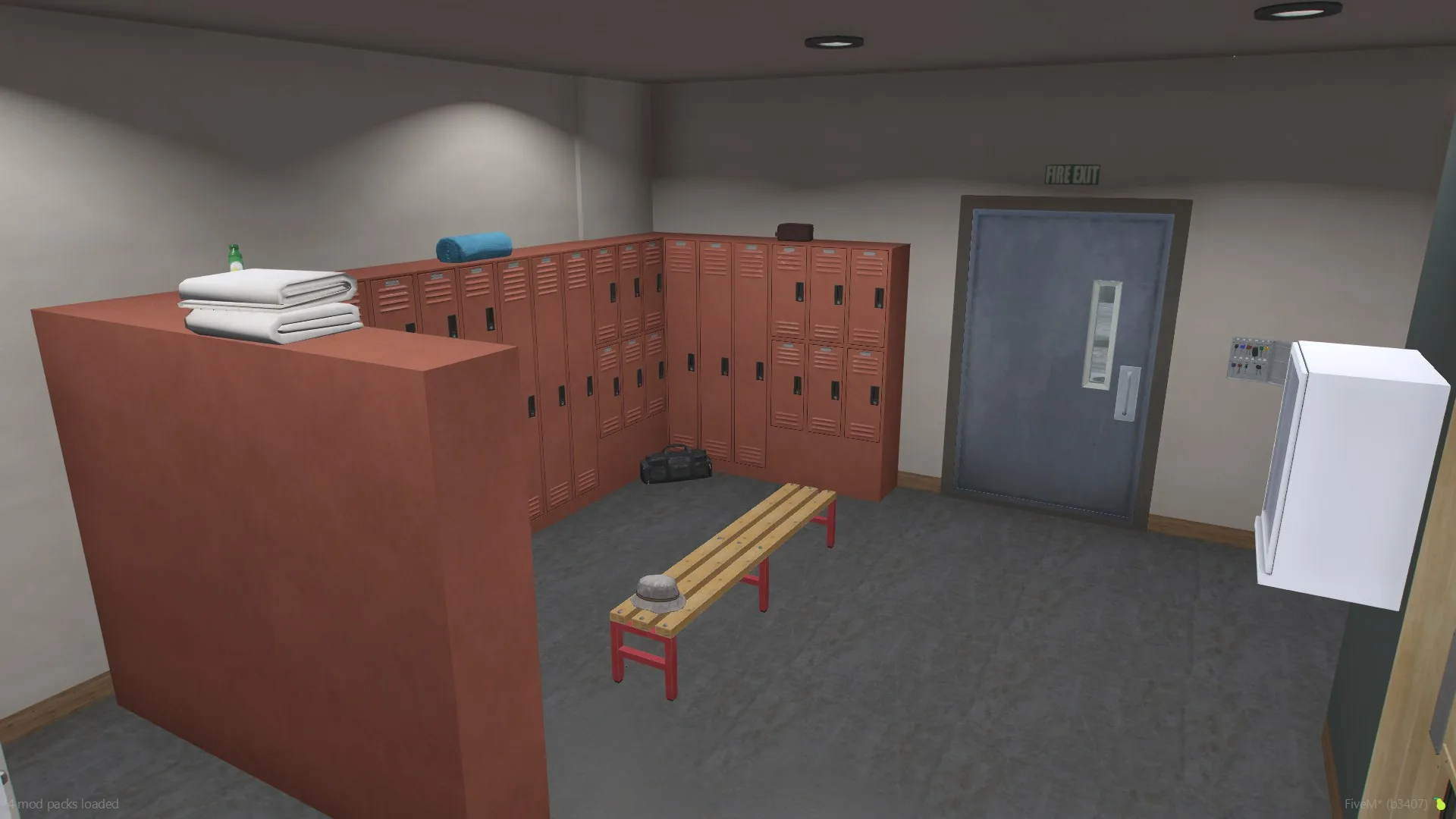
- Dressing room with lockers for duty gear
- Chillout lounge for crew downtime
- Private office for admin work and briefings
- Dorm-style sleeping quarters with window lighting
- Outdoor parking lot adjacent to the station
- Daylight effects through the windows and props sized for roleplay
How servers use it
Forge Studios Fire Station Paleto Bay MLO works as a permanent landmark or as the centrepiece of a storyline. Because it fits the scale of the world, players treat it as part of the city rather than an add-on. Performance was part of the build: textures are sized for streaming, LODs step down properly at range, and nothing in Forge Studios Fire Station Paleto Bay MLO runs a script every frame. It behaves on a full server, which is the test that matters.
Installation and compatibility
Installation is standard for FiveM: place the folder in your resources directory, add it to your server.cfg with ensure, and restart. The location is framework-independent, so it works on ESX, QBCore, Qbox and standalone servers, and your existing job, door-lock and robbery scripts can point at it straight away. Browse more Fire Station MLOs, or see the full Maps & MLOs range to complete your setup.
Every order of Forge Studios Fire Station Paleto Bay MLO is a one-time purchase with instant delivery after payment, so you can install it the same day. FiveM Shops keeps premium FiveM content affordable for growing servers.
Quick specs
- Type: MLO / interior
- Category: Fire Station MLOs
- Framework: Any framework - ESX, QBCore, Qbox or standalone
- Install: Drag and drop into resources, ensure in server.cfg
- Delivery: Instant download after payment
Frequently asked questions
Does Forge Studios Fire Station Paleto Bay MLO work with QBCore and ESX?
Yes. Forge Studios Fire Station Paleto Bay MLO is a framework-independent fire station MLO, so it runs on ESX, QBCore, Qbox and standalone servers. Your existing job, door-lock and target scripts can use it straight away.
How do I install this MLO?
Drop the folder into your resources directory, add ensure with the resource name to server.cfg and restart the server. The location streams automatically when players get close.
Will it hurt server performance?
No. The interior uses LODs and streaming-friendly textures, so it stays light even on busy servers with many custom maps.