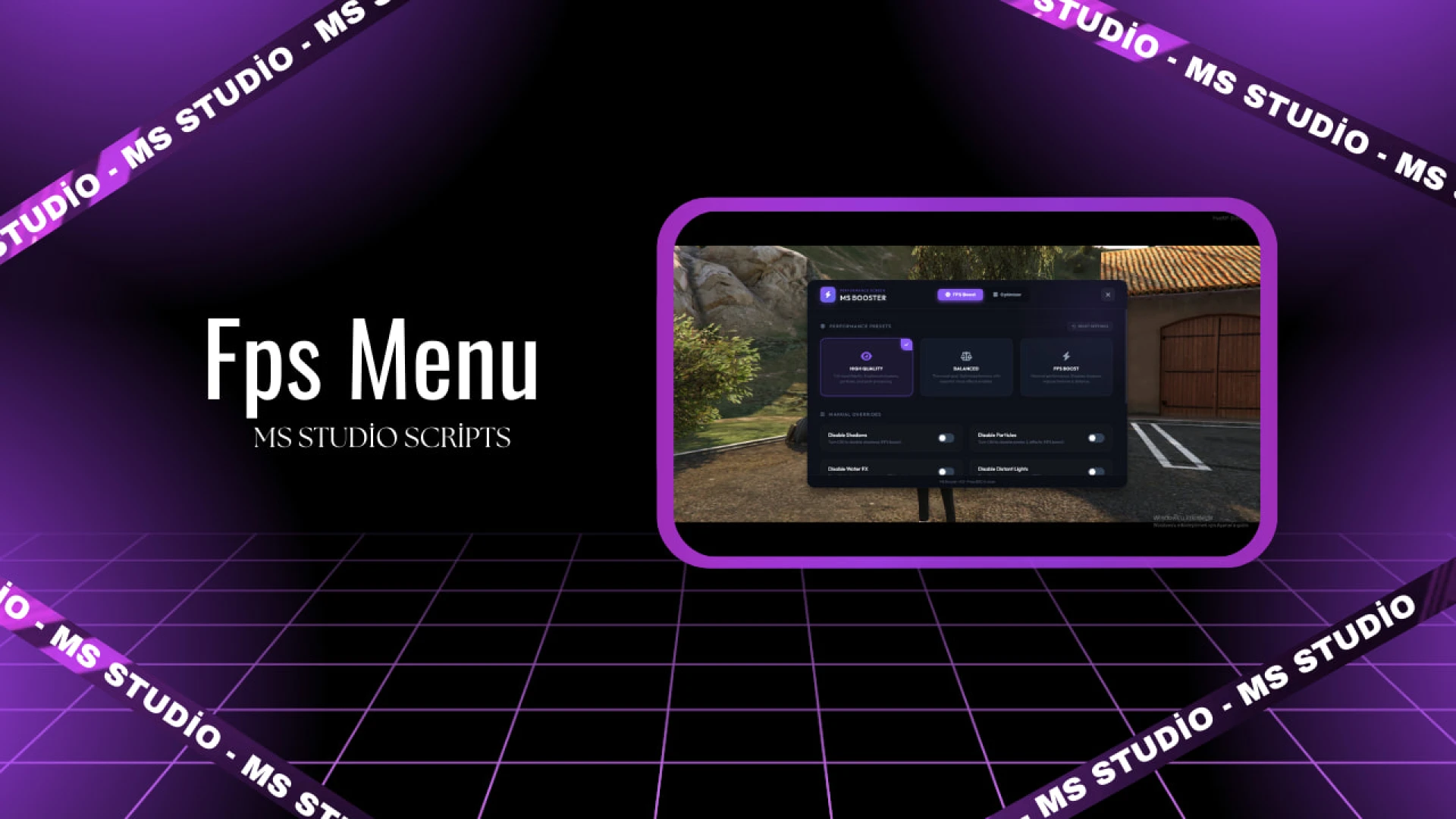
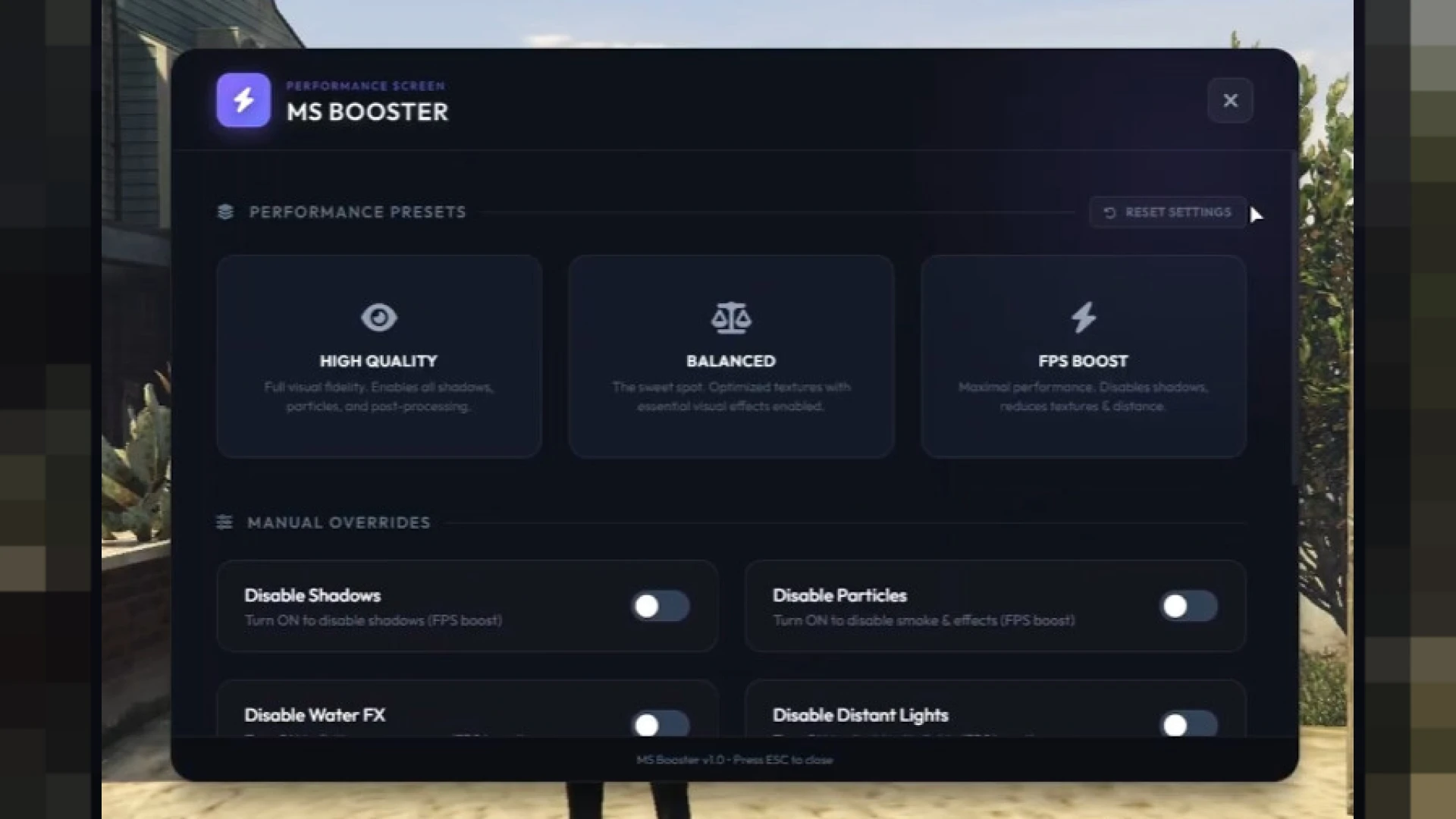
The FPS boost menu gives every player on your server a simple, powerful way to raise their frame rate without editing config files or hunting through settings. With a clean in-game interface, players toggle optimization presets on the fly, instantly trading heavy visual effects for smoother performance whenever the action heats up or their hardware starts to struggle.
Designed for both low-end and high-end machines, this resource lets each player choose exactly how much quality to sacrifice for speed. From ultra-low modes that strip out demanding effects to balanced presets that keep the world looking good, it puts real control in players' hands and helps everyone enjoy a stable, responsive experience on your server.
What the FPS boost menu offers
Every preset is tuned to deliver noticeable performance gains with a single click.
- Multiple presets from ultra-low to high-quality boost
- Instantly disables shadows and heavy light effects
- Optional ultra-low textures for maximum frame rate
- Simple in-game menu with no config editing needed
- Real-time toggling so players adapt on the fly
Built for smoother gameplay
This tool tackles one of the most common complaints on busy roleplay servers.
- Helps players with weaker PCs stay in the action
- Reduces stutter during crowded events and scenes
- Lightweight design that adds almost no overhead
- Works cleanly alongside your existing resources
- Easy command access for fast player adoption
Installation takes only a moment, and the menu is ready to use right away with sensible defaults. Players simply open it, pick a preset, and immediately feel the difference, while owners can trust that the resource stays optimized and does not interfere with the rest of their server setup, making it a safe, low-maintenance addition to any existing resource list.
If you want happier players and fewer performance complaints, this boost menu is a small, practical addition that makes a big difference in daily comfort and keeps everyone in your community playing longer. It levels the playing field for weaker machines, smooths out crowded events, and helps more players stay in the action instead of dropping out when the frame rate dips.
Find more helpful tools in our admin utility scripts collection, or explore the full catalog of FiveM scripts today.