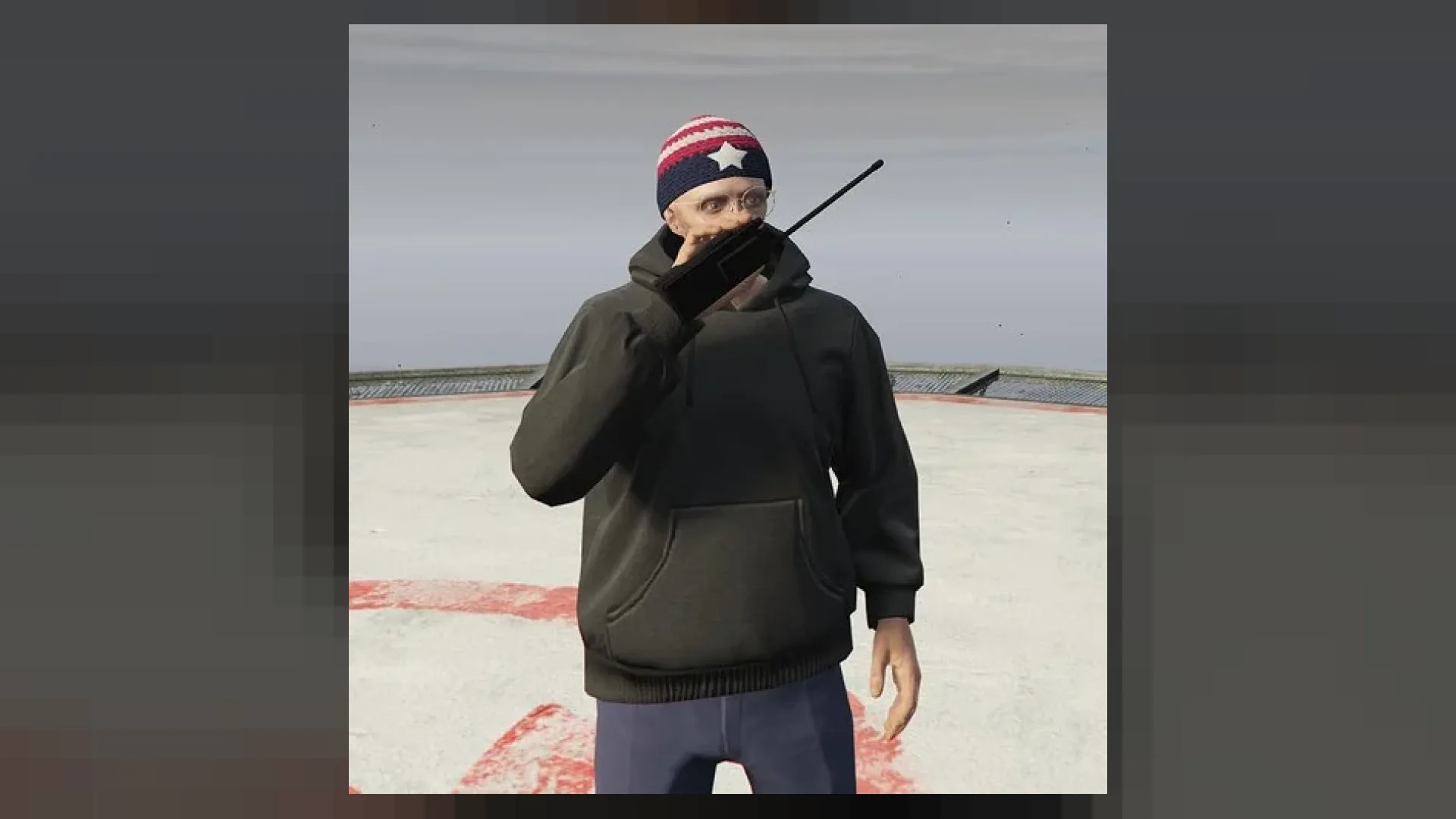
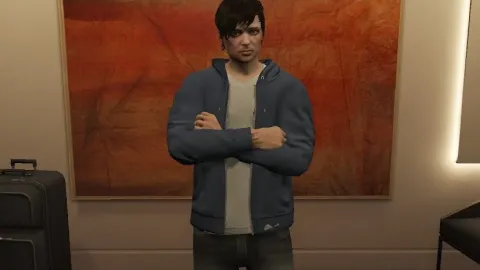
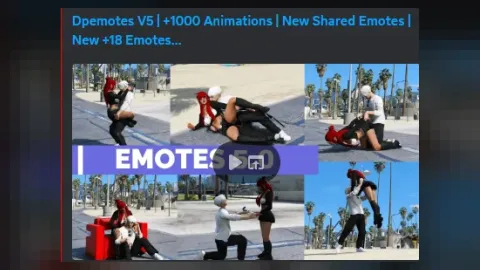
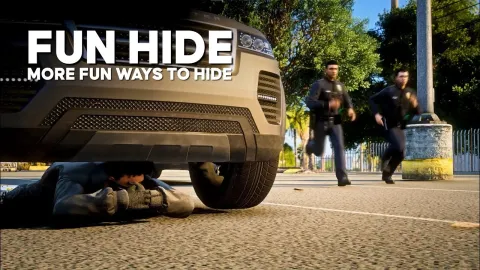
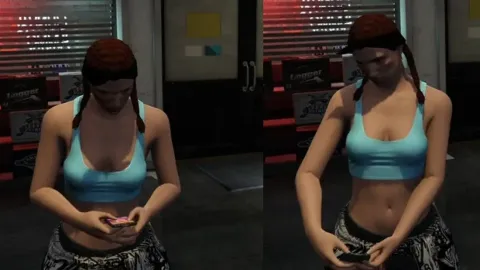
Hand held Radio Emote brings new, smooth animations to your FiveM server, perfect for roleplay scenes and social moments.
What Hand held Radio Emote brings to your server
Hand held Radio Emote adds life to everyday roleplay. Good animations make conversations, photos and events feel natural, and these are tuned to play smoothly without odd snapping or clipping.
Key features
- Custom emote / animation pack for FiveM
- Compatible with dpemotes, scully_emotemenu, rpemotes
- Looping + prop-attached variants where applicable
- Easy to add to emote menu config
- Optimised for RP servers
- Smooth, hand-tuned animations that play cleanly in sync
How servers use it
Hand held Radio Emote is ideal for social roleplay, photo spots, clubs, events and everyday interactions between players. Hand held Radio Emote uses small animation files that load fast and have no impact on gameplay.
Installation and compatibility
Installation is quick: add the files to your emote menu or animation resource, ensure it and restart. Browse more Emotes, or see the full FiveM animations range to complete your setup.
Every order of Hand held Radio Emote is a one-time purchase with instant delivery after payment, so you can install it the same day. FiveM Shops keeps premium FiveM content affordable for growing servers.
Why buy Hand held Radio Emote from FiveM Shops? You pay once, get the files straight away and keep them for your server. Our catalogue covers scripts, MLOs, vehicles and more, so you can build a complete city from one place with clear, honest pricing.
Buying Hand held Radio Emote from FiveM Shops means a one-time price, instant access to the files and a catalogue that covers everything a growing roleplay server needs, from scripts and MLOs to vehicles, peds and props.
A practical tip: test this animation pack on a staging server first, check how it looks next to your existing content, and then add it to your live server during a planned restart. A short announcement helps players notice what is new.
Quick specs
- Type: Animation / emote pack
- Category: Emotes
- Framework: Any framework - ESX, QBCore, Qbox or standalone
- Install: Drag and drop into resources, ensure in server.cfg
- Delivery: Instant download after payment
Frequently asked questions
How do I install Hand held Radio Emote?
Add the resource to your server, ensure it in server.cfg and restart. Follow the included notes for any optional settings.
Does it work on every server?
Yes. Hand held Radio Emote is framework-independent, so it works on ESX, QBCore, Qbox and standalone servers.