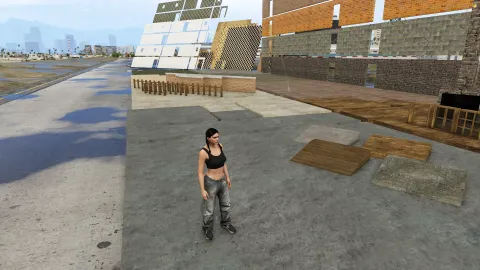
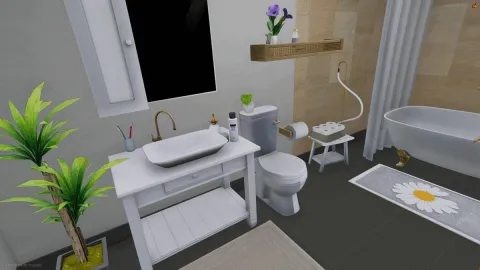
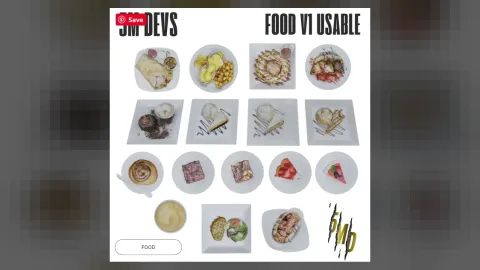
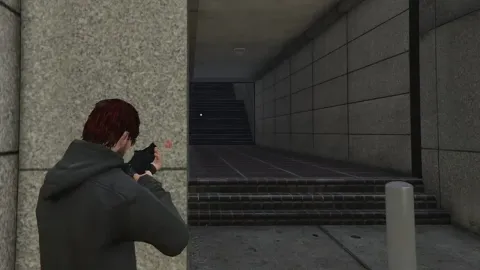
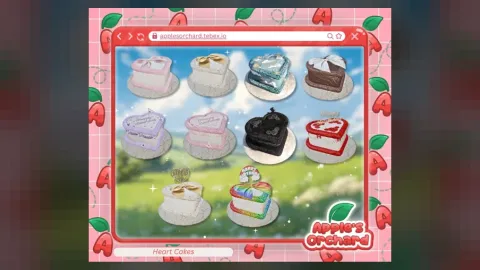
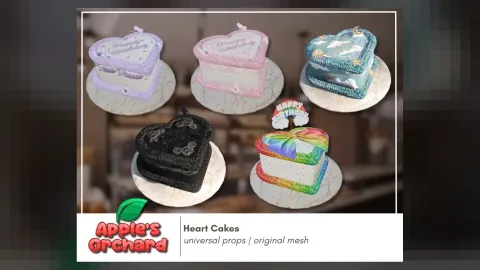
Hasbulla is a prop release for FiveM that helps you dress locations without hurting frame rate.
What Hasbulla brings to your server
Hasbulla helps mappers and scene builders finish locations properly. The models are optimised, sized to the GTA V world and easy to place with the tools your team already uses.
Key features
- Add-on ped model, drop into stream folder
- Multiple clothing / tattoo / accessory variations
- Works with every FiveM framework (ESX, QBCore, Qbox)
- Full .ydd / .yft / .ytd set
- Ready for ped selectors or NPC spawn scripts
- Optimised models with collision and LODs
How servers use it
Use Hasbulla to dress MLOs, build event areas, decorate businesses or add detail to custom maps. Hasbulla keeps polygon counts and textures in check, so dressed areas stay smooth on busy servers.
Installation and compatibility
Installation is quick: add the resource, ensure it in server.cfg and restart, then place the props with your map editor or scripts. Browse more Props, or see the full FiveM props range to complete your setup.
Every order of Hasbulla is a one-time purchase with instant delivery after payment, so you can install it the same day. FiveM Shops keeps premium FiveM content affordable for growing servers.
To get the most out of Hasbulla, keep your resources organised by type and document what each one adds. It makes future updates faster and helps new staff understand your server setup.
Why buy Hasbulla from FiveM Shops? You pay once, get the files straight away and keep them for your server. Our catalogue covers scripts, MLOs, vehicles and more, so you can build a complete city from one place with clear, honest pricing.
Buying Hasbulla from FiveM Shops means a one-time price, instant access to the files and a catalogue that covers everything a growing roleplay server needs, from scripts and MLOs to vehicles, peds and props.
A practical tip: test this prop pack on a staging server first, check how it looks next to your existing content, and then add it to your live server during a planned restart. A short announcement helps players notice what is new.
Quick specs
- Type: Prop pack
- Category: Props
- Framework: Any framework - ESX, QBCore, Qbox or standalone
- Install: Drag and drop into resources, ensure in server.cfg
- Delivery: Instant download after payment
Frequently asked questions
How do I install Hasbulla?
Add the resource to your server, ensure it in server.cfg and restart. Follow the included notes for any optional settings.
Does it work on every server?
Yes. Hasbulla is framework-independent, so it works on ESX, QBCore, Qbox and standalone servers.