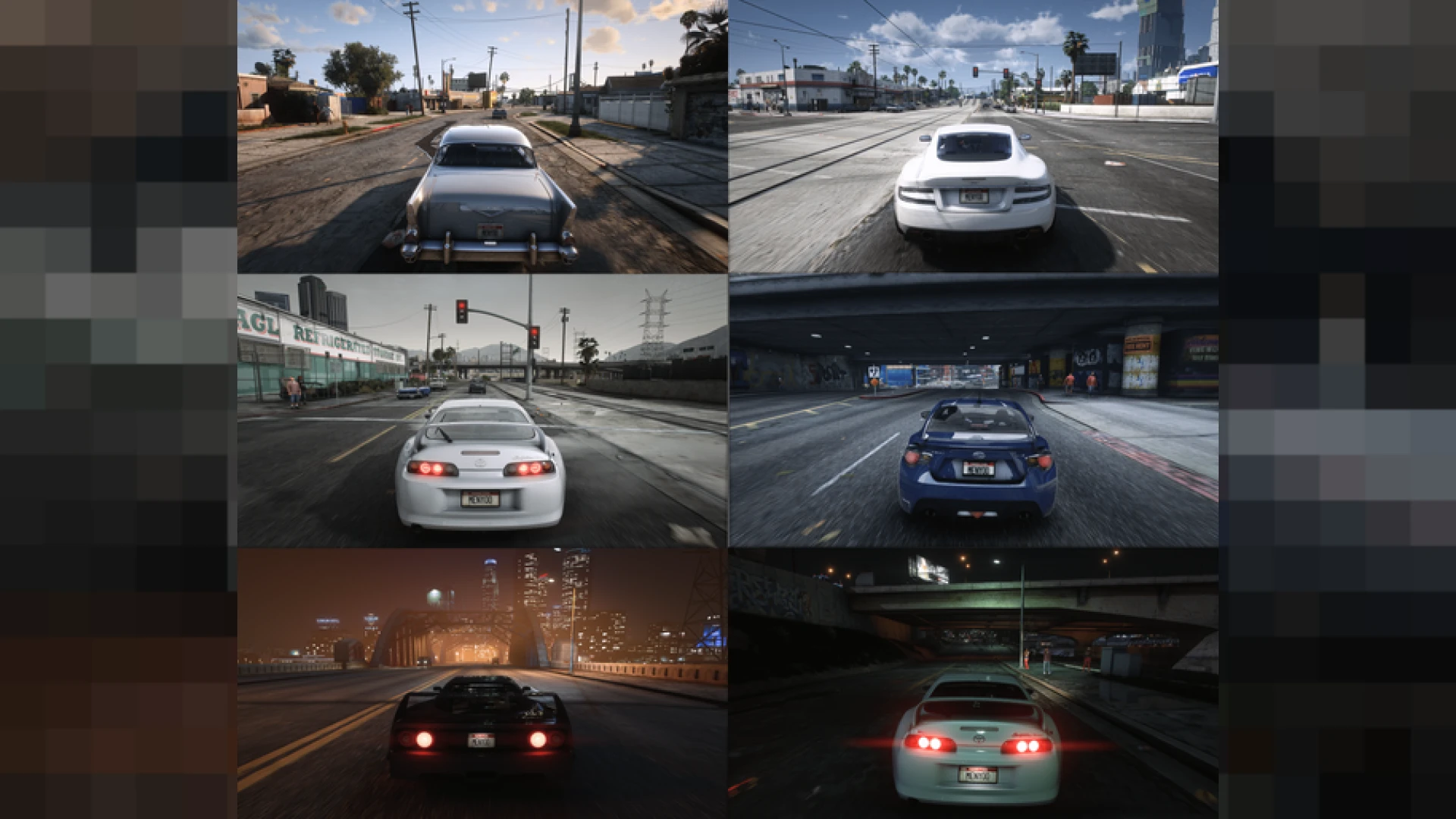
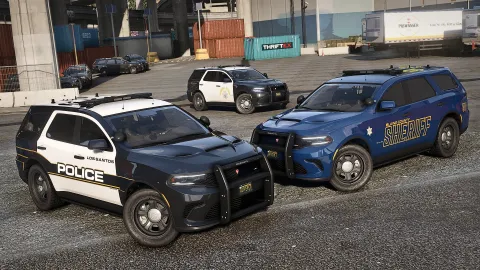
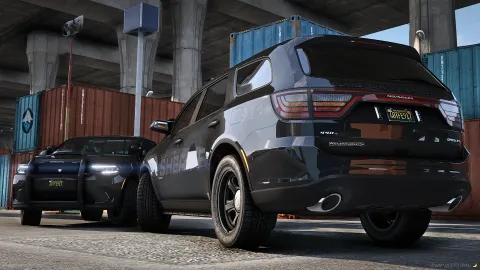
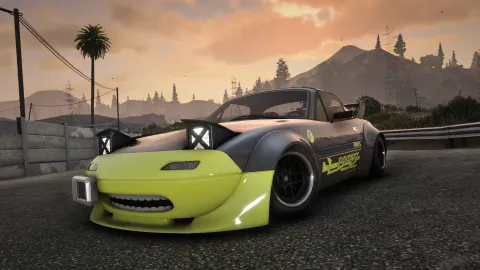
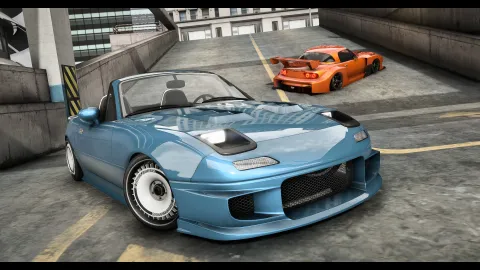
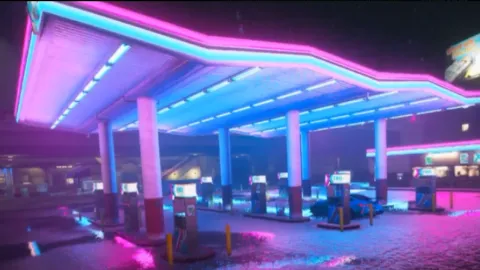
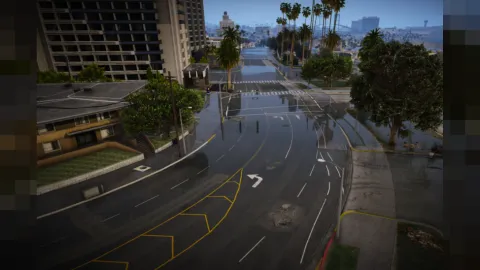
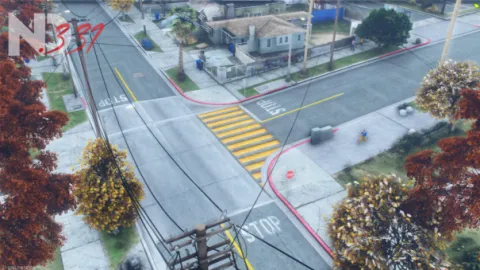
The HBOYS Reshade preset delivers a clean, balanced upgrade that improves FiveM without pushing the image into over-stylized territory. It focuses on natural color, crisp contrast and tasteful sharpening, making it an easy everyday look for serious roleplay.
As a client-side ReShade layer, it enhances post-processing on your machine only and never touches server textures or files. Install it, select it from the overlay, and switch instantly between the enhanced grade and vanilla whenever you like. ReShade sits on top of the game as a post-processing pass, so it is one of the safest visual upgrades you can run: it reads nothing from the server, writes nothing back, and can be disabled with a single keypress. That also means you can keep several presets on hand and switch between them depending on the scene, the time of day, or the mood of the content you are capturing that session.
Why players choose the HBOYS Reshade preset
- Natural, balanced color that avoids the oversaturated look
- Crisp contrast for cleaner shadows and controlled highlights
- Tasteful sharpening that adds detail without harsh edges
- A versatile grade that suits day, night and interior scenes
- A lightweight profile that respects your frame rate
Quick to install and adjust
- Single preset file with simple placement steps
- Works with standard ReShade effect libraries
- Instant in-game toggle for easy comparisons
- Editable passes so you can tune it to your monitor
- Fully client-side and reversible at any time
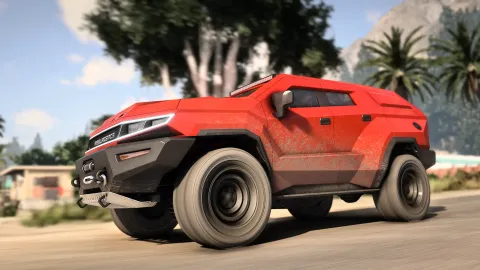
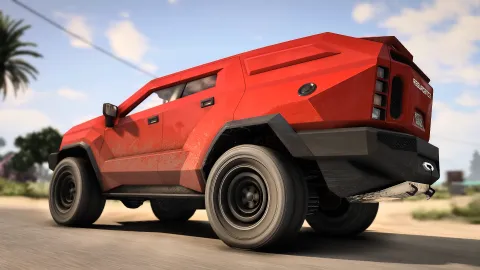
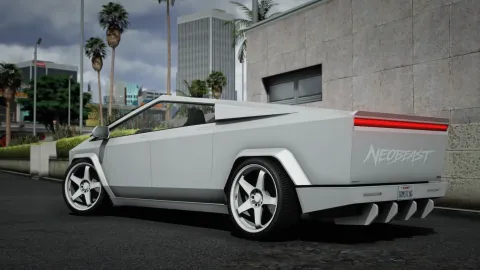
This preset is a great pick for communities that want a polished, professional image without a flashy signature style. It flatters vehicles, characters and cityscapes evenly, so everything looks a step cleaner the moment you load in.
Since every value is editable, it also makes an excellent base for your own custom grade. Start from HBOYS, then nudge the color and contrast until it matches exactly the tone your server is going for. Many communities keep a house style this way, publishing a recommended preset so screenshots across their Discord and socials share one recognizable identity. It is a small touch that makes a server feel curated, and it costs you nothing but a few minutes of setup to establish.
Want a matching upgrade across the board? Explore the full client-side mods library, or jump straight into more vehicle add-ons to keep upgrading your server the moment you are ready.