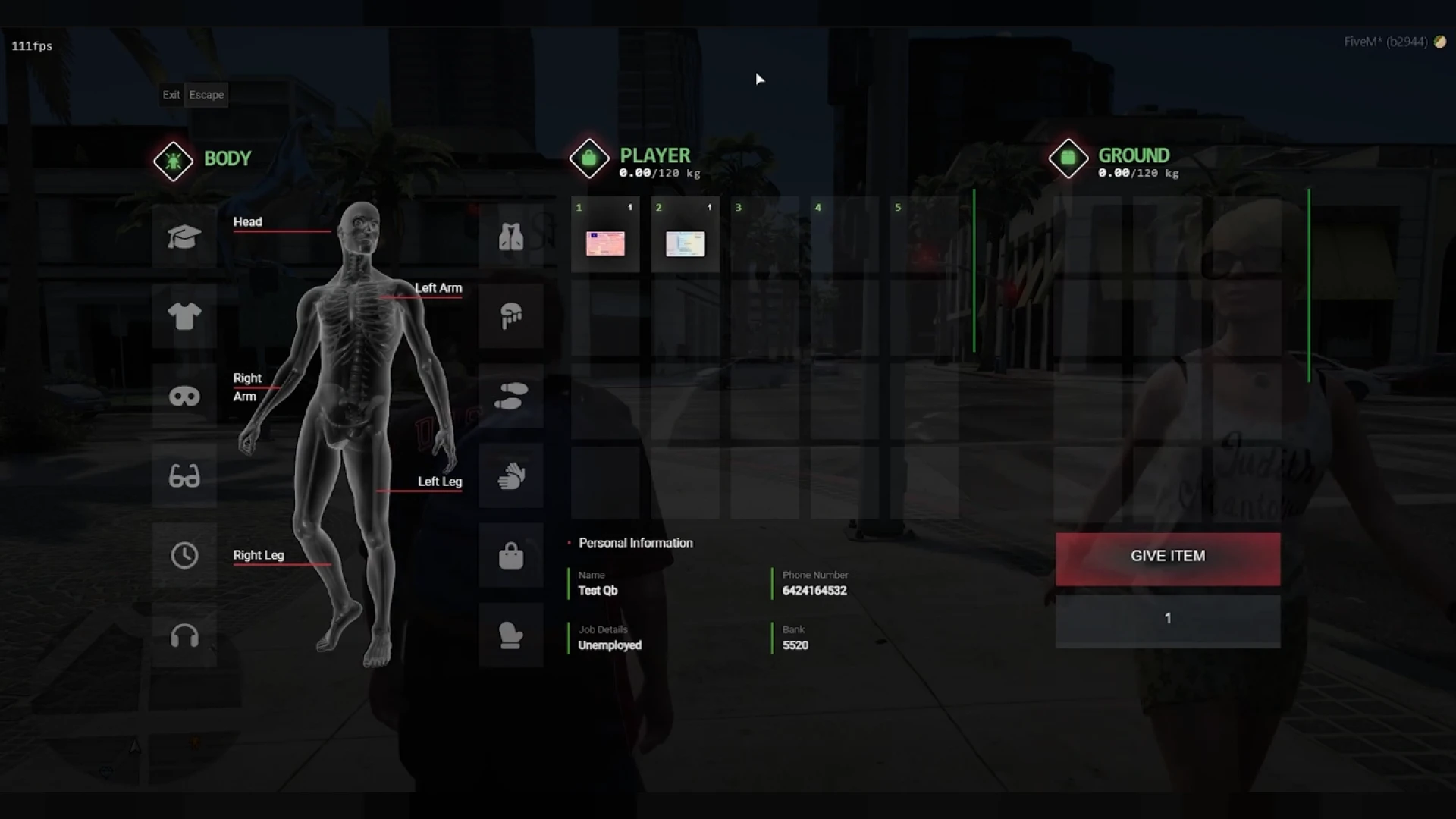
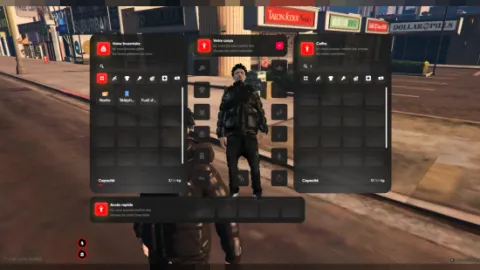
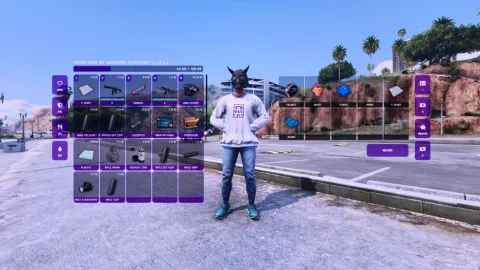
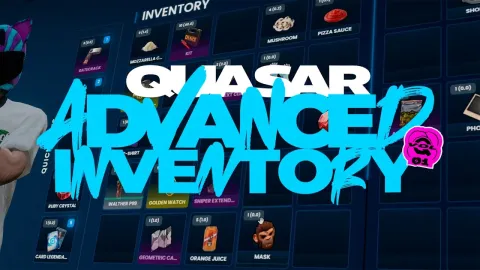
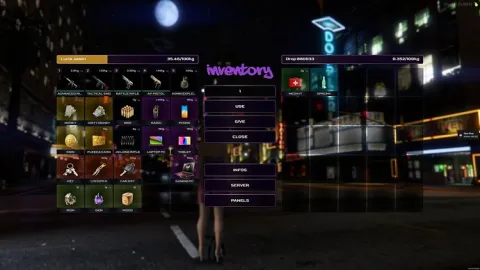
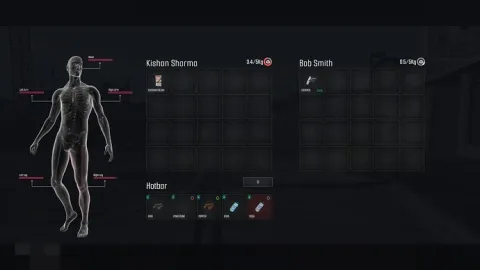
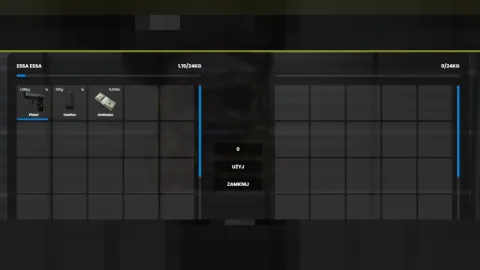
Viewers recognize the NoPixel inventory on sight — the tight grid, the weight bar, the hotbar strip along the bottom. This nopixel inventory recreates that exact feel for QBCore servers, giving your city the interface players already associate with the most-watched roleplay in the world, without months of custom UI work.
The nopixel inventory look and feel
- A clean slot-and-weight grid styled after the 4.0 era, instantly familiar to anyone who watches the big streamers.
- Hotbar strip for weapons, food and tools sits exactly where muscle memory expects it.
- Smooth drag-and-drop between player, ground, stash and trunk panels.
- Readable item labels, counts and weight so inventory management never becomes guesswork.
Full storage coverage
- Personal inventory, ground drops, stashes and vehicle storage all share the same consistent UI.
- Weight and slot logic keep carry decisions meaningful and the economy honest.
- Give, drop and use flows behave predictably even in crowded scenes.
- Metadata-friendly items support serials, durability and custom names.
Made for QBCore
- Built to slot into a QBCore server with standard item registration.
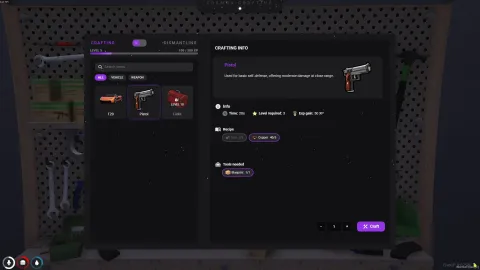
- Your existing shops, jobs and crafting hooks continue to work against it.
- Open files let you retune colors, sizing and slot counts to fit your city.
- Lightweight NUI keeps the inventory instant even at high population.
The familiar first choice
New players judge a server partly by whether it feels like the cities they already watch, and a nopixel inventory delivers that recognition immediately. Install it, port your item list and your city speaks the visual language your audience already knows. Compare with Drag and Drop Inventory System for a different style, or browse all our inventory & crafting scripts.
Adoption is simple: install the resource, port your QBCore item list and restart. Because the files are open, servers routinely tweak the accent color and slot sizing to make the familiar nopixel look unmistakably their own — the recognition of the layout, with the identity of your city on top.