The Izzy Hud from this release is a polished, ready-to-run release built for FiveM roleplay servers that want a noticeable upgrade without a heavy configuration burden. It presents health, armor, hunger, thirst, and vehicle details in a tidy on-screen layout that stays readable without crowding the view. Everything is packaged to install cleanly, with organized files and clear notes so you can get it running on your server quickly and without guesswork.
Built for ESX and QBCore, it drops in as a resource and offers settings so admins can match colors, position, and which elements appear. The goal is a dependable result that looks right the first time, so you spend less effort fighting setup issues and more time actually enjoying the improvement it brings.
Why the Izzy Hud stands out
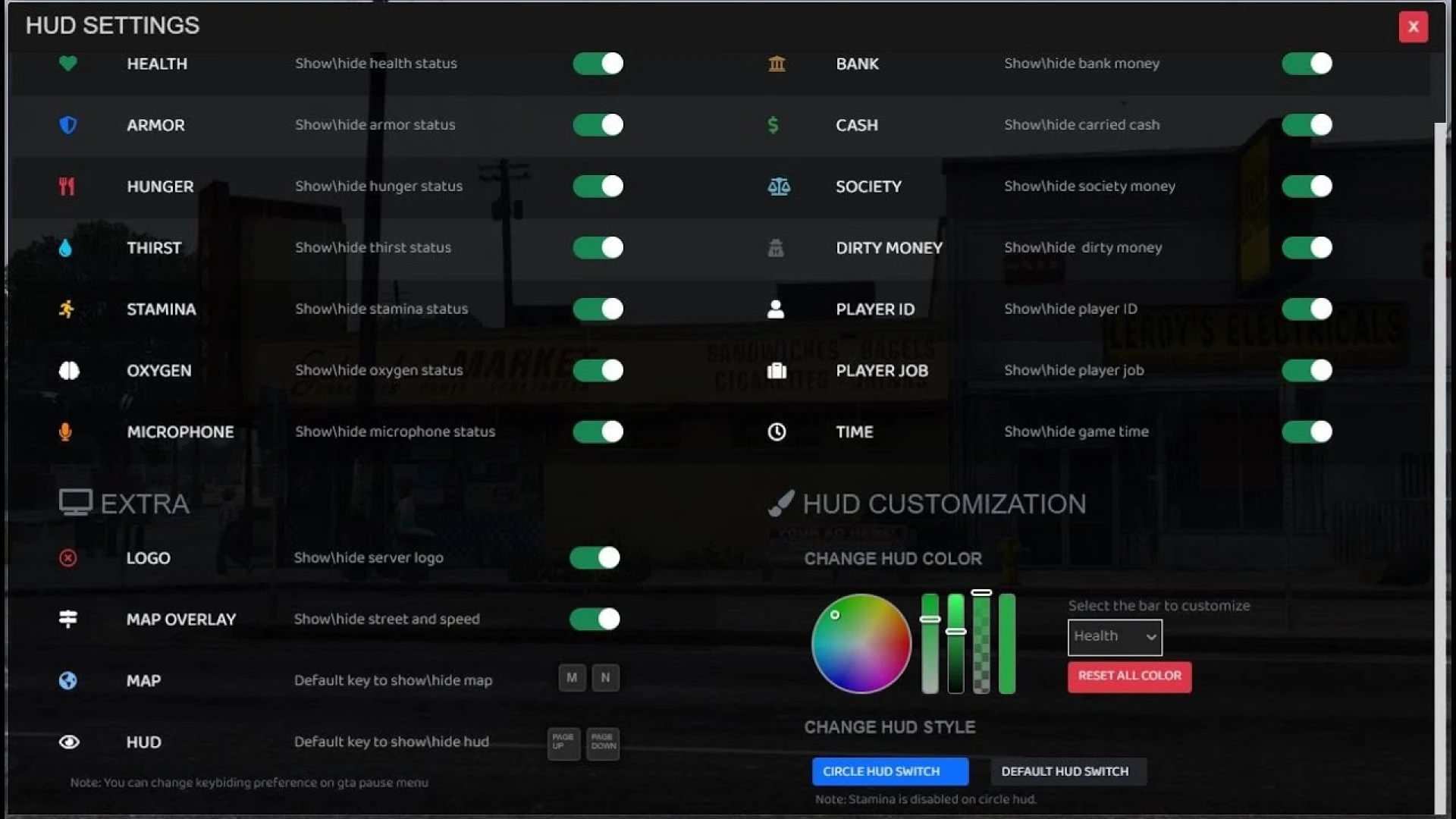
- Clean status readouts for health, armor, hunger, and thirst
- Vehicle panel with speed, fuel, and related indicators
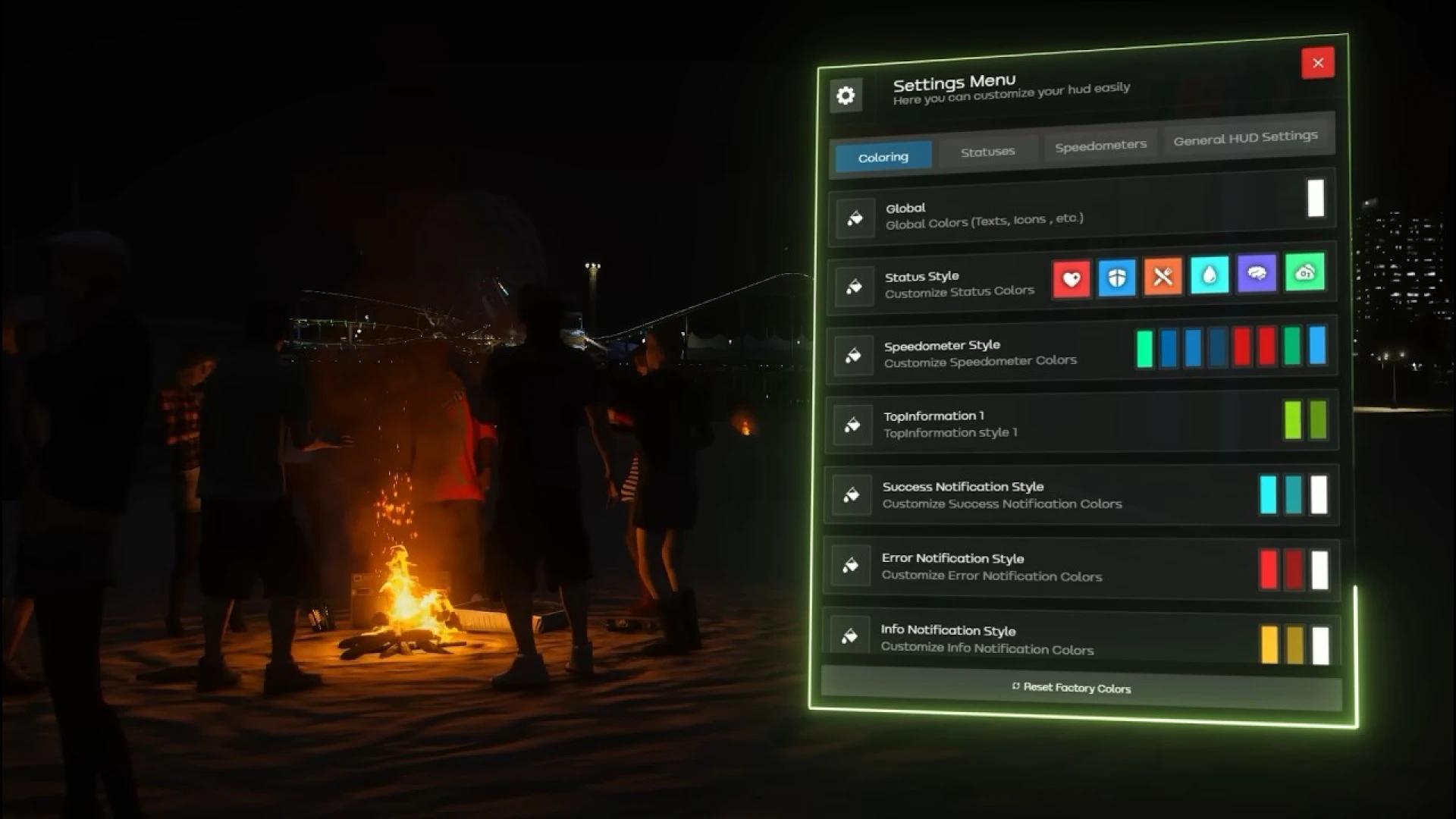
- Configurable colors, position, and visible components
- Lightweight design that aims to stay easy on performance
- Framework support for both ESX and QBCore setups
Customizing the Izzy Hud
- Reposition elements to fit your preferred screen layout
- Toggle individual panels on or off per your server's needs
- Recolor the interface to match your community branding
- Adjust update behavior for a smooth on-screen feel
- Edit settings without rewriting the core resource
A clear HUD is central to everyday play, since players rely on it constantly to track their condition, their needs, and their vehicle at a glance. A tidy, well-organized display reduces confusion and helps new members understand their current status quickly, without hunting through menus or second-guessing what each indicator means. It is put together with everyday use in mind, so the experience stays consistent whether you are testing quietly or running a busy session with many players online.
Installation follows the standard process: add the resource, ensure it loads, and edit the config to fit your framework and style. The layout is organized so you can tune the look and behavior without deep code changes. Documentation is included to walk you through the key options, which keeps the learning curve gentle even if you are still getting comfortable with FiveM resources.
Browse more matching releases in our scripts collection, or explore related picks in the HUD and UI scripts collection to round out your setup; both are curated so you can find compatible additions that fit the same style, framework, and overall quality.