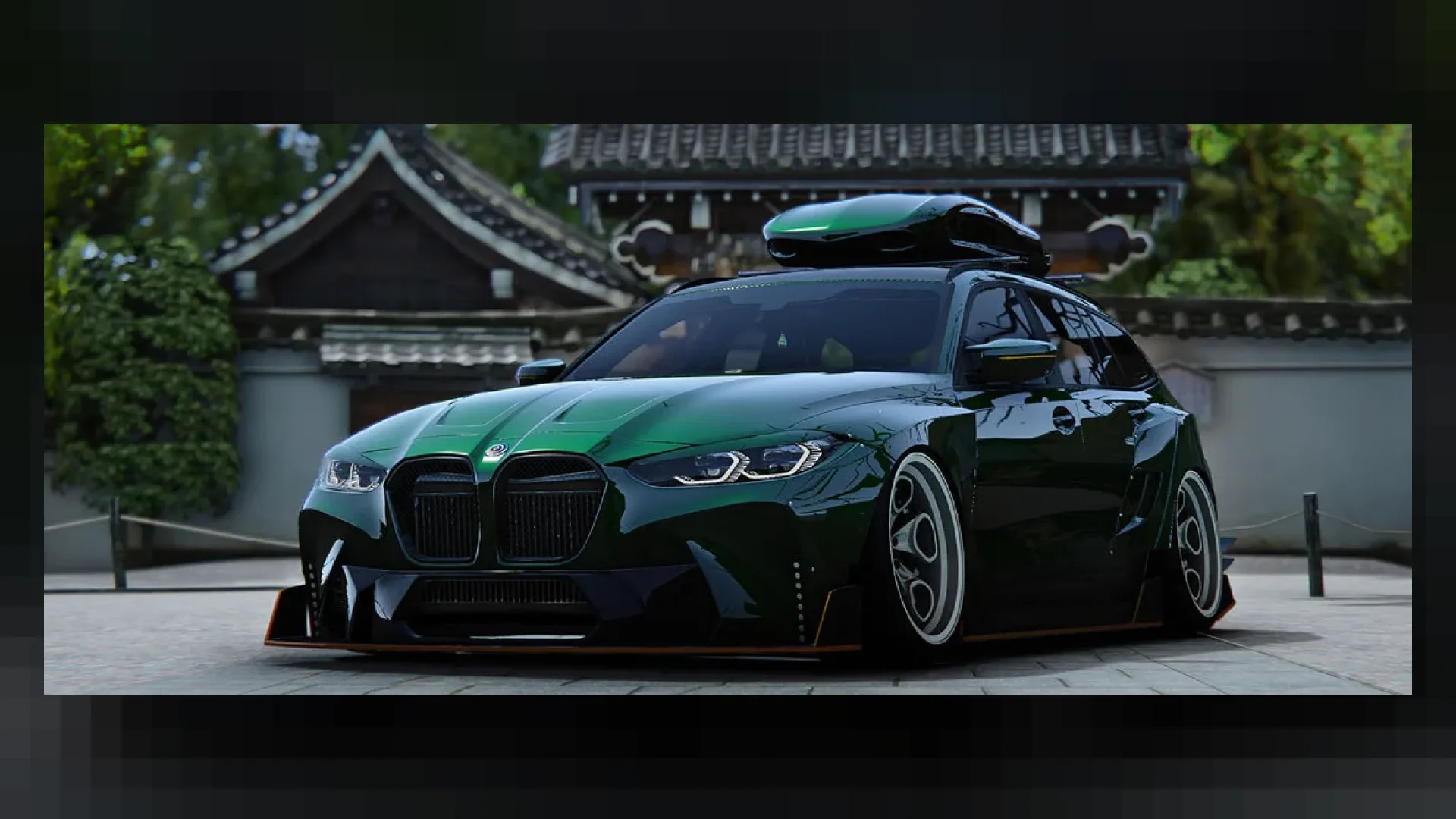
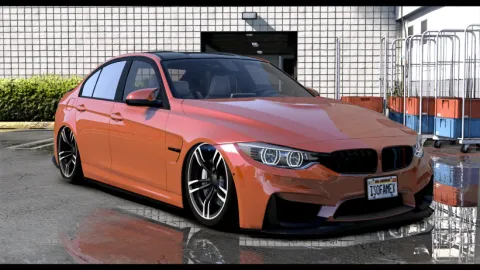
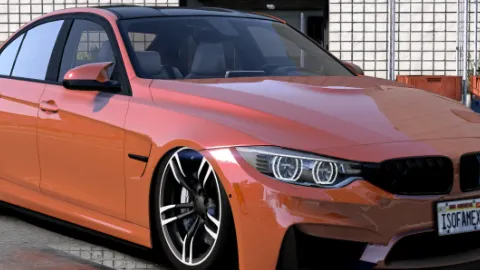
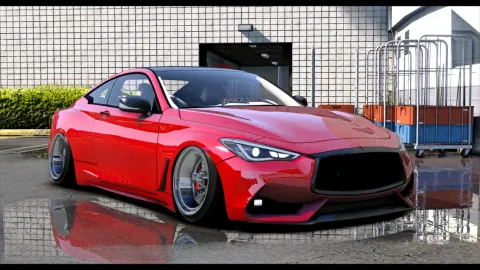
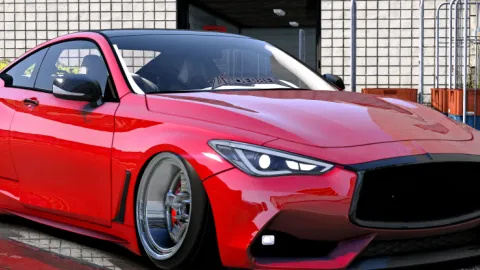
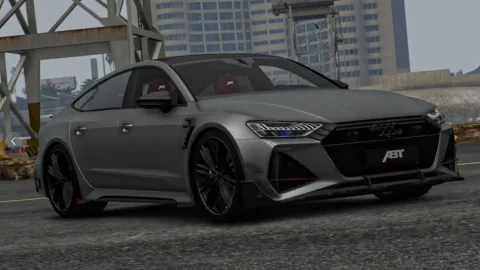
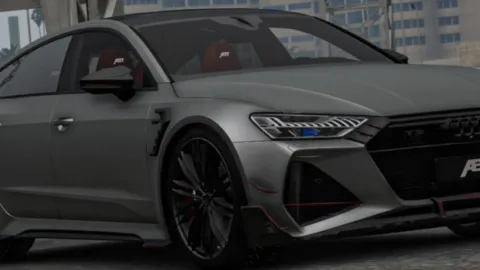
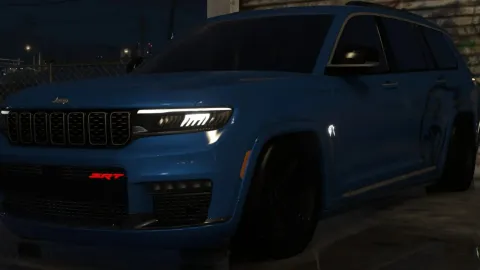
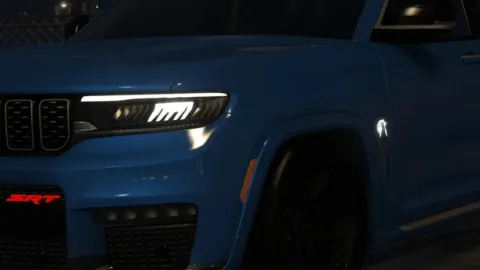
M3 Competition is a high-quality add-on car for FiveM, built for servers that want their streets to look sharp.
What M3 Competition brings to your server
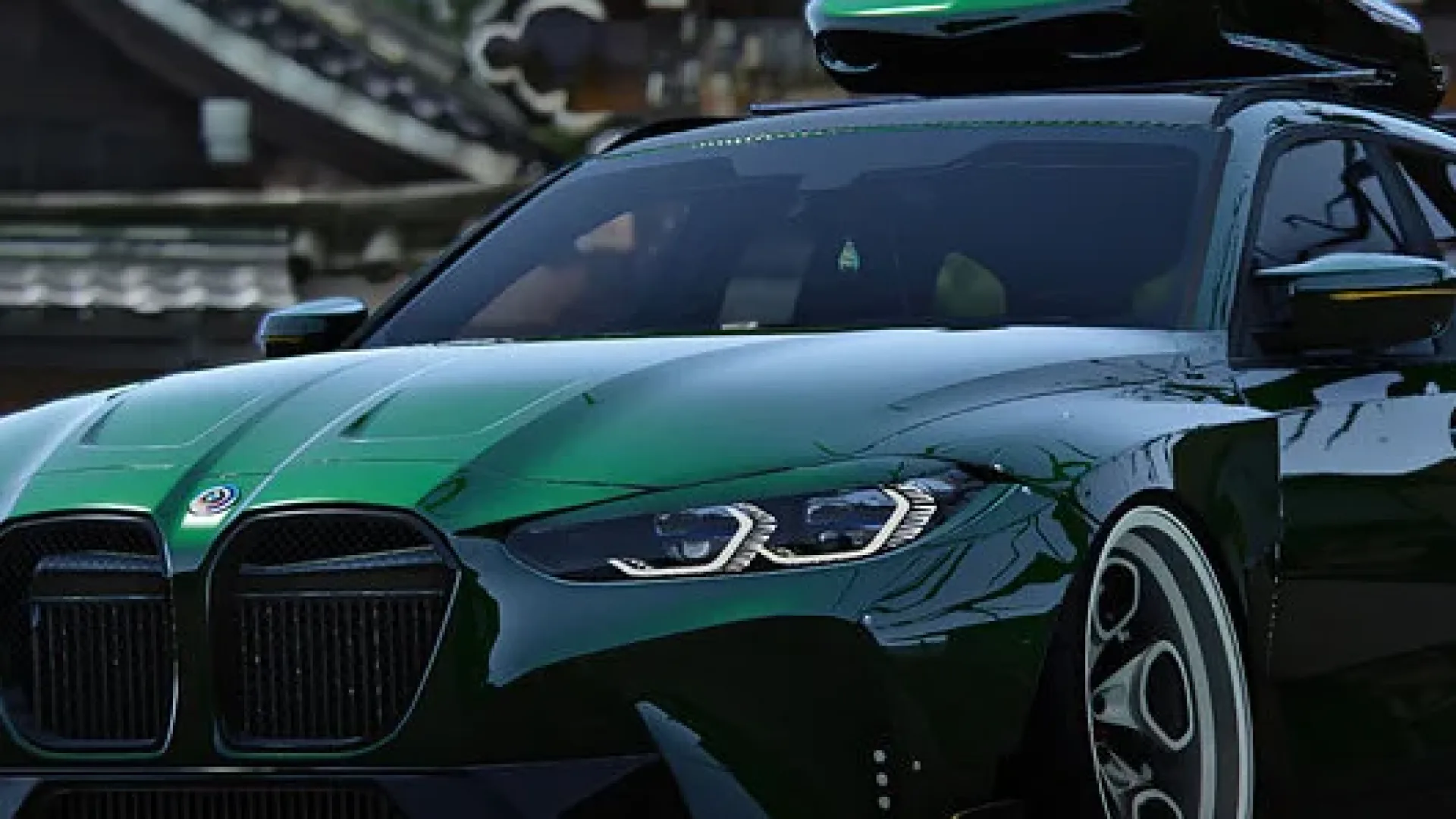
M3 Competition stands out in the details: a clean body, accurate proportions and a cabin that still looks good in first person. It fits in next to stock traffic without looking out of place, and it gives your car culture, dealership or staff fleet something new to show off.
Key features
- BMW M3 Competition FiveM add-on vehicle
- Modern G80-era styling
- HQ exterior and detailed interior
- Working dials, lights and reflections
- Breakable glass and realistic damage
- Compatible with ESX, QBCore and Qbox
How servers use it
M3 Competition works well as a premium dealership listing, an event prize or a personal vehicle that gives players a reason to grind. M3 Competition is set up to stream well: sensible texture sizes, working LODs and no hidden dependencies. It can sit in a large add-on car list without dragging down load times.
Installation and compatibility
Installation is simple: drop the folder into your resources, ensure it in server.cfg and restart. It is an add-on vehicle, so it does not replace stock cars, and it works with any framework and the usual garage, key and dealership scripts. Browse more Civilian Vehicles, or see the full FiveM vehicles range to complete your setup.
Every order of M3 Competition is a one-time purchase with instant delivery after payment, so you can install it the same day. FiveM Shops keeps premium FiveM content affordable for growing servers.
A practical tip: decide where M3 Competition lives in your economy before you add it. A price in the dealership, a spot in a job fleet or a reward for an event gives players a goal, and a car with a goal behind it gets driven far more than one that is simply spawned.
To get the most out of M3 Competition, tune its handling line to match the rest of your car list and set a fair dealership price. Balanced cars keep races, chases and car meets fun for everyone on the server.
Quick specs
- Type: Add-on vehicle
- Category: Civilian Vehicles
- Framework: Any framework - ESX, QBCore, Qbox or standalone
- Install: Drag and drop into resources, ensure in server.cfg
- Delivery: Instant download after payment
Frequently asked questions
Is M3 Competition an add-on or a replace?
M3 Competition is set up as an add-on civilian car, so it does not replace any stock GTA V vehicle. Spawn it with its model name or add it to your dealership.
Does it work with my framework?
Yes. Vehicles are framework-independent, so it works on ESX, QBCore, Qbox and standalone servers together with your garage and key scripts.
Can I tune the handling?
Yes. The handling and meta files are included, so you can balance speed and grip against the rest of your car list.