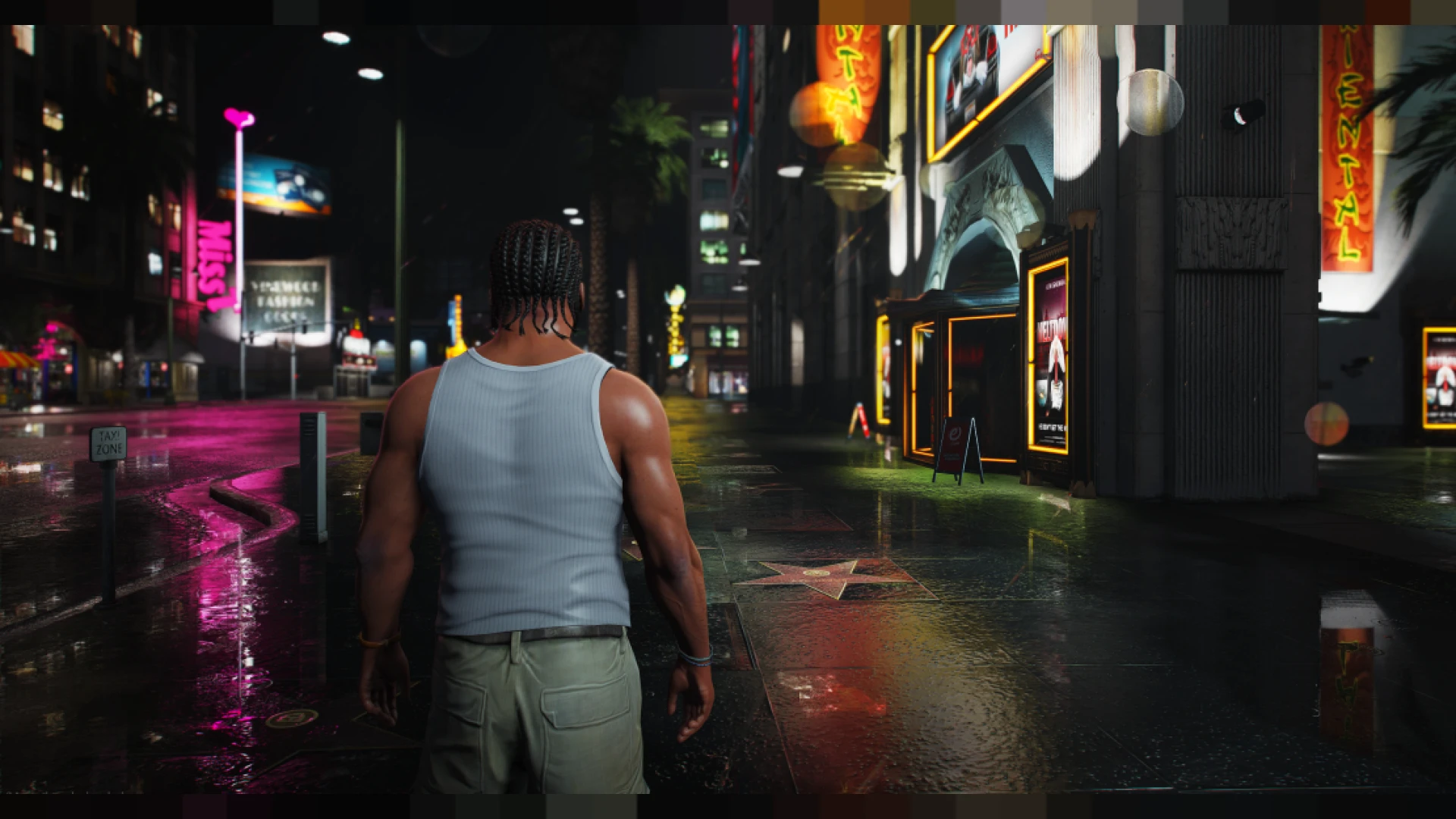
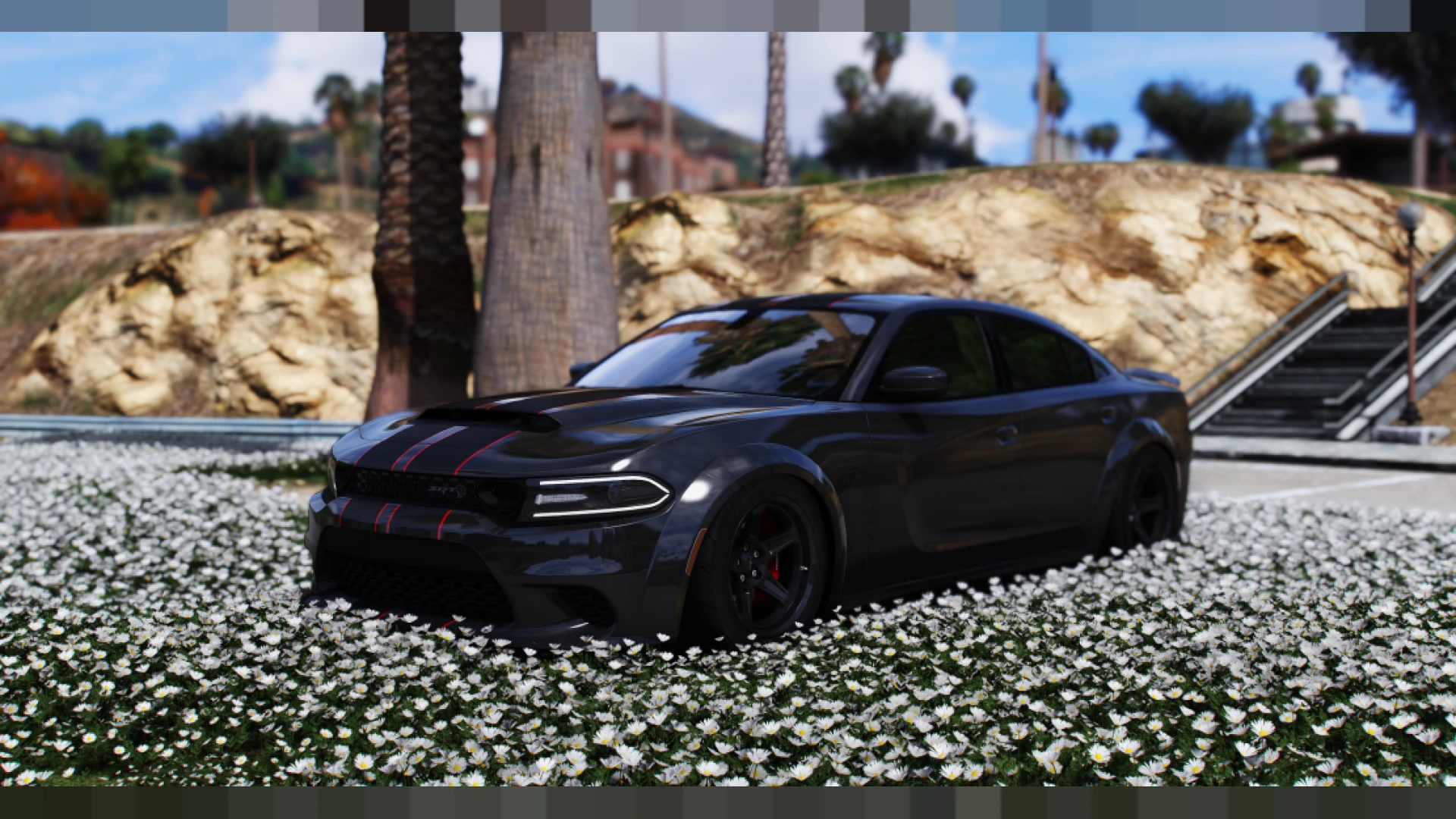
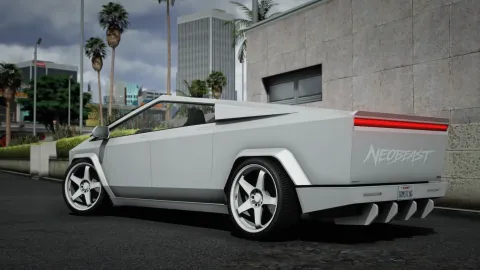
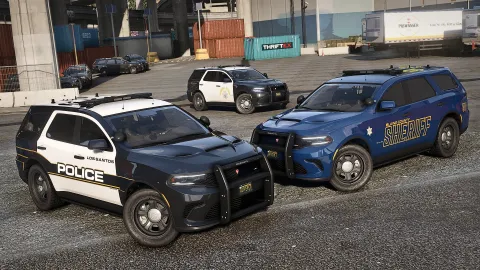
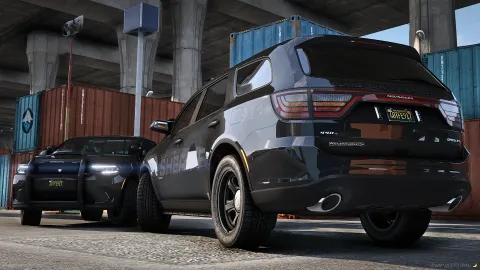
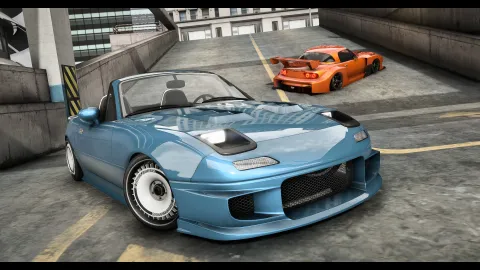
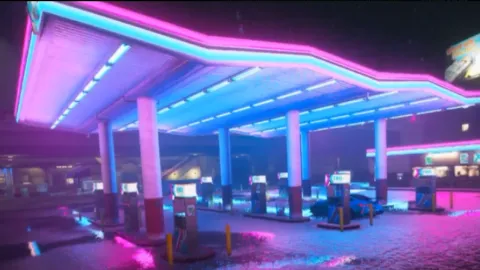
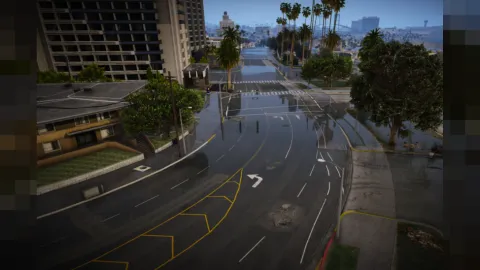
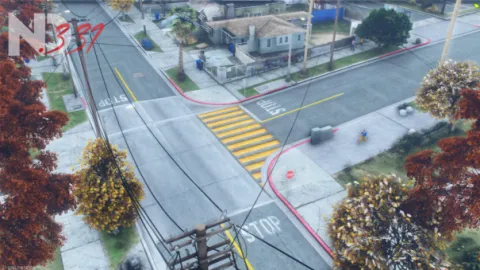
The Myd preset V3 is a refined cinematic grade that gives FiveM a polished, streamer-ready look built on balance rather than gimmicks. This third revision fine-tunes color, contrast and clarity so your city feels rich and filmic while staying perfectly readable during fast-paced roleplay and combat. It is the kind of grade you set once and simply enjoy for months.
Each iteration of this preset has focused on smoothing out rough edges, and version three is the most versatile yet. It handles bright afternoons, moody storms and neon nights with the same confident tone, making it an excellent everyday grade for creators who want consistent quality without constant tweaking. Highlights are held gently in check, shadows keep their detail, and skin tones stay natural under every kind of lighting the game throws at them.
What the Myd preset offers
- Refined cinematic color with natural skin tones
- Gentle sharpening for clearer detail and edges
- Balanced contrast that keeps shadows readable
- Subtle bloom for warmth without washout
- Consistent tone across every weather state
Why creators rely on it
- Client-side install with a single preset file
- Tuned to keep frame rates stable in busy servers
- Works alongside popular weather and time mods
- Easy one-key toggle between graded and stock looks
- Great foundation for personal color adjustments
Setup is quick and painless. You add the preset to your graphics tool, select it from the in-game overlay, and the refined look applies immediately with no lengthy configuration. Because it is so balanced, you will rarely need to adjust it as the in-game time and weather shift, which frees you to concentrate on the scene in front of you instead of the sliders behind it.
Streamers and montage editors appreciate how little grading work it leaves behind. Footage comes out clean and cinematic straight from the game, so you spend more time creating and less time fighting color in post-production. That reliability is why a preset like this ends up becoming a permanent part of a creator's setup rather than something swapped out every other week.
Want to build a complete cinematic setup around it? Explore more presets in our client-side mods collection, and pick up supporting utilities from the scripts library to keep your server smooth and sharp.