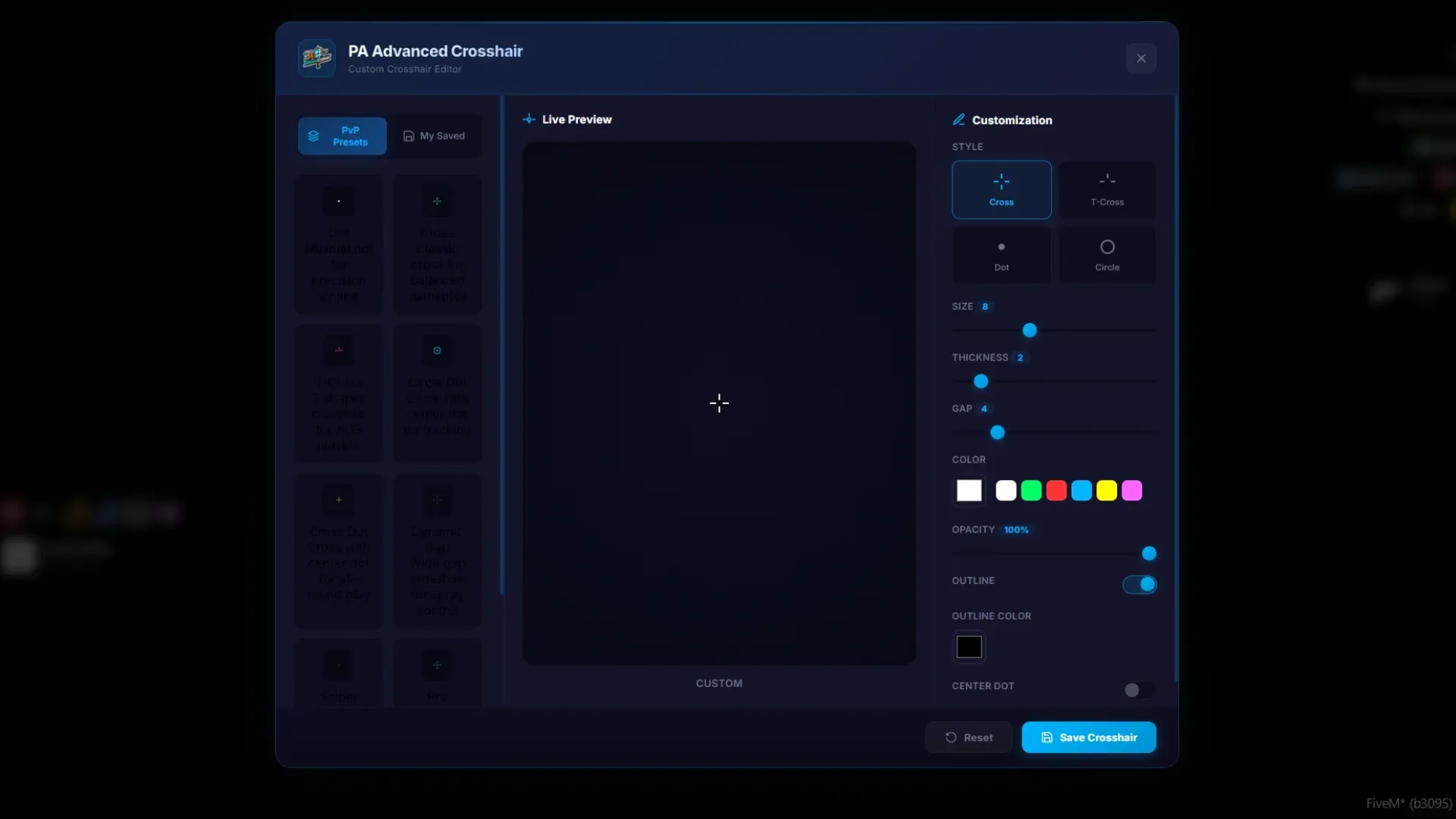
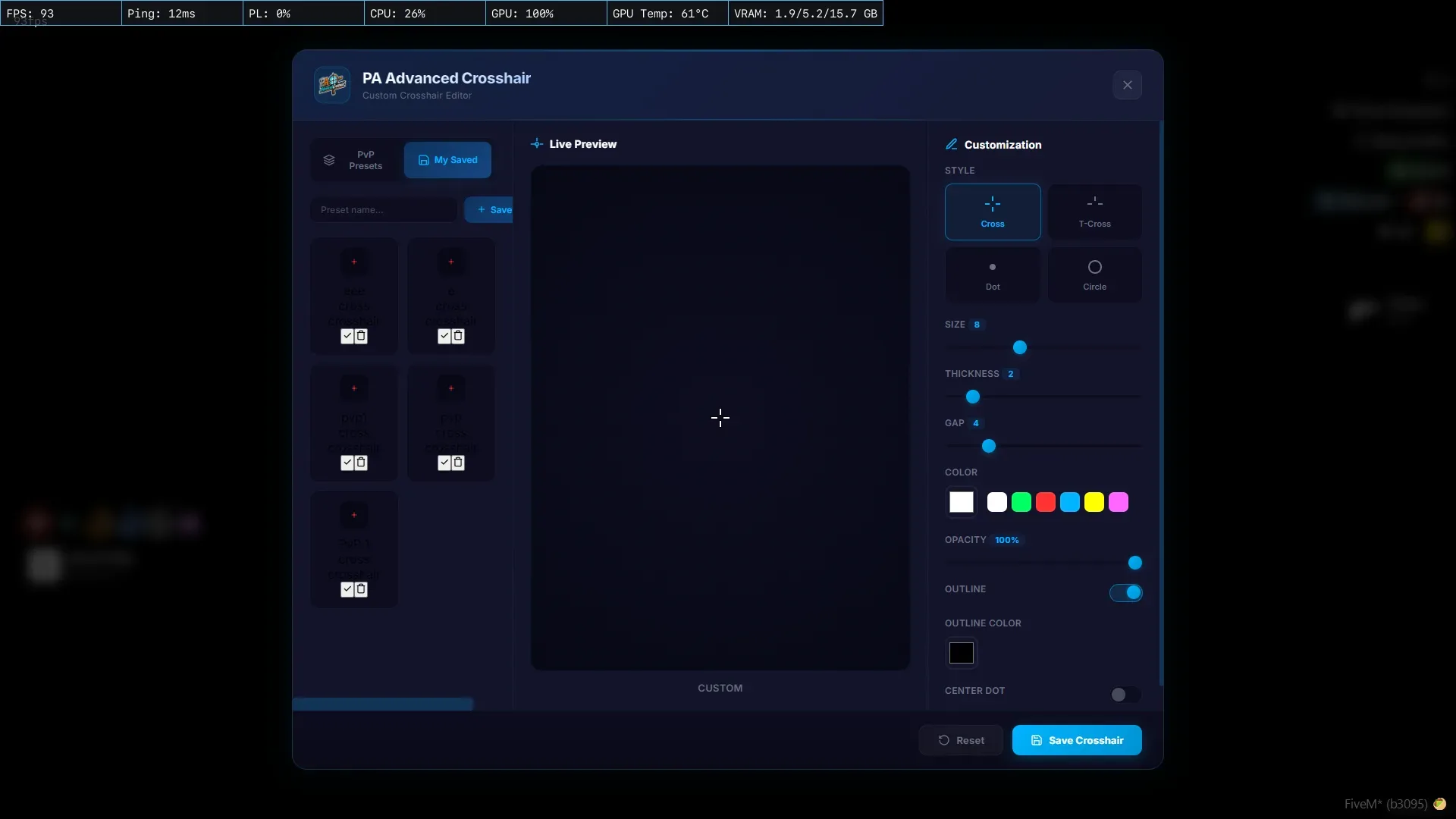
The PA Advanced Crosshair Modify Your Crosshair script is an in-game crosshair editor for FiveM — not a reskin, not a static HUD. Players open the menu, pick a shape, tune the thickness, length and gap, drop in a colour and save the look as a shareable code. Admins keep a sensible default via the config file; everyone else runs their own preset without needing a client-side mod. For PvP-leaning servers this is a quality-of-life win: the look of the reticle finally matches how a given player actually aims, which carries a surprising amount of weight in gunfight RP, racing and training scenes.
What the PA Advanced Crosshair Modify Your Crosshair script delivers
- In-game menu to build and customise the crosshair per player
- Preset shapes — cross, dot, chevron, circle and more
- Colour picker with hex and RGB support plus alpha slider
- Thickness, length and gap sliders for pixel-perfect tuning
- Optional hitmarker overlay with style and colour options
- Shareable config codes for copy-paste between players
- Admin / default preset handling in the config file
- ESX and QBCore compatible, standalone-safe wiring
- Lightweight client footprint — no server tick spam
- Clean HUD mount — stays out of the way of other interfaces
- Hitmarker style and colour options separate from the base reticle
Install is the standard FiveM script flow: drop the resource into your resources folder, add it to server.cfg and ensure it. The script plugs into ESX and QBCore cities out of the box and runs clean on standalone setups too.
Because presets save as plain config codes, players can trade a known loadout the same way they share key-binds — paste the code, apply, done. Admins can also preload the server's default preset, so new arrivals get a sensible reticle before they ever open the menu. For more HUD, inventory and quality-of-life scripts to pair with it, browse the full Scripts collection and keep the loadout tight.
Quick specs
- Type: Server resource
- Category: Admin & Utility Scripts
- Framework: ESX, QBCore and Qbox (standalone-friendly)
- Install: Drag and drop into resources, ensure in server.cfg
- Delivery: Instant download after payment
Frequently asked questions
Is PA Advanced Crosshair Modify Your Crosshair compatible with QBCore, ESX and Qbox?
PA Advanced Crosshair Modify Your Crosshair is made for the common FiveM frameworks. Check the included readme for the exact dependencies your setup needs before starting it.
Is it hard to configure?
No. The main options sit in a readable config file, so you can change prices, timers, locations and text without editing the core code.
Will this admin and utility script affect performance?
It is written to stay light: loops sleep when nothing is happening and heavy logic runs on the server, keeping resmon low.