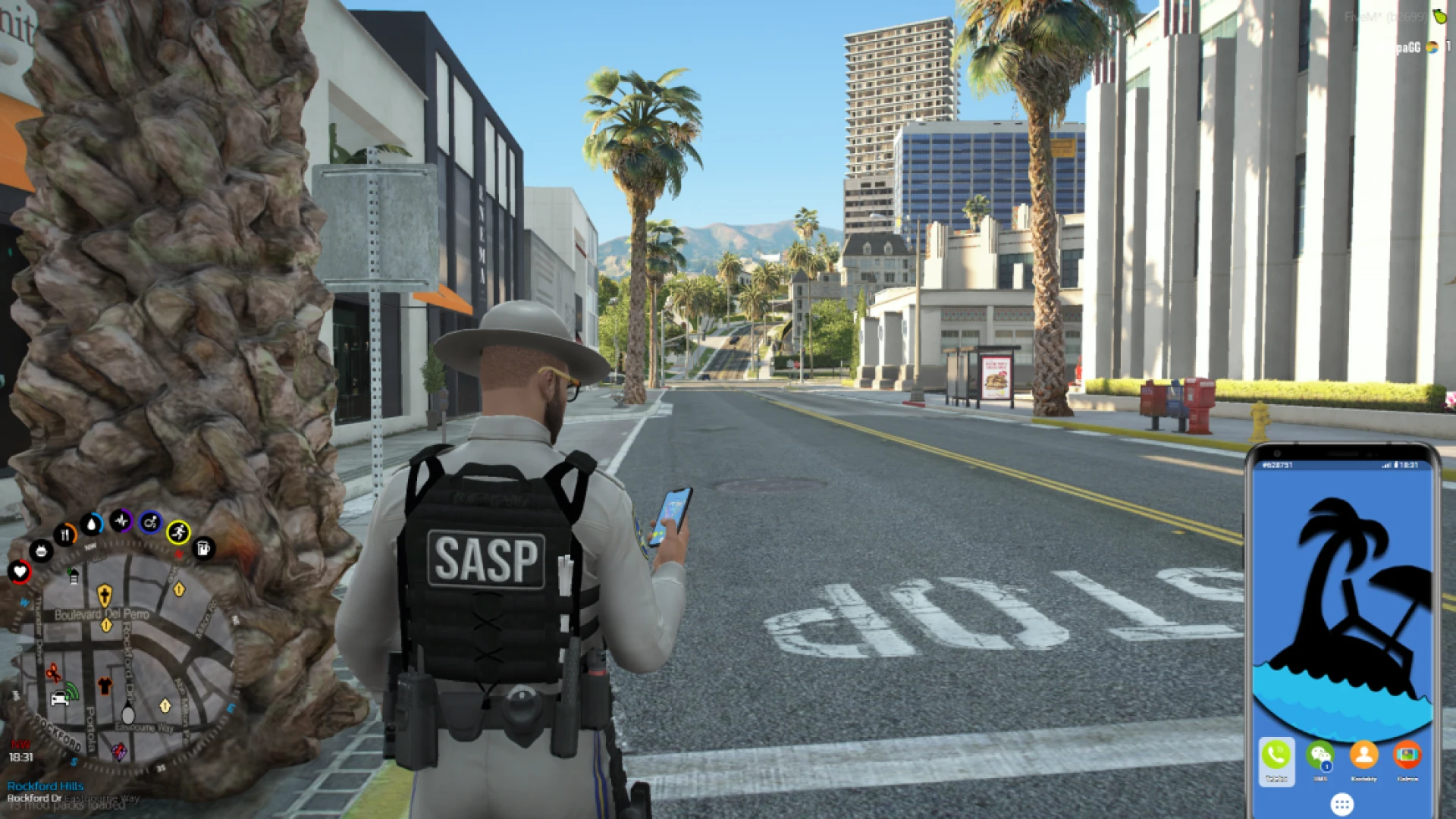
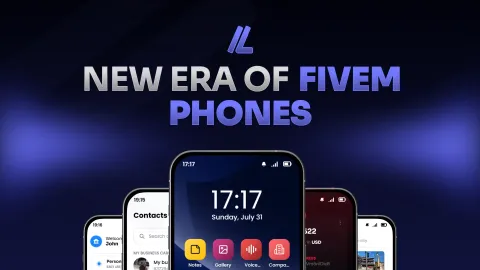
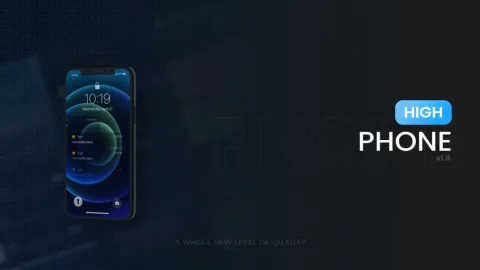
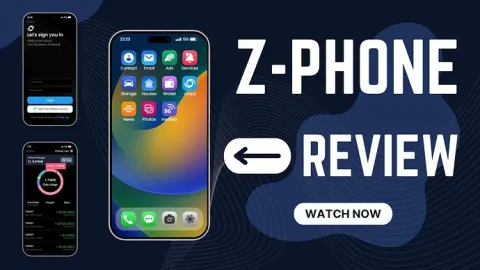
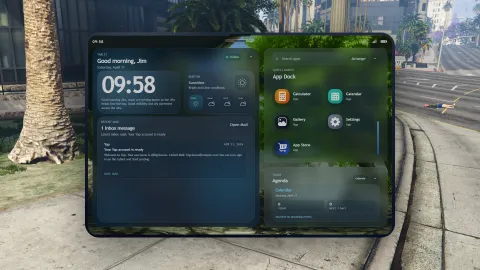
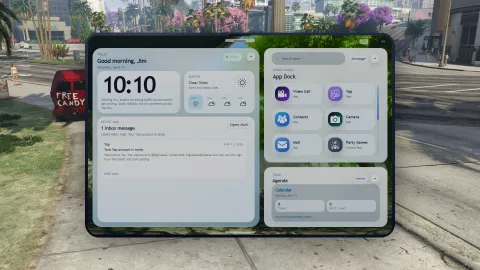
The Play Phone brings a full modern smartphone to your FiveM roleplay server, giving every player a device that feels as natural as the one in their pocket. Calls, text messages, contacts, banking, and social apps all live inside a single sleek interface that opens instantly and looks great on any screen size. It is the communication hub your community has been asking for. Every player carries their whole digital life in one pocket-sized tool that they will open dozens of times in a single session.
Roleplay lives or dies on how easily players can reach each other, and this phone makes that effortless. Friends coordinate jobs over calls, criminals send discreet messages, and businesses advertise through in-game social feeds, all without leaving the world. The clean design keeps every app a tap away, so nobody wastes time hunting through clunky menus during an intense scene.
Why the Play Phone stands out
- Calls, messages, and contacts in one smooth device.
- Built-in banking so players pay and transfer on the go.
- Social apps that fuel in-character stories and drama.
- Modern, responsive interface that fits any resolution.
- Config options to match your server economy and rules.
Apps that power daily roleplay
- Quick dialer for private and group conversations.
- Messaging with saved threads and persistent numbers.
- Wallet view for balances, transfers, and receipts.
- Social feed where players post, share, and react.
- Settings panel for wallpapers and personal touches.
Persistence is where the phone truly shines, because numbers, contacts, and messages stay saved across sessions. Players build real relationships around their device, remembering who owes them money and who they last argued with, which adds a layer of continuity that keeps characters feeling grounded from one login to the next. Those remembered details are what make a phone feel less like a menu and more like a genuine extension of the character holding it.
Setup is designed to be painless. Add the resource, review the config for your framework and economy settings, and restart the server. The documentation explains each app and option clearly, so you can tune the experience for your community and roll the phone out to players without a long or stressful installation.
Give your server the smartphone it deserves and explore more tools in our FiveM scripts catalogue, or refine your interface further with our HUD and UI scripts collection.