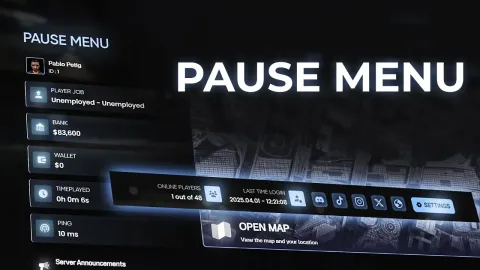
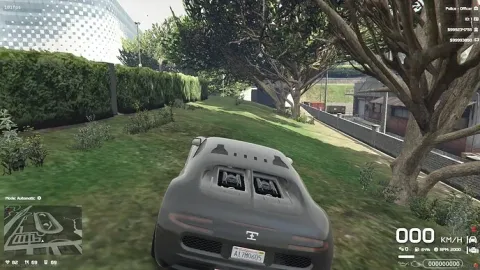
Ps HUD gives your FiveM server a finished feature instead of another half-built resource. It supports ESX, QBCore and Qbox.
What Ps HUD brings to your server
Players judge a resource by how smooth it feels, and owners judge it by how little it breaks. Ps HUD is made with both in mind: clean interactions in game and a sensible structure behind the scenes.
Key features
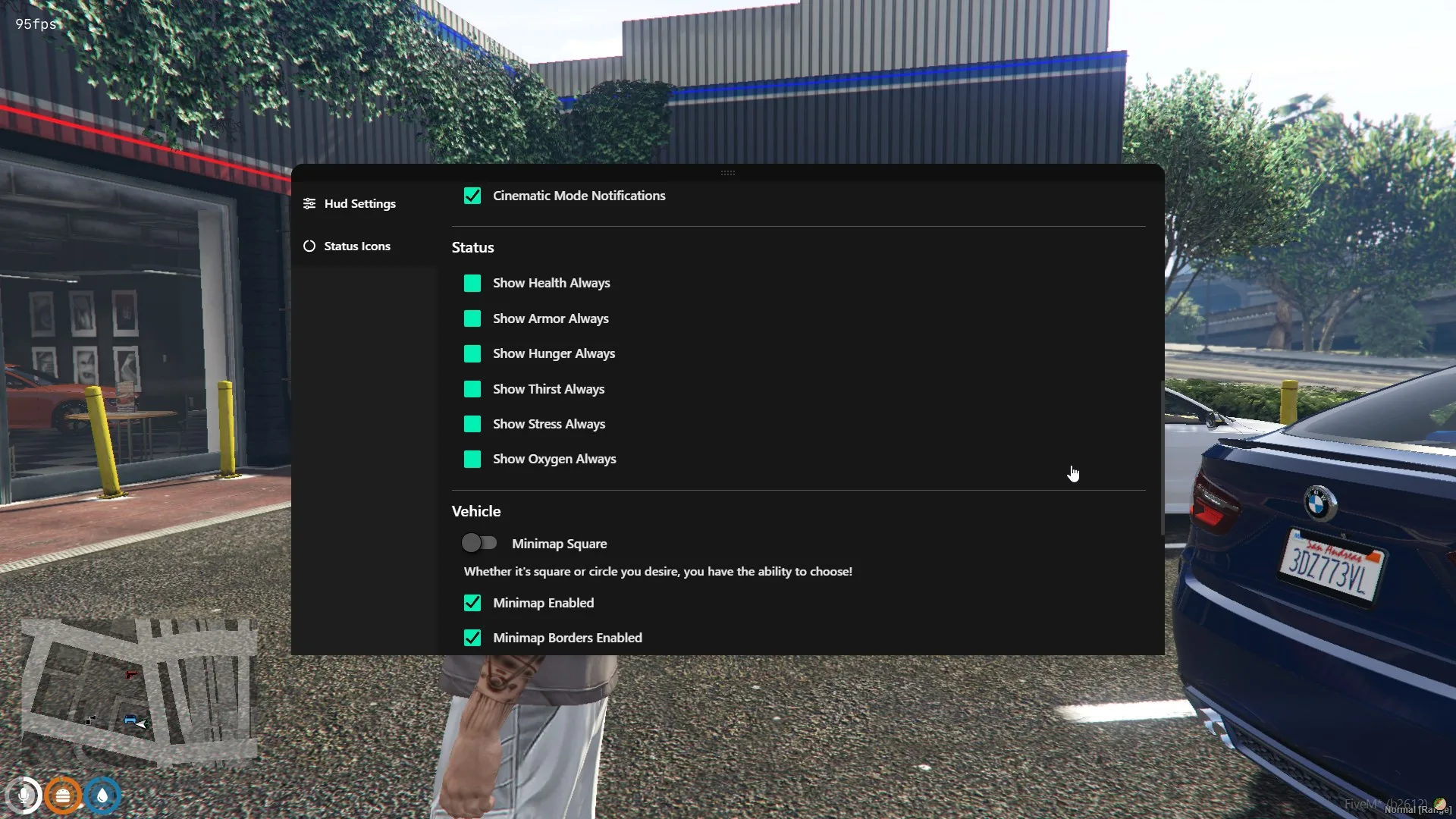
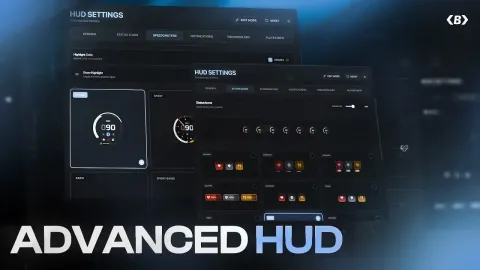
- Ultra-customizable HUD with full settings menu
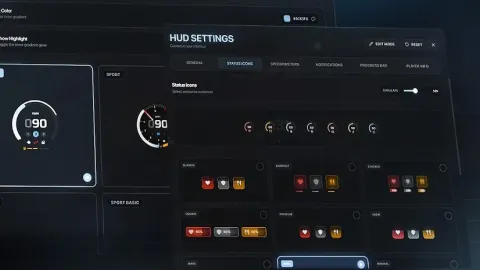
- Custom icon shapes, size, position, color per icon
- Design mode for live reorder of HUD elements
- Per-icon state and color + progress color
- Endless layout options and icon spacing
- Compatible with QBCore (native), ESX via community port
How servers use it
Ps HUD gives players a new loop to engage with and gives staff fewer reasons to step in manually. It fits serious roleplay servers as well as more casual communities. Ps HUD is written to stay light. Loops sleep when nothing is happening, heavy work stays on the server where it belongs, and the resource keeps a low footprint on the resource monitor.
Installation and compatibility
Setup takes a few minutes: place the resource in your resources folder, review the config file, ensure it in server.cfg and restart. Check the included readme for any dependencies your framework needs. Browse more HUD & UI Scripts, or see the full FiveM scripts range to complete your setup.
Every order of Ps HUD is a one-time purchase with instant delivery after payment, so you can install it the same day. FiveM Shops keeps premium FiveM content affordable for growing servers.
Buying Ps HUD from FiveM Shops means a one-time price, instant access to the files and a catalogue that covers everything a growing roleplay server needs, from scripts and MLOs to vehicles, peds and props.
A practical tip: test Ps HUD on a staging server with your exact framework and inventory before going live. Adjust the config values for payouts, cooldowns and locations so they fit your economy, then announce the feature so players know where to find it.
Quick specs
- Type: Server resource
- Category: HUD & UI Scripts
- Framework: ESX, QBCore and Qbox (standalone-friendly)
- Install: Drag and drop into resources, ensure in server.cfg
- Delivery: Instant download after payment
Frequently asked questions
Is Ps HUD compatible with QBCore, ESX and Qbox?
Ps HUD is made for the common FiveM frameworks. Check the included readme for the exact dependencies your setup needs before starting it.
Is it hard to configure?
No. The main options sit in a readable config file, so you can change prices, timers, locations and text without editing the core code.
Will this HUD script affect performance?
It is written to stay light: loops sleep when nothing is happening and heavy logic runs on the server, keeping resmon low.