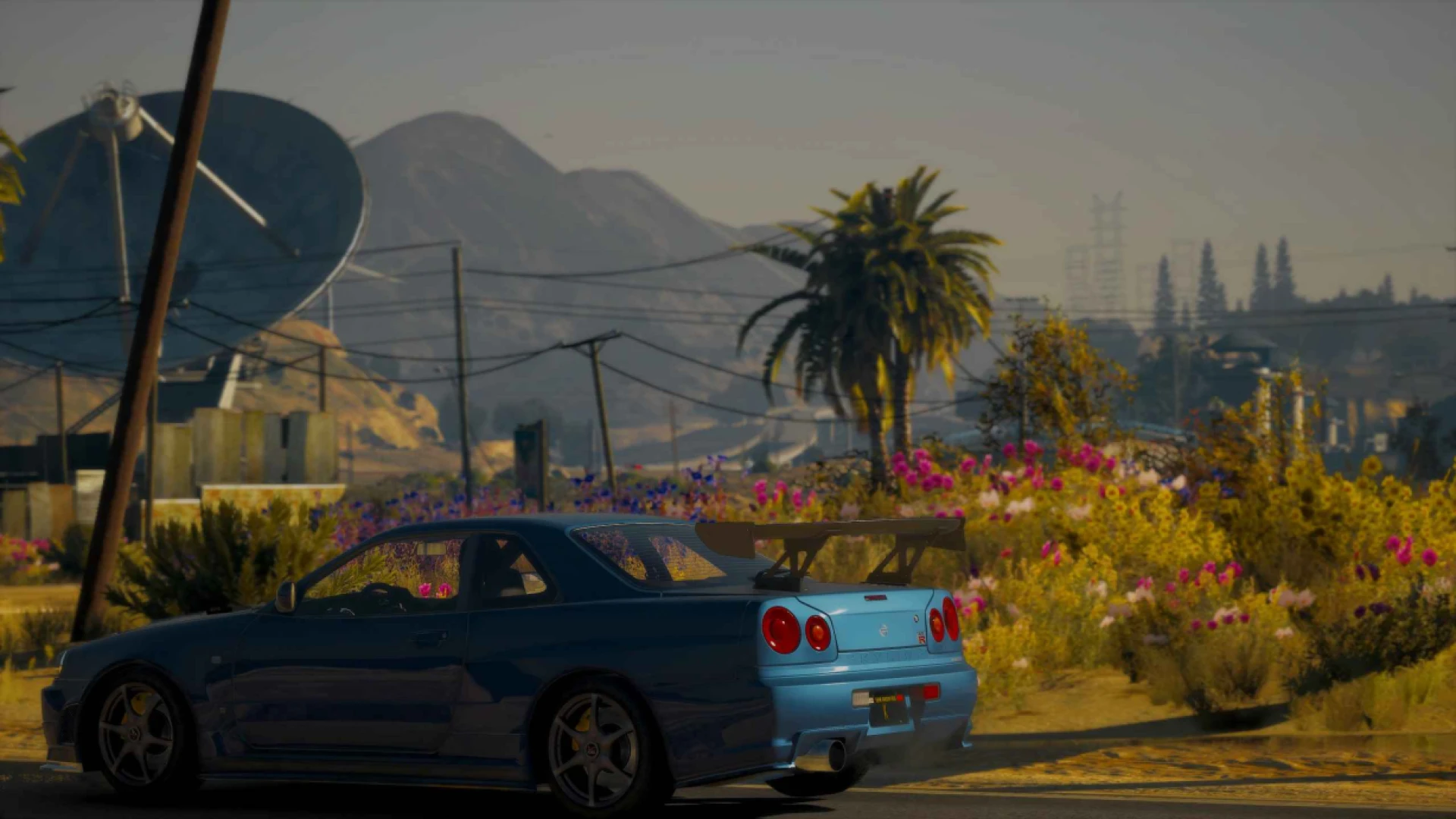
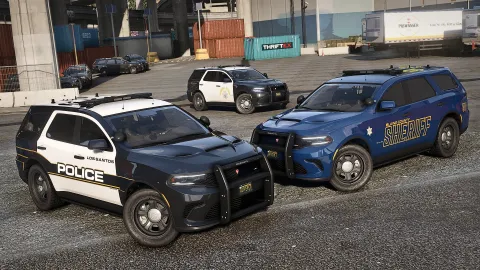
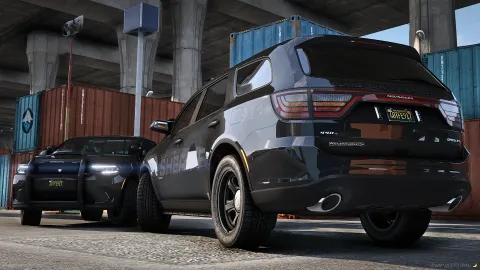
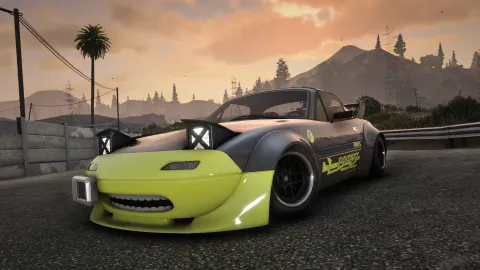
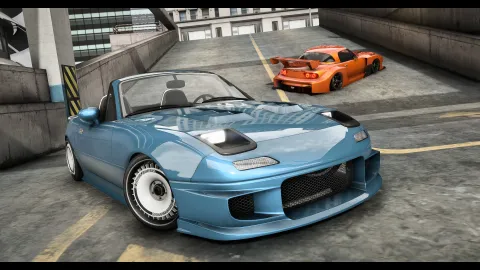
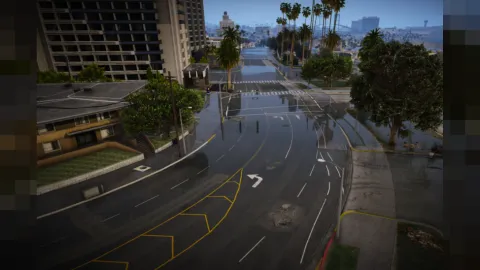
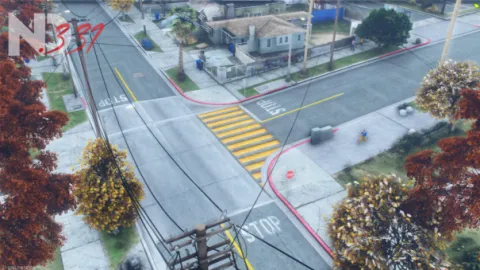
Pure Graphics V2.5 is a refined ReShade preset that reworks vegetation colour and ambient light for a natural, realistic FiveM image. It runs client-side, so the improved look is yours alone and never affects server performance or other players' settings.
Built to complement realistic base visuals, this version retunes greenery and softens ambient lighting so scenes feel more balanced and lifelike. Colours read cleanly, shadows gain subtle depth, and the overall picture leans photographic without tipping into an artificial, over-filtered style.
What Pure Graphics changes
The preset aims for a gentle, believable enhancement rather than a dramatic overhaul.
- Reworked vegetation colour for more natural greens.
- Added ambient light for softer, richer scenes.
- Balanced contrast that keeps detail in highlights and shadows.
- Clean, photographic tone suited to roleplay and stills.
- Low performance cost of roughly a few frames.
Install and usage
Follow the standard ReShade steps to get it running.
- Install ReShade and select the Direct3D option.
- Place the preset ini in the correct folder.
- Open the ReShade menu and choose the preset.
- Set in-game brightness to around fifty percent.
- Remove the file any time to revert.
A subtle preset like this is ideal for players who want a cleaner, more cohesive image without sacrificing visibility or frames. It quietly ties your textures, roads and vegetation into one consistent look.
Because the performance hit is minimal, it suits mid-range machines and busy roleplay servers alike, and it layers neatly over quality texture packs. The natural greens especially benefit updated vegetation mods.
Polish your visuals and explore more presets in our client-side mods collection, or add matching interface tweaks from our HUD and UI scripts range.
Because it is built to drop straight into a live server, this release installs cleanly and works alongside the systems you already run, so it earns its place without the usual porting headaches — the kind of dependable, ready-to-use addition that quietly raises the overall quality of a FiveM server.
The finish holds up under real use, with the details players actually notice handled properly from every angle, which is exactly what separates a polished, premium addition from a rushed conversion that lets a server down the moment someone looks closely.