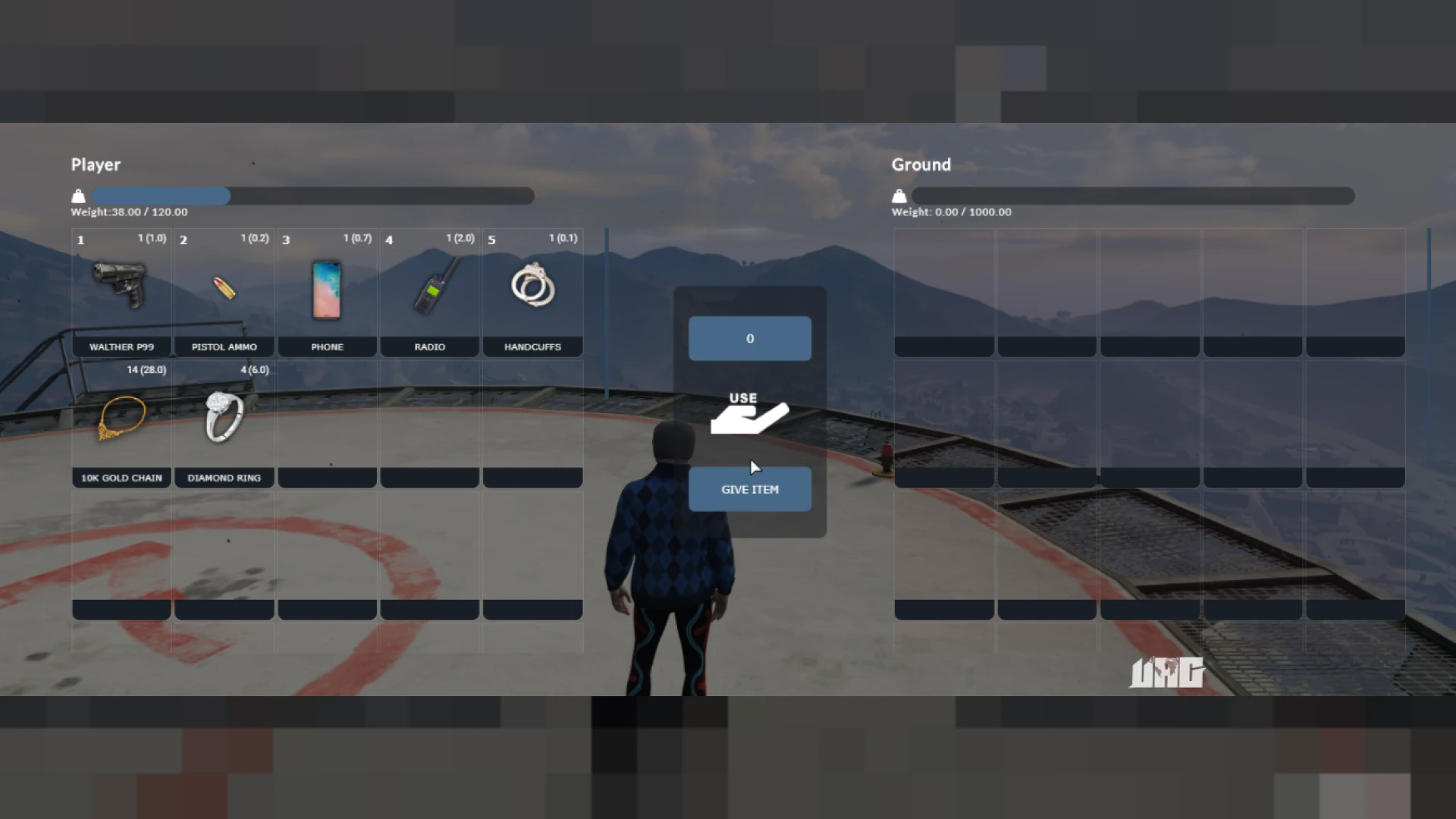
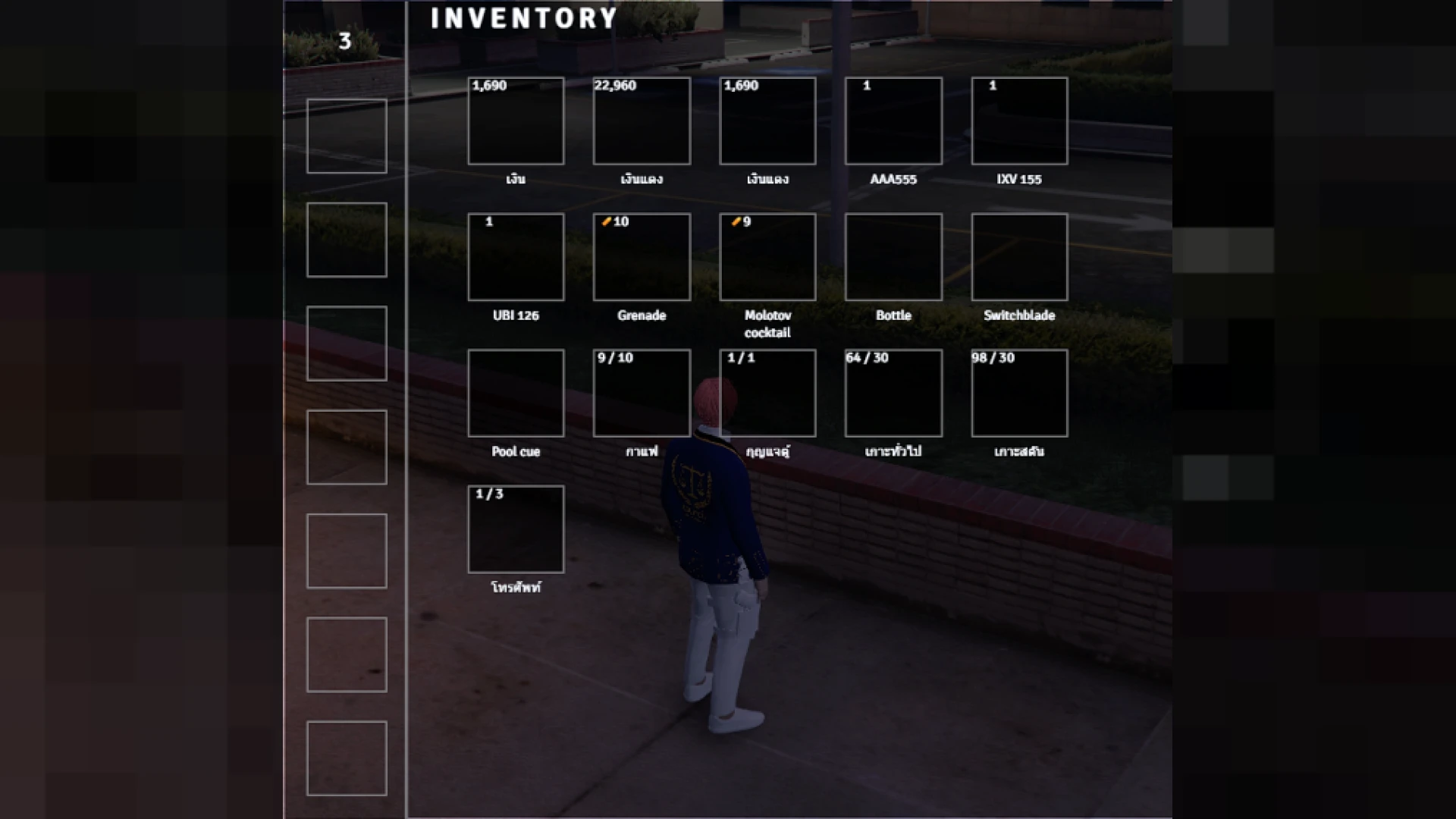
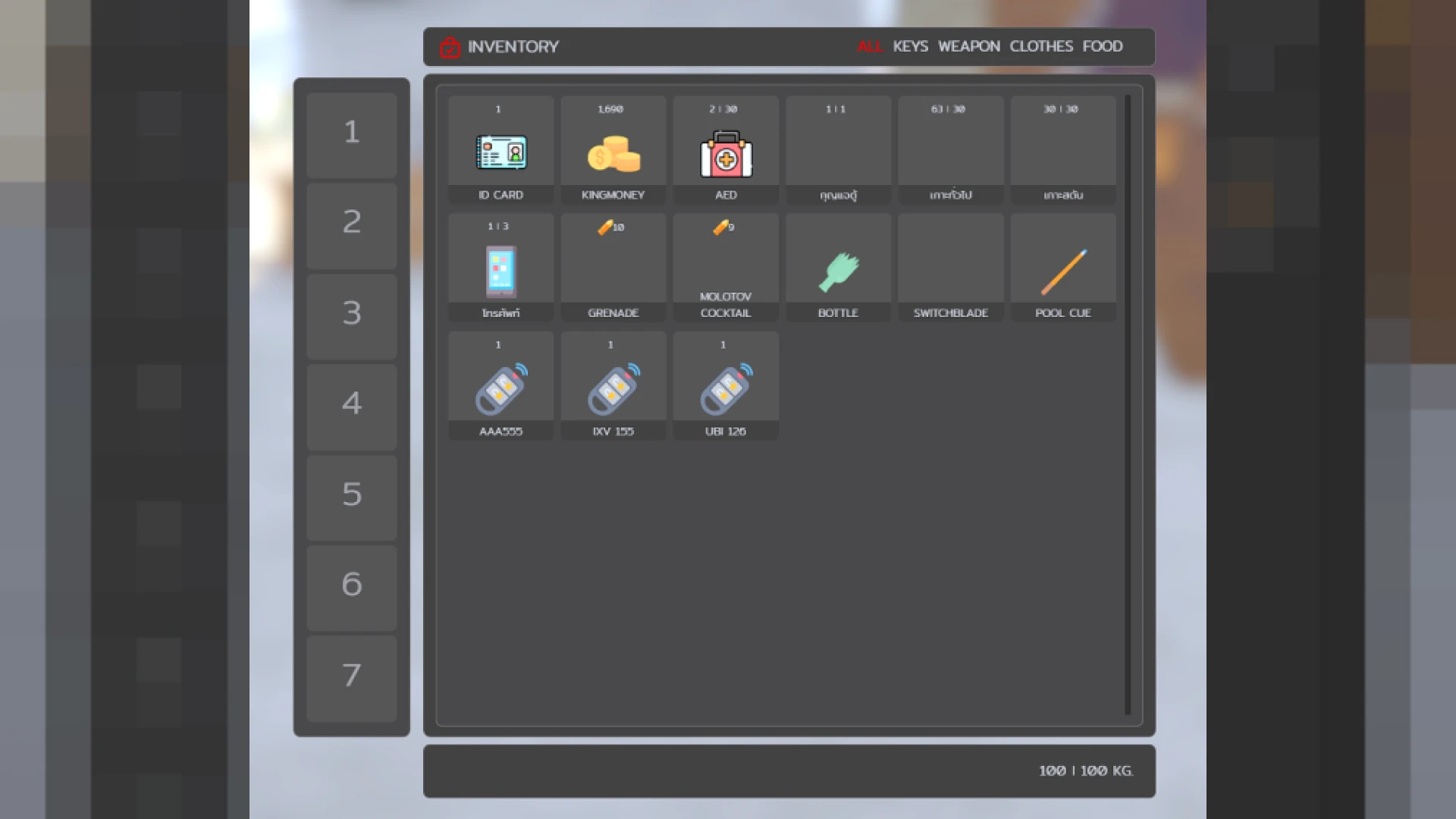
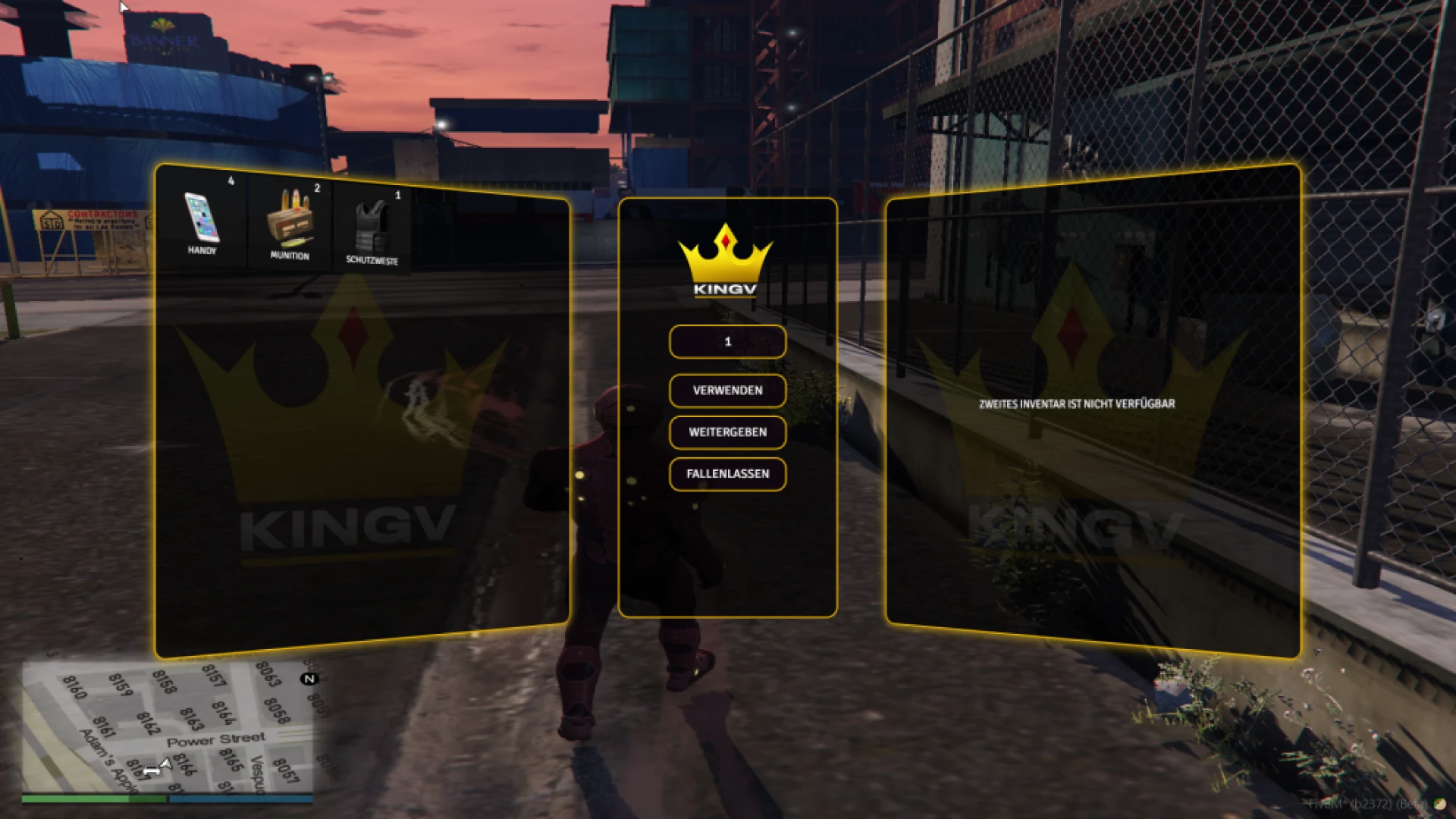
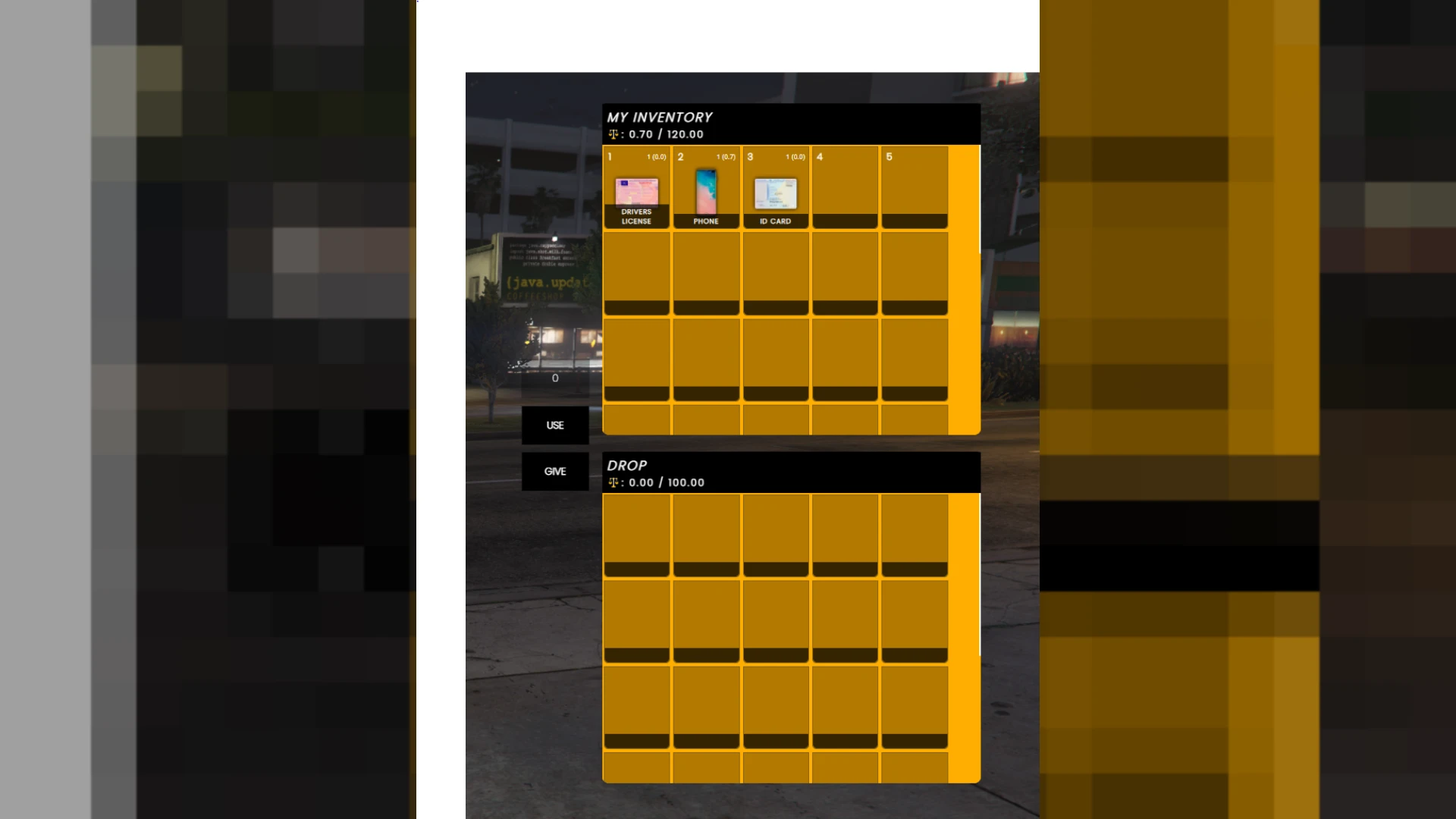
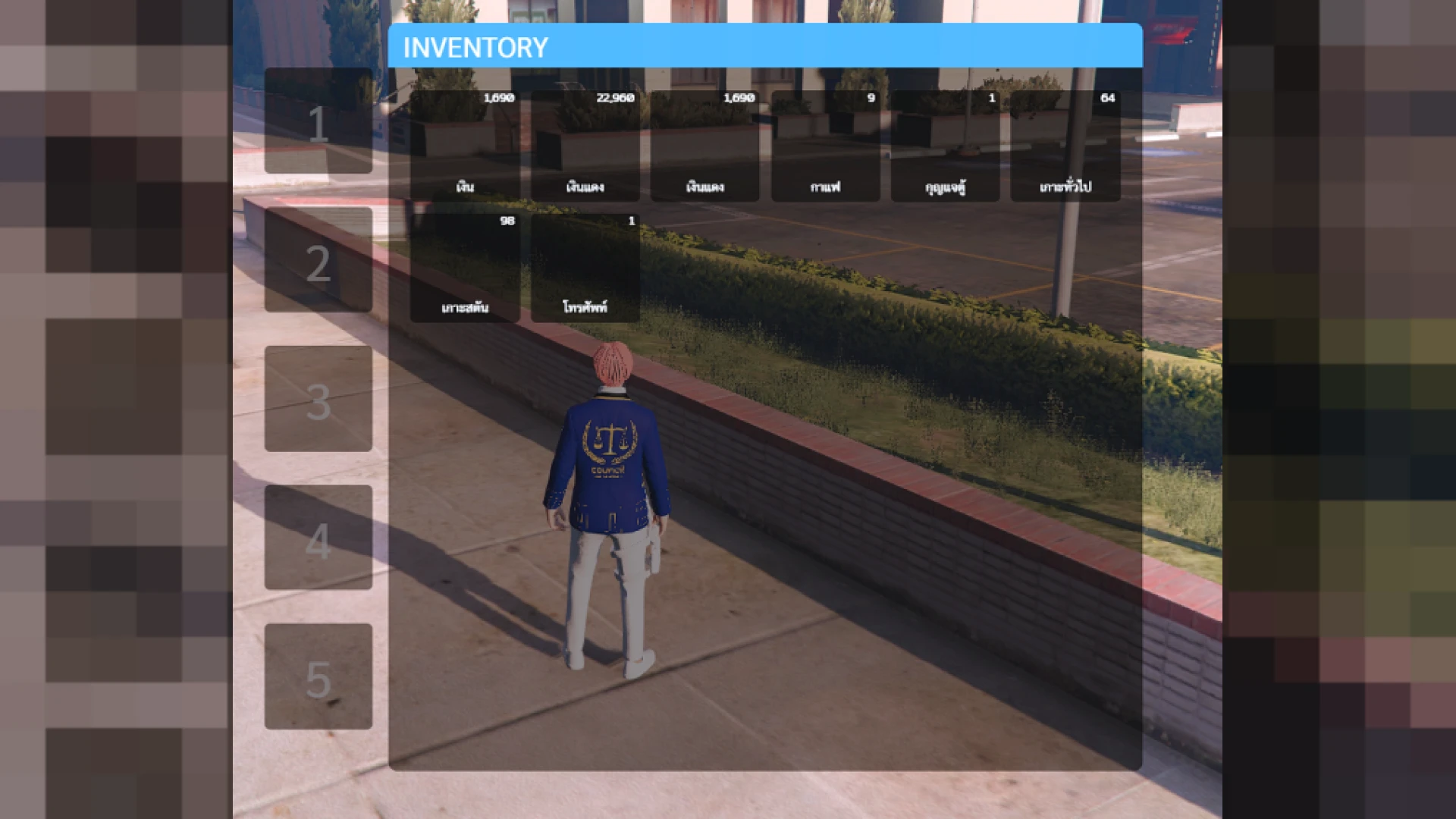
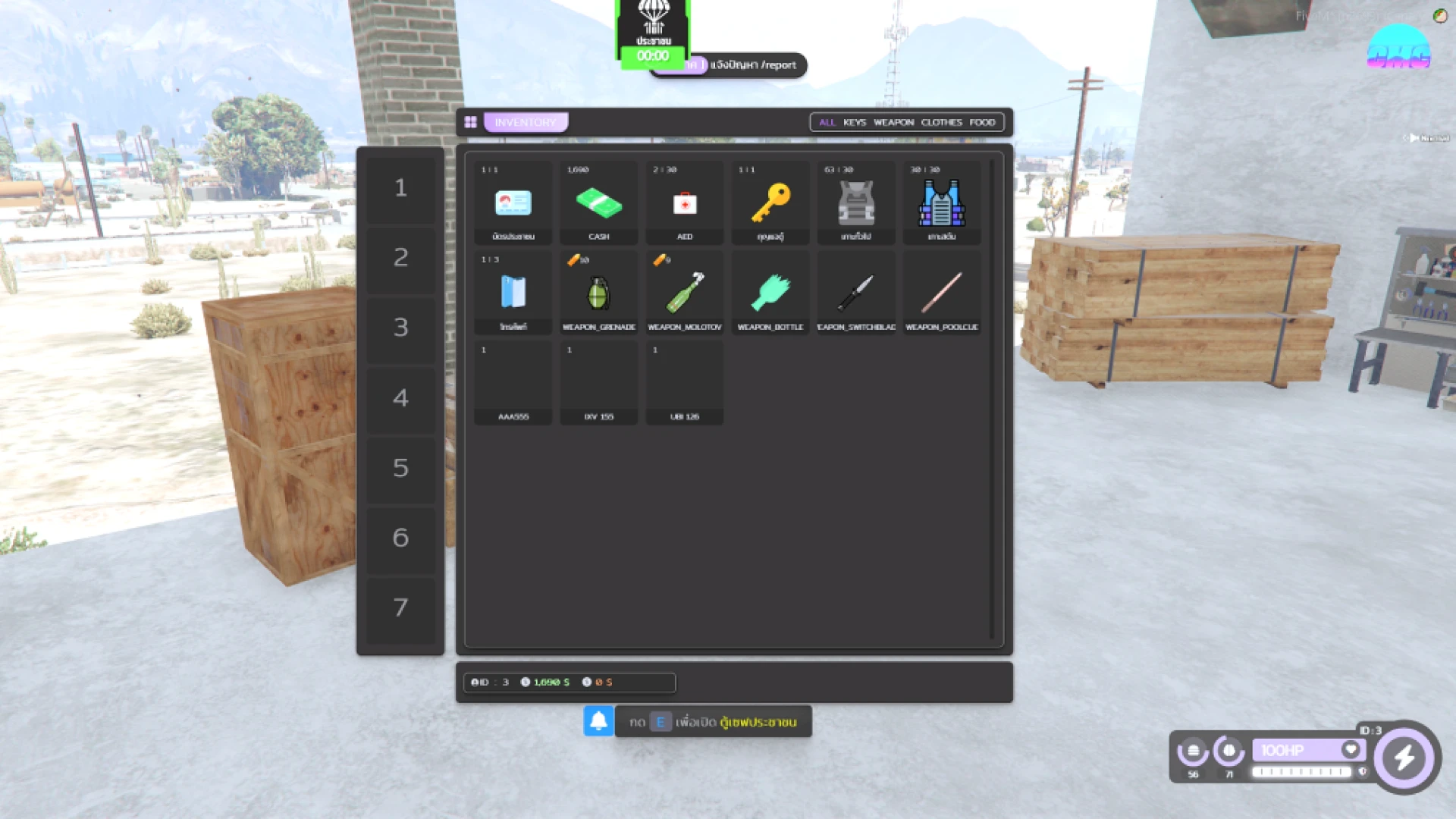
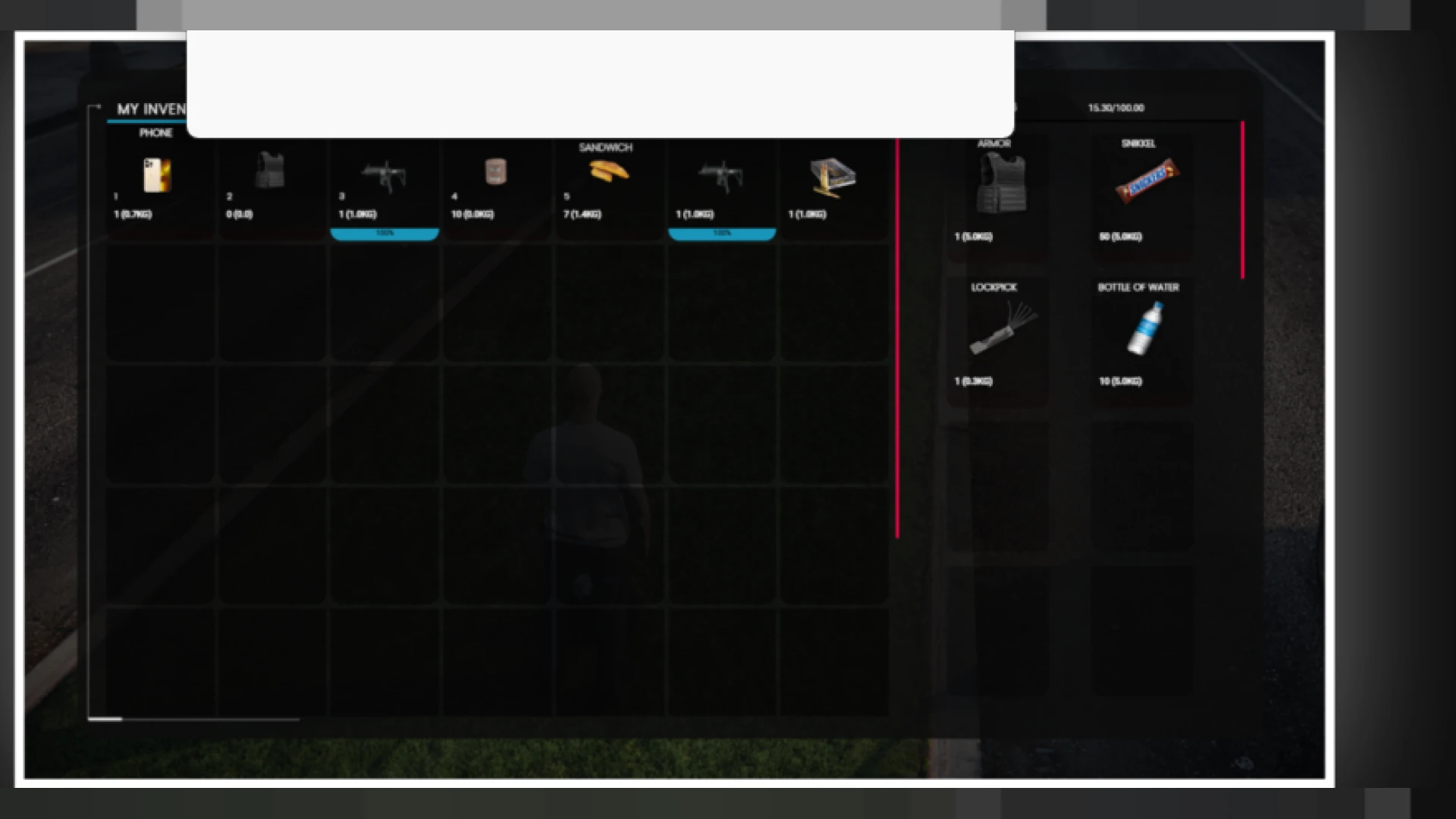
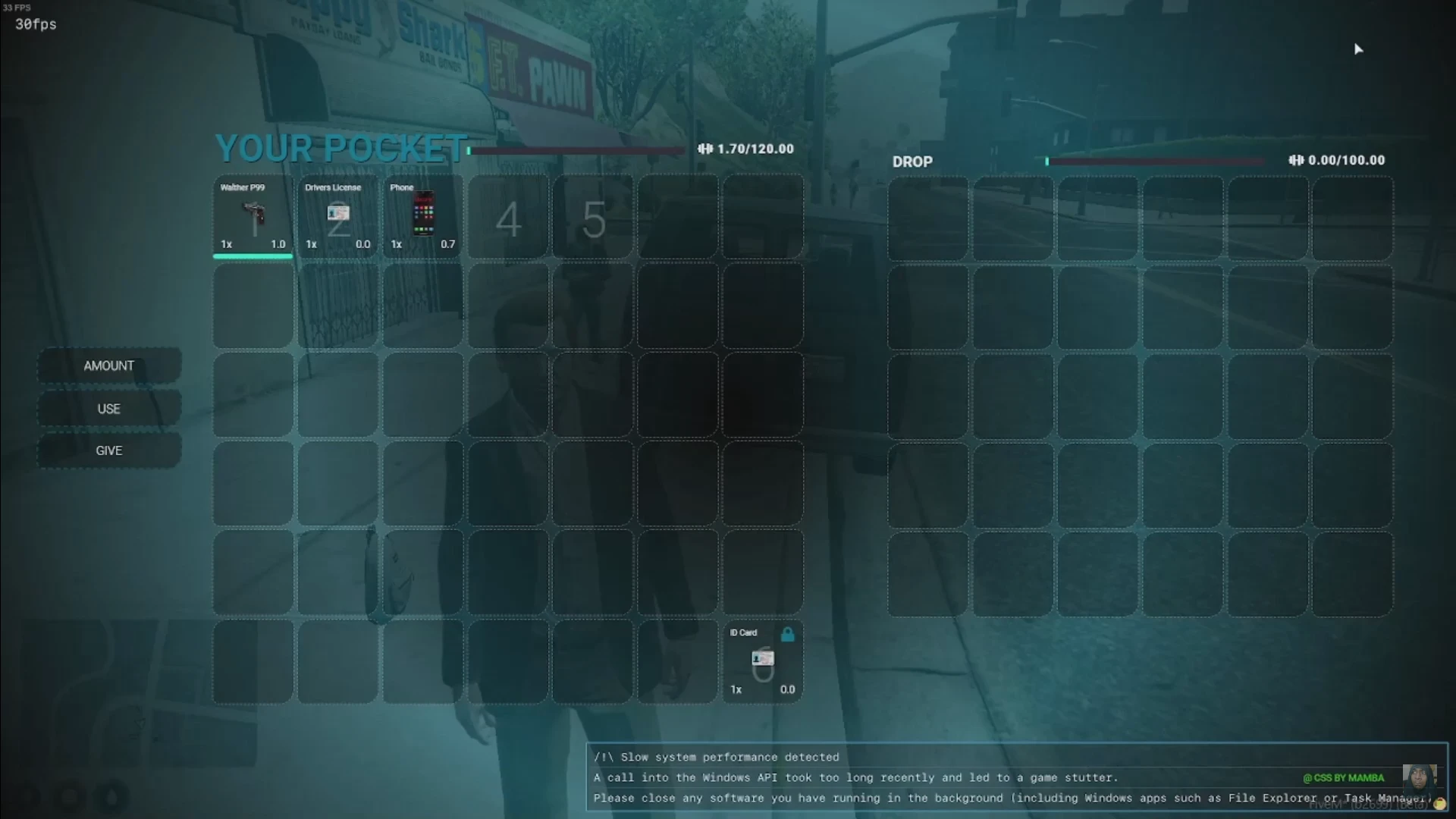
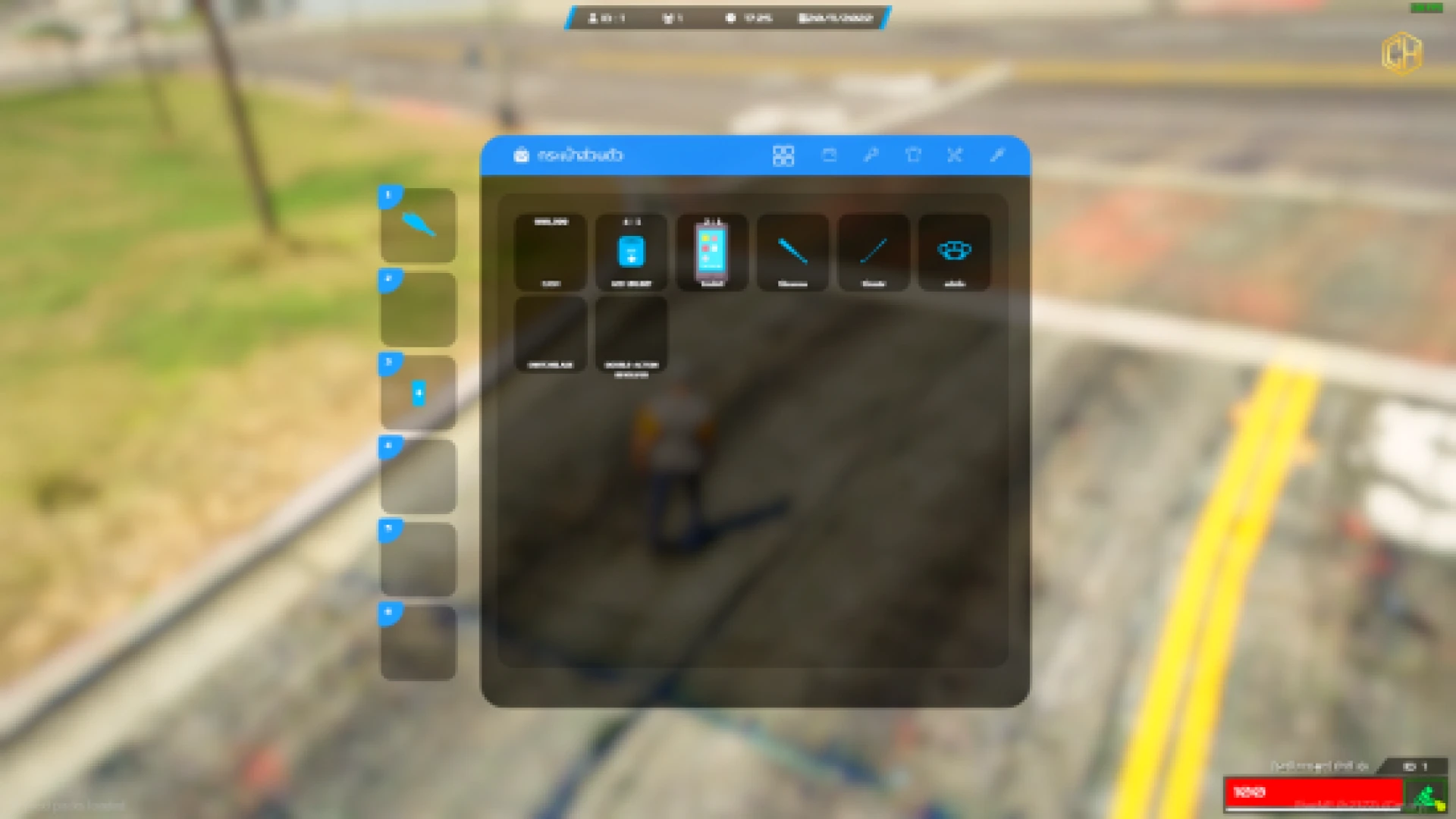
This QBCore inventory script replaces the default GTA V inventory with a modern, drag-and-drop interface built for immersive roleplay. Every item can be moved, split, stacked and equipped through a clean panel that feels natural the first time a player opens it.
The system is designed around weight and slots, so carrying gear finally has meaning. Players juggle loadouts, storage and trades while the UI stays fast and readable, even on servers running dozens of concurrent scenes at once.
Why choose this QBCore inventory script
The focus here is usability without sacrificing depth. The interface keeps a hotbar close to hand, shows item images clearly, and never buries important actions inside clumsy menus.
- Drag-and-drop movement with instant split and stack support
- Weight limits that shape realistic loadouts and storage choices
- Quick-access hotbar for weapons, radios and consumables
- Contextual right-click actions to use, equip or drop items
- Clean dark theme that stays legible during long sessions
Built for real roleplay servers
Beyond the interface, the inventory ties into the systems your community already relies on. Stashes, glove boxes, trunks and player trades all flow through the same consistent layout, which shortens the learning curve for new members.
- Trunk, glovebox and stash storage with shared weight rules
- Player-to-player trading through a simple, safe window
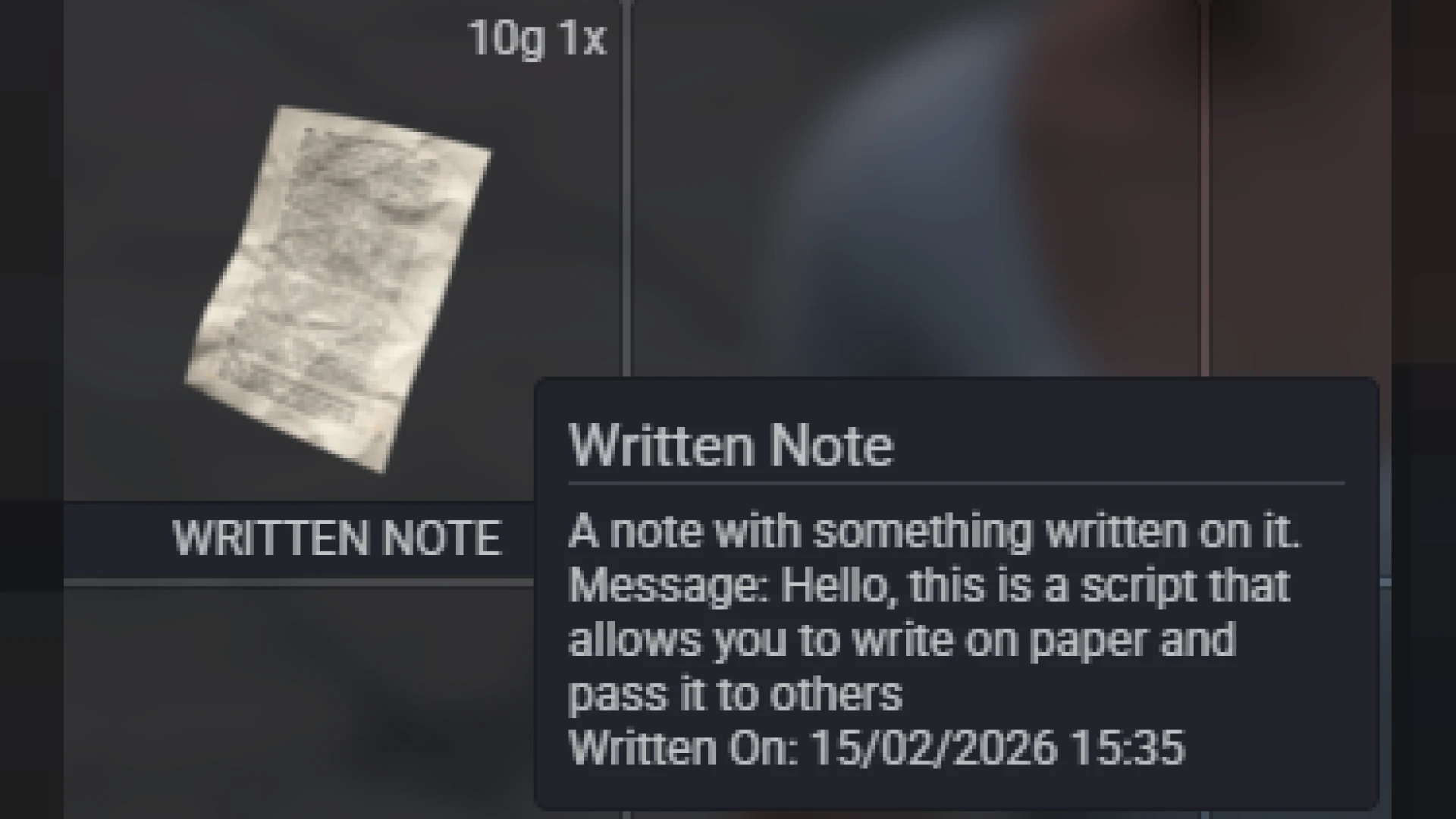
- Item metadata support for durability, serials and labels
- Anti-duplication safeguards to protect your economy
- Configurable slots, weights and images for every item
Performance was a priority throughout. The resource is written to stay light on the client and quiet in resmon, so it will not fight your HUD, targeting or other core resources for frame time during peak hours.
Setup is straightforward for experienced admins. Drop the resource in, review the config, map your item images and restart. Sensible defaults mean you can be live in minutes and then tune weights and slots to fit your server's tone.
If you are refreshing your core loop, pair this with more tools from our inventory-crafting-scripts collection, or browse the full library of scripts to complete your build.
The finish holds up under real use, with the details players actually notice handled properly from every angle, which is exactly what separates a polished, premium addition from a rushed conversion that lets a server down the moment someone looks closely.