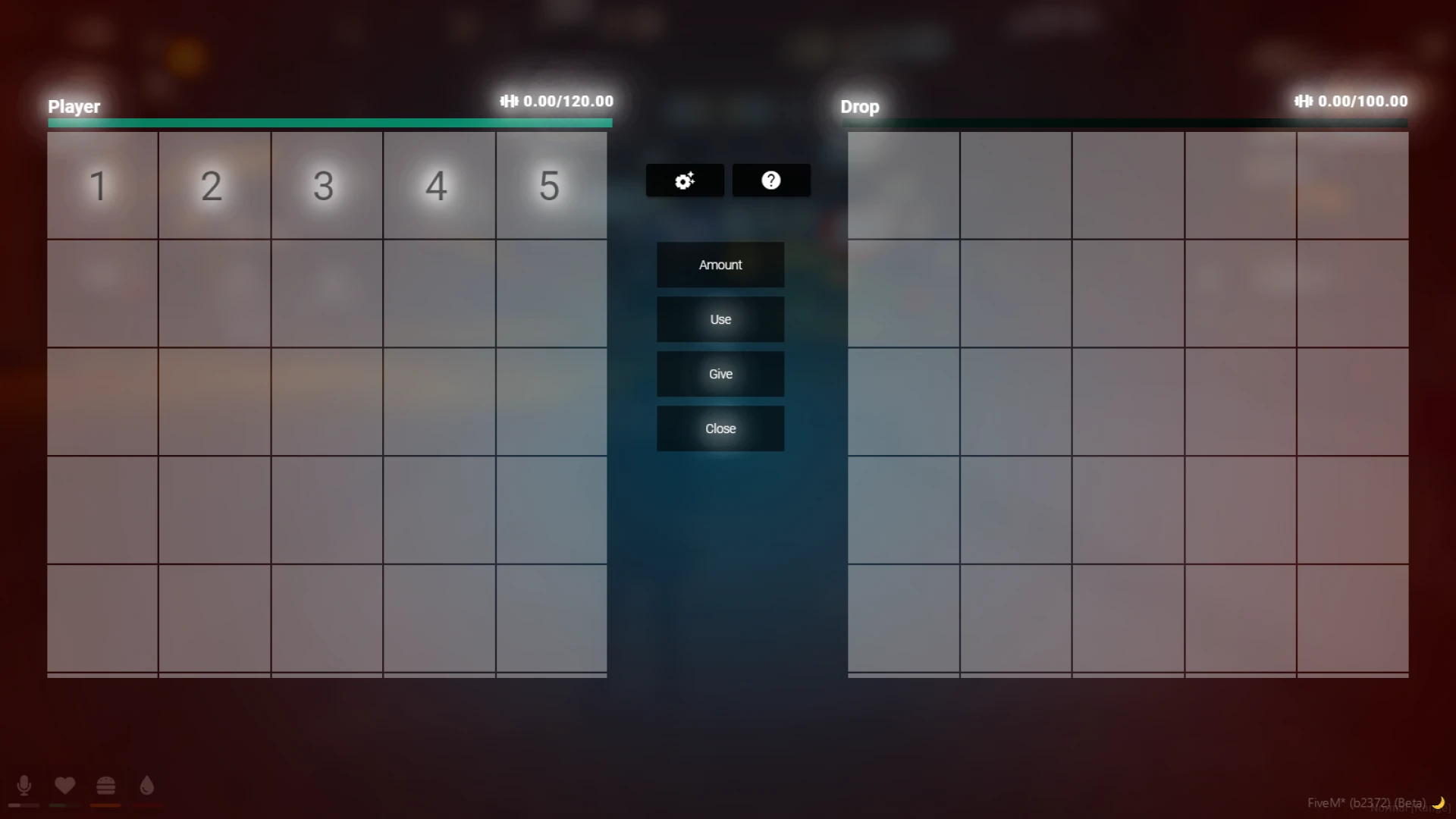
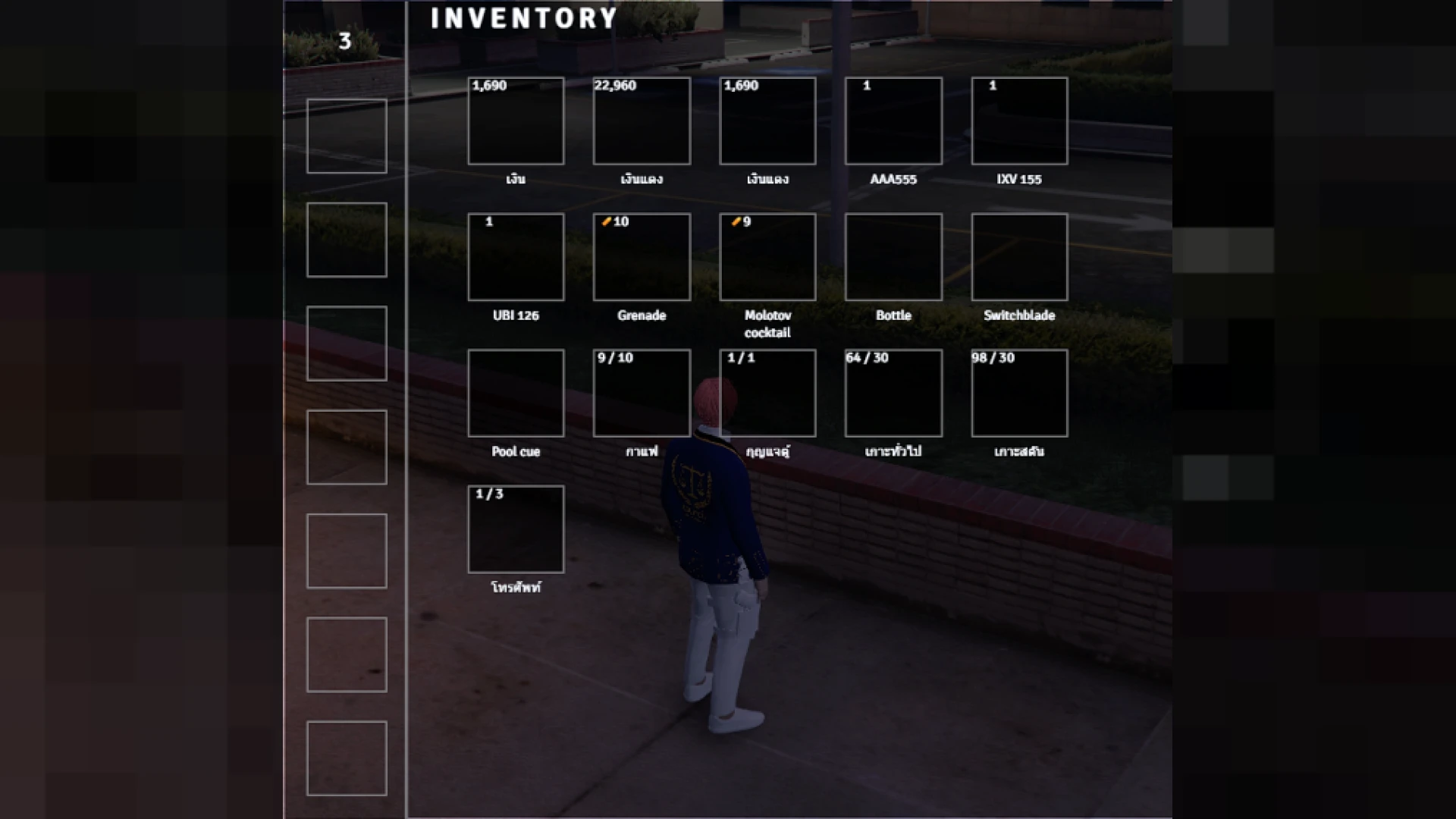
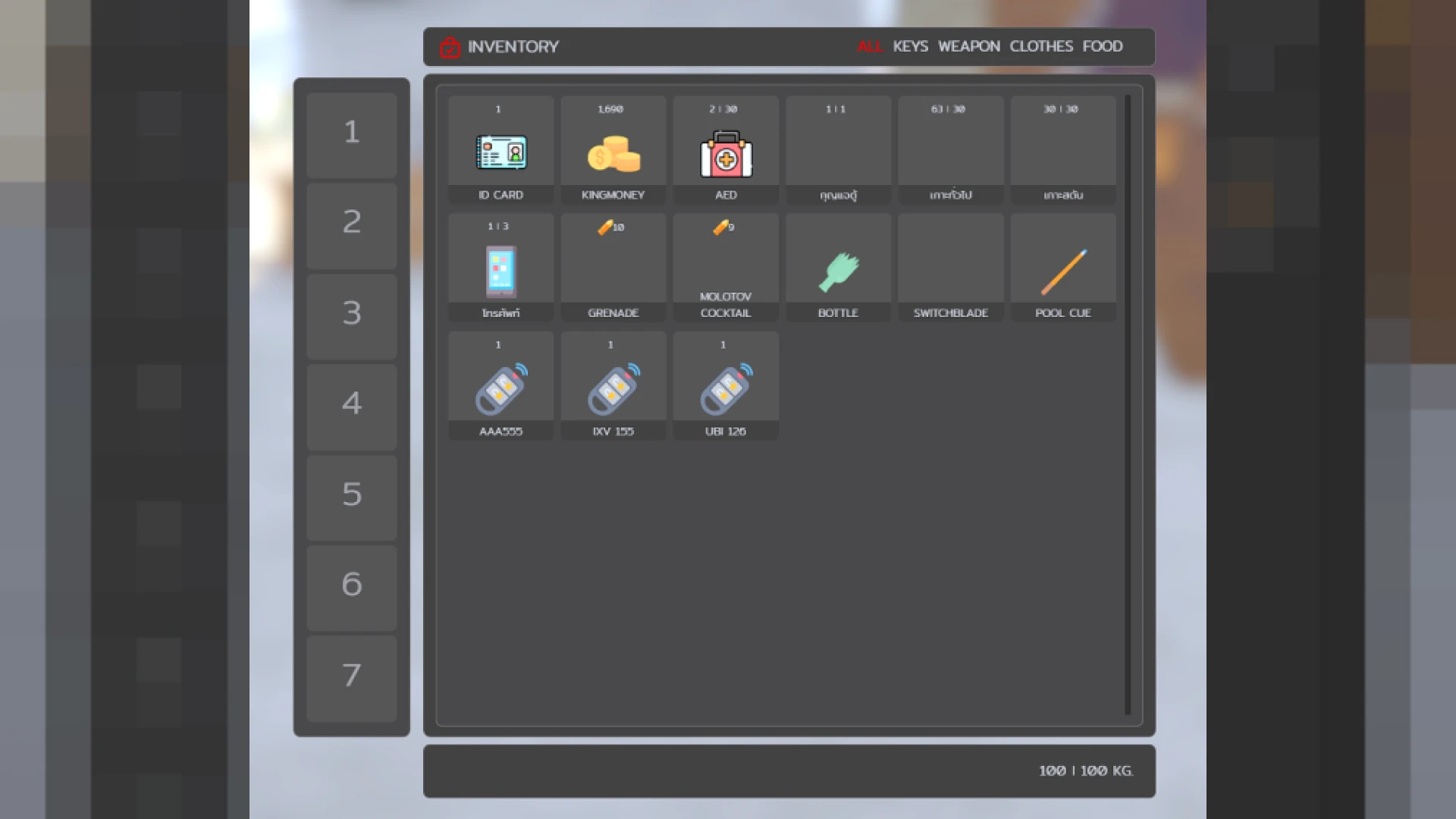
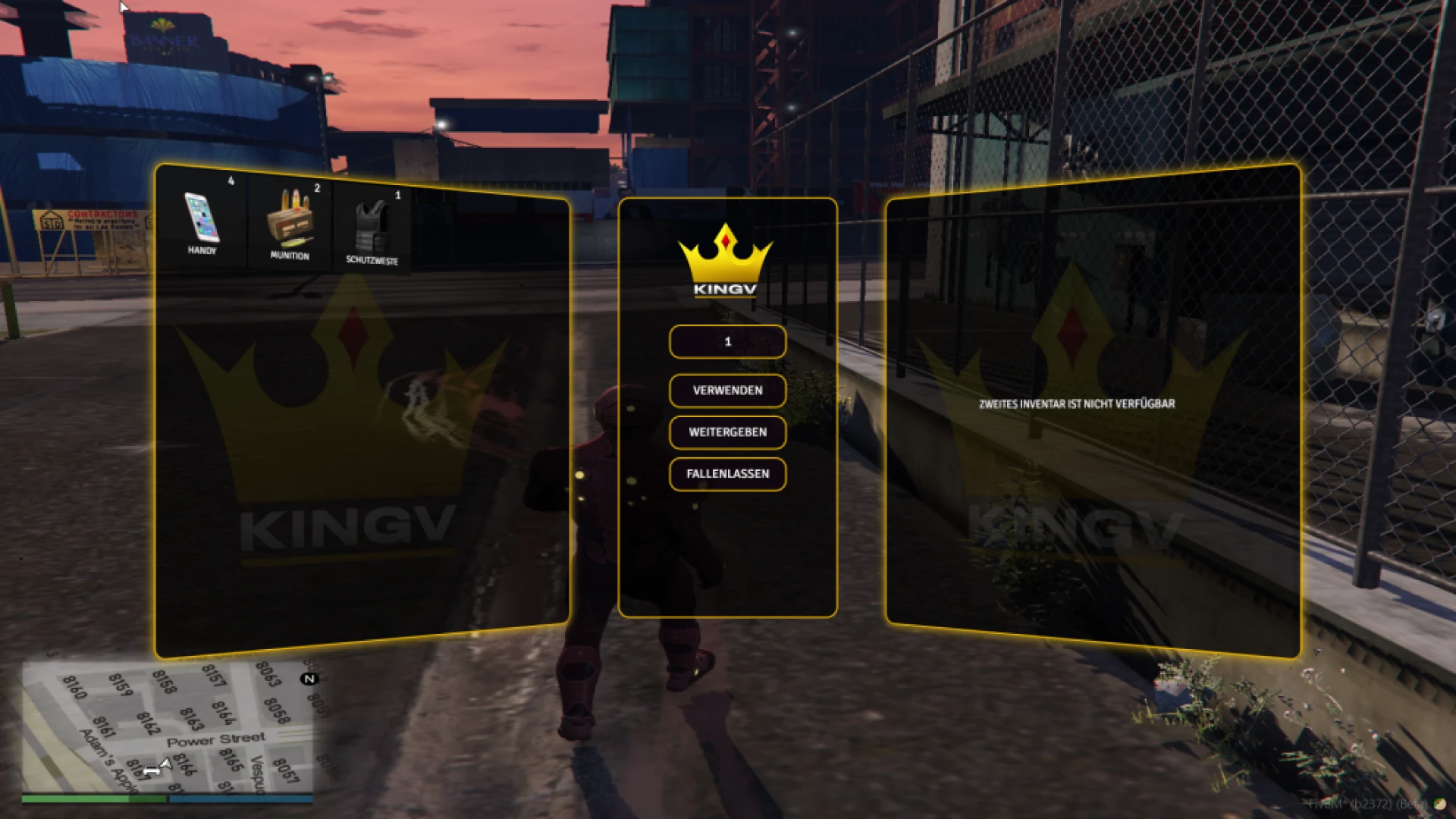
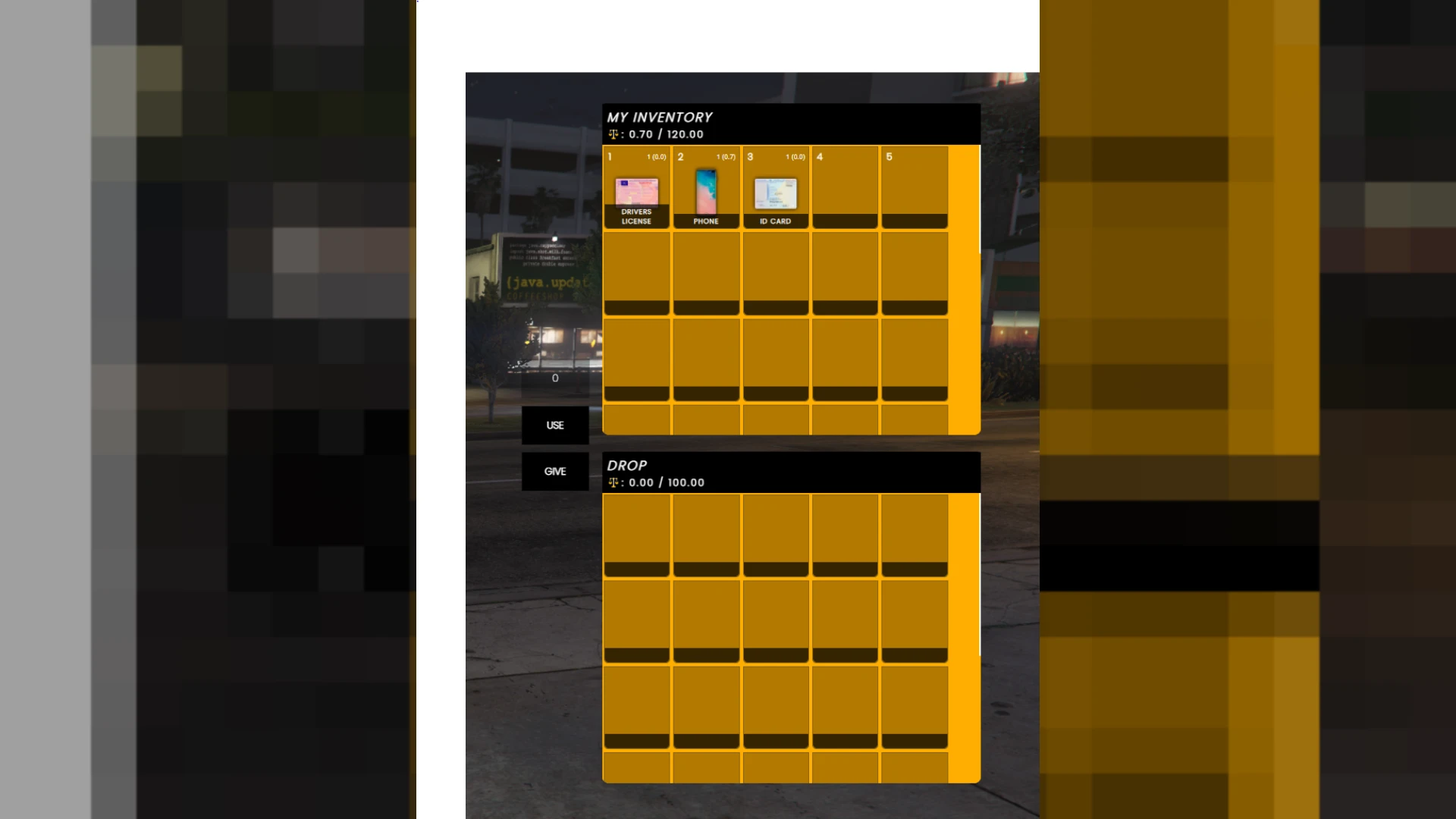
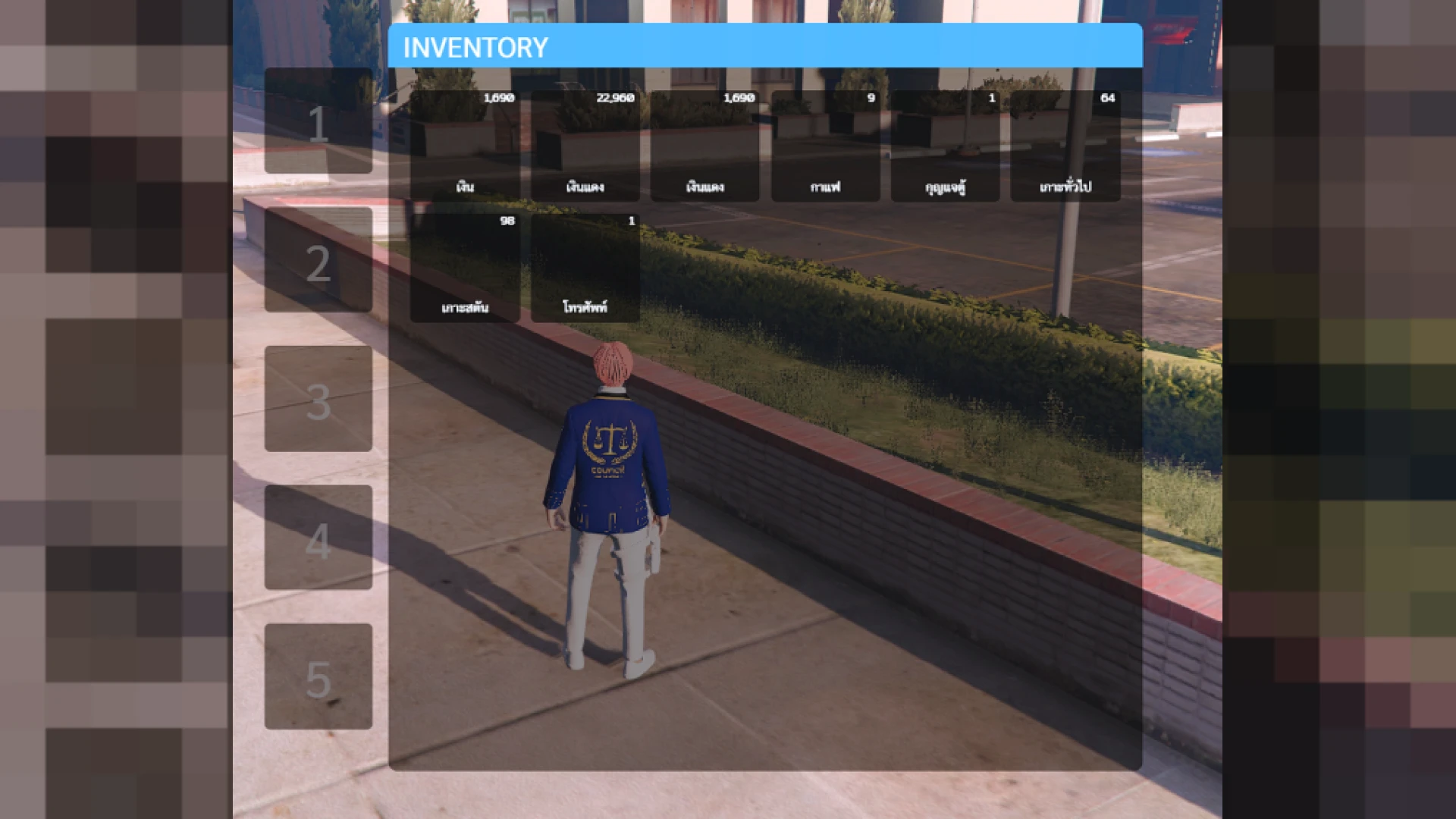
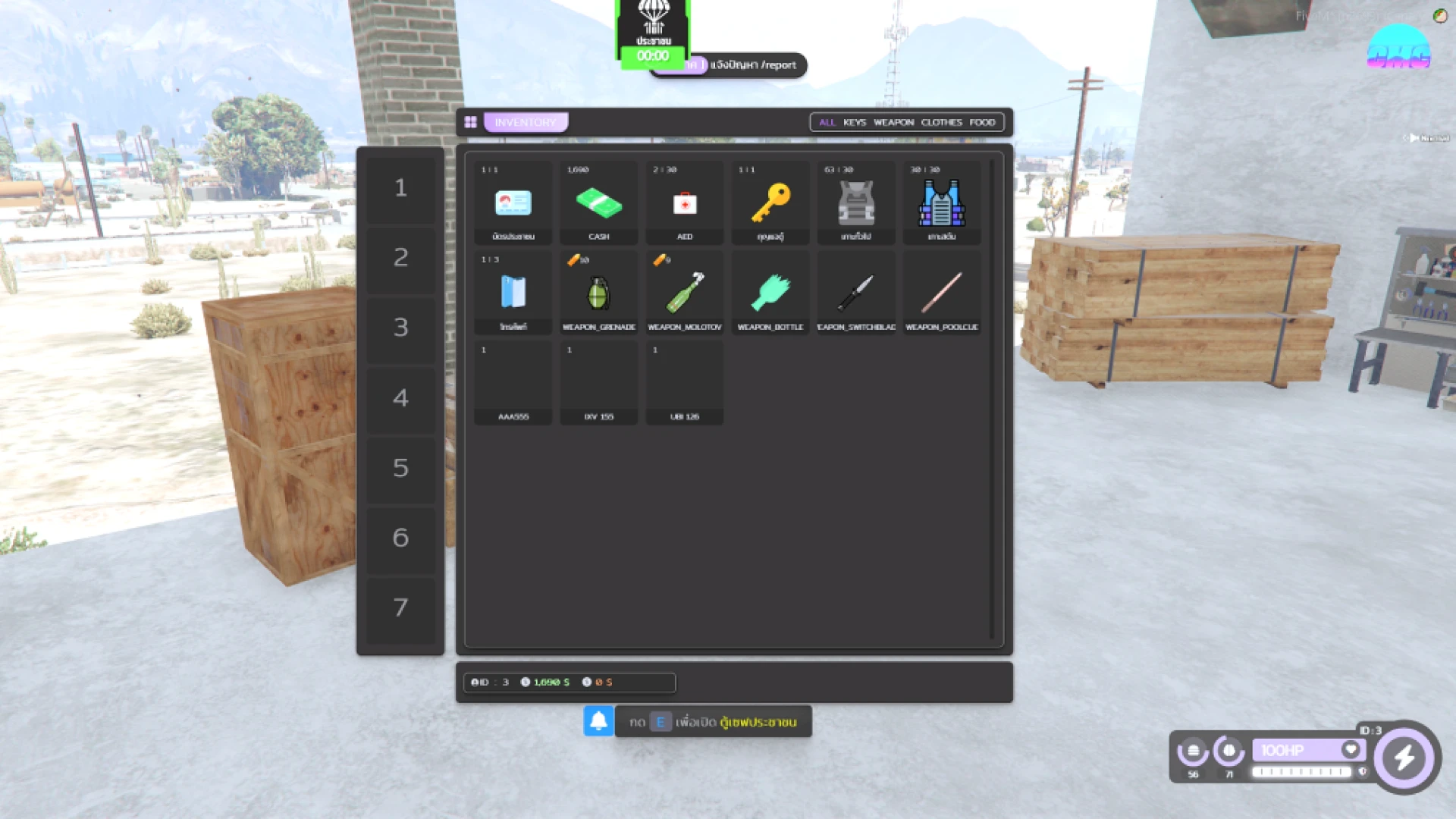
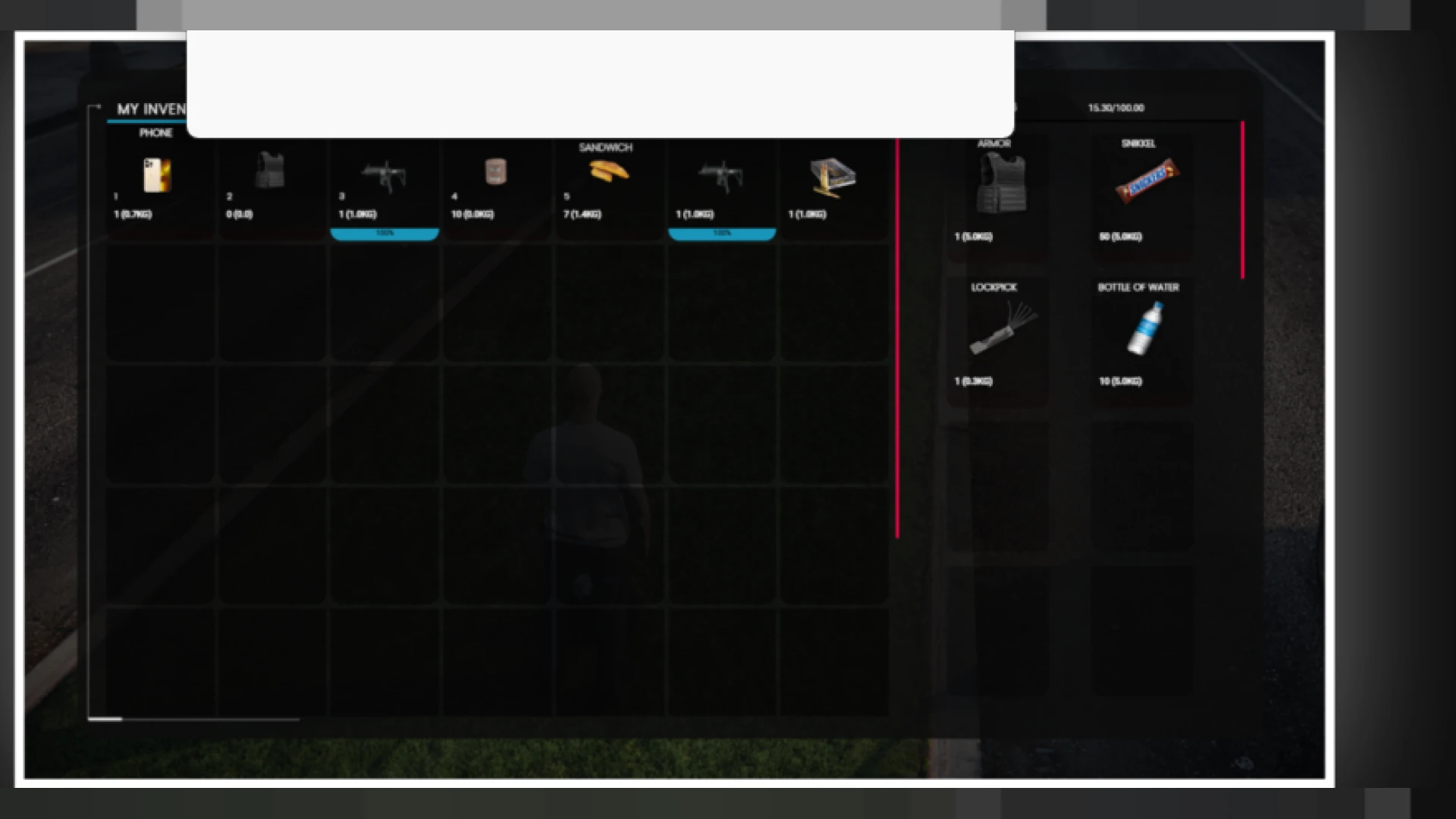
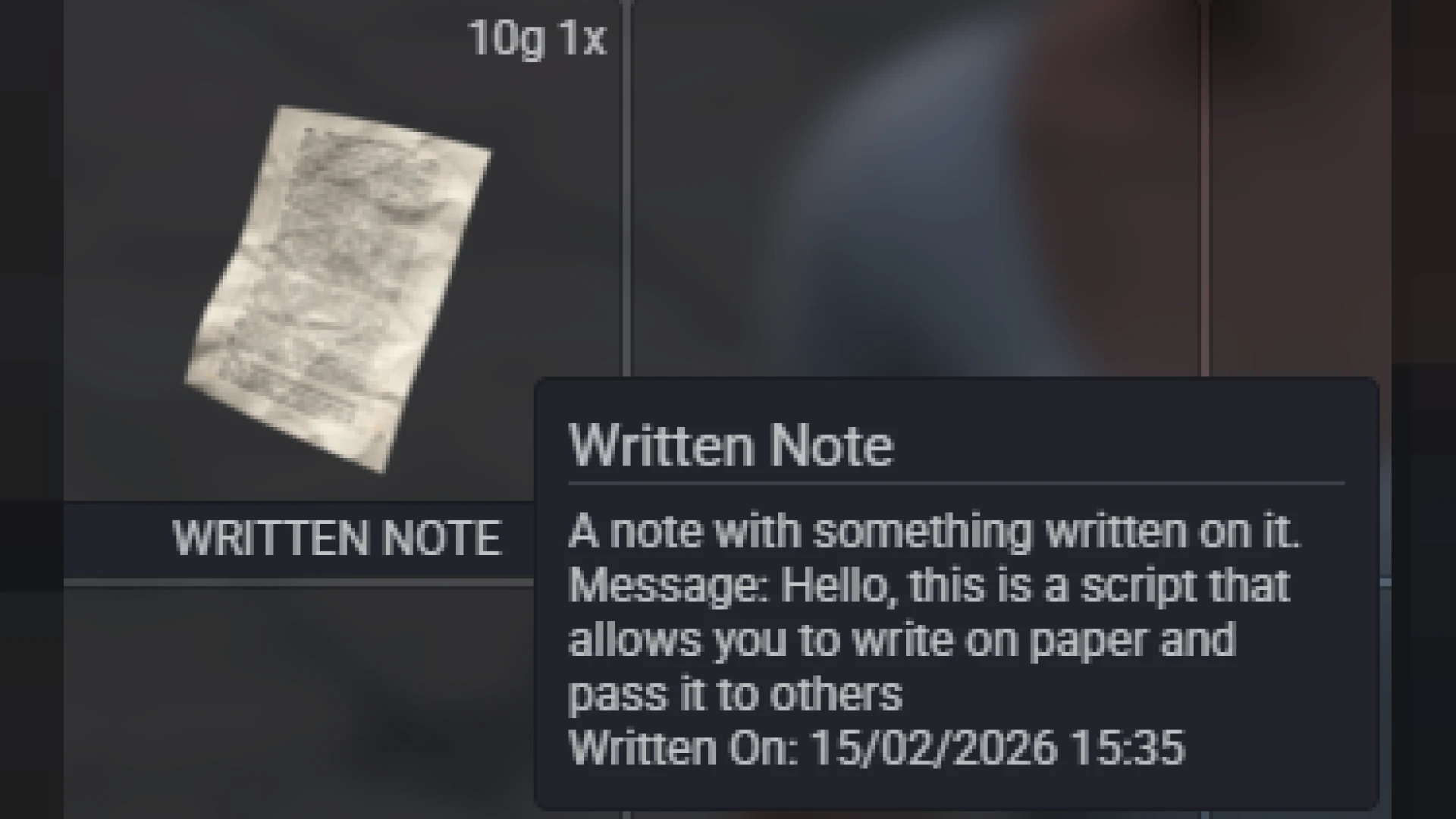
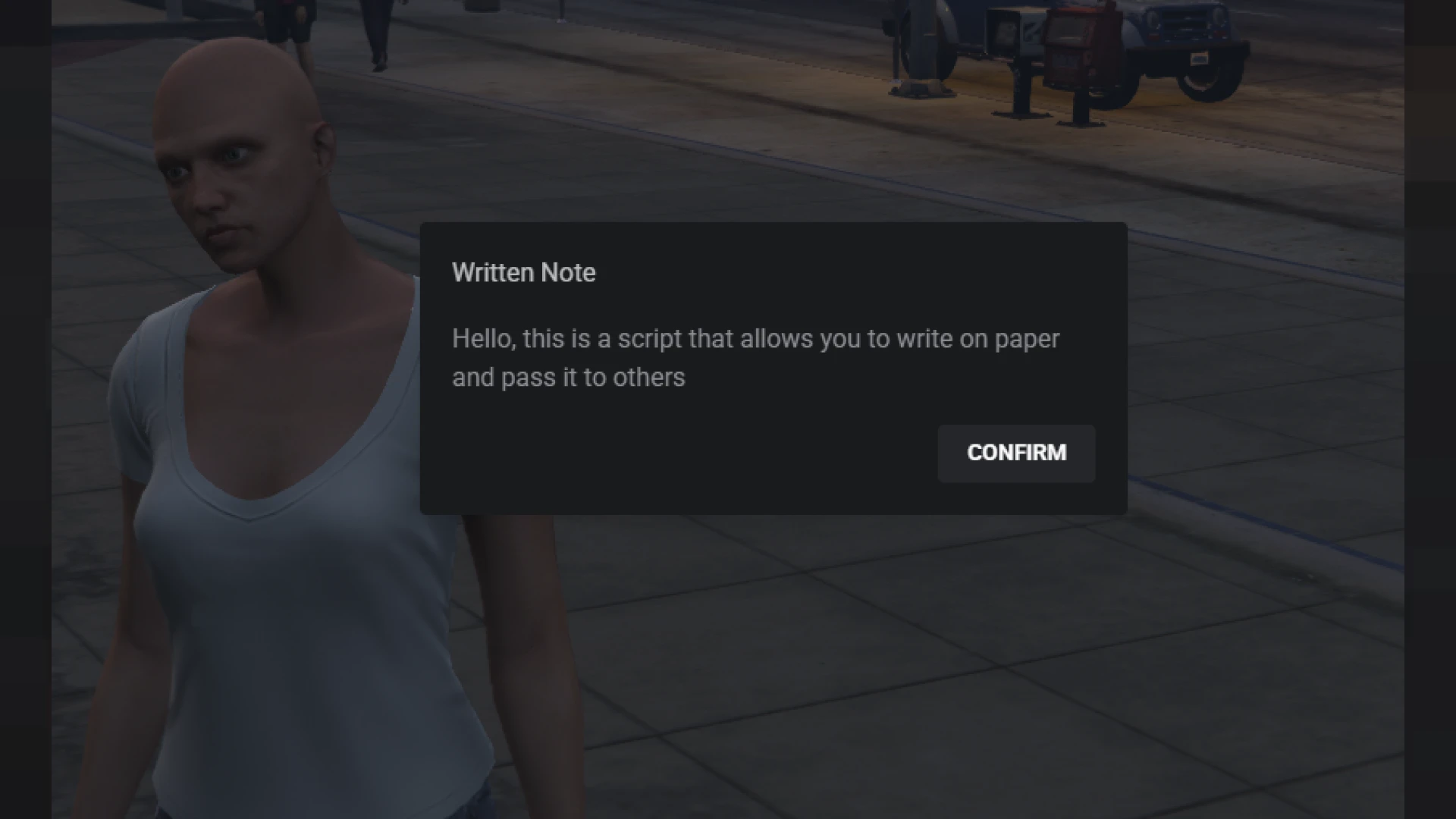
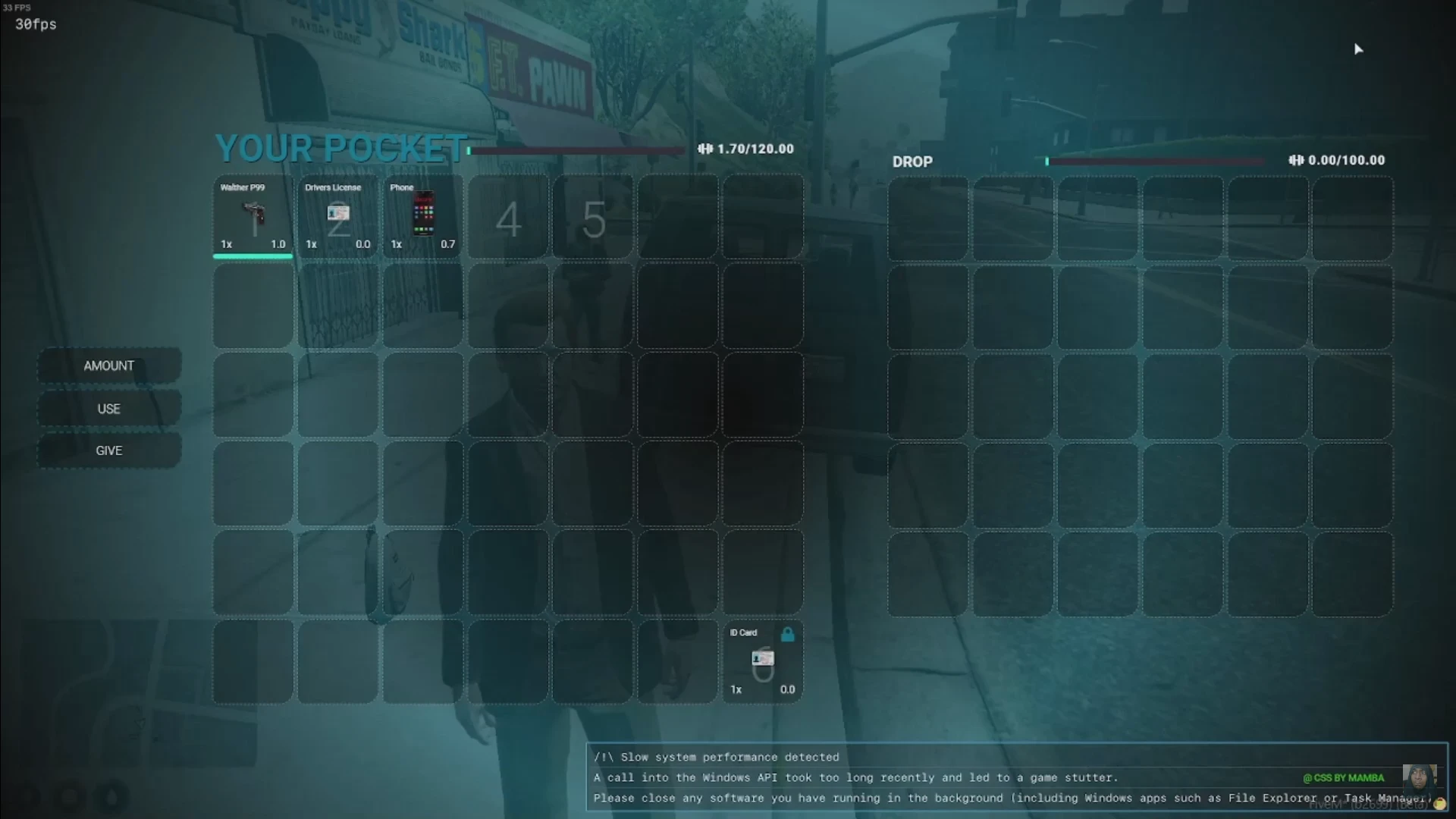
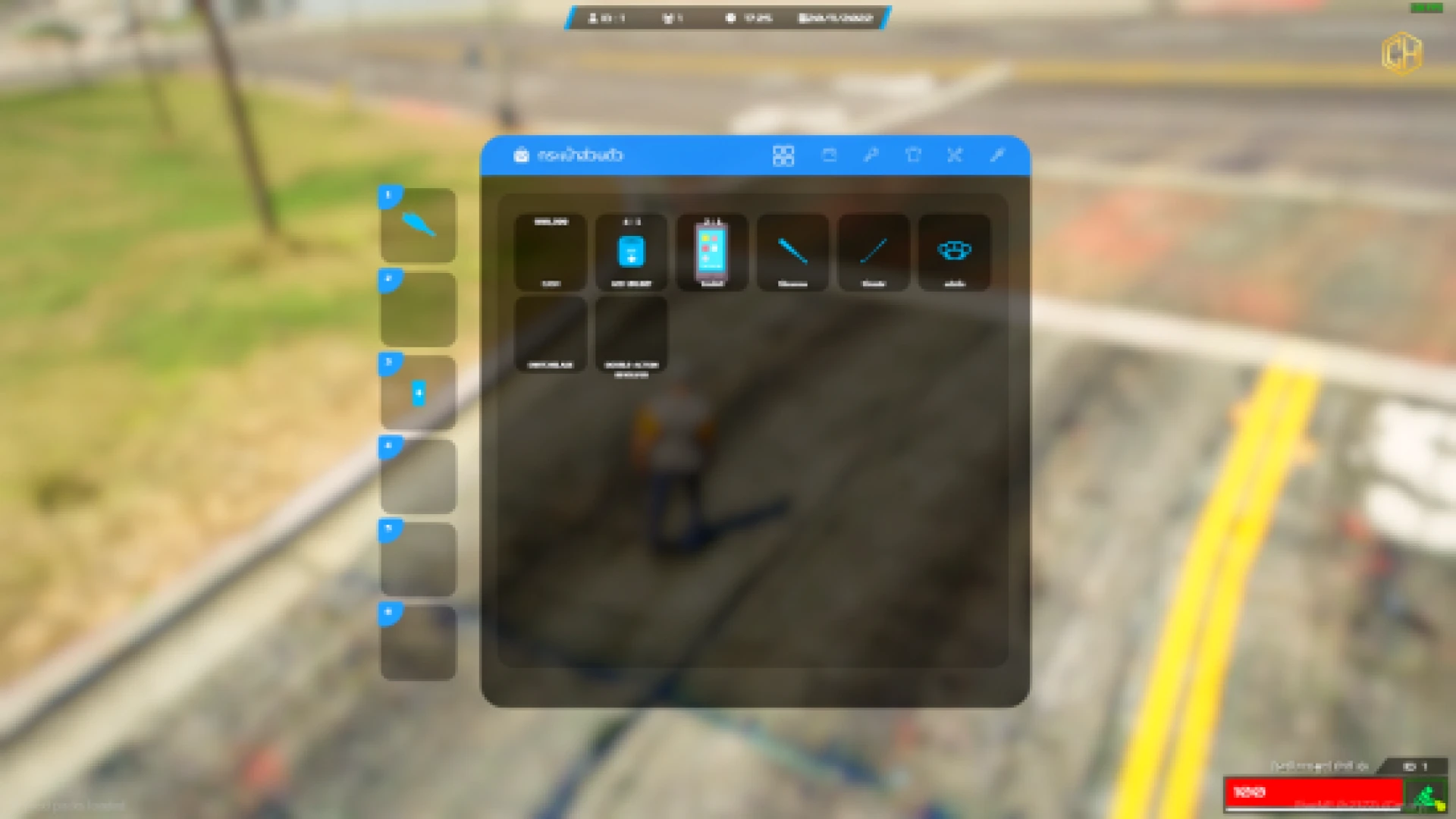
The qbcore inventory system in Inventory V3 reimagines how your players carry, sort, and trade every item on a busy roleplay server. It replaces clunky, laggy menus with a smooth, responsive grid that reacts instantly to every drag, drop, and split. From the first time a player opens their bag, the difference in feel is obvious.
Built for stability under real server load, this resource keeps the interface fast even when players are stacking, moving, and using items in the middle of an intense scene. Everything is configurable, so you can shape slots, weights, and behaviour to match the exact economy your community runs. Nothing is hard-coded that a server owner might realistically want to change.
Why this qbcore inventory system stands out
- Fluid drag-and-drop movement between the main grid, quick-access hotbar, and any nearby storage container.
- Weapon attachments that snap into place and update the weapon model live in the player's hands.
- Item splitting and stacking with clear, readable weight and quantity feedback on every action.
- Integrated crafting so players can turn raw materials into finished, usable items right from the menu.
- Quick-use hotbar keybinds for fast access to consumables and weapons during firefights and jobs.
Designed for immersive roleplay
- Clean, modern UI that reads well on every common resolution and monitor size.
- Ground drops, trunks, gloveboxes, and stash containers handled with the same consistent logic.
- Contextual menus for using, giving, and inspecting each item without extra clicks.
- Metadata support for durability, serials, and custom item details that persist correctly.
- Optimised client and server events that keep resmon usage reassuringly low under pressure.
Installation is straightforward for any team already running a QBCore-based server. Drop the resource into your folder, ensure it in your configuration, and adjust the config file to match your item list, slot counts, and weight limits. Most admins are up and running in a single evening.
Because the layout is data-driven, adding new items or reworking your economy never means rewriting the interface. Your developers spend less time fighting the UI and far more time building the features that make your city genuinely unique. That is time you get back every single update.
Give your players an inventory that finally feels as smooth as the rest of your server. Explore more options in our inventory crafting scripts collection, or browse the full range of FiveM scripts to complete your build with matching tools.