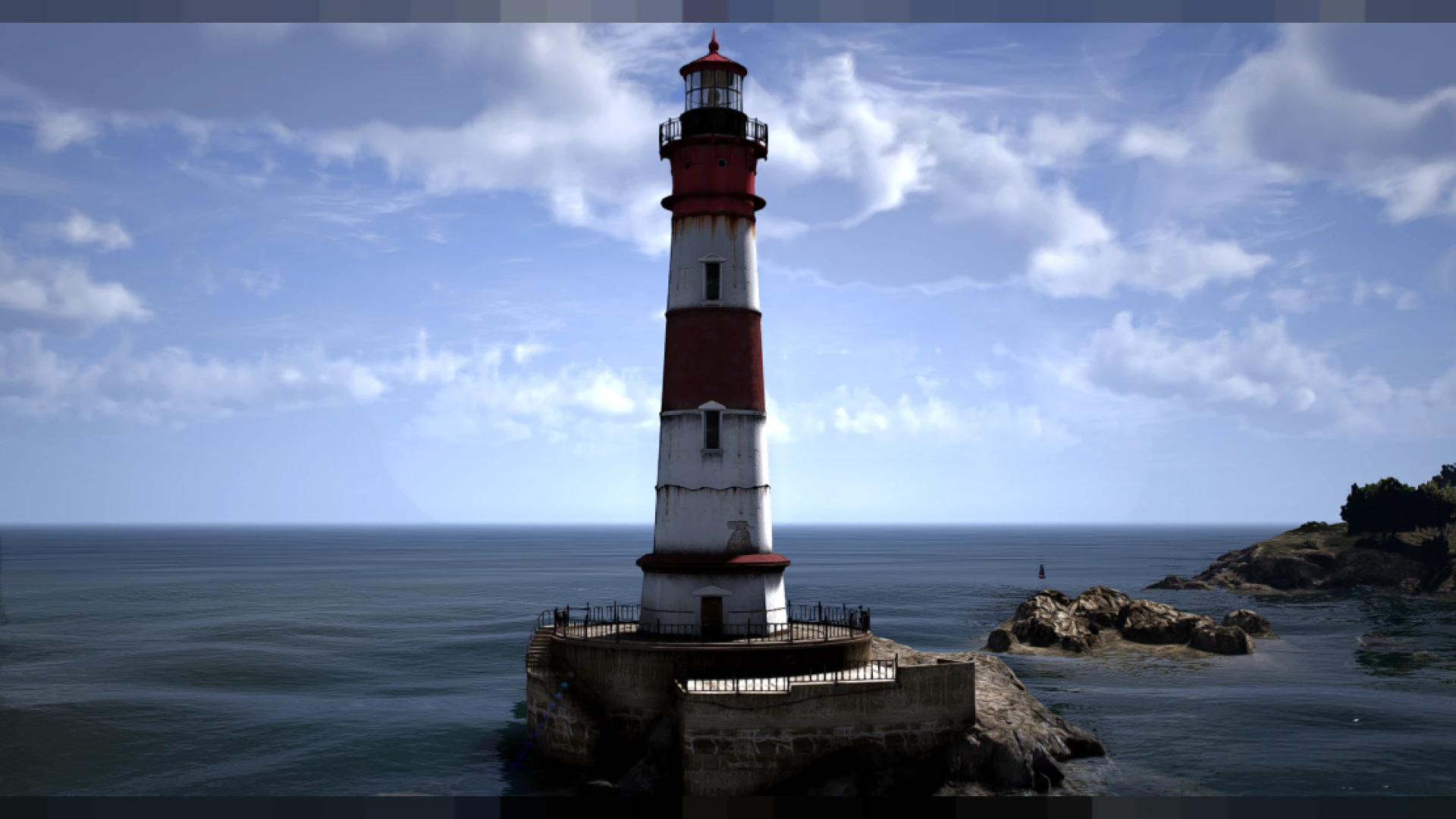
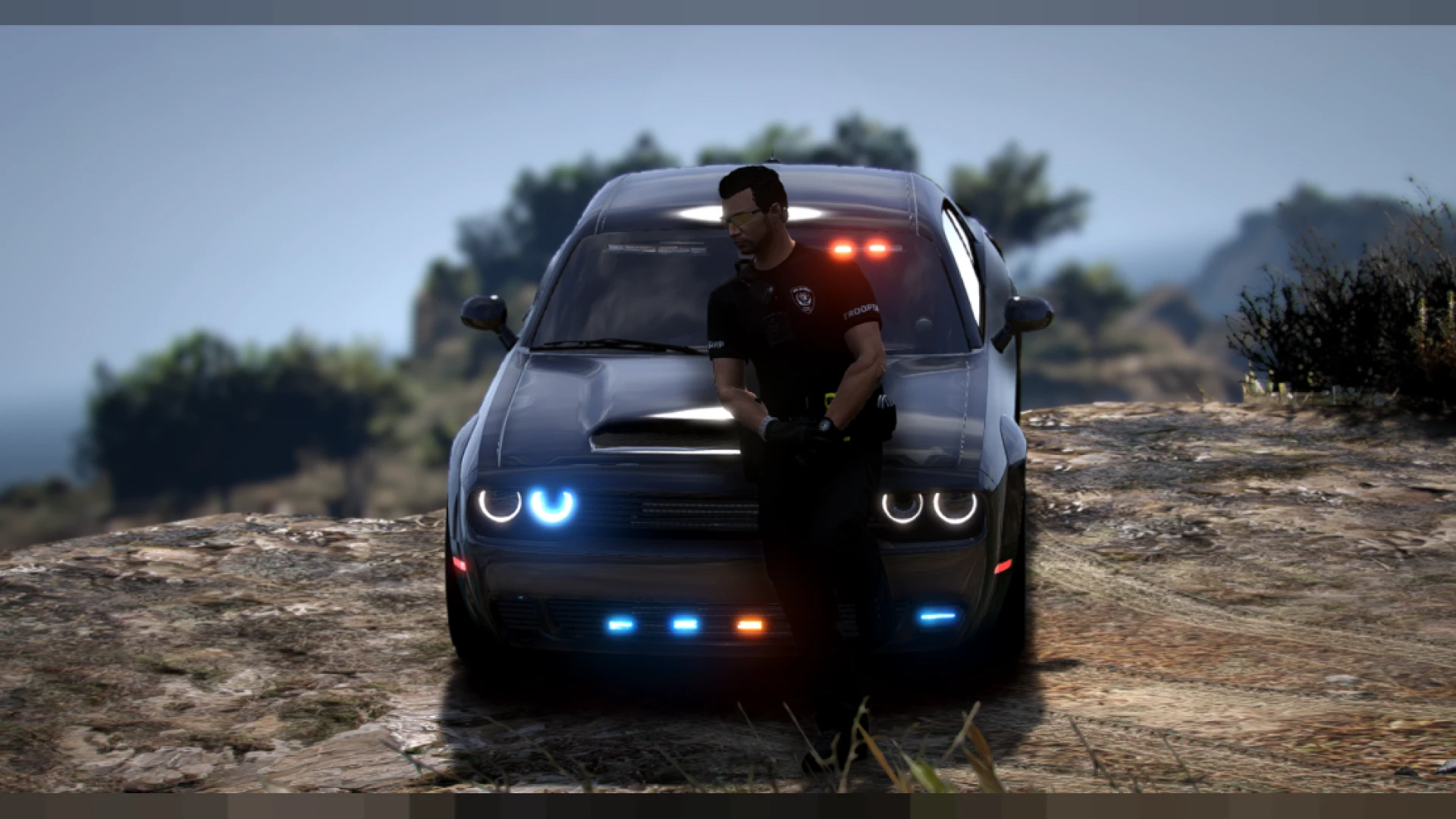
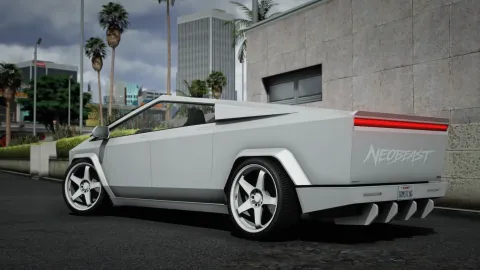
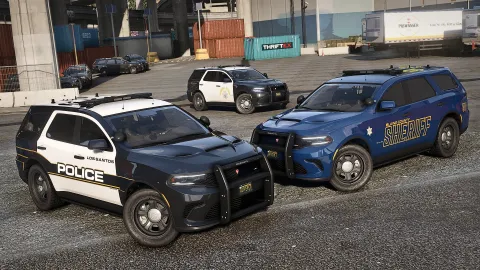
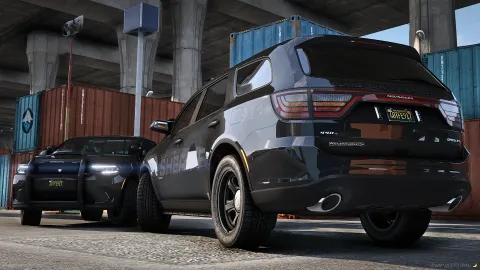
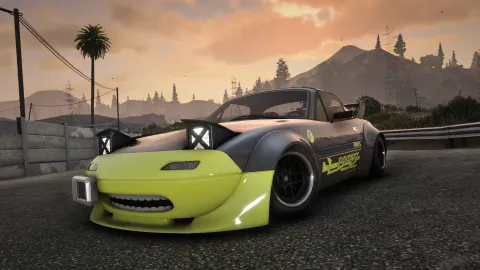
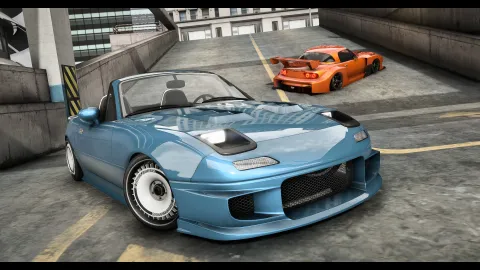
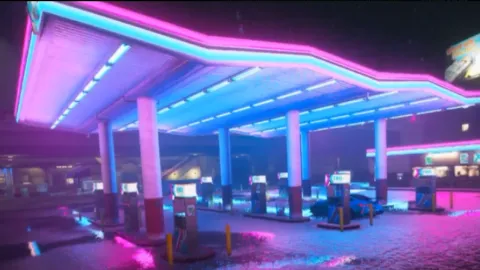
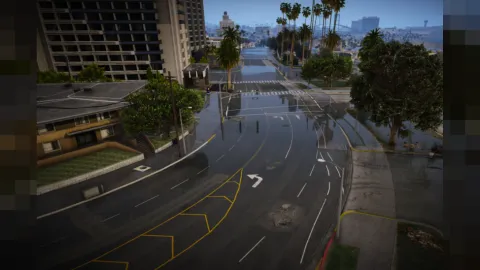
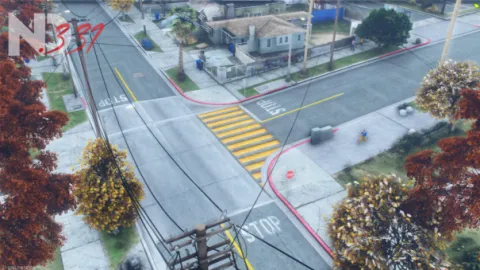
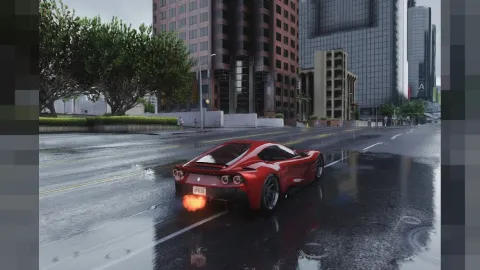
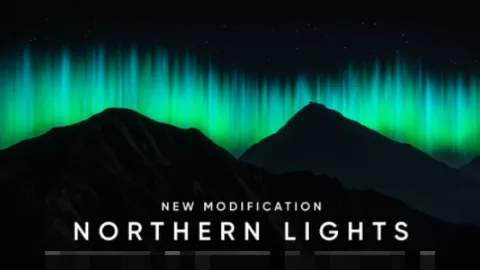
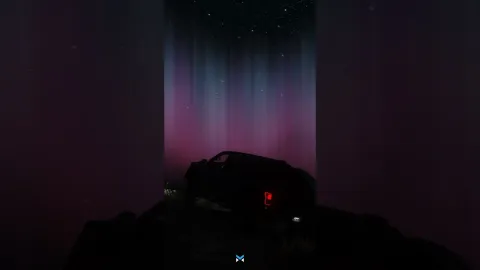
The Raf ReShade preset delivers a bold, streamer-ready look for FiveM, layering warm color grading, deep controlled contrast, and clean sharpening over the base game. This is the refined v3 tuning, reworked for readable night scenes and vibrant daytime tones so your city genuinely pops on stream and in recorded clips. Everything runs locally through ReShade's post-processing injector, which means your changes never affect other players, the server, or how the world looks on anyone else's client.
Designed with roleplayers and pvp clip creators in mind, the preset finds a comfortable balance between cinematic mood and everyday clarity. Colors stay saturated without smearing, blacks stay controlled instead of crushed, and midtones remain readable during fast chases or dark interiors. You can load it in seconds and adjust any slider to fit your monitor, giving you a polished baseline that still leaves plenty of room for your own personal taste and style.
What the Raf ReShade preset changes
- A warm, punchy color grade that keeps skin tones and vehicle paint looking natural rather than artificial.
- Deep yet controlled contrast for dramatic nights that never crush out important shadow detail.
- Edge-aware sharpening that keeps HUD text, plates, and distant signage clean and legible.
- Subtle, tuned bloom that avoids the blown-out glow found in low-effort community presets.
- A frame-friendly effect list so mid-range GPUs stay smooth even in busy downtown areas.
Setup and customization
- Copy the preset into your ReShade folder and pick it straight from the in-game menu.
- Assign a hotkey so you can compare the graded look against plain vanilla instantly.
- Fine-tune saturation and sharpening values to match your capture software and encoder.
- Combine it with a dedicated weather mod for consistent lighting across every session.
- Save a backup config so you can roll back to your previous setup whenever you like.
Because the v3 revision deliberately trims the heavier effects, most players keep the frame rate they rely on for competitive play while still gaining a clear, obvious visual upgrade over stock FiveM. It is tuned to look great in motion, not just in still screenshots, which matters when you are recording action rather than posing for photos.
If you build content regularly, the grade holds up straight from the game, so your edits stay quick and your channel keeps a recognizable, cohesive style from clip to clip. Fewer color-correction passes in post means more time actually playing and creating.
Discover more looks and upgrades in our client-side mods collection, then round out your build with tools from our HUD and UI scripts catalog.