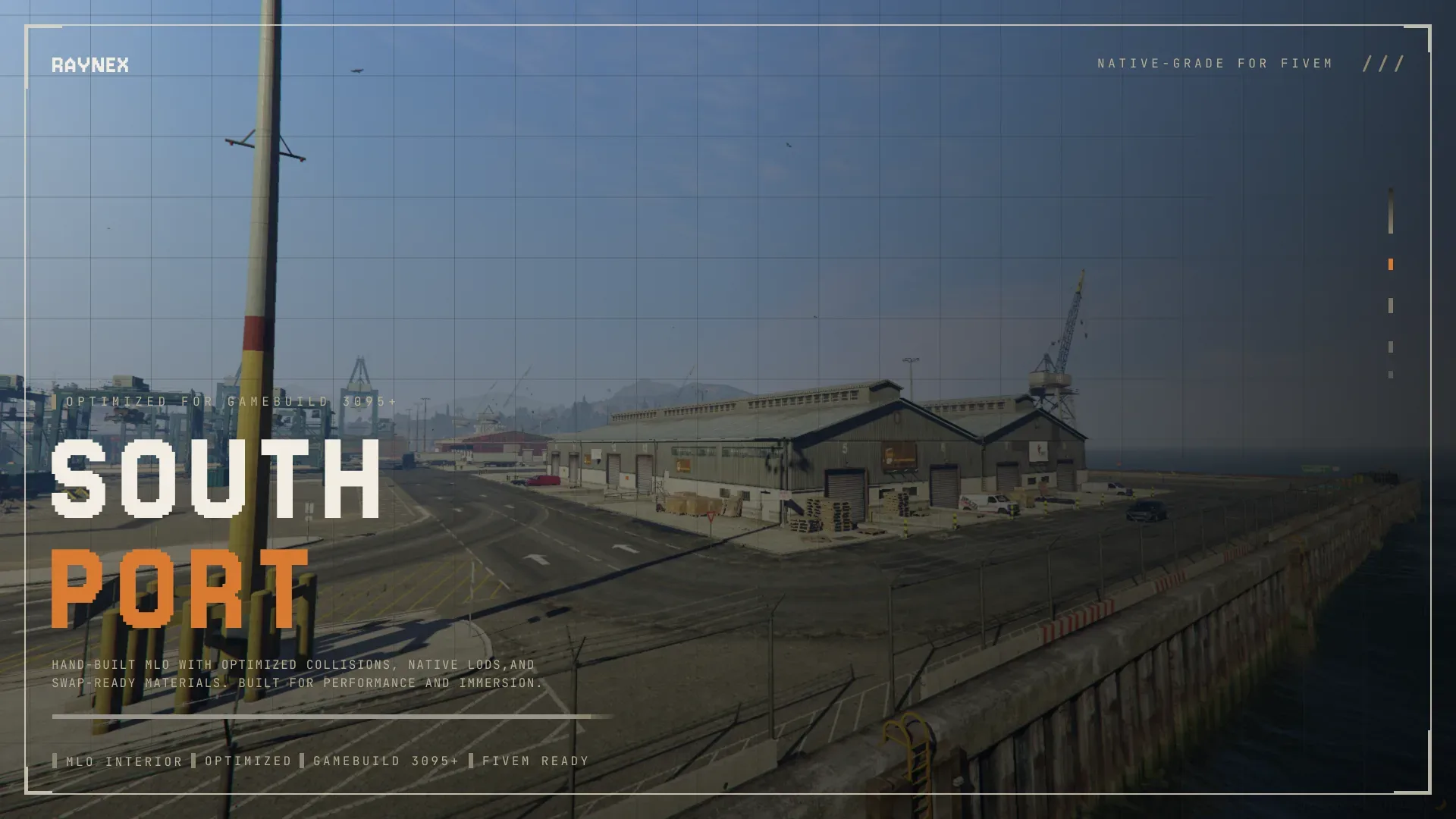
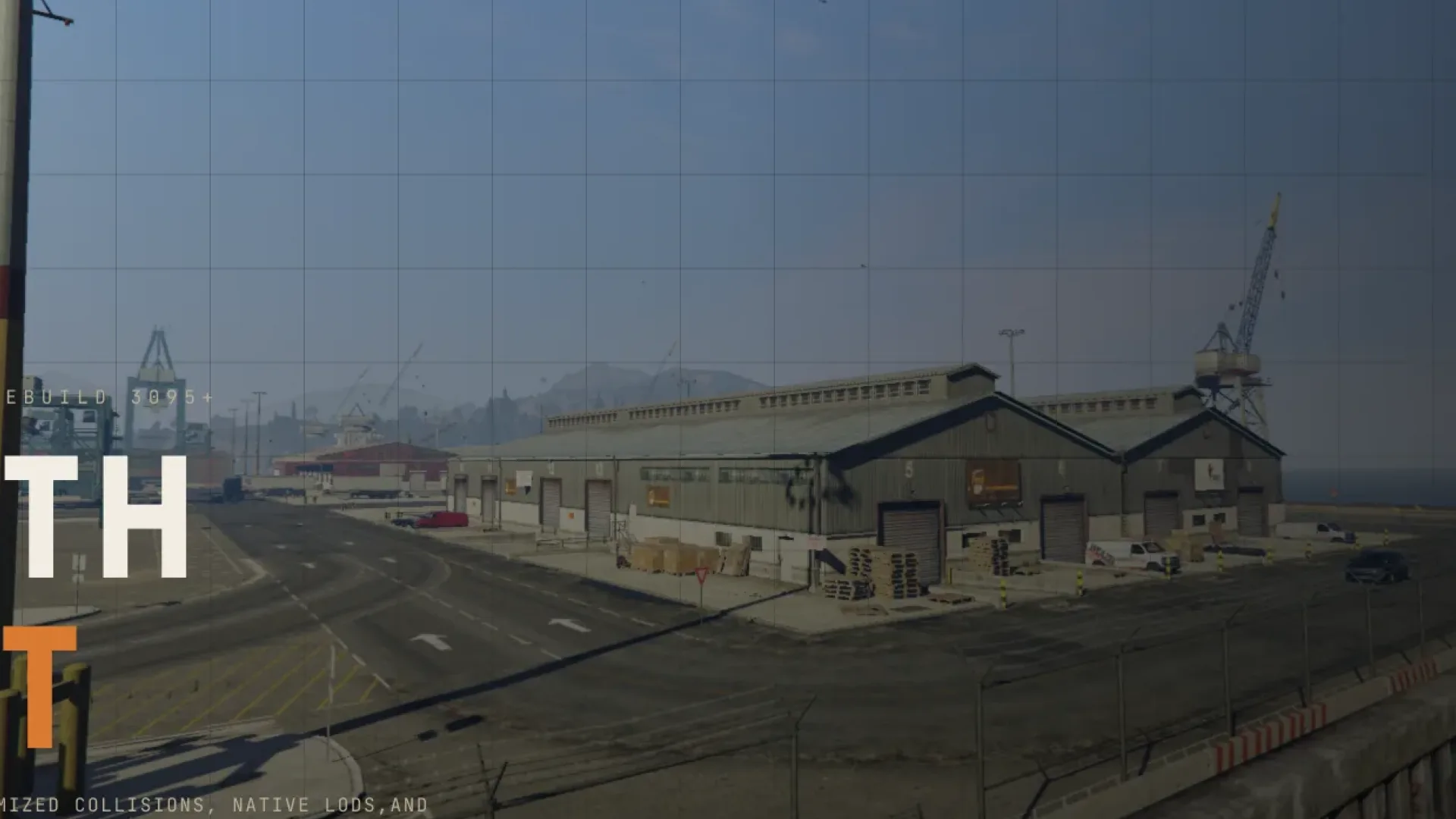
The Raynex South Port MLO adds a full dockside port build to FiveM, giving logistics, smuggling and import / export RP a real home instead of a bare container row. The build is sized for busy servers — warehouse spaces for stashed cargo, offices for the fence and the shipping manager, and a loading yard wide enough for trucks and forklift jobs to run side by side. The south Los Santos coastline has always needed a port that actually reads as a working operation on camera, and this MLO fills that gap with multi-area zoning that keeps logistics flows from colliding.
What the Raynex South Port MLO delivers
- Large port / dockside themed MLO for FiveM south Los Santos coastline
- Warehouse interior sized for container, pallet and crate RP
- Office rooms for shipping manager, fence and customs RP
- Loading yard with cargo container placements for logistics scenes
- Entry gates and perimeter wired for lockdown / breach RP
- Standalone MLO shell — plays nicely with ESX, QBCore and Qbox
- Clean collision bake and ambient dockside sound
- Modern lighting bake with warm interior tones
- Streaming-friendly texture atlas and sane entity count
- Low-conflict placement over the existing south-port shell
- Cargo container placements staged for logistics / smuggling scenes
Install is the standard FiveM MLO flow: unzip into your resources folder, add the resource name to server.cfg and ensure it. Point your cargo, drug-sell, import / export or smuggling script at the yard and warehouse coordinates and the South Port slots straight into any ESX, QBCore or Qbox city.
The gated perimeter is the detail that makes raid and lockdown writing land — security crews have a known boundary to defend, and police response teams have a believable approach to work in from the fence line. For more criminal and logistics territory, browse the full Maps and MLOs collection for warehouses, chop shops and drug labs that pair with the docks.
Quick specs
- Type: MLO / interior
- Category: Exterior Maps
- Framework: Any framework - ESX, QBCore, Qbox or standalone
- Install: Drag and drop into resources, ensure in server.cfg
- Delivery: Instant download after payment
Frequently asked questions
Does Raynex South Port MLO work with QBCore and ESX?
Yes. Raynex South Port MLO is a framework-independent custom map, so it runs on ESX, QBCore, Qbox and standalone servers. Your existing job, door-lock and target scripts can use it straight away.
How do I install this MLO?
Drop the folder into your resources directory, add ensure with the resource name to server.cfg and restart the server. The location streams automatically when players get close.
Will it hurt server performance?
No. The interior uses LODs and streaming-friendly textures, so it stays light even on busy servers with many custom maps.