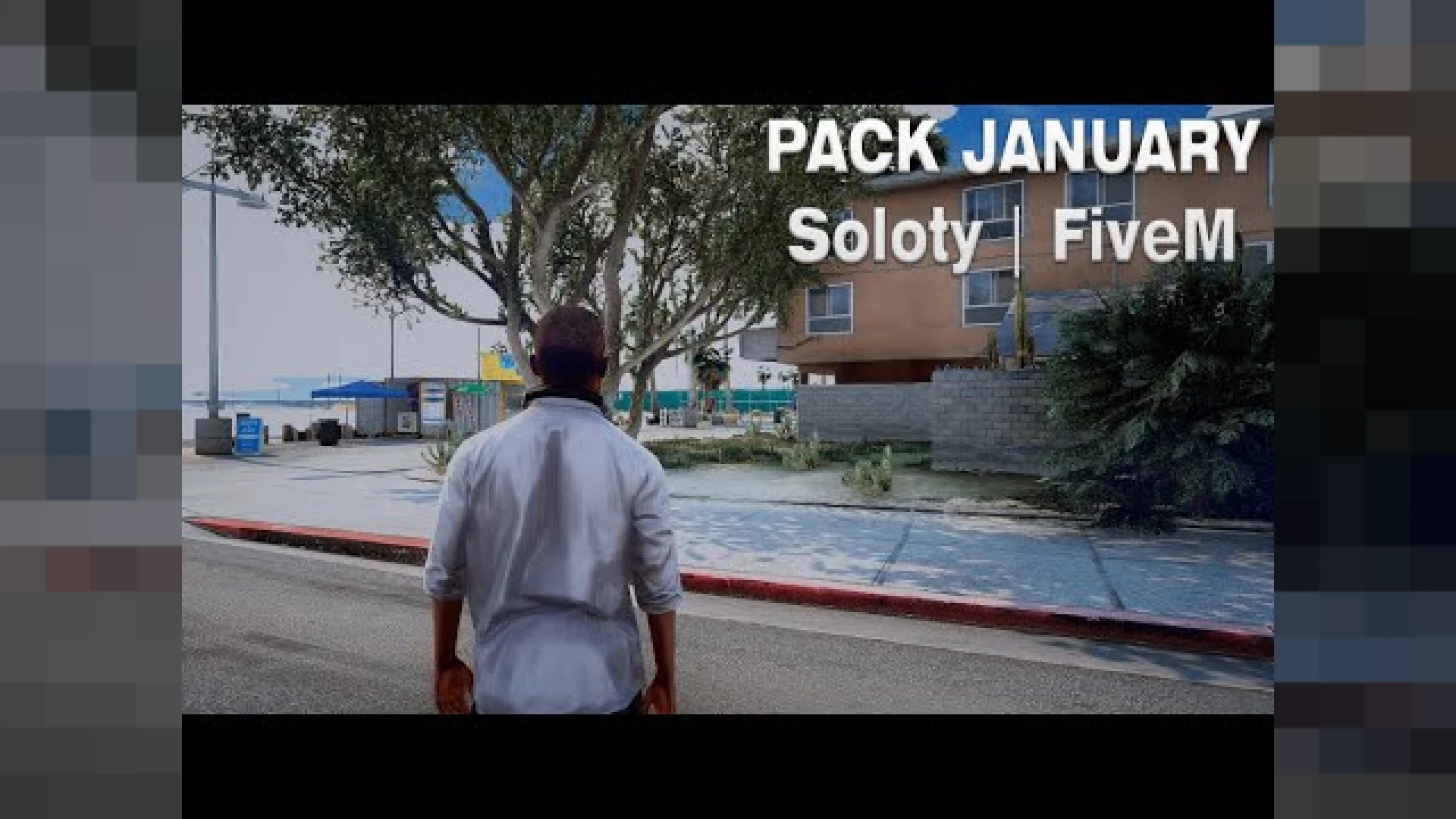
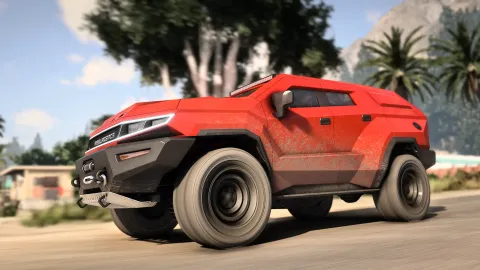
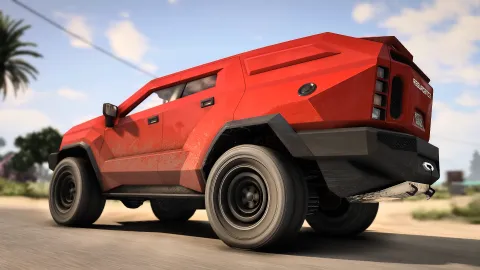
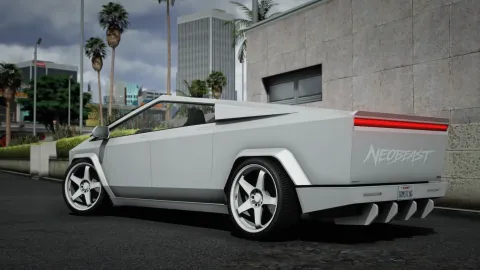
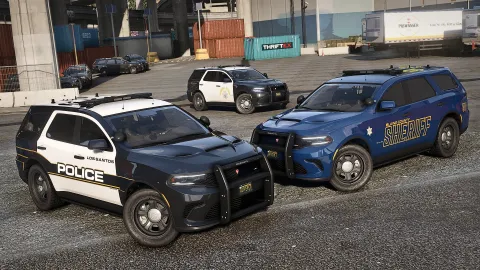
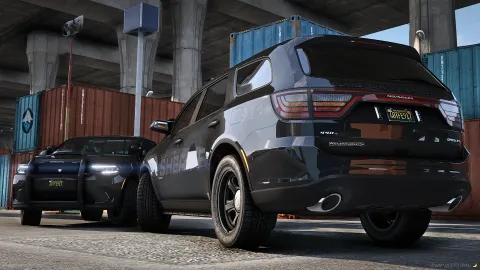
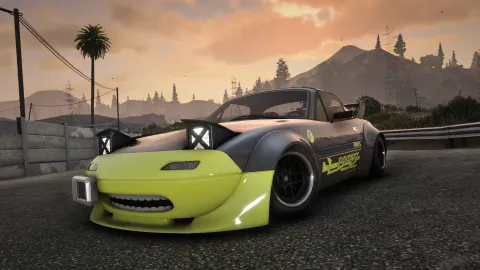
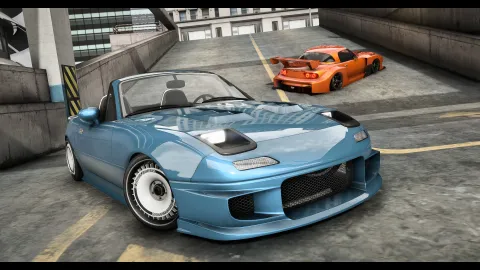
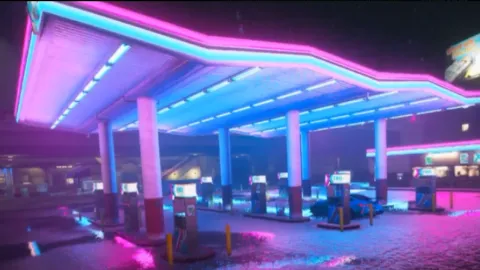
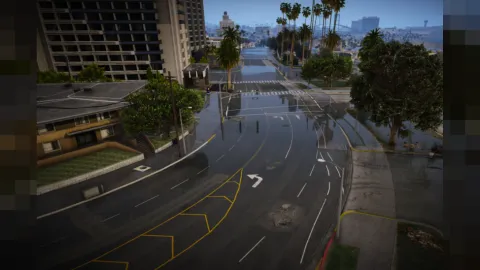
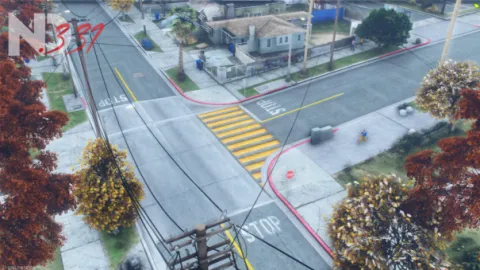
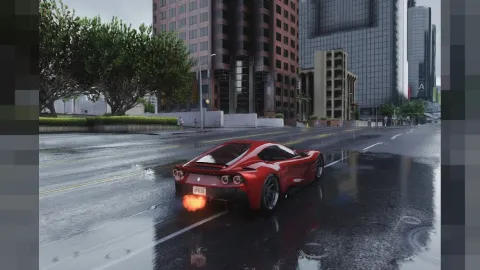
The Realistic Graphics Pack is a polished, ready-to-run release built for FiveM roleplay servers that want a noticeable upgrade without a heavy configuration burden. It reworks GTA V's lighting, tone mapping, and color grading so your city reads sharper, richer, and more cinematic on screen. Everything is packaged to install cleanly, with organized files and clear notes so you can get it running on your server quickly and without guesswork.
This realistic build aims for believable daylight and moody nights, keeping colors true to life rather than oversaturated. Because it is a client-side visual layer, it changes how the game looks for the player who installs it while leaving server logic, resources, and gameplay untouched. The goal is a dependable result that looks right the first time, so you spend less effort fighting setup issues and more time actually enjoying the improvement it brings.
Why the Graphics Pack stands out
- Rebalanced lighting and shadows for cleaner day and night contrast
- Warmer, more natural color grading that avoids the washed-out vanilla look
- Improved reflections and water so the map feels more grounded
- Tuned weather and sky tones for more believable roleplay scenes
- Simple drop-in install that does not touch your server's resources
How the Graphics Pack performs in game
- Designed to keep frame rates stable on mid-range gaming hardware
- Presets you can dial up or down depending on your GPU headroom
- Consistent look across popular times of day for streamers and clips
- Plays nicely with most common graphics mods and screenshots
- Clear notes so you can revert to stock visuals whenever you want
This release suits players who want their FiveM sessions to look premium in screenshots and recordings without spending hours tuning individual settings. The values are chosen to stay readable during fast-paced roleplay, so nothing important disappears into crushed shadows or blown-out highlights. It is put together with everyday use in mind, so the experience stays consistent whether you are testing quietly or running a busy session with many players online.
Install is straightforward: follow the included steps, drop the files into place, and load into the game to see the difference immediately. If a scene ever feels too strong for your monitor, the settings are easy to adjust, and returning to the default look takes only a moment. Documentation is included to walk you through the key options, which keeps the learning curve gentle even if you are still getting comfortable with FiveM resources.
Browse more matching releases in our client-side mods collection, or explore related picks in the scripts collection to round out your setup; both are curated so you can find compatible additions that fit the same style, framework, and overall quality.