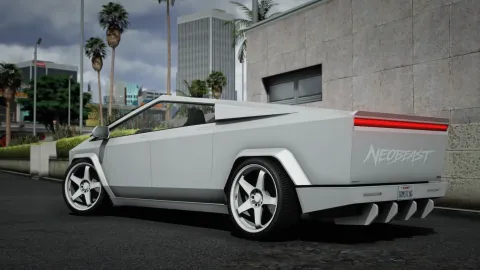
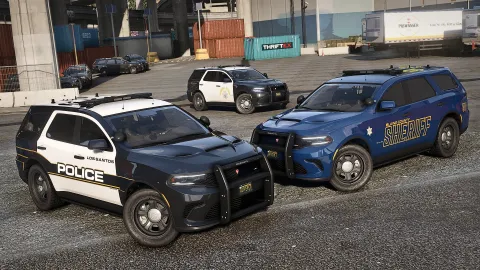
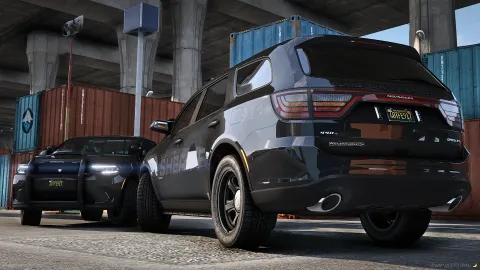
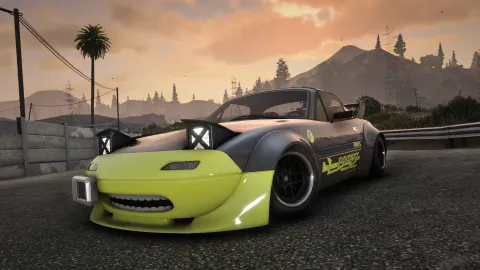
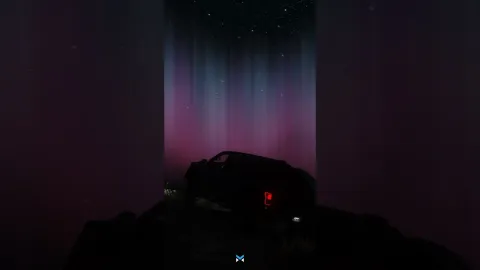
Punchy color-grade shader pack that lifts contrast and clarity across your whole city
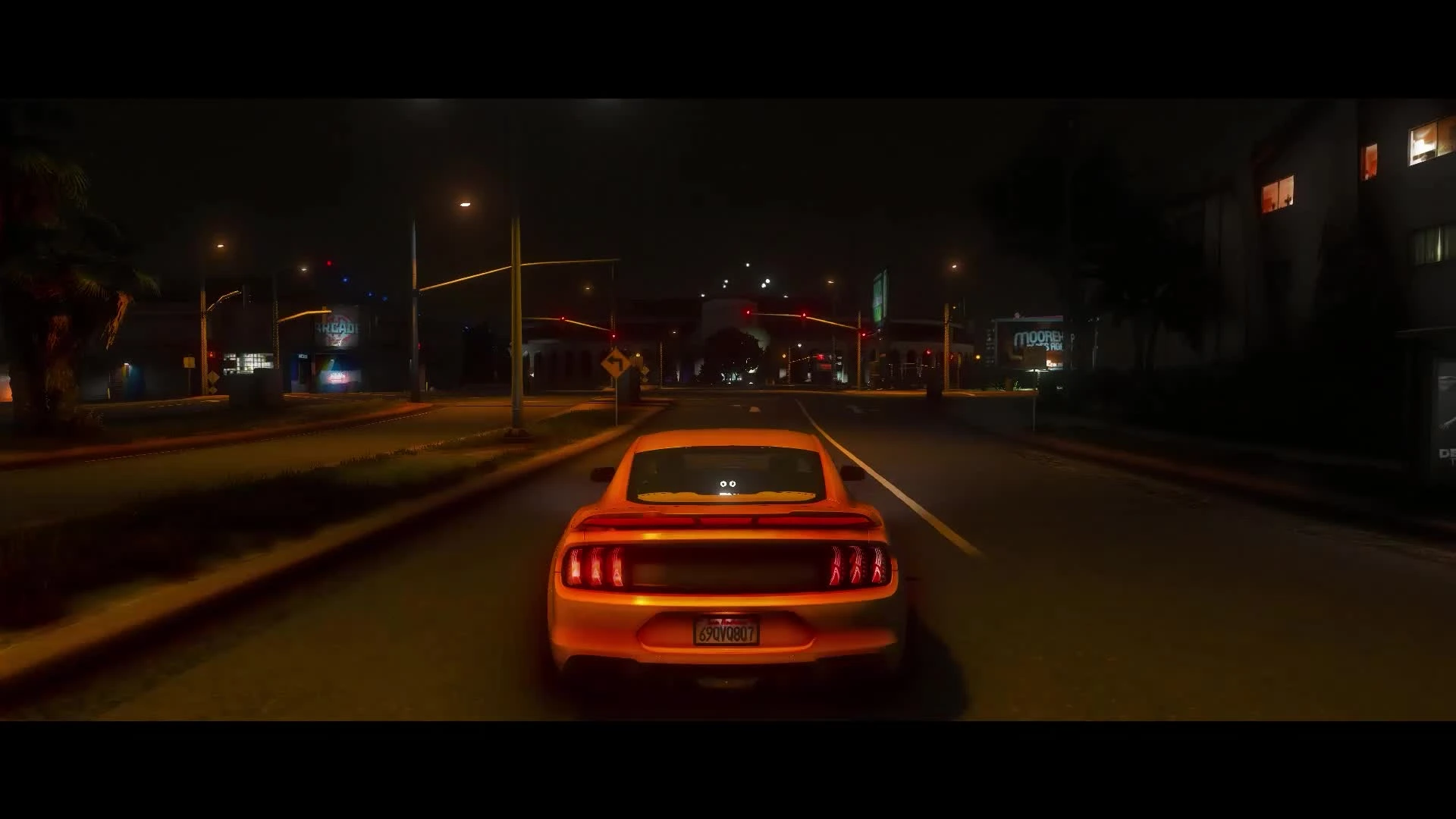
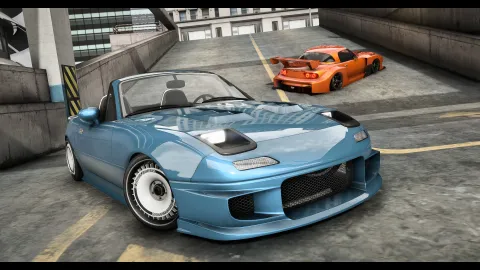
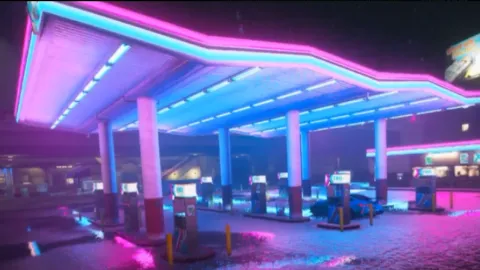
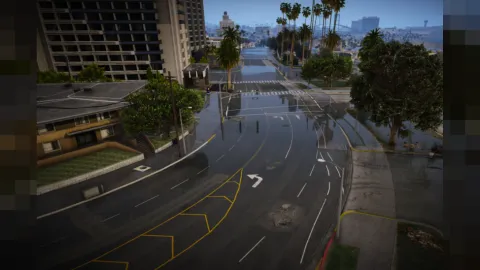
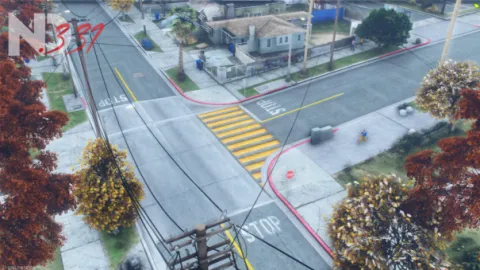
VibrantGP Shaders bring a bold, color-graded finish to your FiveM game, replacing the flat default palette with rich saturation, cleaner contrast and crisp midday clarity. This client-side preset is tuned for roleplay streamers and content creators who want their footage to pop the moment the recording starts, without spending hours dragging sliders in a raw ReShade menu.
The pack layers proven effects — vibrance, tonemapping, LumaSharpen and subtle bloom — into one balanced profile that stays readable at night and never crushes shadow detail. Because everything runs locally on your machine, nobody else on the server sees a change; you simply enjoy a sharper, more cinematic view of the same streets. It was refined across dozens of real gameplay hours, from bright coastal drives to rain-soaked downtown nights, so the grade never falls apart when lighting conditions shift dramatically around you.
Why VibrantGP Shaders stand out
Most free presets either wash the image out or blow the highlights until street signs glow. This profile was calibrated against real gameplay at different times of day so greens, blues and skin tones all read naturally.
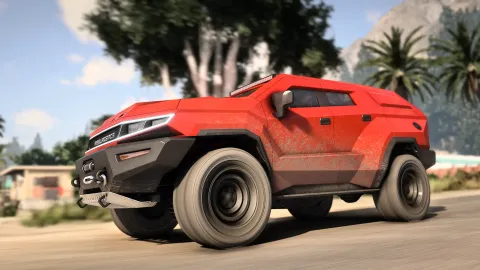
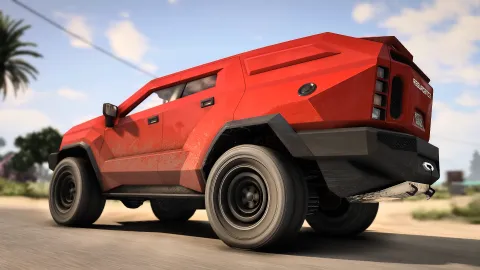
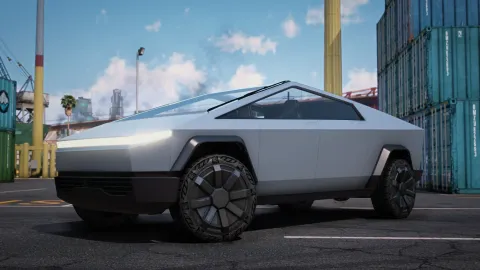
- Balanced vibrance that boosts vegetation and vehicle paint without neon oversaturation
- Adaptive contrast curve that keeps deep shadows and bright skies detailed
- LumaSharpen tuned for clarity on both 1080p and 1440p displays
- Gentle bloom and tonemap for a filmic, stream-ready highlight roll-off
- Single-file install with a clean toggle key so you can compare on and off instantly
Built for smooth performance
Heavy graphics mods can tank frames on mid-range hardware, so this pack deliberately skips expensive ray-marched effects. The result is a noticeable visual upgrade with only a small frame cost, keeping your gameplay responsive during busy scenes and pursuits.
- Lightweight shader stack chosen to minimize GPU overhead
- Works alongside NVE, QuantV or a vanilla base game
- Documented install steps and a bundled preset folder
- Easy in-game toggle for A/B comparison and screenshots
- Free tweaking — adjust intensity to match your monitor
Setup takes only a few minutes: install ReShade, drop the preset into your presets folder and select it in the overlay. From there you are ready to record, stream or simply cruise with a fresh look, and a single hotkey lets you flip the effect off whenever you want to compare against the stock image.
Whether you run a busy server or just want better clips, this preset is an easy, reversible upgrade that pays off the very first time you hit record or load into a scene worth capturing. Explore more presets in our client-side mods collection, or browse ready-to-run resources in the scripts library to round out your build.