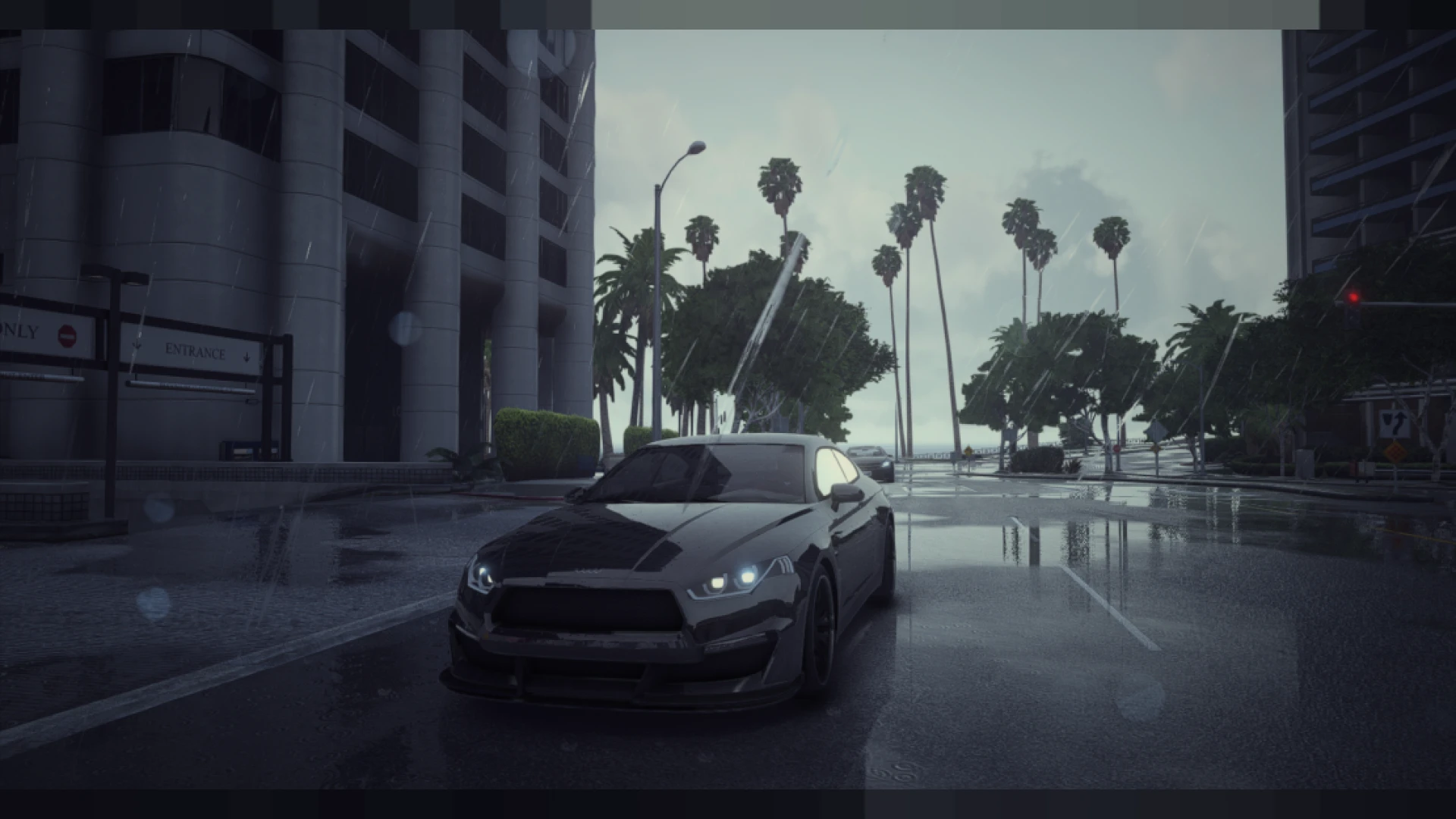
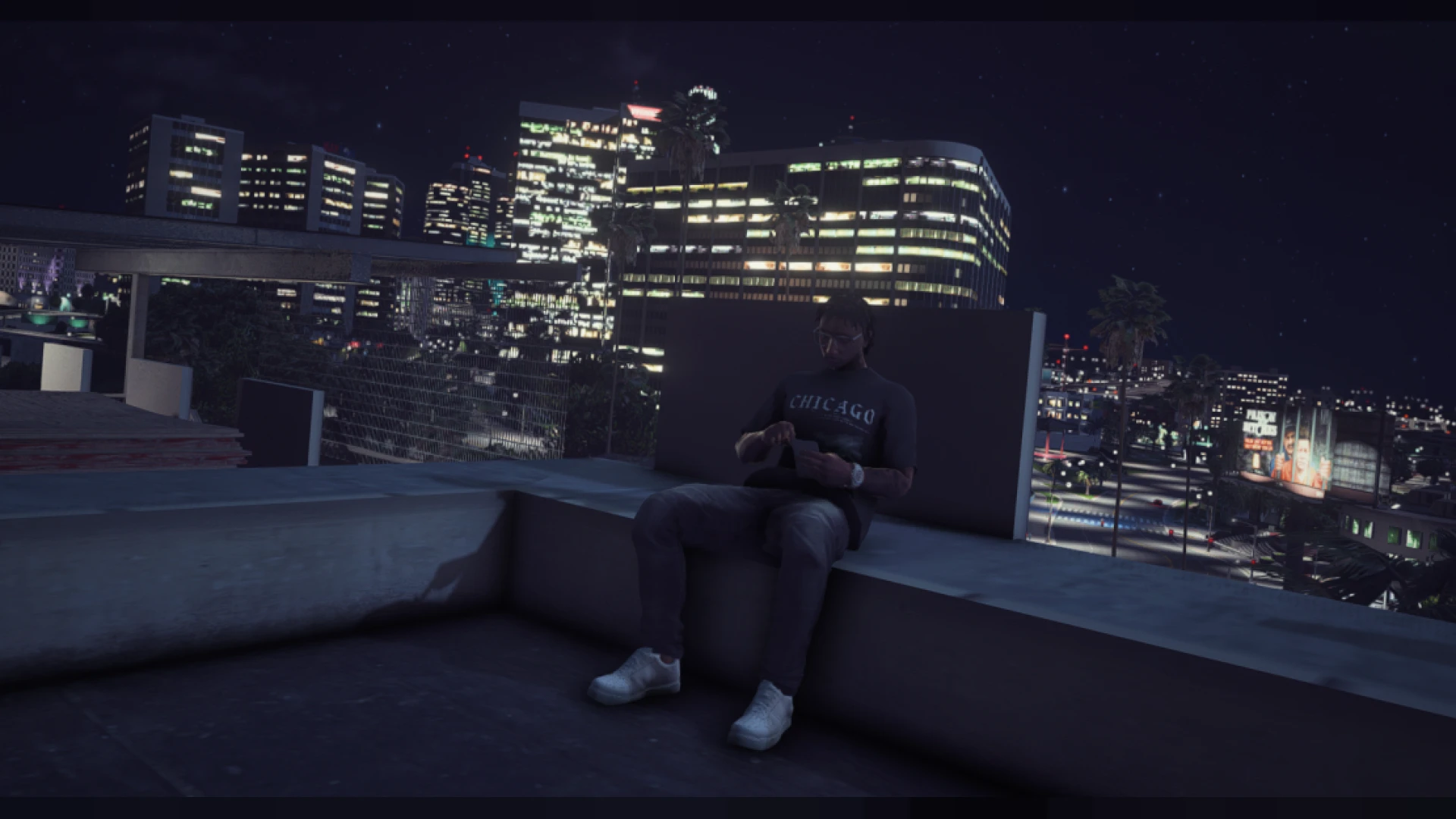
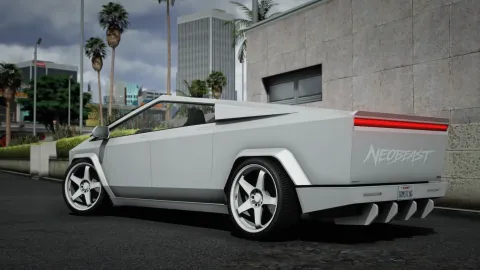
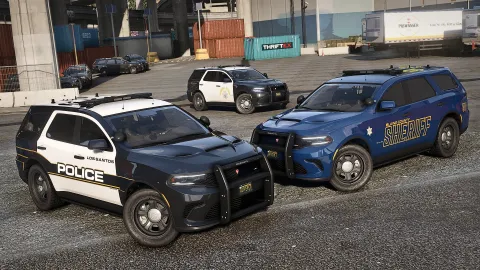
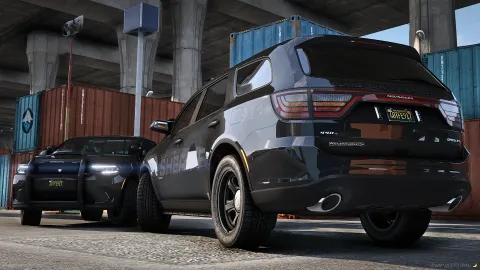
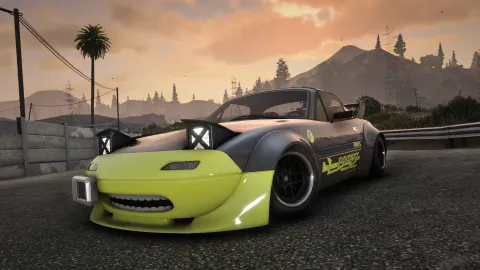
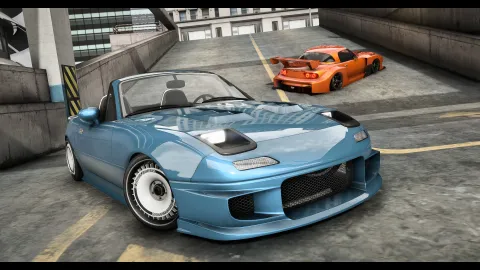
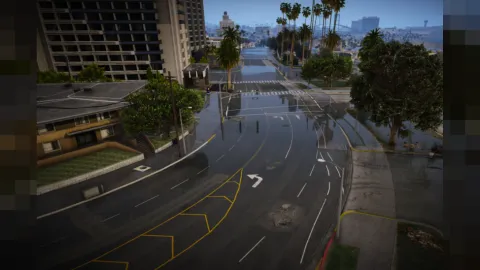
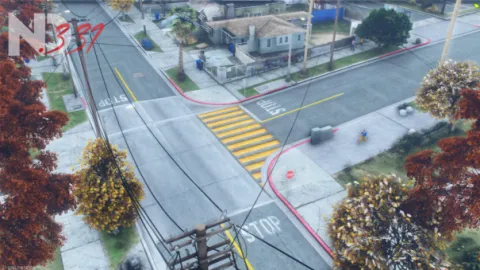
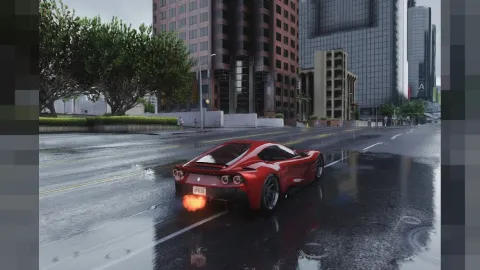
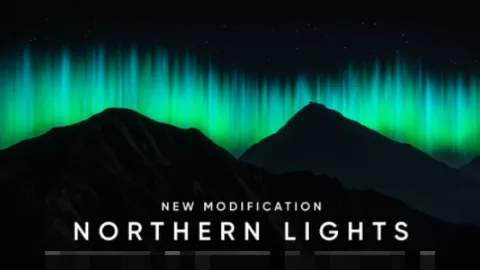
The w szn preset v1 v1 is a clean, vibrant ReShade profile for FiveM that brightens the world with lifted color, sharp clarity and a fresh daytime feel made for streaming and screenshots. It runs entirely on your side, so it upgrades your own view without touching anyone else on the server.
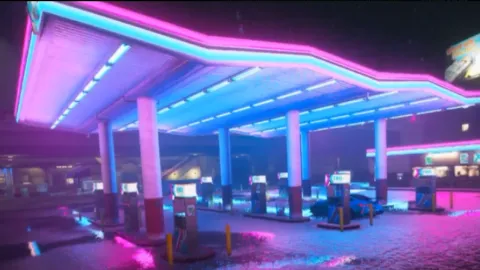
Where many presets go dark and heavy, this one keeps things crisp and lively. Skies stay blue, greenery looks healthy, and vehicle paint gains a glossy shine that reads beautifully on camera during cruises, meets and photo sessions. It was tuned to shine in daylight while still holding up in overcast and evening light, so your feed stays consistent whatever the in-game weather decides to do.
Inside the w szn preset v1
The profile pairs a lively grade with careful sharpening so the image stays clean rather than noisy. It was tuned to look good straight out of the box, with plenty of headroom to adjust for your monitor.
- Bright, balanced color grade that boosts saturation without clipping
- Clarity-focused sharpening for crisp details on 1080p and 1440p
- Tonemap tuned for clean skies and true-to-life daytime lighting
- Light bloom for a soft, photogenic highlight glow
- Neutral shadows that stay open and readable in bright scenes
Fast install, friendly on frames
You should not have to choose between good looks and good performance. This pack skips the most expensive effects, so it adds a vivid coat of paint while keeping frame rates steady during action.
- Efficient effect stack chosen to minimize GPU cost
- Works with vanilla, NVE or QuantV base installs
- Single preset file with straightforward setup notes
- Toggle key for instant on-and-off comparisons
- Adjustable intensity so you can fine-tune the vibrance
Getting started takes only minutes. Install ReShade, place the preset in your presets folder and pick it from the overlay, then load in and start capturing content. Because it is a preset, disabling it returns your game to stock instantly, so there is zero risk in trying it out and comparing the two side by side.
If you want a bright, camera-ready look without endless tweaking, this is a great pick for streamers, photographers and everyday roleplayers who care about how their game presents on screen. Browse more graphics profiles in our client-side mods collection, or add functional upgrades from the scripts library to complete your setup.