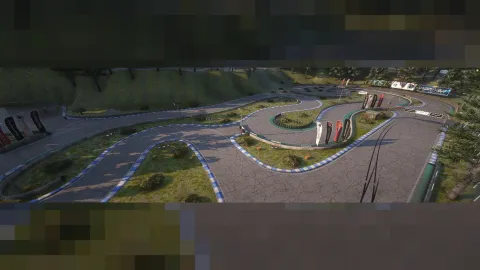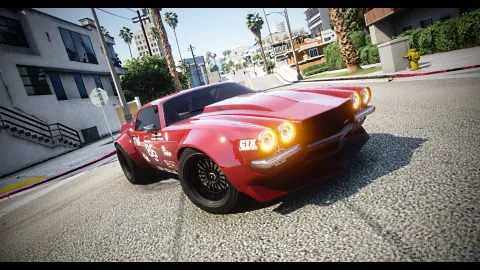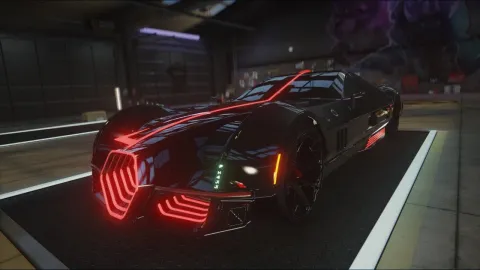

FFN graphics fivem mods are the easiest way to change how your city looks without touching the server itself. This guide ranks the twelve client-side ReShade presets in this collection, from a balanced everyday grade to a heavily stylized cinematic look.
The ffn graphics fivem mods list below is drawn from the FiveM Shops listings and rewritten in plain terms. Every preset runs on the player's own machine, so the choice affects only the person who installs it, not the server files or other players' views. Read the best-for note under each entry, then test two or three grades on your own setup before you settle on one.
How the ffn graphics fivem mods list is ranked
The ranking runs from the most natural look at the top to the most stylized at the bottom. The entries near the top suit most roleplay scenes, while the ones lower down suit music videos, action clips and players who want a dramatic mood. The cover preset comes first, as it does throughout this guide.
FFN Graphics V3
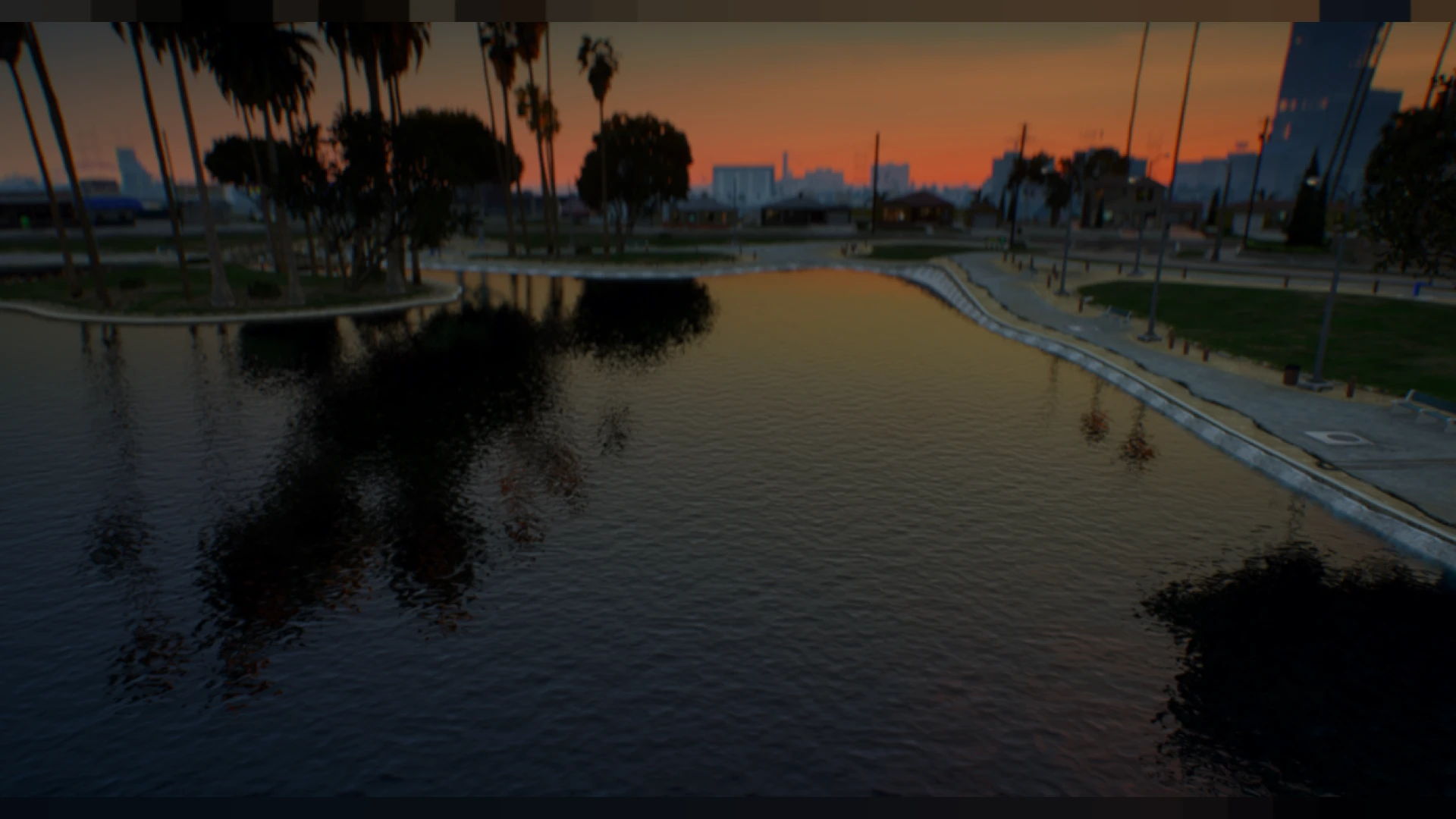
The FFN Graphics V3 ranks first because it is the most balanced grade in the list. This third revision aims for natural color, gentle contrast and dependable clarity, so the city reads well in bright patrols and in wet night scenes. It avoids one dramatic mood, which makes it the safest default for a server that wants one grade for everything.
If you are unsure where to start among the ffn graphics fivem mods, install this one first. It is the lowest-risk choice in the list.
Best for: one everyday grade that works across daytime and night scenes.
Clean N' Natural Preset
The Clean N' Natural Preset is the subtle option in the list, lifting color, clarity and lighting while avoiding the heavy processing that can make a grade look fake. Since it runs only on your own machine, it needs no server permissions, and other players' views stay exactly as they are.
Best for: players who want a true-to-life refresh and nothing that calls attention to itself.
HBOYSRESHADE
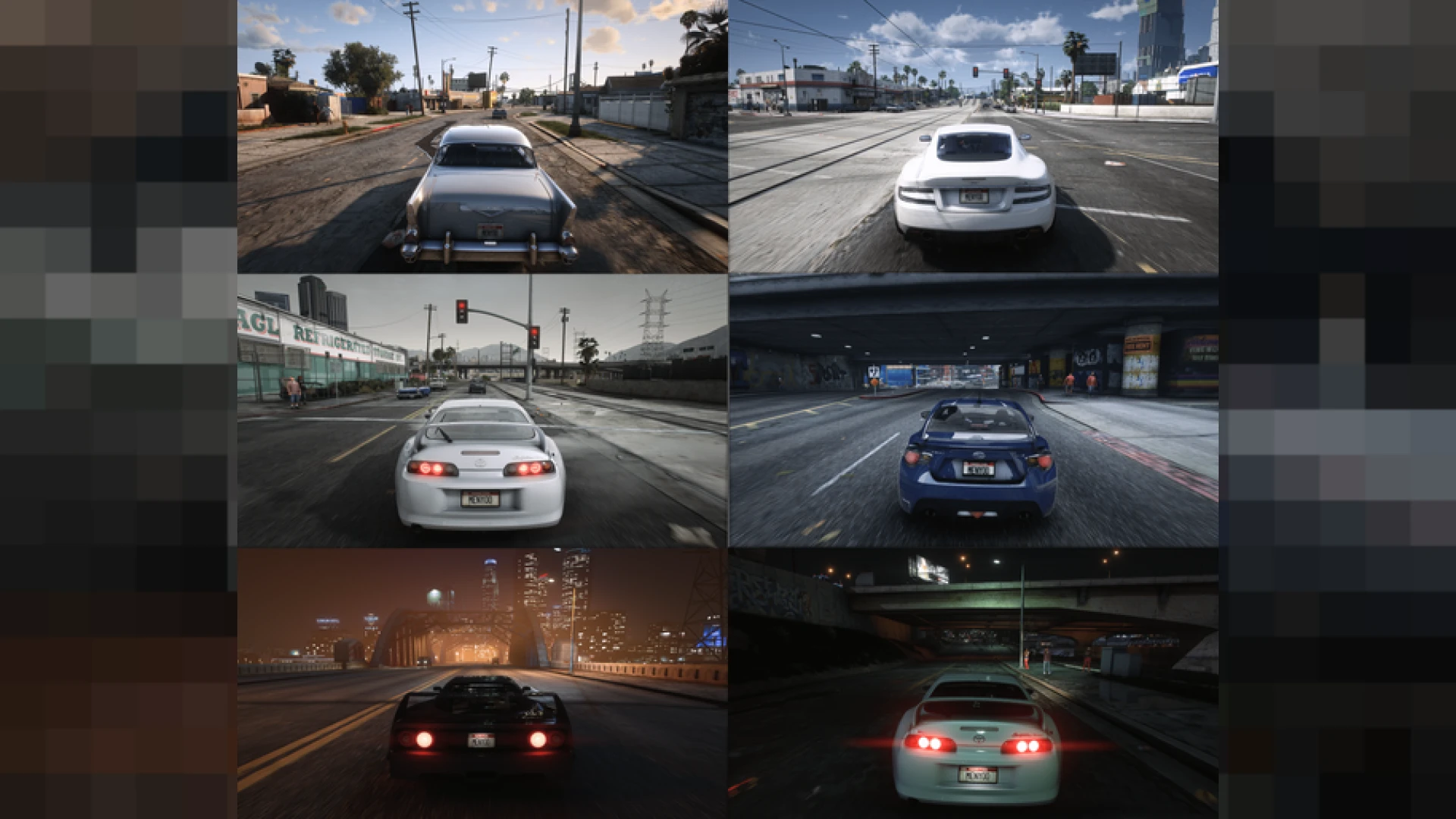
The HBOYSRESHADE is a clean, balanced upgrade that avoids heavy stylization. It centers on natural color, crisp contrast and light sharpening, so it works as a dependable look for everyday roleplay. Because it is a client-side ReShade layer, it changes only what your own screen shows, and you can switch to it from the overlay.
Best for: roleplay players who want a dependable everyday look with a little more contrast.
Hexr's Presets V72
The Hexr's Presets V72 is the newest revision of a popular grade, with better balance, sharper clarity and deeper color than earlier releases. It enhances your existing FiveM graphics and works only on your own computer, so the server never has to grant access. It sits above the stylized entries because its changes are about balance rather than a strong new mood.
Best for: players who want Hexr's signature grade with a cleaner, more refined finish.
Hexrs Presets
The Hexrs Presets brings Hexr's signature grade to your own client, mixing crisp clarity, moody contrast and controlled color. It layers over the graphics you already have, so nothing changes on the server side. Because it only affects your machine, other players see no difference.
Best for: night roleplay and players who like a moodier take on the same grade family.
DOUNS V3 Rework
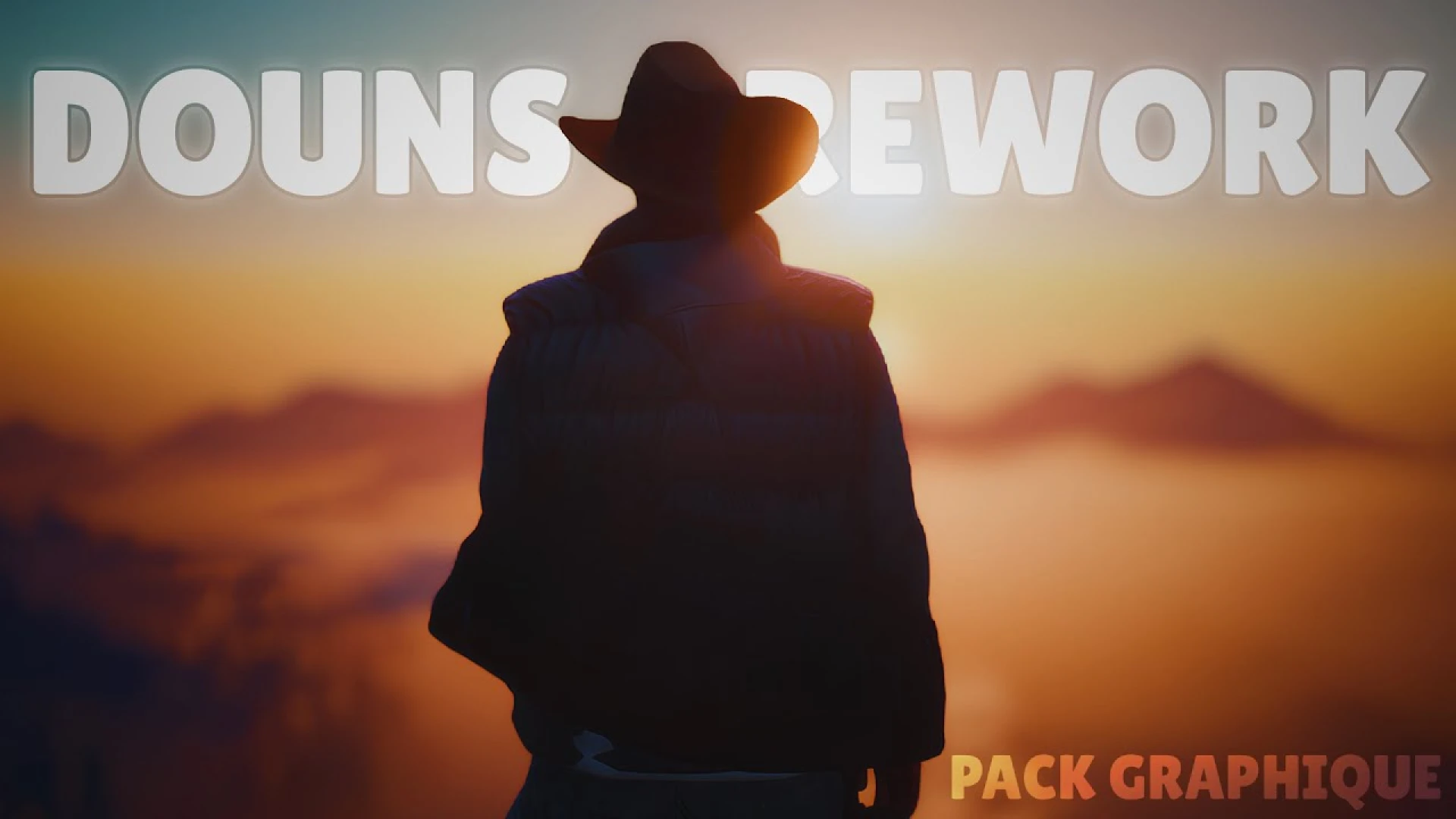
The DOUNS V3 Rework changes the city's look more than the everyday grades do, yet it installs as a tidy client-side mod that a player can add in a few minutes. It is a drop-in preset for GTA V roleplay on the FiveM platform. It sits mid-ranking because the change is clear without tipping into a heavy cinematic style.
Best for: players who want a clear upgrade over stock graphics without a heavy stylized look.
California Reshade
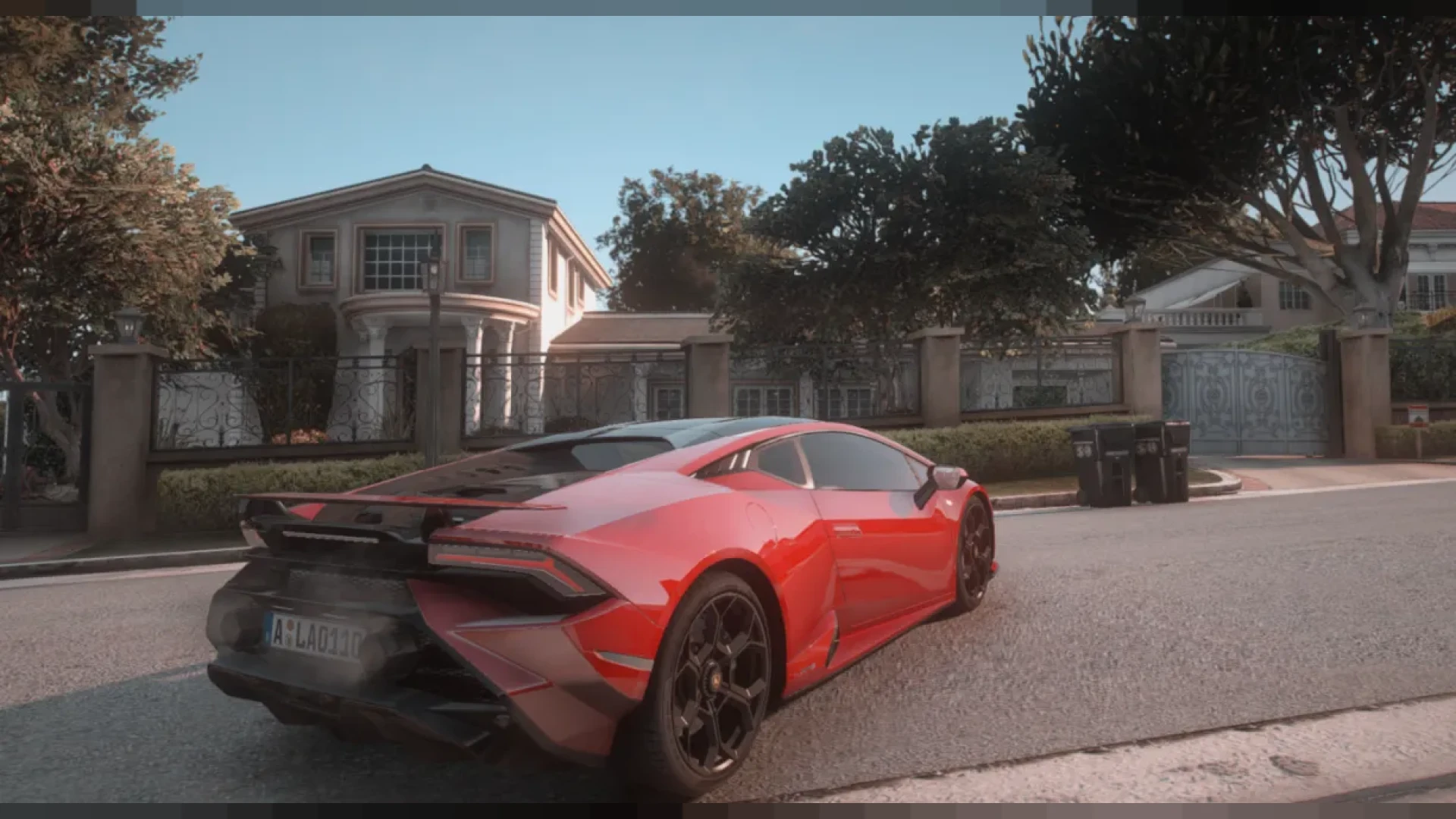
The California Reshade pours warm, sun-drenched light over the city, adding vivid color, crisp shadows and a golden-hour glow. It layers over the graphics you already use, and nothing changes for other players because the effect lives on your own client.
Best for: sunny scenes, beach roleplay and players who want a warm, bright city.
VipersUltraReal Preset
The VipersUltraReal Preset pushes FiveM toward a polished, almost cinematic finish, with high-fidelity color, refined lighting and rich depth. It is designed to impress on first load, and its maker kept it playable enough for long roleplay sessions. It suits players and creators who want a showcase look.
Best for: showcase footage and players who want a high-end finish that stays playable.
Ray Tracing Preset
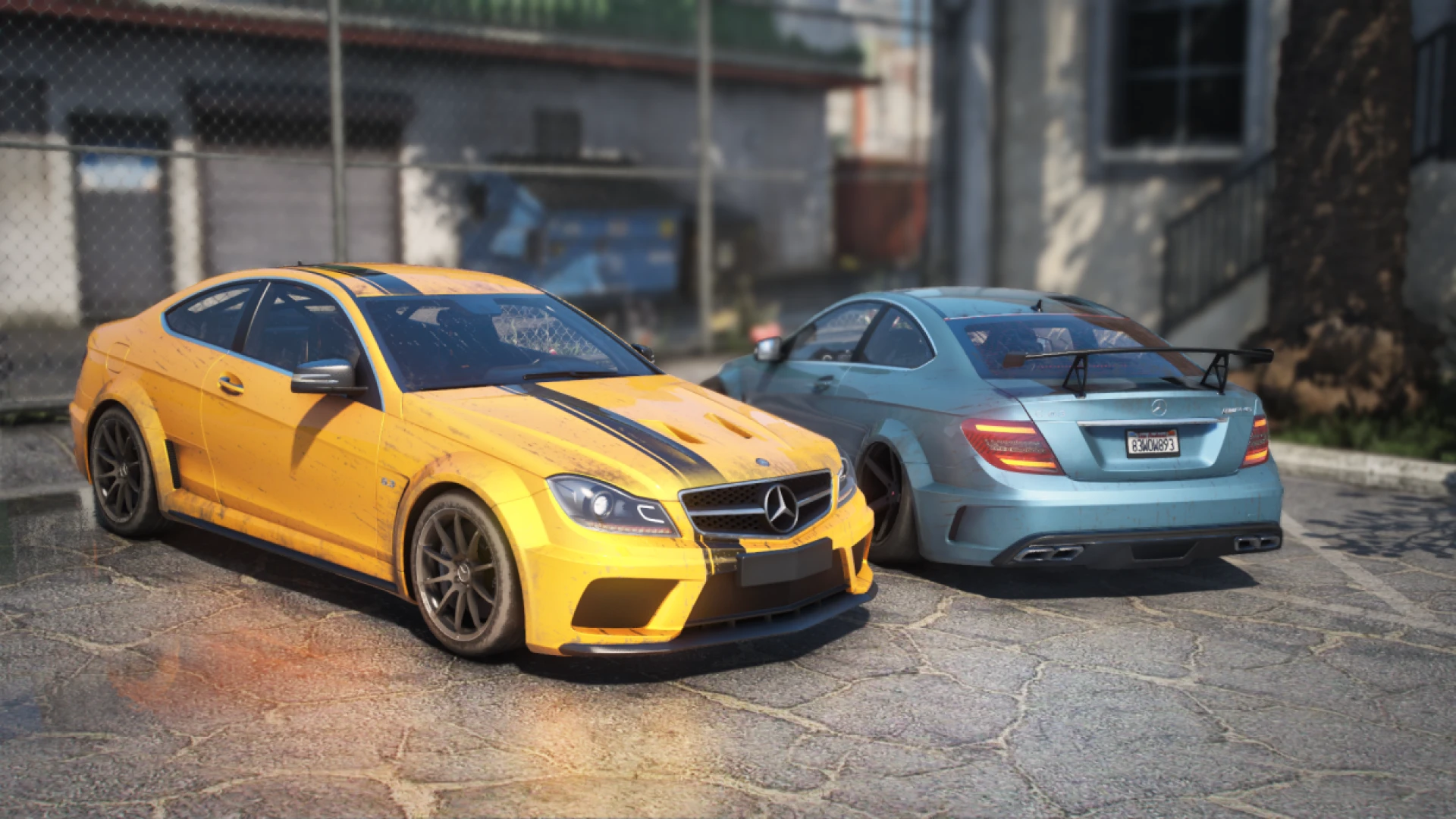
The Ray Tracing Preset reshapes how light falls across Los Santos, adding cinematic reflections, softer shadows and more depth. It is a client-side ReShade setup that layers effects over your current graphics, with no server-side changes. Wet roads, windows and chrome trim pick up the reflections more convincingly.
Best for: cinematic night scenes and players who want reflections to do more of the work.
CineREALISM Ultra Realism Graphics
The CineREALISM Ultra Realism Graphics is a polished cinematic overhaul that swaps the flat default lighting of GTA V for richer color, deeper contrast and convincing atmosphere at every hour. According to the listing, it adjusts tone, ambient light, bloom and reflections so streets, interiors, skies and vehicles gain depth. Because it changes more of the image than the everyday grades, test it on your own setup first.
Best for: players who want a full cinematic overhaul across every hour of the day.
Chromatic Custom Preset
The Chromatic Custom Preset gives FiveM a stylized, film-inspired finish, combining rich color work with subtle chromatic aberration and lens character. It layers on top of your current graphics, giving a recognizable mood within a few clicks. Nothing on the server changes, so other players are unaffected.
Best for: film-style clips and players who want a recognizable lens look.
Drill ST Shaders
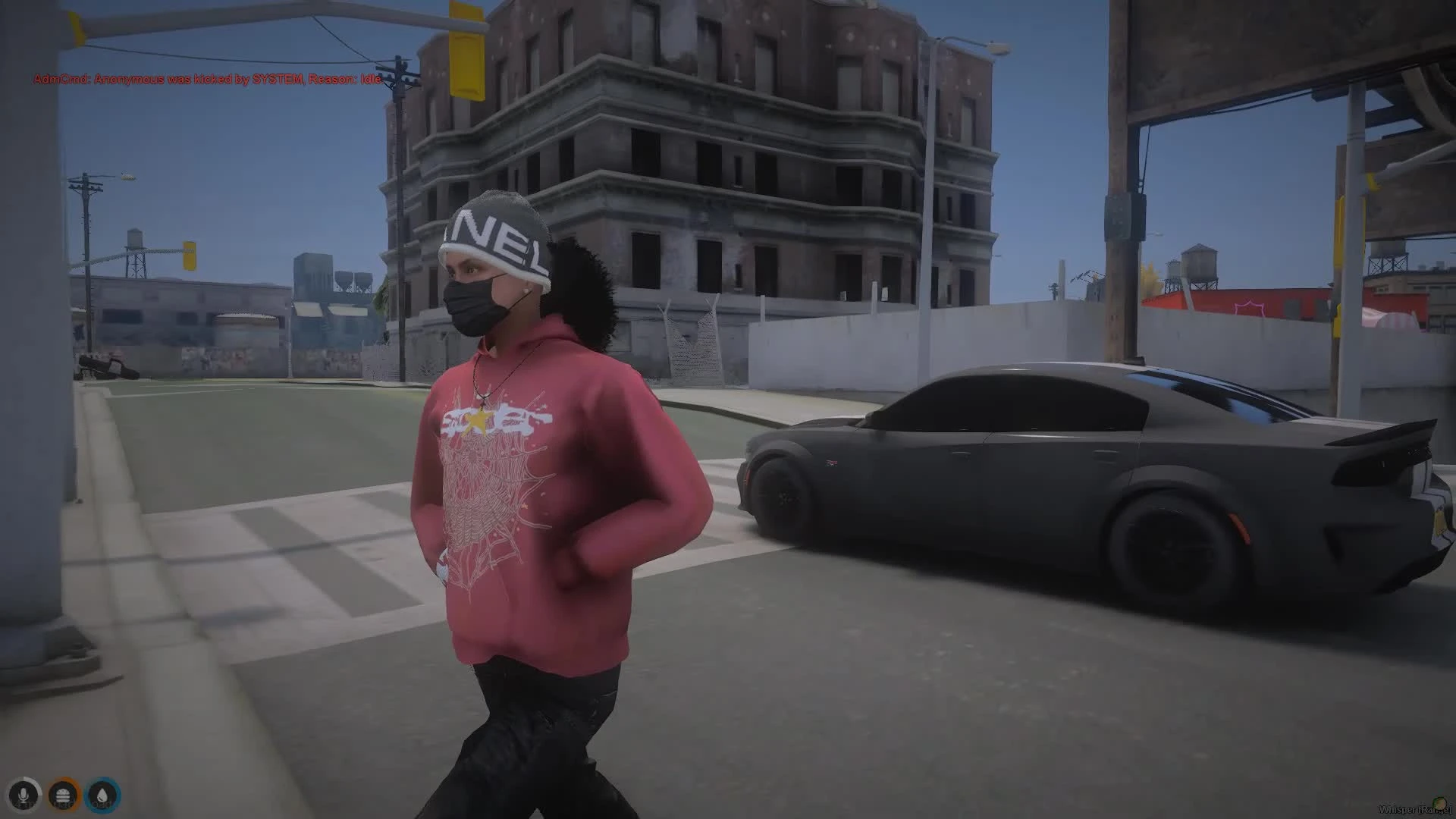
The Drill ST Shaders is the most stylized entry in the list. It replaces bright arcade color with a dark, gritty street look, heavy contrast and muted undertones. The result is deliberately heavy, with dense shadows and tightly held highlights, which suits gang roleplay and high-energy action clips.
Best for: gang roleplay, music videos and tense street scenes that need a hard edge.
The table below sums up the twelve presets by use. Read it to see the range from subtle to dramatic before you test anything.
| Product | Category | Best for |
|---|---|---|
| FFN Graphics V3 | Client-Side Mods | One everyday grade |
| Clean N' Natural Preset | Client-Side Mods | Subtle refresh |
| HBOYSRESHADE | Client-Side Mods | Dependable daily look |
| Hexr's Presets V72 | Client-Side Mods | Refined signature grade |
| Hexrs Presets | Client-Side Mods | Moody night scenes |
| DOUNS V3 Rework | Client-Side Mods | Noticeable upgrade |
| California Reshade | Client-Side Mods | Sunny, warm scenes |
| VipersUltraReal Preset | Client-Side Mods | Showcase footage |
| Ray Tracing Preset | Client-Side Mods | Reflective night scenes |
| CineREALISM Ultra Realism Graphics | Client-Side Mods | Full cinematic overhaul |
| Chromatic Custom Preset | Client-Side Mods | Film-style clips |
| Drill ST Shaders | Client-Side Mods | Gritty street scenes |
Frequently asked questions about these presets
Which ffn graphics fivem mods should I try first?
Start with FFN Graphics V3 for a balanced everyday look, then move down the list only if you want more mood. Test each grade in a few daytime and night scenes before you commit.
Do these presets change the server for other players?
No. Each listing describes a client-side ReShade layer that runs only on the player's own machine. Other players' views are not affected.
Do I need server permissions to use them?
The listings say no server access or permission is needed, because the grade sits over your existing graphics on your own client. Check the product page for any setup steps before you install.
Browse more client-side options in Client-Side Mods on FiveM Shops. Keep this ffn graphics fivem mods ranking handy when you compare grades, and pick the one that fits the scenes your server runs most often.