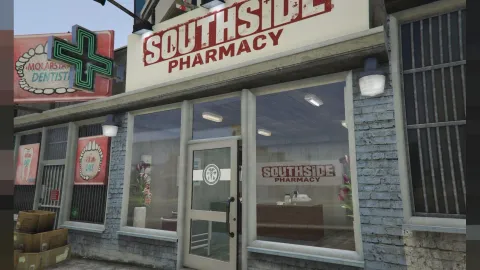
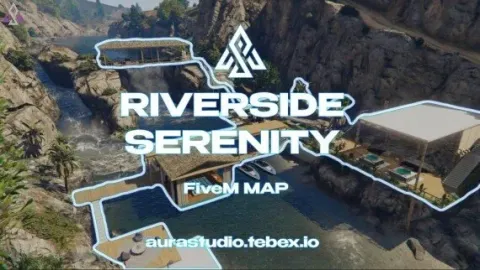
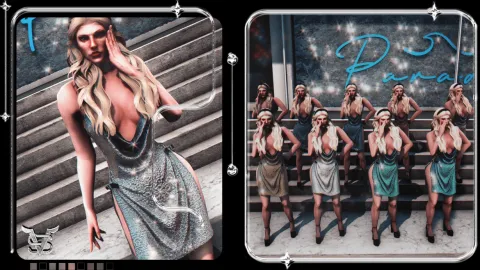
Glassmorphism pause menu fivem scripts are a simple way to make your server look intentional from the first second, and this deep dive covers twelve HUD, loading screen and menu options. Each one changes a different part of the player's interface, from the escape screen to the status bars.
The guide groups the picks by job: pause menus, loading screens, status HUDs, emote and target menus and a full UI kit. Each section explains what the script changes and who it suits. This glassmorphism pause menu fivem scripts list finishes with a table and common questions.
Glassmorphism pause menu fivem scripts and the interface around them
Glassmorphism Pause Menu
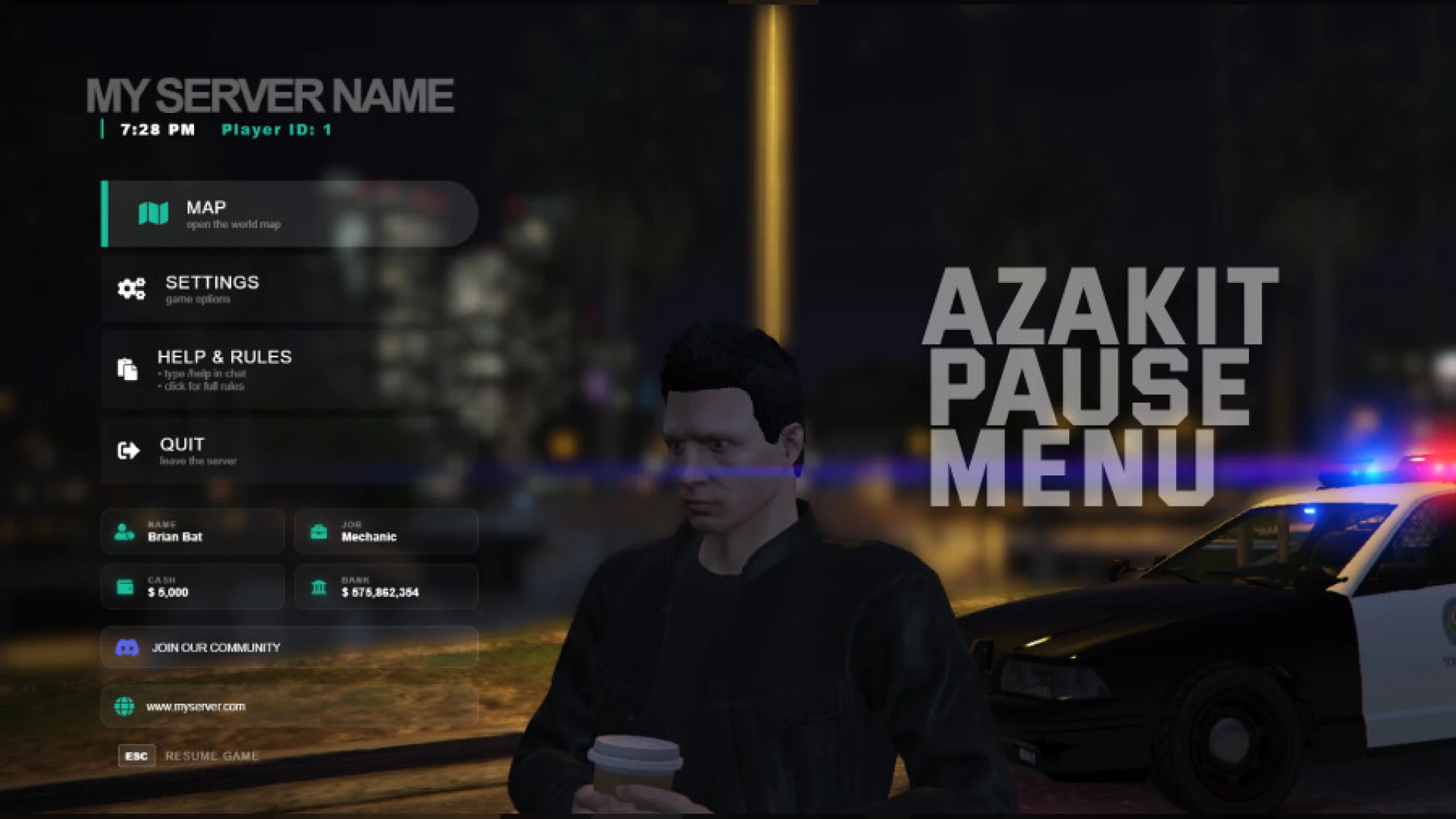
The Glassmorphism Pause Menu replaces the flat default escape screen with a frosted-glass interface. Translucent panels, soft blur and immersive animations give your server a striking identity the moment a player presses escape.
Beneath the visuals sits a clean, organised layout that keeps server information easy to find.
Best for: servers that want a modern escape screen.
CodeFlow (CodeFlowDEV) | Survival Styled Loadingscreen
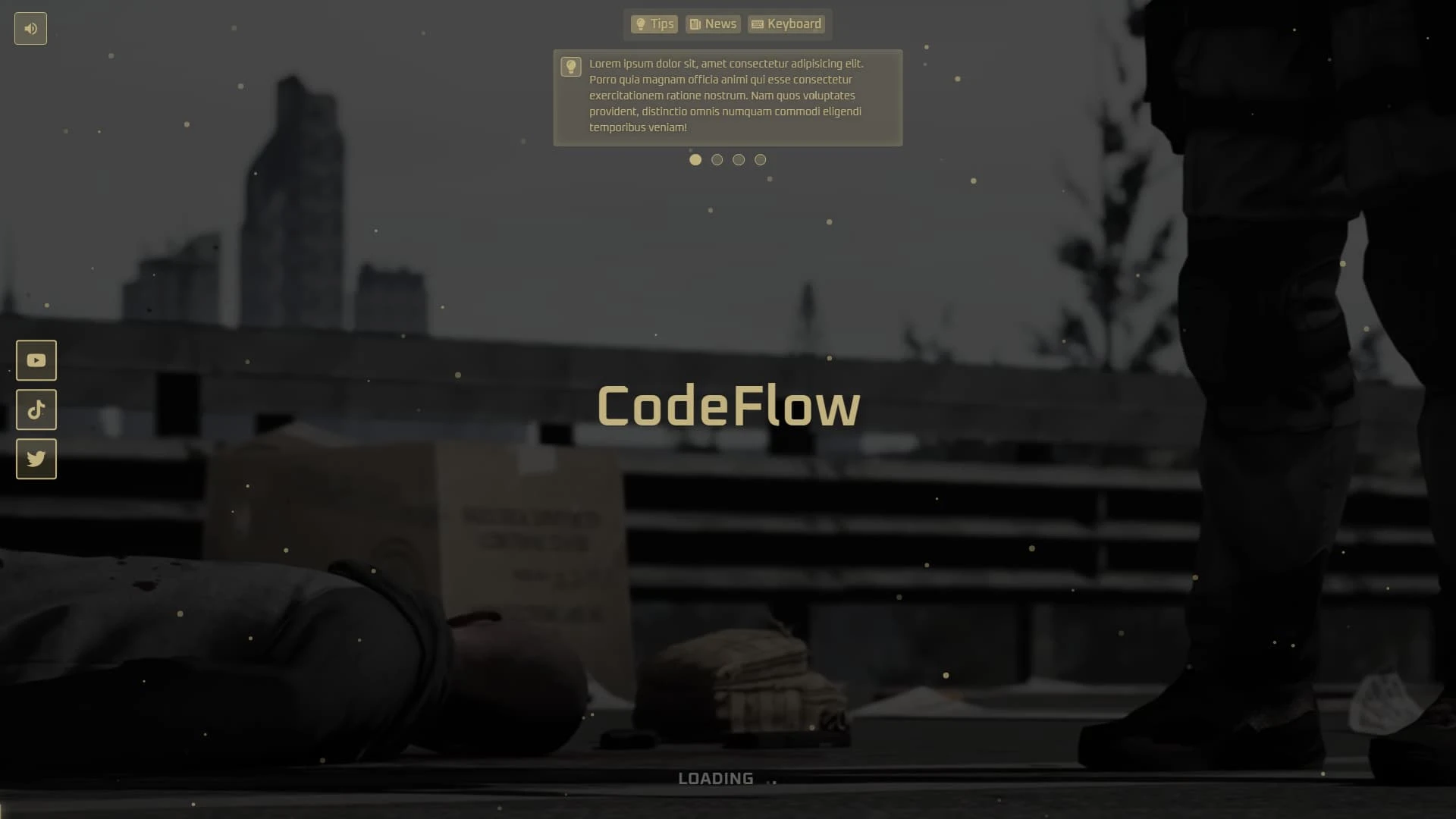
The CodeFlow (CodeFlowDEV) | Survival Styled Loadingscreen makes a strong first impression as players connect. Instead of a plain background, it delivers a modern interface with cinematic visuals, subtle motion and clean typography.
It supports high-quality static images or looped video, so you can choose the background that suits your community.
Best for: servers that want a polished connect screen.
Vision Hud V2
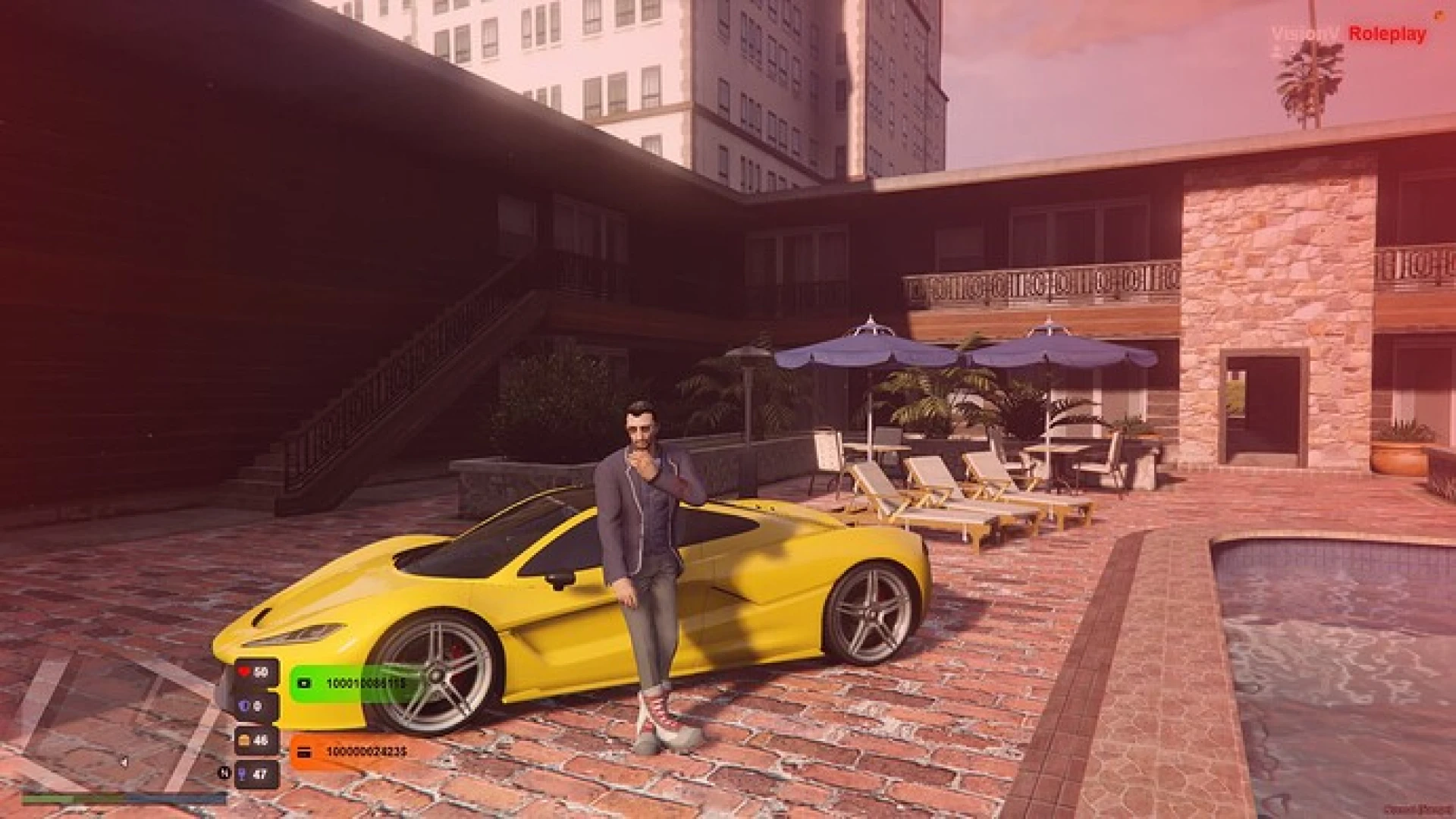
The Vision Hud V2 is a streamlined HUD that brings player status, needs and vehicle information into one polished layout. This second version refines the design with smoother animation, sharper icons and a lighter footprint.
Health, armor, hunger, thirst, stamina and stress sit within an easy glance.
Best for: busy servers that need a light, readable HUD.
OC HUD
The OC HUD is a minimal, performance-first status overlay. Slim, readable bars track health, armor, hunger, thirst and stamina, and a compact vehicle module appears when a player starts driving.
The design favours clarity and low resource use over flashy effects.
Best for: servers that prioritise clarity and low resource use.
MBT Emote Menu
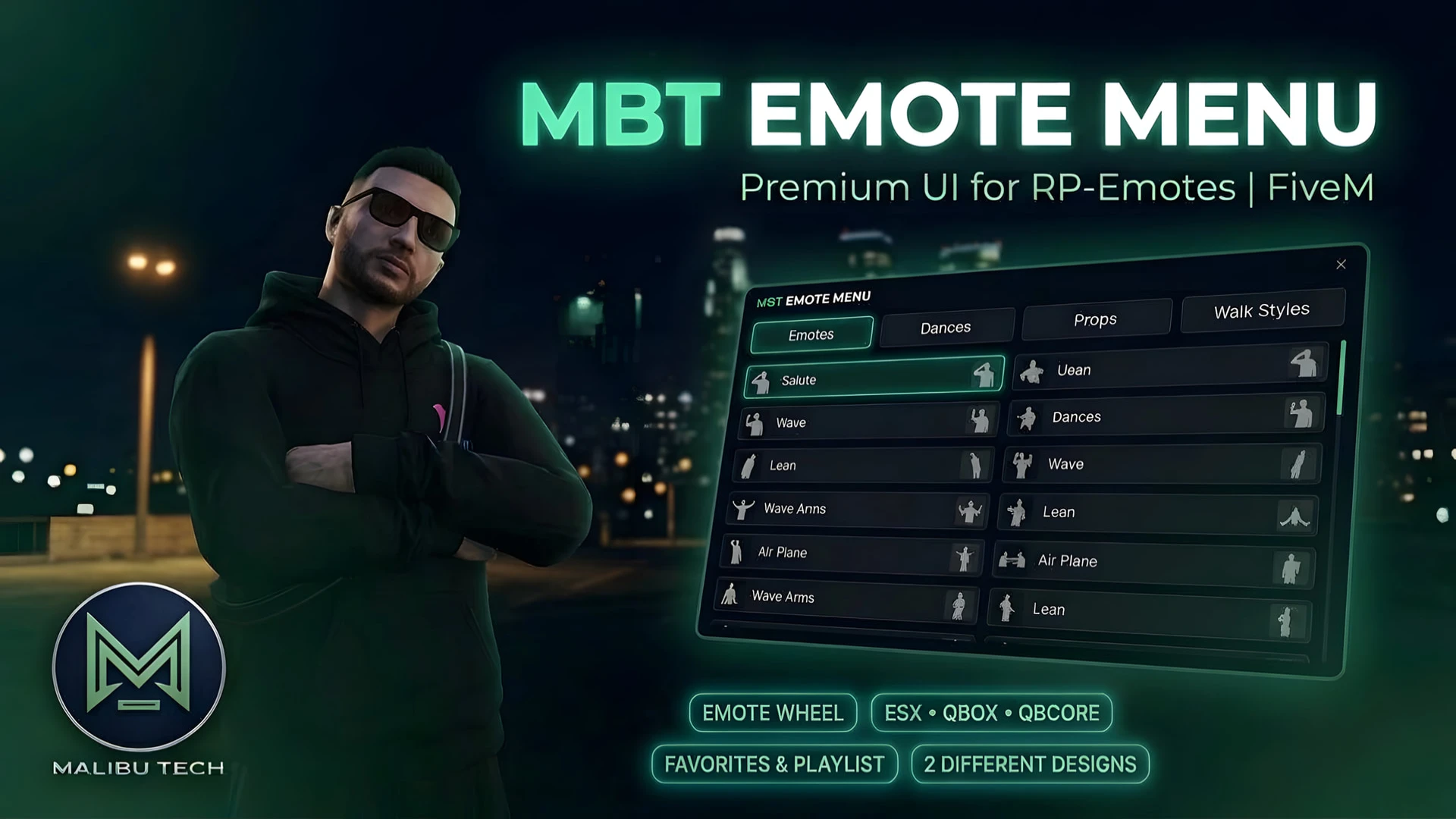
The MBT Emote Menu is an NUI overlay that replaces the default rpemotes-reborn interface with a modern, responsive panel built in React and TypeScript. It keeps the emote features players love while wrapping them in a cleaner layout with search.
Clean typography and smooth transitions let the menu respect the screen at any size.
Best for: servers already running rpemotes-reborn that want a new menu.
Balbo Loading Screen
The Balbo Loading Screen turns the first seconds on your server into a welcome that blends music, motion and live information. Players see video or image backgrounds, a built-in music player and dynamic panels.
Leaderboards, team details and community information can be shown while players wait, which makes the server feel established from the start.
Best for: community-led connect screens.
vortisrd | Trew HUD
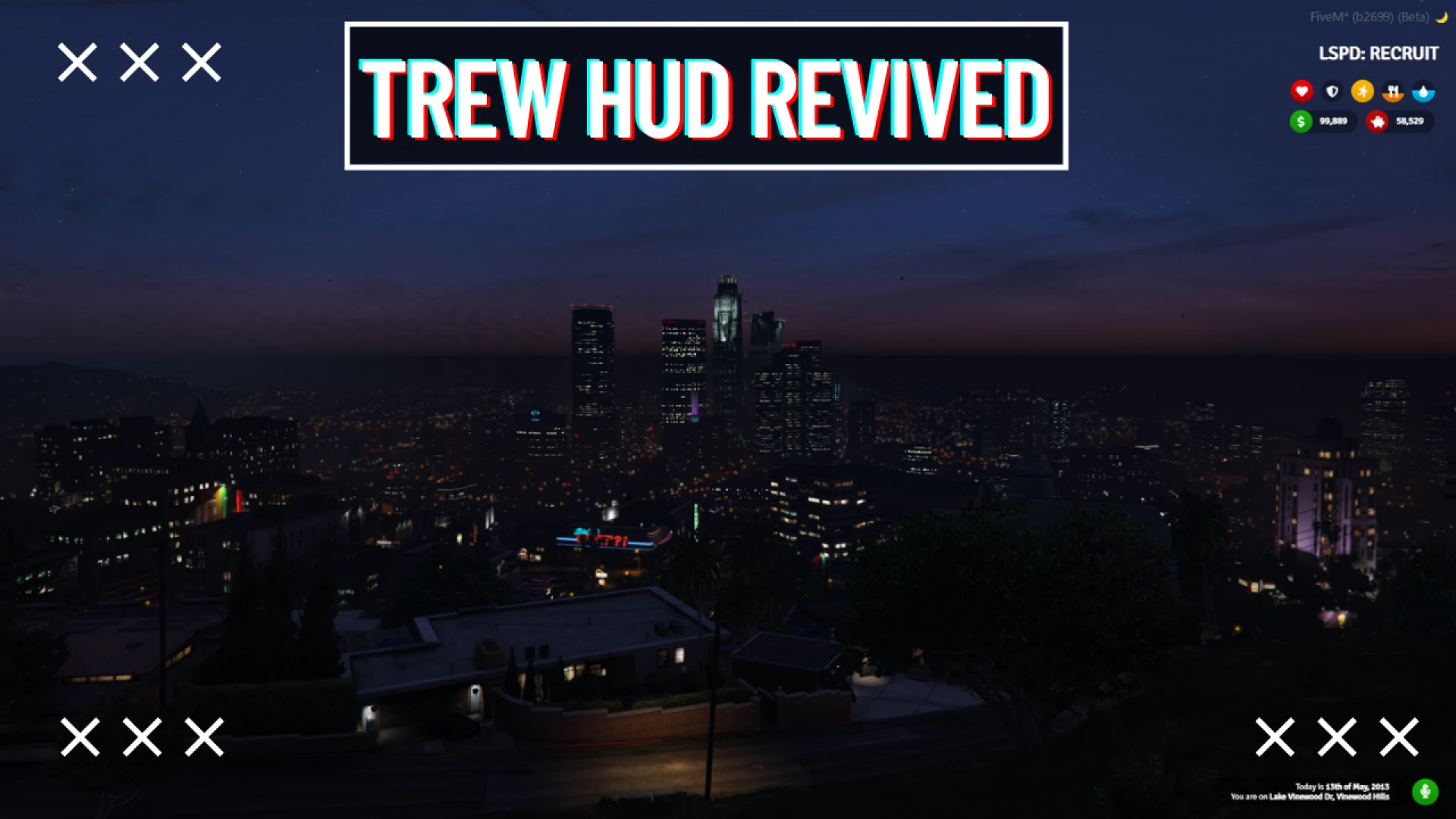
The vortisrd | Trew HUD is a clean, modular heads-up display that gives your roleplay server a modern, readable interface without weighing down client performance. All critical stats sit in one cohesive layout, so players understand their condition at a glance.
It is designed to sit comfortably on ESX and QBCore servers.
Best for: ESX and QBCore servers that want a modular HUD.
Sovex Cinematic Pause Menu
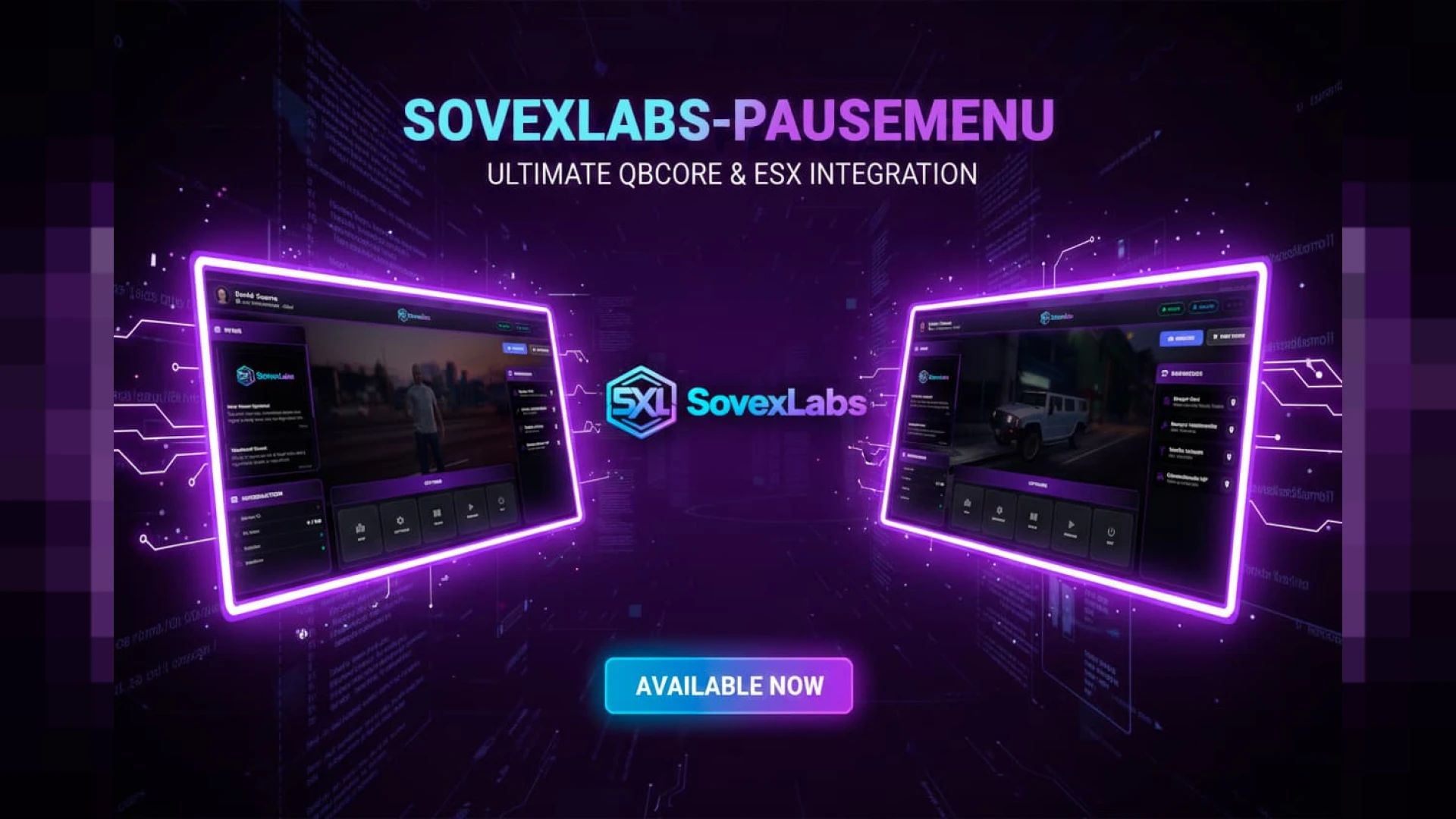
The Sovex Cinematic Pause Menu replaces the bland default escape screen with a branded, cinematic background. Server information, rules and links sit in an immersive UI that reminds players whose city they are in.
Players open the pause menu many times a session, so it is a practical place to show your identity.
Best for: branded escape menus with server information.
TRD Loading Screen
The TRD Loading Screen gives your server a sleek, modern first impression while players wait to connect. It is built around a glassmorphism interface with music, information and a clear sense of progress.
A well-made load screen sets the tone before anyone has spawned into the world.
Best for: servers that want a glassmorphism connect screen.
OX Target UI NoPixel 4.0 Inspired
The OX Target UI NoPixel 4.0 Inspired is a reskin of the interaction layer. Instead of a plain eye, players get a sharp, animated marker and a compact option list when they look at an entity.
It is built to sit on top of the popular ox_target resource.
Best for: servers using ox_target that want a polished look.
Urban HUD
The Urban HUD brings a sharp, street-inspired look to the overlay players see all session, with health, armor, hunger, thirst and a clean speedometer.
The indicators read clearly at a glance and sit quietly at the edge of the screen.
Best for: urban roleplay servers that want a distinct HUD style.
ZSX UI V2
The ZSX UI V2 is a complete UI kit that replaces the HUD, menus, notifications and dialogs with one cohesive system. It removes the need to bolt together a dozen mismatched resources.
Unused components are removed, so the kit focuses on what your server actually uses.
Best for: servers that want one consistent look across the whole interface.
| Product | Category | Best for |
|---|---|---|
| Glassmorphism Pause Menu | HUD & UI Scripts | Modern escape screens |
| CodeFlow (CodeFlowDEV) | Survival Styled Loadingscreen | HUD & UI Scripts | Polished connect screens |
| Vision Hud V2 | HUD & UI Scripts | Light, readable HUDs |
| OC HUD | HUD & UI Scripts | Clarity and low resource use |
| MBT Emote Menu | HUD & UI Scripts | rpemotes-reborn servers wanting a new menu |
| Balbo Loading Screen | HUD & UI Scripts | Community-led connect screens |
| vortisrd | Trew HUD | HUD & UI Scripts | Modular HUDs on ESX and QBCore |
| Sovex Cinematic Pause Menu | HUD & UI Scripts | Branded escape menus |
| TRD Loading Screen | HUD & UI Scripts | Glassmorphism connect screens |
| OX Target UI NoPixel 4.0 Inspired | HUD & UI Scripts | Polished ox_target interaction |
| Urban HUD | HUD & UI Scripts | Urban roleplay HUD style |
| ZSX UI V2 | HUD & UI Scripts | One consistent UI across the interface |
Common questions about these interface scripts
Do these glassmorphism pause menu fivem scripts work with QBCore or ESX?
The Trew HUD is designed for ESX and QBCore servers. For the other scripts, the descriptions do not list a framework, so check each product page before you install.
Which glassmorphism pause menu fivem scripts should I install first?
Start with a pause menu and a connect screen, since every player sees both. Add a HUD once the connect and escape screens match your branding.
Do these interface scripts affect performance?
Several listings emphasise low resource use or smooth animation, including the OC HUD and Vision Hud V2. Test any UI on a staging server with your full resource list before it goes live.
Browse the full set in the HUD and UI scripts collection at FiveM Shops. Pick one connect screen, one pause menu and one HUD so the look stays consistent, then test them together. Those three pieces shape most of a glassmorphism pause menu fivem scripts setup and the first impression your players get.