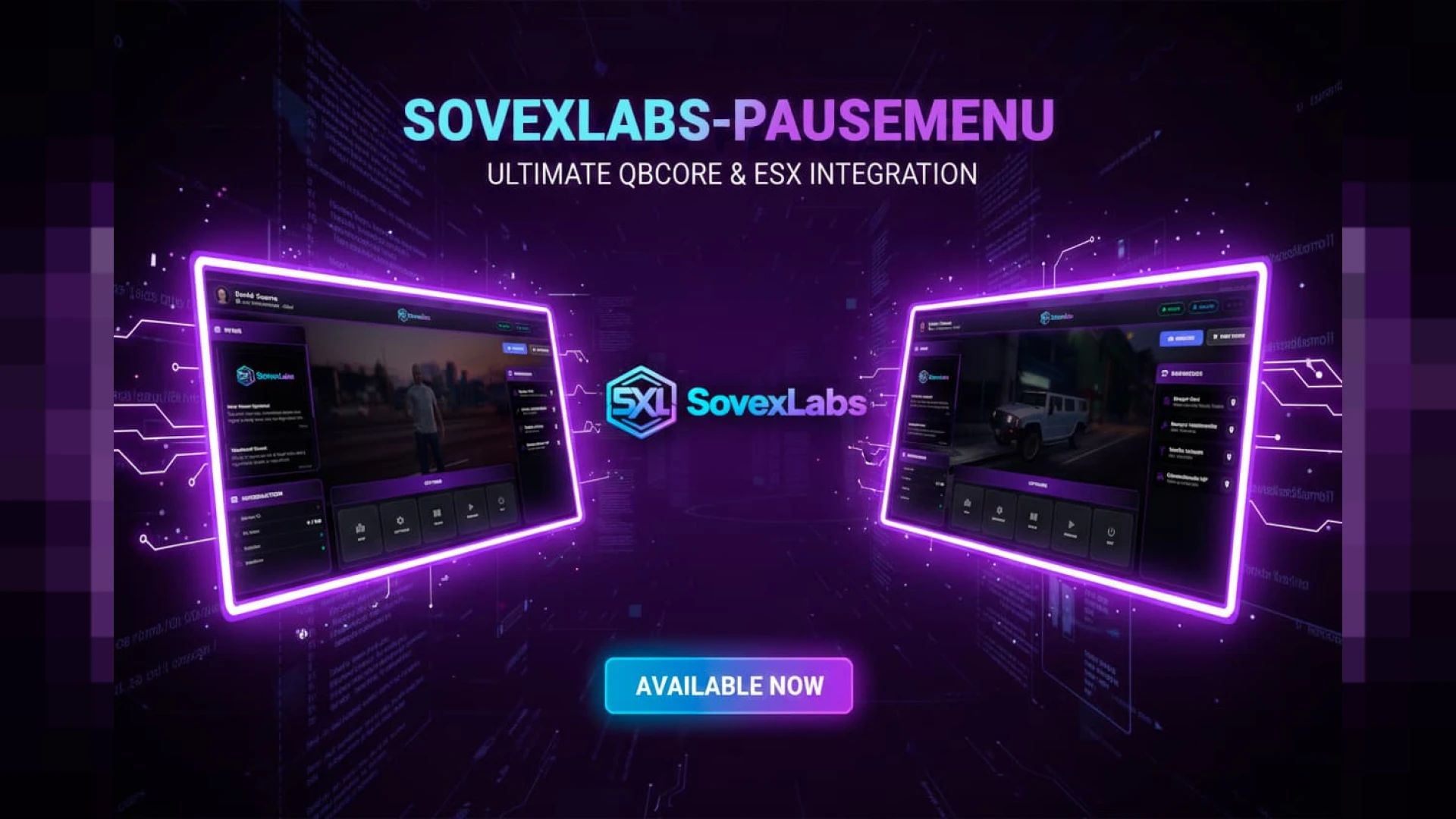
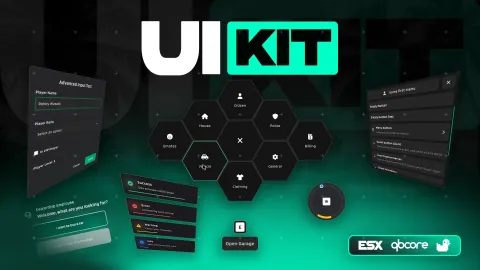
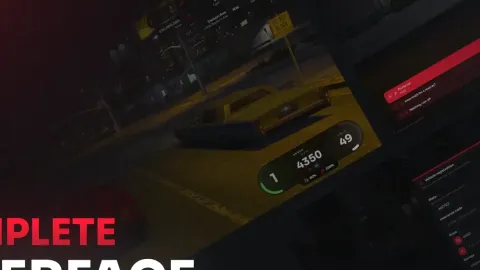
Replaces the default pause menu with a cinematic, branded UI showing server info for ESX and QBCore
Players hit Escape dozens of times a session, and every one of those moments shows them the bland default FiveM pause menu. A cinematic pause menu turns that dead screen into branded real estate: your server's identity, rules, links and info wrapped in an immersive UI that reminds players exactly whose city they are in every time they open it.
What the pause menu shows
- A cinematic, branded background replacing the plain default.
- Server info panels — rules, features, current events.
- Quick links to your Discord, store and socials.
- Player and connection details presented cleanly.
- A polished look that matches the rest of your interface.
Why the pause menu is prime real estate
- Every player opens it constantly — unmatched repeat exposure.
- It reinforces your brand at a moment attention is guaranteed.
- The Discord link there is a reliable community-growth tool.
- Rotating event info keeps regulars informed without chat spam.
- A polished menu signals a polished, cared-for server.
Clean and configurable
- Built for ESX and QBCore with a straightforward install.
- Swap the background, text, colors and links through open files.
- Modular panels so you show exactly what your community needs.
- Lightweight NUI that stays out of the way of performance.
The interfaces players touch most are the ones worth investing in, and the pause menu sits near the very top of that list precisely because it is so easy to overlook. Reskinning it into a branded, cinematic screen is a small change with server-wide, session-long visibility, and it quietly lifts the perceived quality of your whole city.
Pair it with our Nasty Loading Screen and browse more HUD & UI scripts.
Reskinning it into a branded, cinematic screen is a small change with server-wide, session-long visibility, and it quietly lifts the perceived quality of your whole city every time a player reaches for Escape.