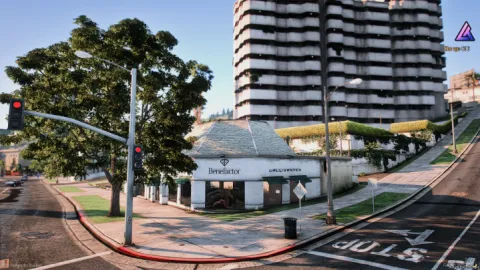

XsHeisenPACK is the cover pick of this guide, and it answers the questions most server players ask about xsheisenpack fivem mods before they install anything. The short answer is that these are client-side visual packs that change how your own game looks. This page explains how they work, then gives a best-for note for eleven related picks, each linked to its page on FiveM Shops.
Every product in this set is described as a client-side visual upgrade, which is the main thing to understand about xsheisenpack fivem mods. The descriptions say the changes run on your machine, so you get a different look without changing what other players see. Some entries are full graphics packs, some are ReShade presets, and a few add effects such as depth, grain or blood, so the category tells you what to expect.
XsHeisenPACK FiveM Mods: The Basics Before You Install
XsHeisenPACK at a glance
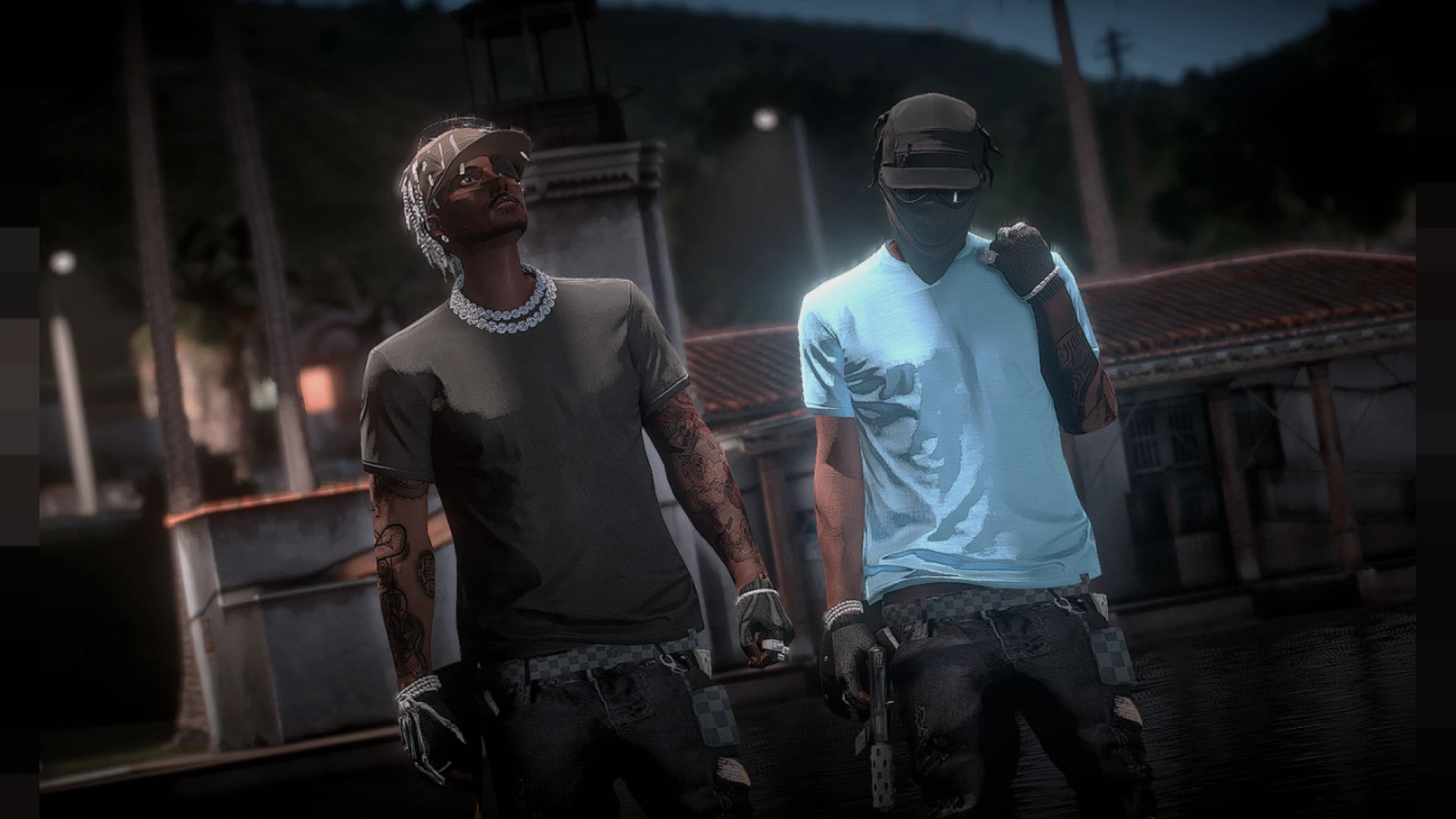
The XsHeisenPACK is a client-side visual preset that lifts lighting, colour and reflections for a crisp, realistic image. The description says it retunes colour grading, contrast and post-processing so scenes gain depth, cleaner shadows and more natural highlights. It applies only on your machine, which means the upgrade does not change what the server sends to anyone else.
Best for: players who want a single, balanced upgrade to their whole view.
Effects that stay local
The descriptions in this set say the effects are local. Realistic Reshade 3 and Realistic Reshade 2 are presented as client-side configurations, so their results stay on the player's own screen. Check each product page for the exact install steps.
ReShade or standalone installs
Some entries are described as ReShade presets, including the Realistic Reshade releases, the Hexr's bodycam preset and the DubstepZz graphic presets. Others, such as the Parallax Props and California Architecture, are presented as separate client-side mods. Read the product page to see which setup applies.
Realistic Reshade 3
The Realistic Reshade 3 is the third version of a realism preset. The description says it fine-tunes colour, depth and lighting so the world feels believable over long, story-driven sessions, without pushing the image into artificial territory.
Best for: long roleplay sessions that need natural colour.
Realistic Reshade 2
The Realistic Reshade 2 is the refined second version of a community favourite. The description describes physically inspired tuning and lighting that feels closer to real photography, and it notes there is no server requirement.
Best for: players who liked the first realism preset and want a refined version.
Tysyphen Real Life Graphics V9
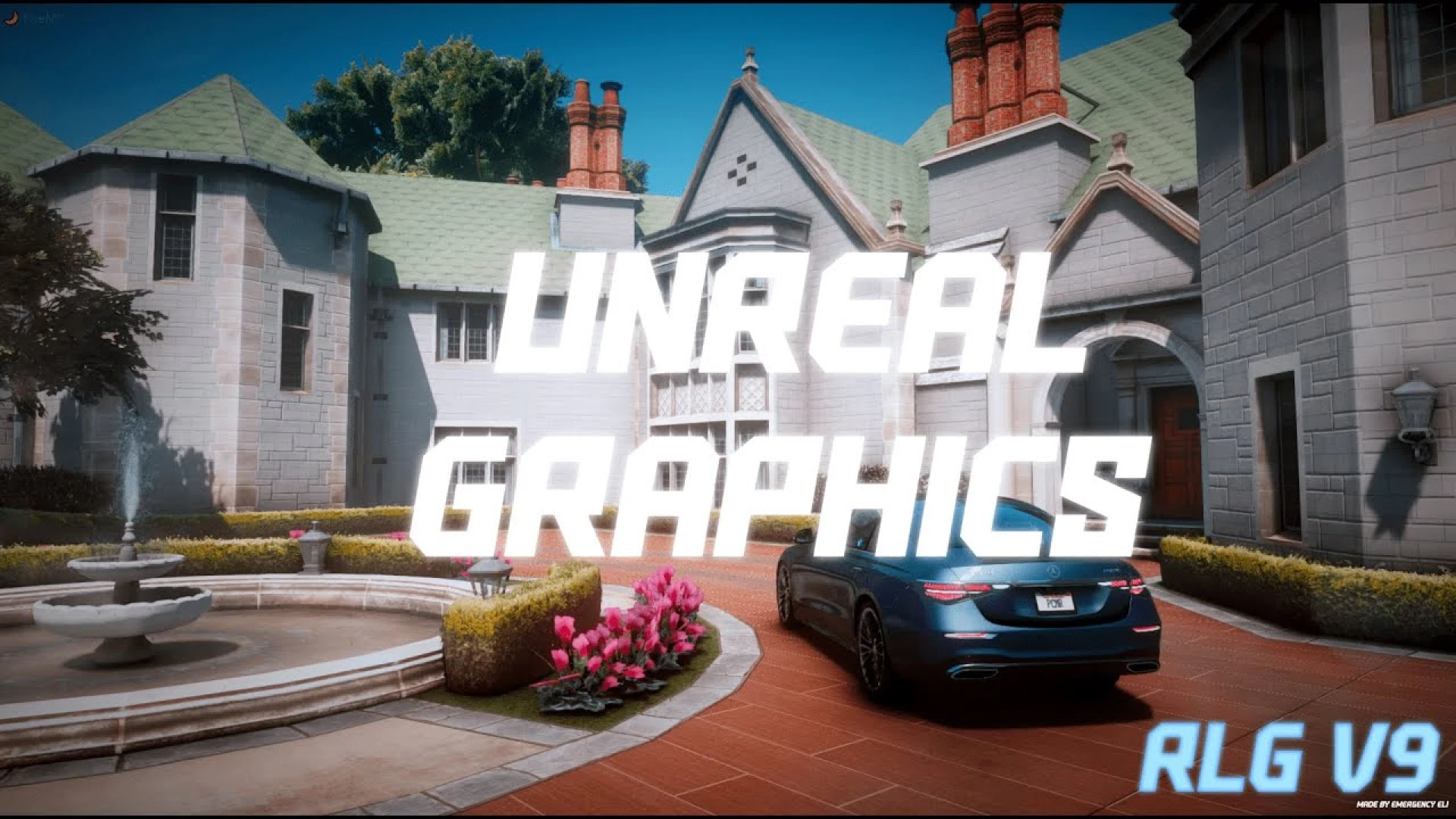
The Tysyphen Real Life Graphics V9 is a cinematic overhaul that reworks tone mapping, ambient light, bloom and reflections. The description says streets, interiors, skies and vehicles all read with more depth across the in-game day.
Best for: a full cinematic overhaul across day and night.
Parallax Props
The Parallax Props adds depth to flat surfaces using depth mapping, so bricks recede and tiles catch light along their edges. The description says the effect is subtle, which suits players who want texture without a heavy filter.
Best for: a texture-focused upgrade that keeps the base look.
Kickass Shaders
The Kickass Shaders is a bold preset that pushes contrast, saturation and lighting. The description says it looks good on stream and is tuned so the bold grade stays usable.
Best for: streamers and servers with an energetic personality.
Hexr's Presets Bodycam
The Hexr's Presets Bodycam recreates a raw, handheld tactical look with fine grain, a tight vignette and punchy contrast. It is a ReShade configuration that the description says is ready to record with straight away.
Best for: recorded clips and tactical-style scenes.
Nemzz Graphics Pack
The Nemzz Graphics Pack rebuilds how light, colour and atmosphere behave across every district. The description contrasts it with the flat look of vanilla GTA V, with punchy contrast, warmer sunlight and clean night shadows.
Best for: a single, city-wide look upgrade.
Myd Preset V3
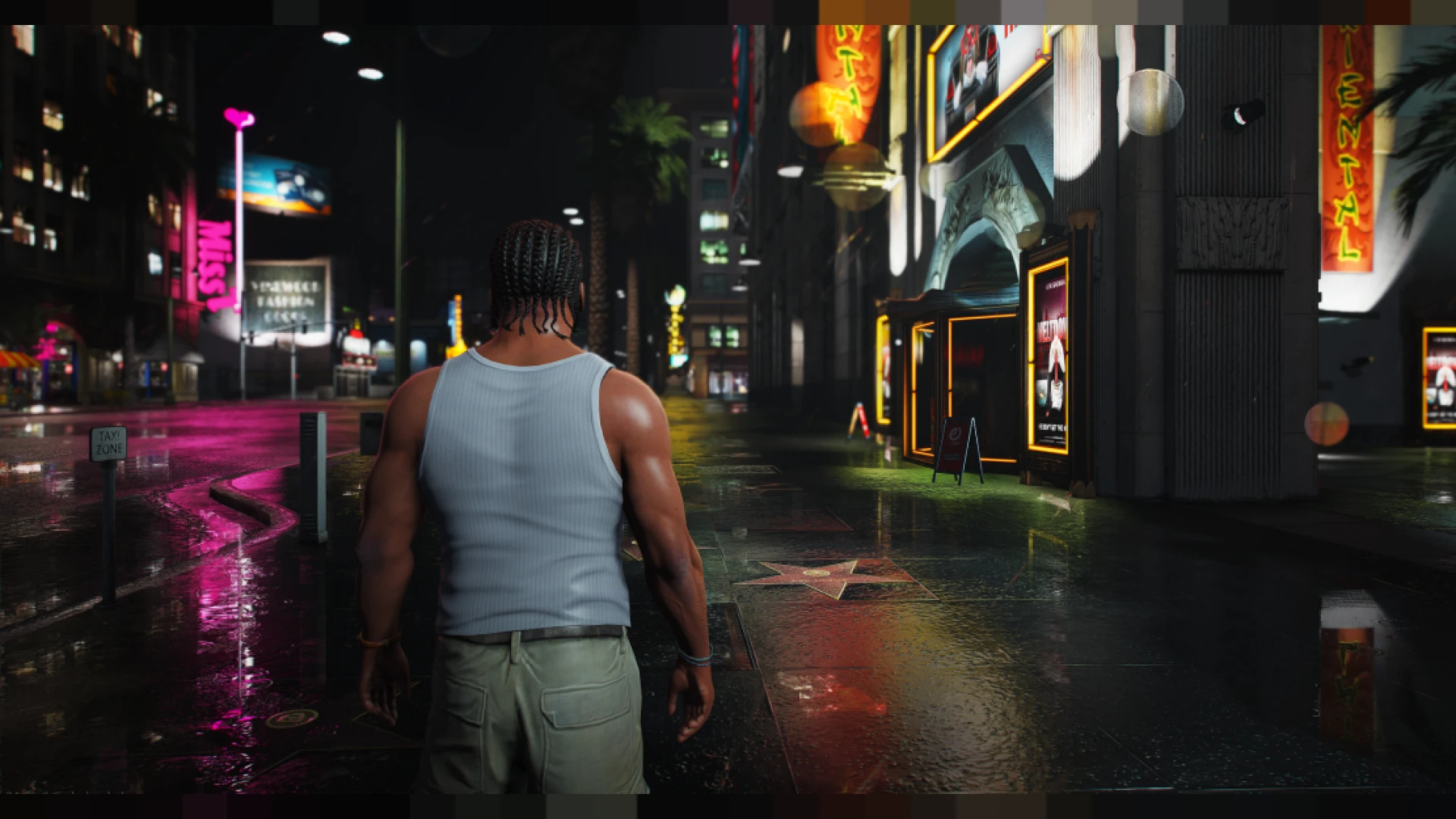
The Myd Preset V3 is a refined cinematic grade built on balance rather than gimmicks. The description says it keeps the city readable during fast-paced roleplay and combat, which makes it a steady everyday choice.
Best for: a set-and-forget grade that stays readable in combat.
California Architecture
The California Architecture is a client-side map overhaul that rebuilds parts of Los Santos with real Los Angeles landmarks, signage and buildings. The description says it runs locally, so the skyline does not stream from the server.
Best for: servers that want a real-world Los Angeles feel.
Realistic Blood FX
The Realistic Blood FX replaces the default combat effects with wound sizes, splatter and pooling that respond to calibre and range. The description says the gore behaviour is adjusted on the client, so hits look grounded without changing the server.
Best for: firefights and medical roleplay scenes.
DubstepZz Graphic Presets
The DubstepZz Graphic Presets layer a bold cinematic colour grade over the base renderer as a plug-and-play ReShade configuration. The description says it does not overwrite core game files.
Best for: a bold, cinematic grade for a stylised server.
Checklist Before You Install an XsHeisenPACK Mod
Work through this checklist before you install any xsheisenpack fivem mods, so each decision stays tied to what the product page says. It keeps the decision tied to what each product page actually says.
- Read the product page to confirm whether the pack is a ReShade preset or a standalone client-side mod.
- Pick one grade at a time, so you can judge the result on the same scenes.
- Check that the effect is local, since the descriptions say it applies only on your machine.
- Keep a note of which preset you use, so your screenshots and clips stay consistent.
XsHeisenPACK FiveM Mods: Frequently Asked Questions
Will XsHeisenPACK affect the server?
The description says the pack applies only on your own machine and does not change what other players see. Check the product page if you want to confirm the install details.
Can I combine a preset with a prop mod?
The descriptions do not say whether two packs conflict, so test them together on the same scene before you settle on a setup.
Which pick should I start with?
Start with the XsHeisenPACK for a balanced upgrade, or the Realistic Reshade 3 if you want a natural look for long sessions.
To see the full range of xsheisenpack fivem mods, browse the client-side mods collection on FiveM Shops. Choose one preset, play a few scenes with it, and only then add a second effect so you can judge each change on its own.