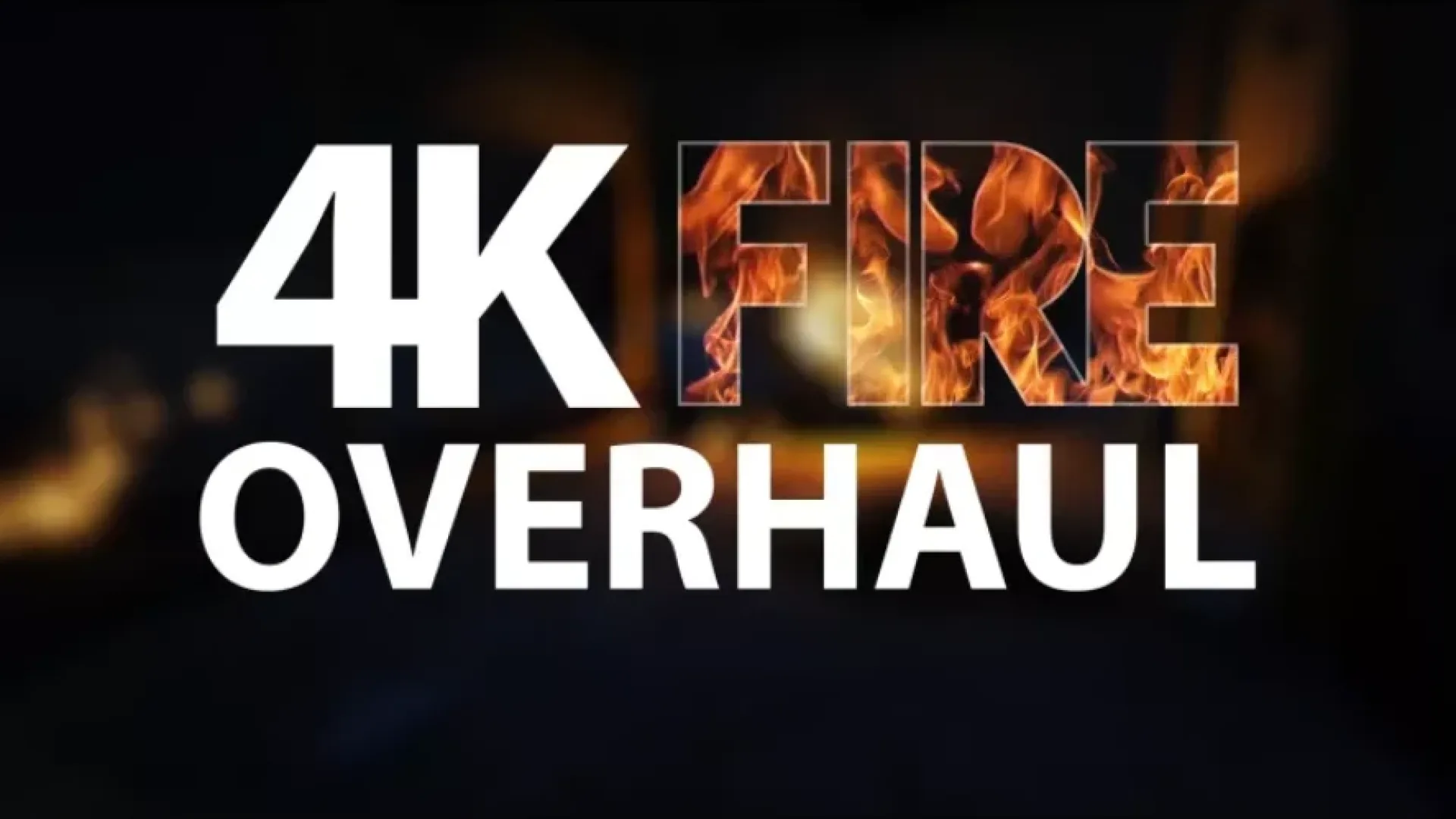
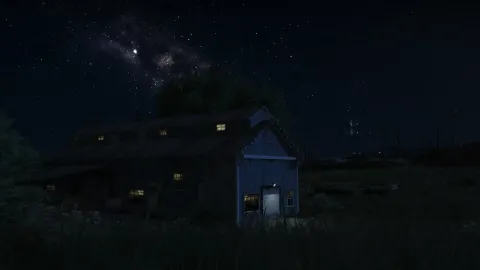
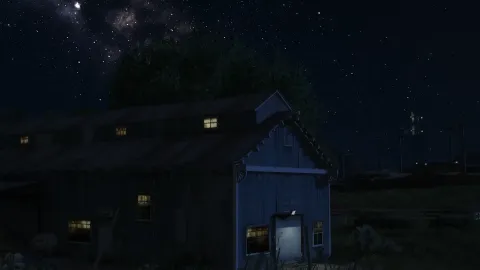
4K Fire Overhaul is a client-side mod for FiveM that improves what players see and hear without touching the server.
What 4K Fire Overhaul brings to your server
4K Fire Overhaul changes how the game looks or sounds for the player without adding any load on the server. It is a quick way to make sessions feel fresher and more immersive.
Key features
- 4K retexture of fire and flame assets
- More realistic flame edges and glow
- Updated spark, smoke and ember particles
- Drop-in replacement into the FiveM mods folder
- Compatible with NVE, QuantV and other graphics overhauls
- No performance impact beyond raw VRAM usage
How servers use it
4K Fire Overhaul is a quick upgrade for players who want a better-looking or better-sounding session without any server-side work. 4K Fire Overhaul is light on resources and runs comfortably on mid-range PCs.
Installation and compatibility
Installation is quick: copy the files into your FiveM client mods folder as described in the included notes and restart the game. Browse more Client-Side Mods, or see the full client-side mods range to complete your setup.
Every order of 4K Fire Overhaul is a one-time purchase with instant delivery after payment, so you can install it the same day. FiveM Shops keeps premium FiveM content affordable for growing servers.
A practical tip: test 4K Fire Overhaul on a staging server first, check how it looks next to your existing content, and then add it to your live server during a planned restart. A short announcement helps players notice what is new.
To get the most out of 4K Fire Overhaul, keep your resources organised by type and document what each one adds. It makes future updates faster and helps new staff understand your server setup.
Why buy this client-side mod from FiveM Shops? You pay once, get the files straight away and keep them for your server. Our catalogue covers scripts, MLOs, vehicles and more, so you can build a complete city from one place with clear, honest pricing.
Quick specs
- Type: Client-side mod
- Category: Client-Side Mods
- Framework: Any framework - ESX, QBCore, Qbox or standalone
- Install: Drag and drop into resources, ensure in server.cfg
- Delivery: Instant download after payment
Frequently asked questions
How do I install 4K Fire Overhaul?
Add the resource to your server, ensure it in server.cfg and restart. Follow the included notes for any optional settings.
Does it work on every server?
Yes. 4K Fire Overhaul is framework-independent, so it works on ESX, QBCore, Qbox and standalone servers.