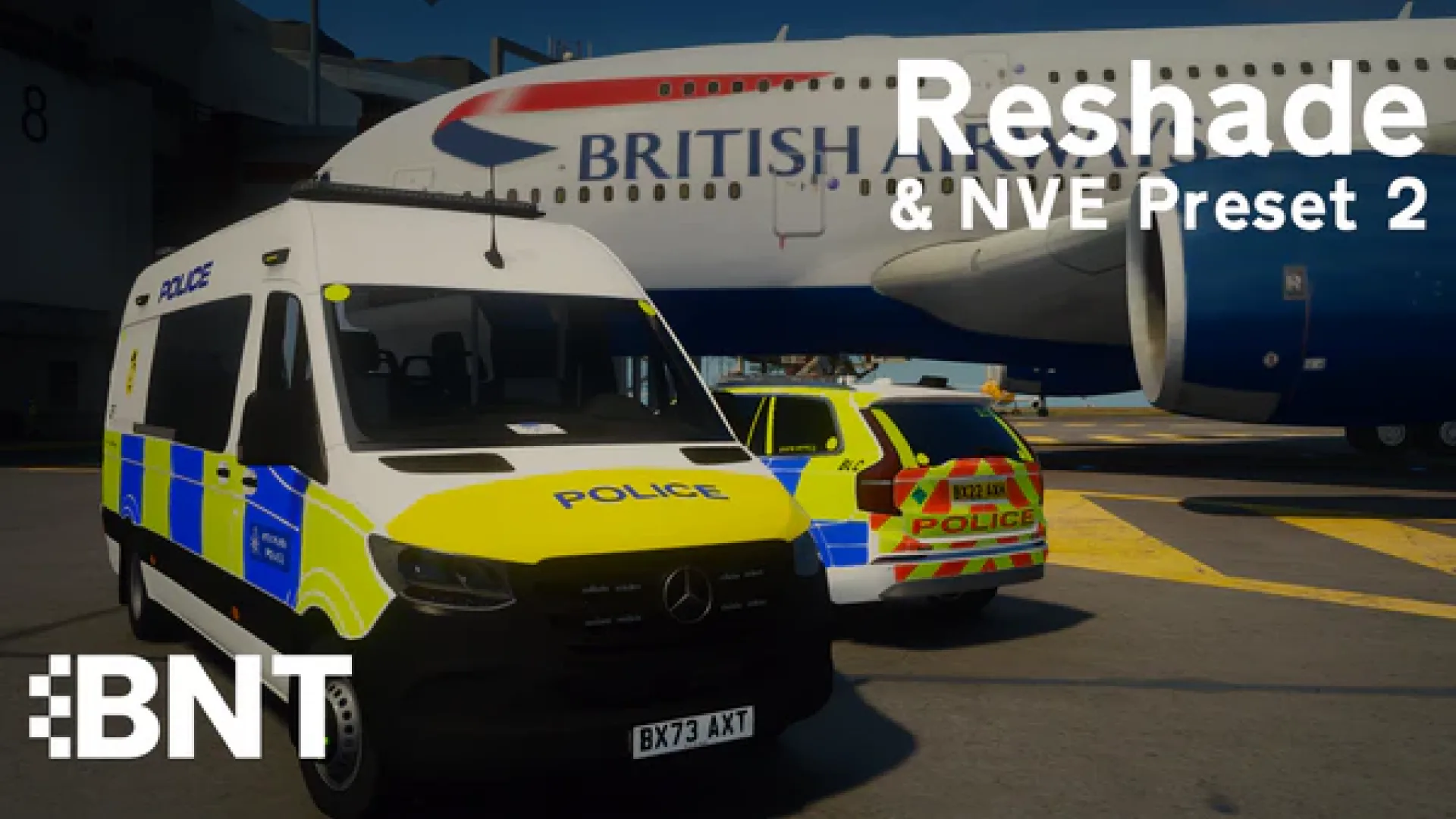
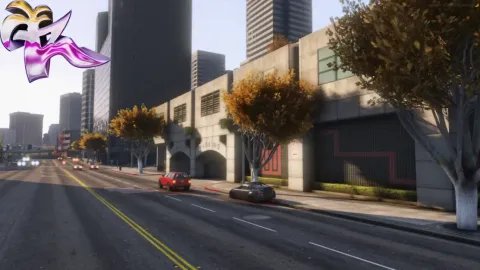
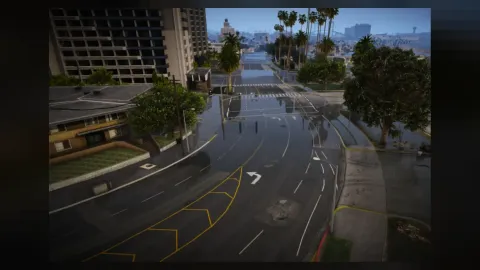
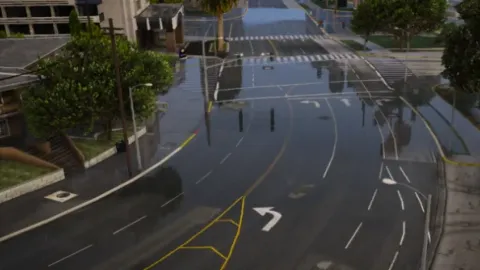
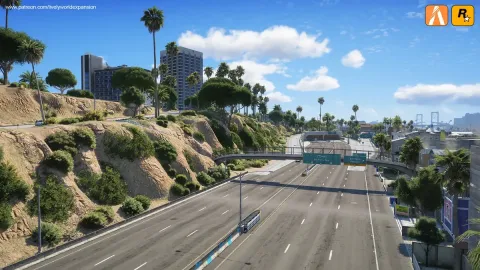
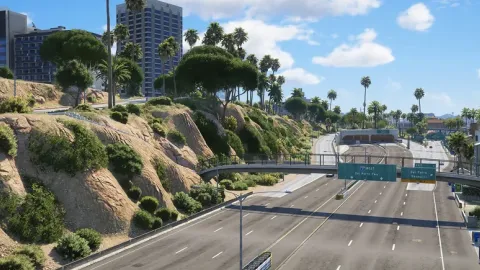
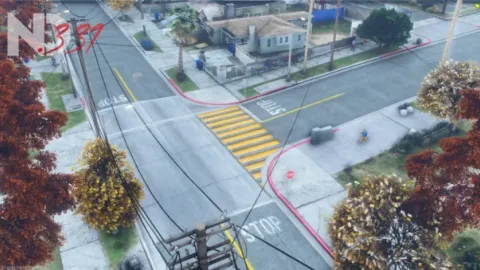
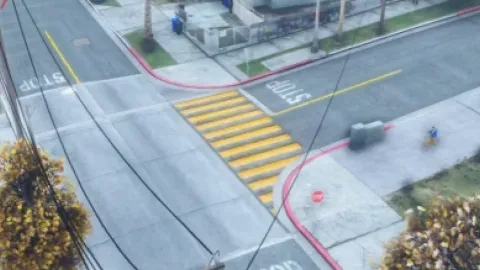
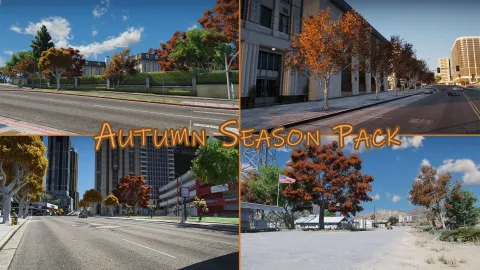
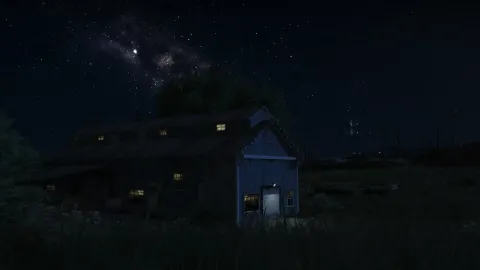
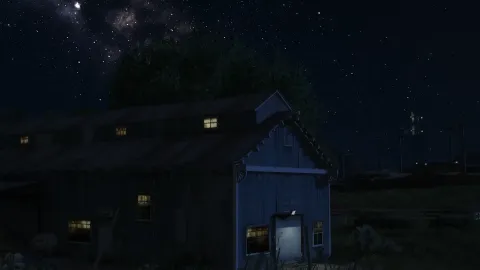
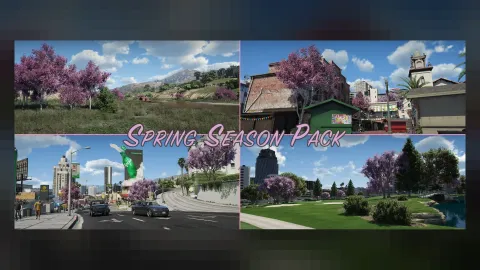
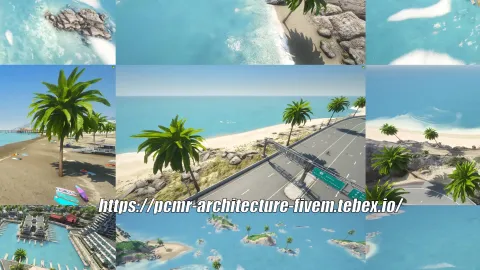
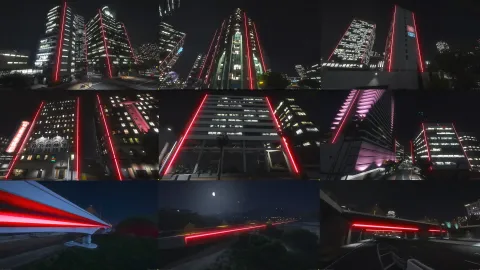
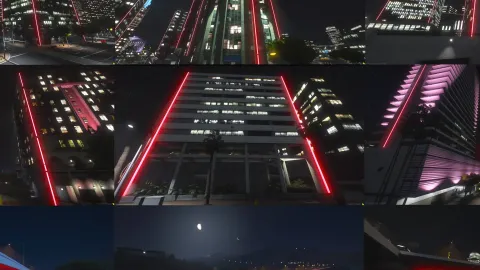
BNT Reshade NVE Preset 2 gives your FiveM experience a fresh look and feel, made by BNT, installed in minutes on the client.
What BNT Reshade NVE Preset 2 brings to your server
BNT Reshade NVE Preset 2 changes how the game looks or sounds for the player without adding any load on the server. It is a quick way to make sessions feel fresher and more immersive.
Key features
- ReShade preset tuned for the NaturalVision Evolved look
- Second revision with cleaner midtones and controlled bloom
- Boosts clarity and contrast without crushing shadows
- Includes depth-of-field, LUT and SMAA shader stack
- Install via standard ReShade build for FiveM safety
- Toggle on and off at runtime from the ReShade overlay
How servers use it
BNT Reshade NVE Preset 2 is a quick upgrade for players who want a better-looking or better-sounding session without any server-side work. BNT Reshade NVE Preset 2 is light on resources and runs comfortably on mid-range PCs.
Installation and compatibility
Installation is quick: copy the files into your FiveM client mods folder as described in the included notes and restart the game. Browse more Client-Side Mods, or see the full client-side mods range to complete your setup.
Every order of BNT Reshade NVE Preset 2 is a one-time purchase with instant delivery after payment, so you can install it the same day. FiveM Shops keeps premium FiveM content affordable for growing servers.
Buying BNT Reshade NVE Preset 2 from FiveM Shops means a one-time price, instant access to the files and a catalogue that covers everything a growing roleplay server needs, from scripts and MLOs to vehicles, peds and props.
A practical tip: test BNT Reshade NVE Preset 2 on a staging server first, check how it looks next to your existing content, and then add it to your live server during a planned restart. A short announcement helps players notice what is new.
To get the most out of BNT Reshade NVE Preset 2, keep your resources organised by type and document what each one adds. It makes future updates faster and helps new staff understand your server setup.
Quick specs
- Type: Client-side mod
- Category: Client-Side Mods
- Framework: Any framework - ESX, QBCore, Qbox or standalone
- Install: Drag and drop into resources, ensure in server.cfg
- Delivery: Instant download after payment
Frequently asked questions
How do I install BNT Reshade NVE Preset 2?
Add the resource to your server, ensure it in server.cfg and restart. Follow the included notes for any optional settings.
Does it work on every server?
Yes. BNT Reshade NVE Preset 2 is framework-independent, so it works on ESX, QBCore, Qbox and standalone servers.