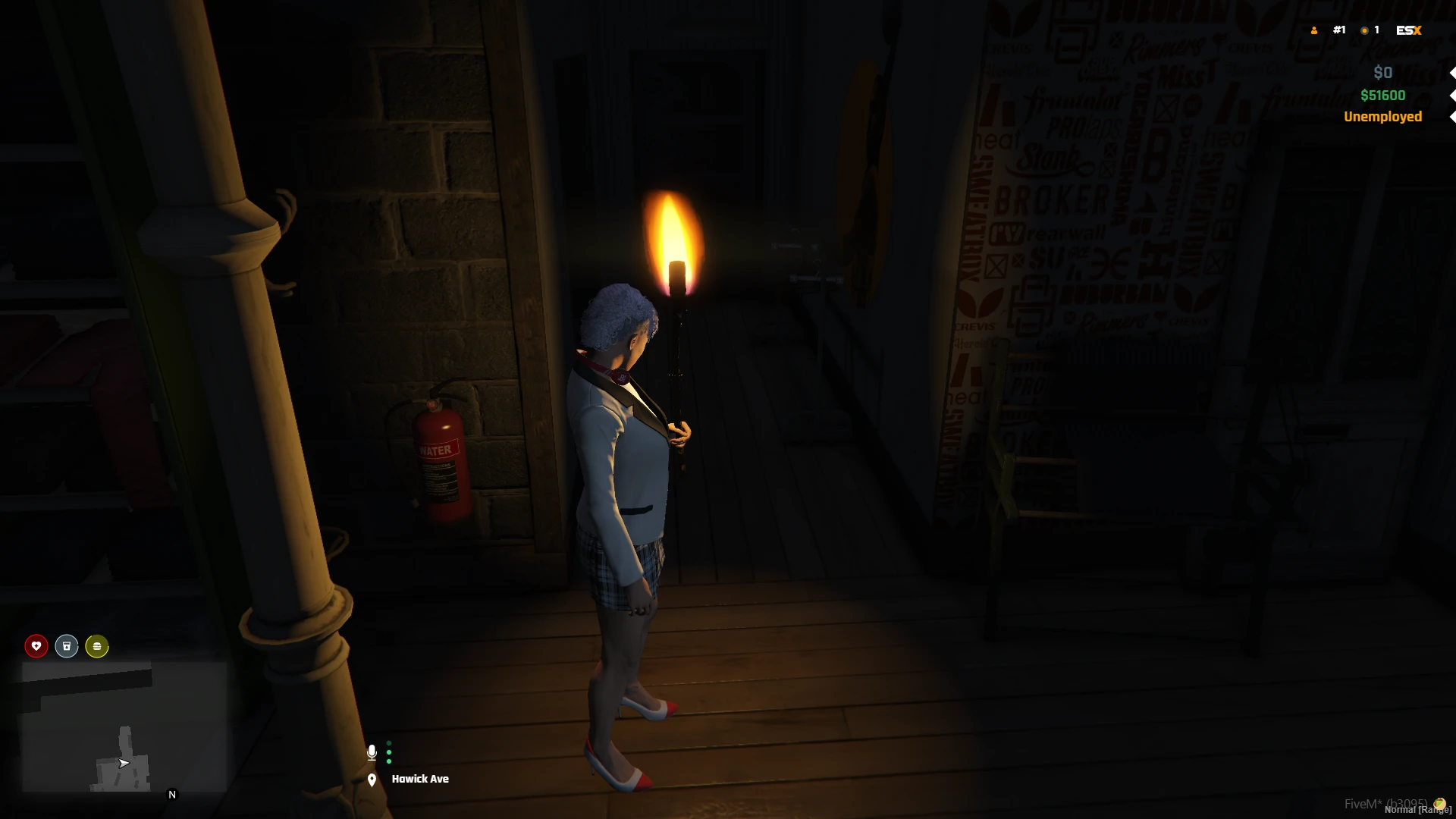
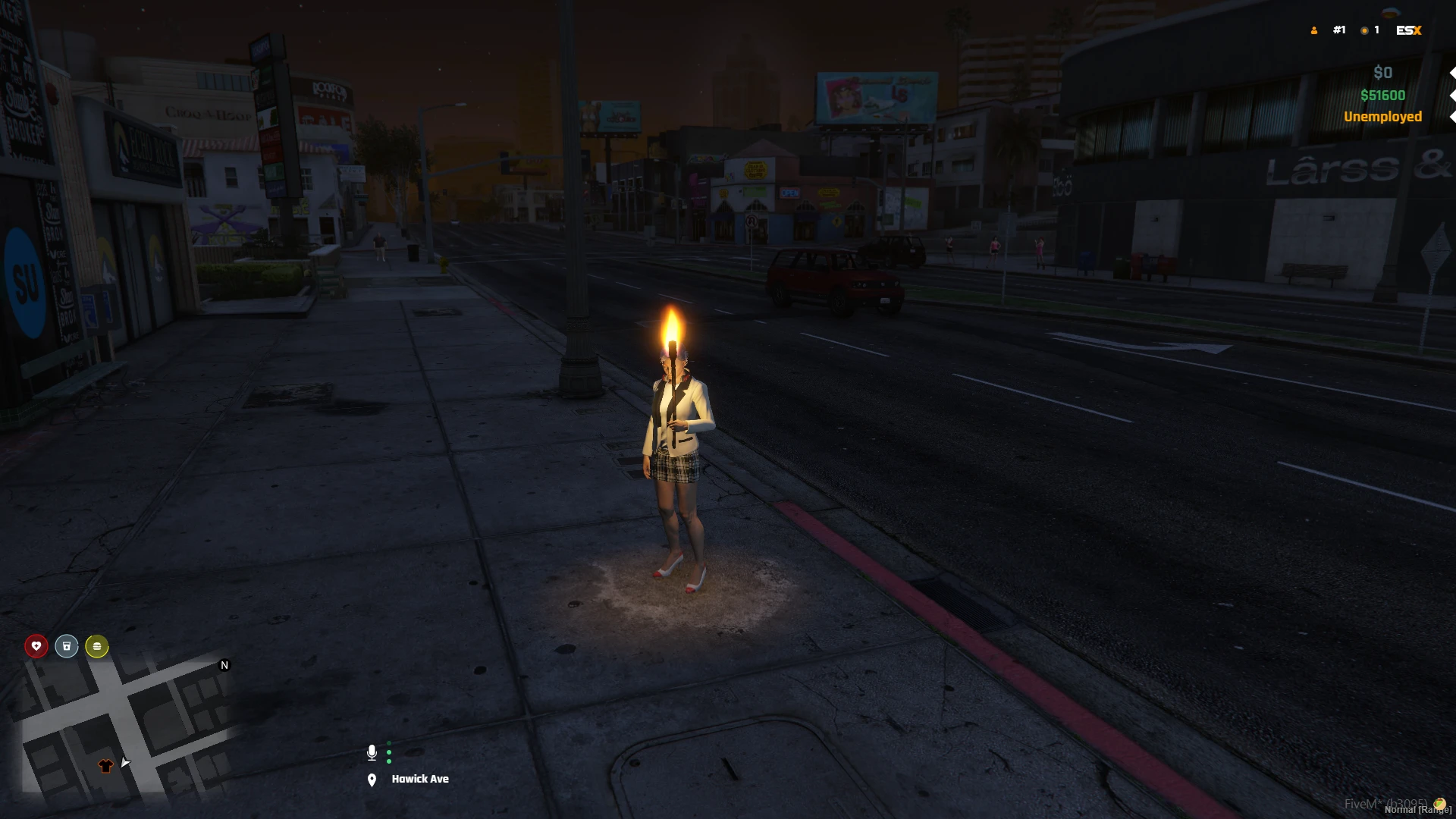
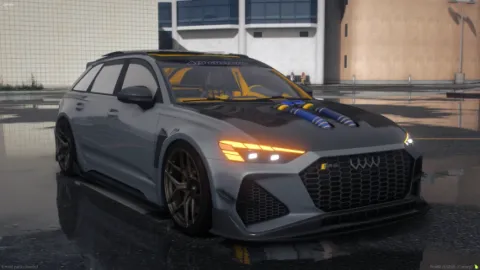
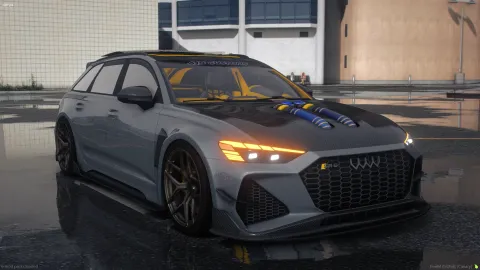
The blackout torch animation gives your FiveM players a believable way to hold a lit torch during power outages, dark alleys, and tense night scenes, turning an empty-handed character into someone who actually looks ready for the dark. Small touches like a working light source are exactly what push a scene from flat to genuinely atmospheric.
Lighting drives mood, and a handheld torch changes how a scene reads on camera. This animation attaches the torch prop cleanly to the hand and keeps the pose steady, so players can search a building, guide others through a tunnel, or stand watch during a citywide outage without ever breaking the illusion.
What the blackout torch animation includes
- A steady hold pose with the torch aligned neatly to the hand
- An automatic prop that appears and removes with the emote
- Clean blend timing that eases smoothly into and out of the pose
- Compatibility with common emote menus and animation systems
- A lightweight file with no meaningful performance cost at all
Where this torch emote fits
- Citywide blackout events and carefully staged power outages
- Dark warehouses, tunnels, and abandoned buildings
- Horror and mystery roleplay that relies on limited light
- Search parties, rescues, and nighttime patrol scenes
- Streamed content and screenshots that need real atmosphere
Details like this are what make an outage feel like an event rather than a lighting glitch, since players can react to the dark in a way that looks completely intentional. A handheld torch gives them a reason to group up, move carefully, and lean into the tension, which turns a simple mechanic into memorable shared roleplay that people talk about afterward.
Installation is quick and beginner friendly for any admin. Add the animation to your emote resource, register the command or menu entry, and players can trigger it instantly with the torch prop handled automatically for them. It works alongside your existing emotes without conflicts, so it slots into your current setup with almost no effort on your part.
Expand your prop-driven action library with more clips from the animations collection, then browse the wider emotes library to give your players a full range of expressive, scene-ready actions for every situation your community wants to roleplay.