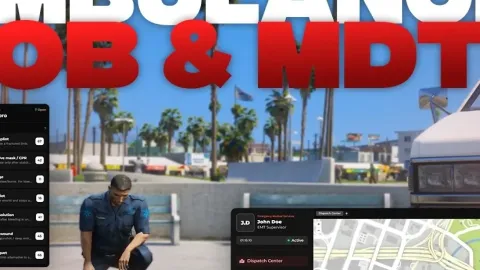
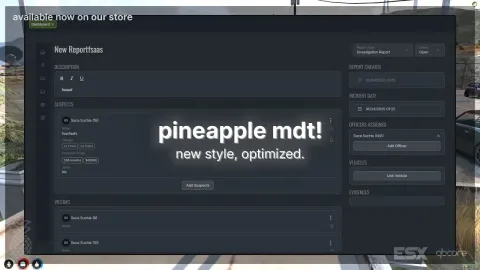
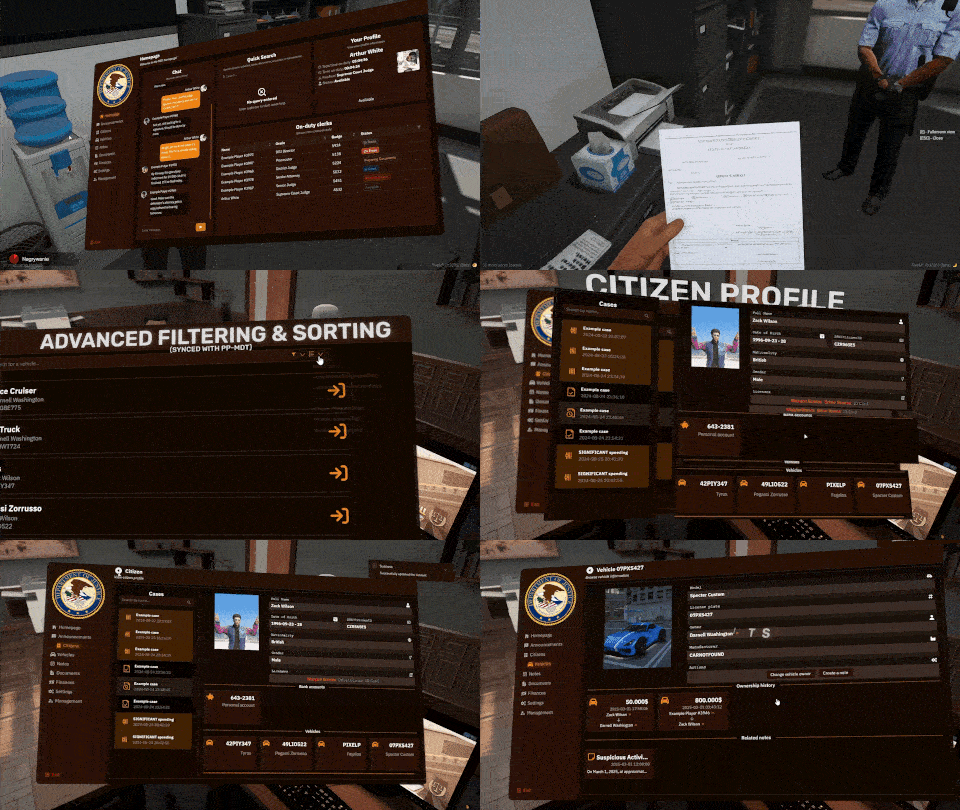
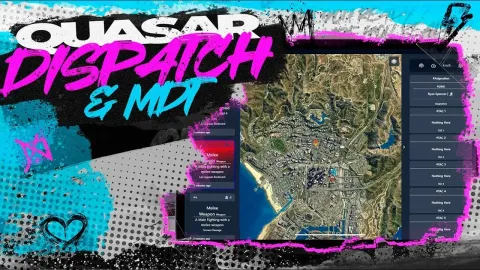
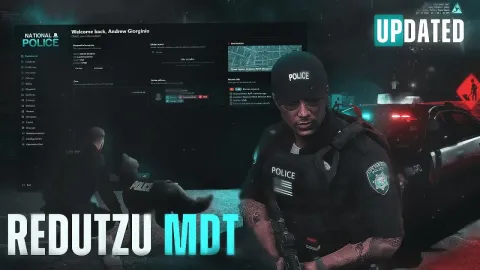
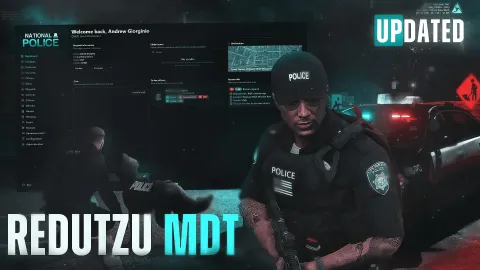
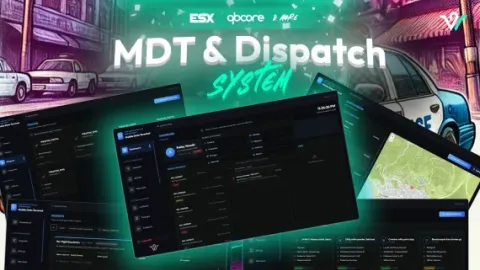
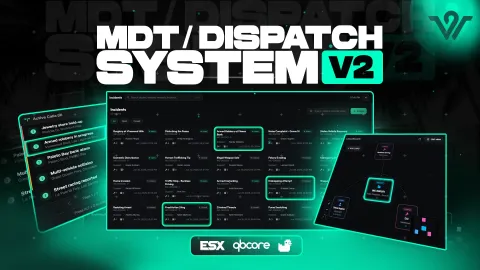
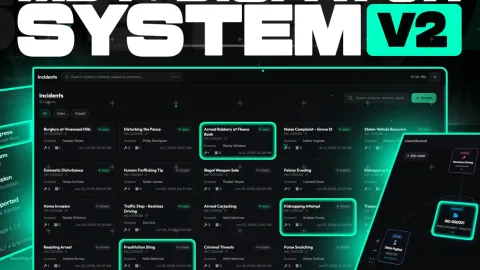
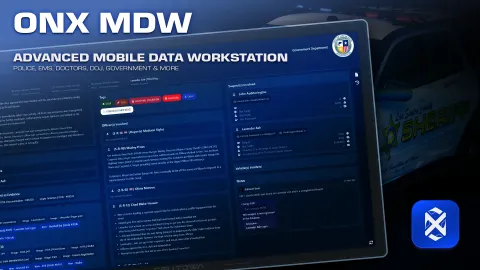
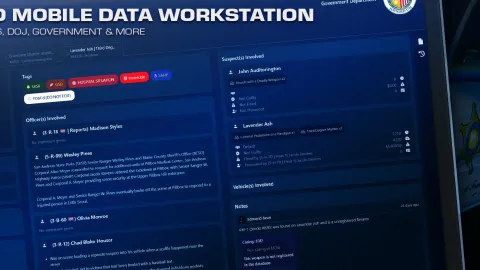
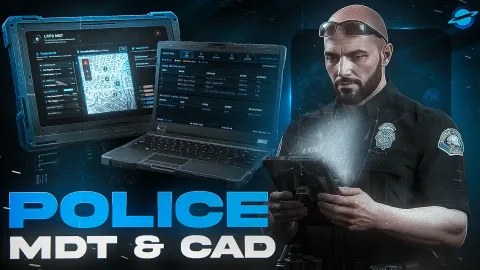
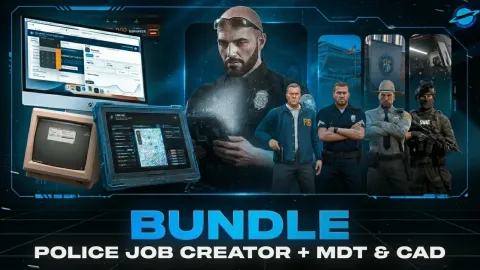
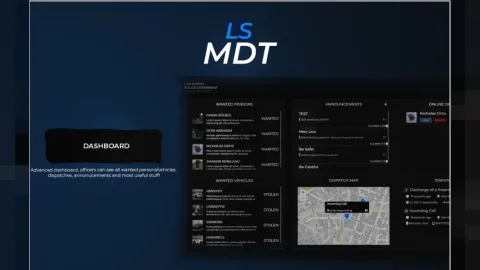
The Blvck MDT V2 is the second generation of the BLVCK design line's Mobile Data Terminal for FiveM police servers. It gives officers one clean dashboard for citizen look-ups, vehicle checks, warrants and reports, built in the same dark, high-contrast style the rest of the BLVCK police kit follows. V2 modernises how dispatch, patrol and command staff share information mid-shift: officers write a report once with photos and charges attached, warrants land on the active board in real time, and SWAT or highway can read the same incident log a city-centre patrol just wrote on, without anyone leaving the terminal.
What the Blvck MDT V2 brings to the dispatch desk
- Citizen look-ups with full identity, licences, previous charges and warrants
- Vehicle look-ups with owner, registration, insurance and stolen flags
- Report builder supporting photo attachments, charge codes and officer notes
- Live warrants, BOLOs, incident log and an active-unit dispatch board
- Role-based permissions for police, highway patrol, SWAT and command staff
- Chat and radio-style messaging between officers inside the MDT
- BLVCK dark theme with smooth transitions and tuned animations
- Optimised 0.0 idle resmon, lightweight on the police loop
- EMS counterpart available in the same BLVCK style for shared workflows
- BLVCK blue accent used consistently across every panel
Blvck MDT V2 drops in on both ESX and QBCore stacks, with ox_lib hooks so Qbox servers can wire it up too. Place blvck_mdt in your resources, add it to server.cfg, point it at your police job and set the ranks that unlock each section. Build 2944 or newer is required.
Pair it with your existing cuff, licence, impound and jail scripts for a single pane of glass over every police action. The matching EMS counterpart drops into the same style so medical and police can share the same look across their terminals. For more police, EMS and dispatch kits, browse the full Scripts collection.
Quick specs
- Type: Server resource
- Category: MDT & Dispatch Scripts
- Framework: ESX, QBCore and Qbox (standalone-friendly)
- Install: Drag and drop into resources, ensure in server.cfg
- Delivery: Instant download after payment
Frequently asked questions
Is Blvck MDT V2 compatible with QBCore, ESX and Qbox?
Blvck MDT V2 is made for the common FiveM frameworks. Check the included readme for the exact dependencies your setup needs before starting it.
Is it hard to configure?
No. The main options sit in a readable config file, so you can change prices, timers, locations and text without editing the core code.
Will this MDT and dispatch script affect performance?
It is written to stay light: loops sleep when nothing is happening and heavy logic runs on the server, keeping resmon low.