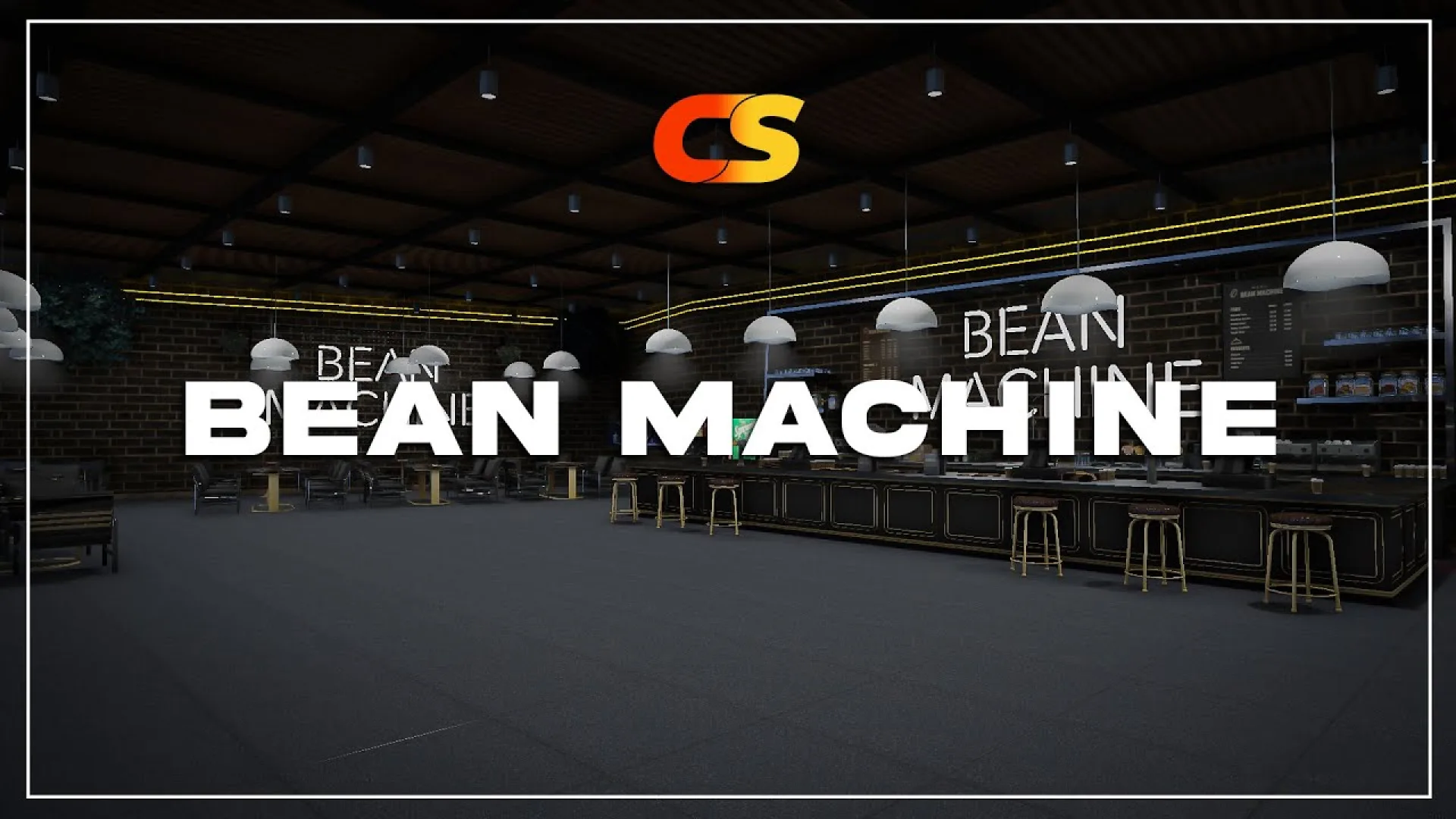
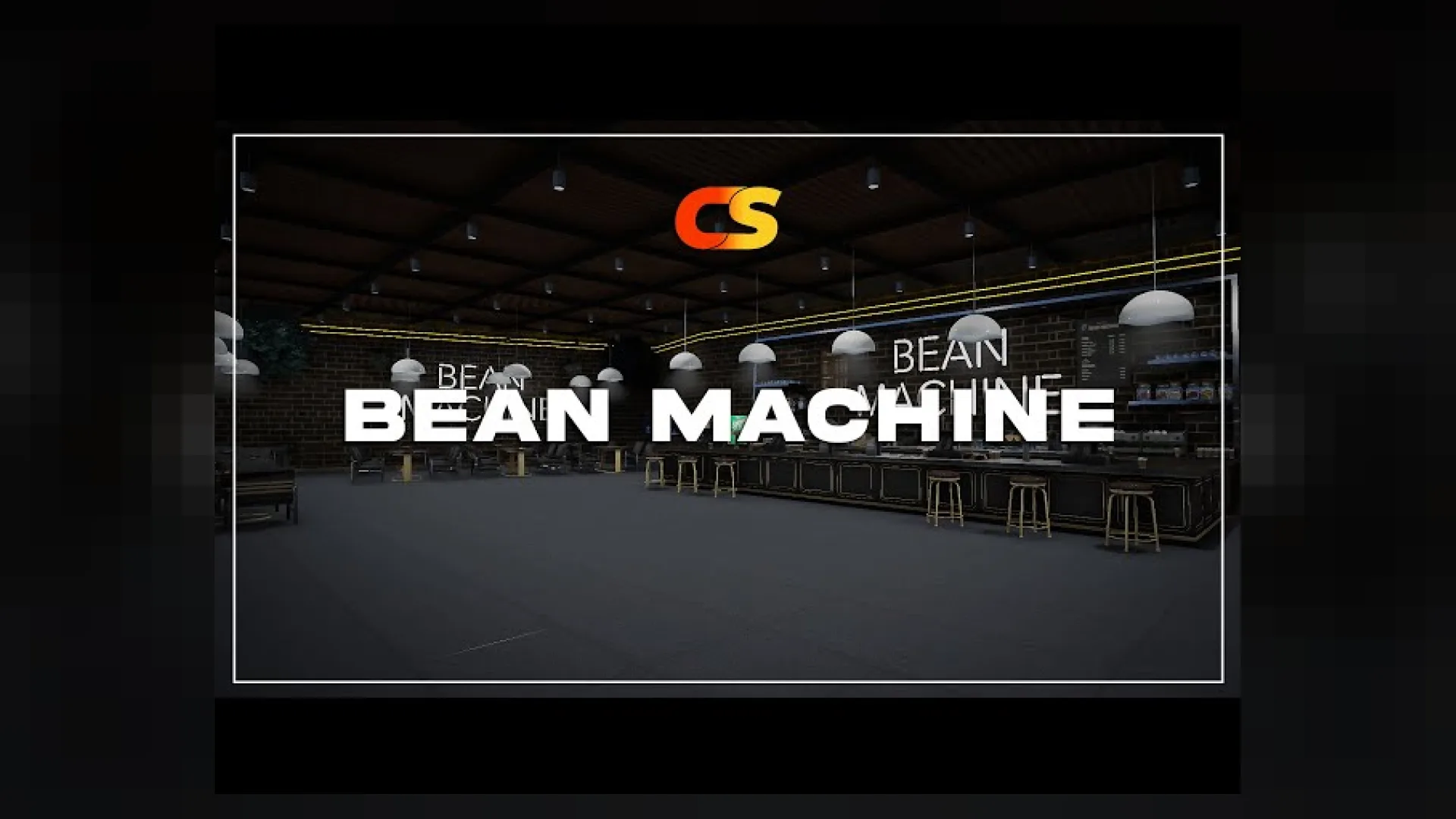
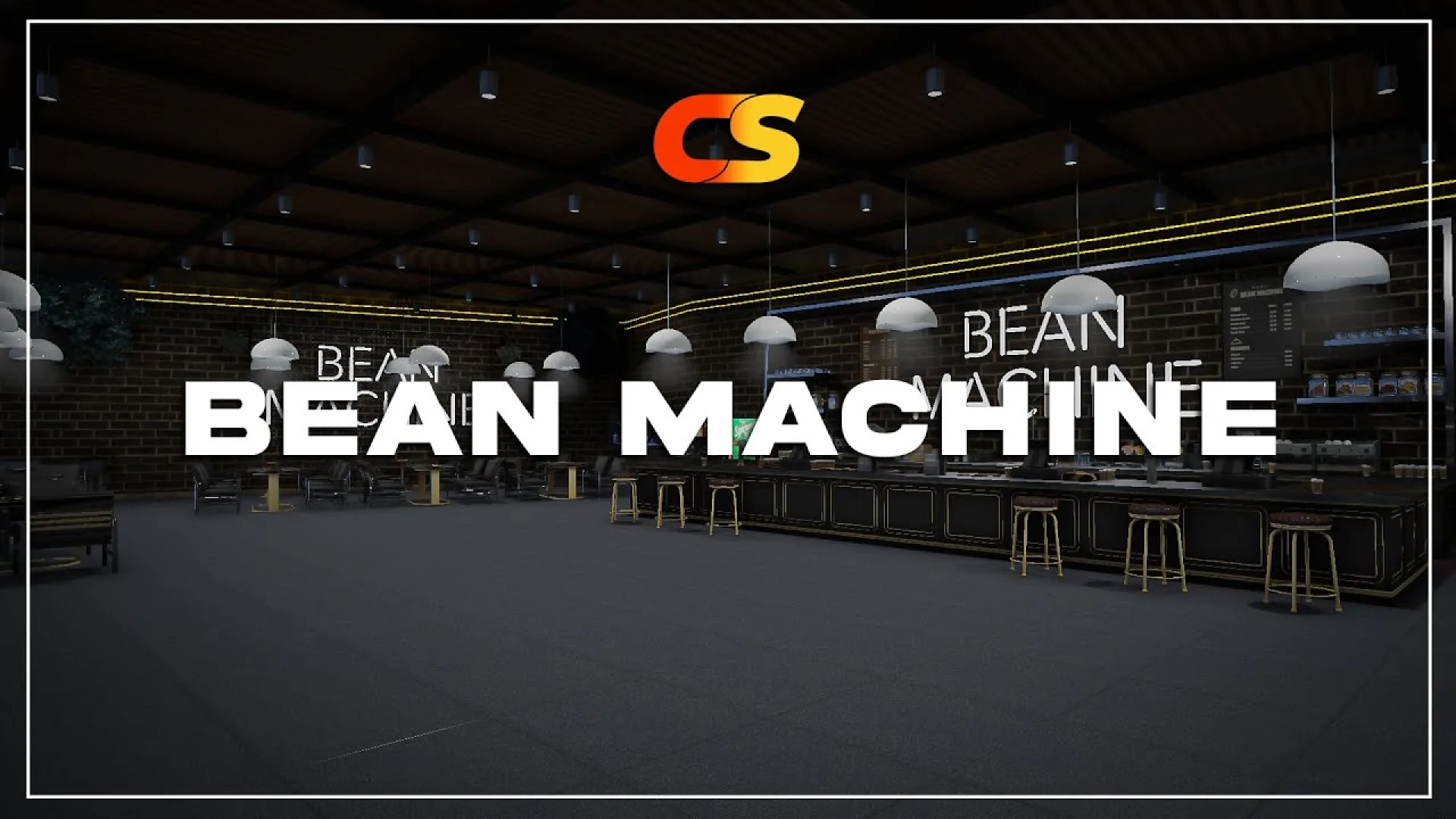
The crux studio bean machine mlo rebuilds the familiar Bean Machine coffee shop into a modern FiveM cafe interior with a complete customer flow and a working back of house. From the front door players move past the pastry display to a central cashier and espresso bar, where the counter is dressed with coffee machines, milk steamers and the usual barista clutter. The staff side opens onto a tidy kitchen with prep counters, a dishwashing zone and shelves of coffee stock, and a manager office at the back keeps paperwork and the till safe tucked away from the customer area.
What the crux studio bean machine mlo delivers
- Full Bean Machine coffee shop interior reworked for FiveM roleplay
- Cashier counter with pastry case and themed Bean Machine signage
- Espresso bar with coffee machines, milk steamers and prep clutter
- Window-side seating area for customer dialogue and small events
- Back kitchen with prep stations and a dishwashing zone
- Stock room with crates and coffee bean props
- Manager office with a safe and personal workstation
- Compatible with recent FiveM gamebuilds for GTA V
- Standalone resource that slots into QBCore, Qbox, ESX or standalone cities
Server teams can plug the cafe into any barista job or shop script: run the cashier as a working point-of-sale, use the back kitchen for crafting-style recipes, and let the office safe sit at the end of a weekly robbery event. Because the MLO is framework-agnostic, the same resource installs on QBCore, Qbox, ESX or standalone servers without any logic rewrites — unpack into resources, add it to server.cfg and ensure it. Pair the Bean Machine with your preferred inventory and job scripts, and the cafe becomes a steady player-run business rather than a weekend novelty. Build out your downtown with more restaurants and cafes from our Maps and MLOs collection, or dive into more cafe and restaurant MLOs to grow the district around it.
Quick specs
- Type: MLO / interior
- Category: Restaurant & Business MLOs
- Framework: Any framework - ESX, QBCore, Qbox or standalone
- Install: Drag and drop into resources, ensure in server.cfg
- Delivery: Instant download after payment
Frequently asked questions
Does Crux Studio Bean Machine MLO work with QBCore and ESX?
Yes. Crux Studio Bean Machine MLO is a framework-independent restaurant and business MLO, so it runs on ESX, QBCore, Qbox and standalone servers. Your existing job, door-lock and target scripts can use it straight away.
How do I install this MLO?
Drop the folder into your resources directory, add ensure with the resource name to server.cfg and restart the server. The location streams automatically when players get close.
Will it hurt server performance?
No. The interior uses LODs and streaming-friendly textures, so it stays light even on busy servers with many custom maps.