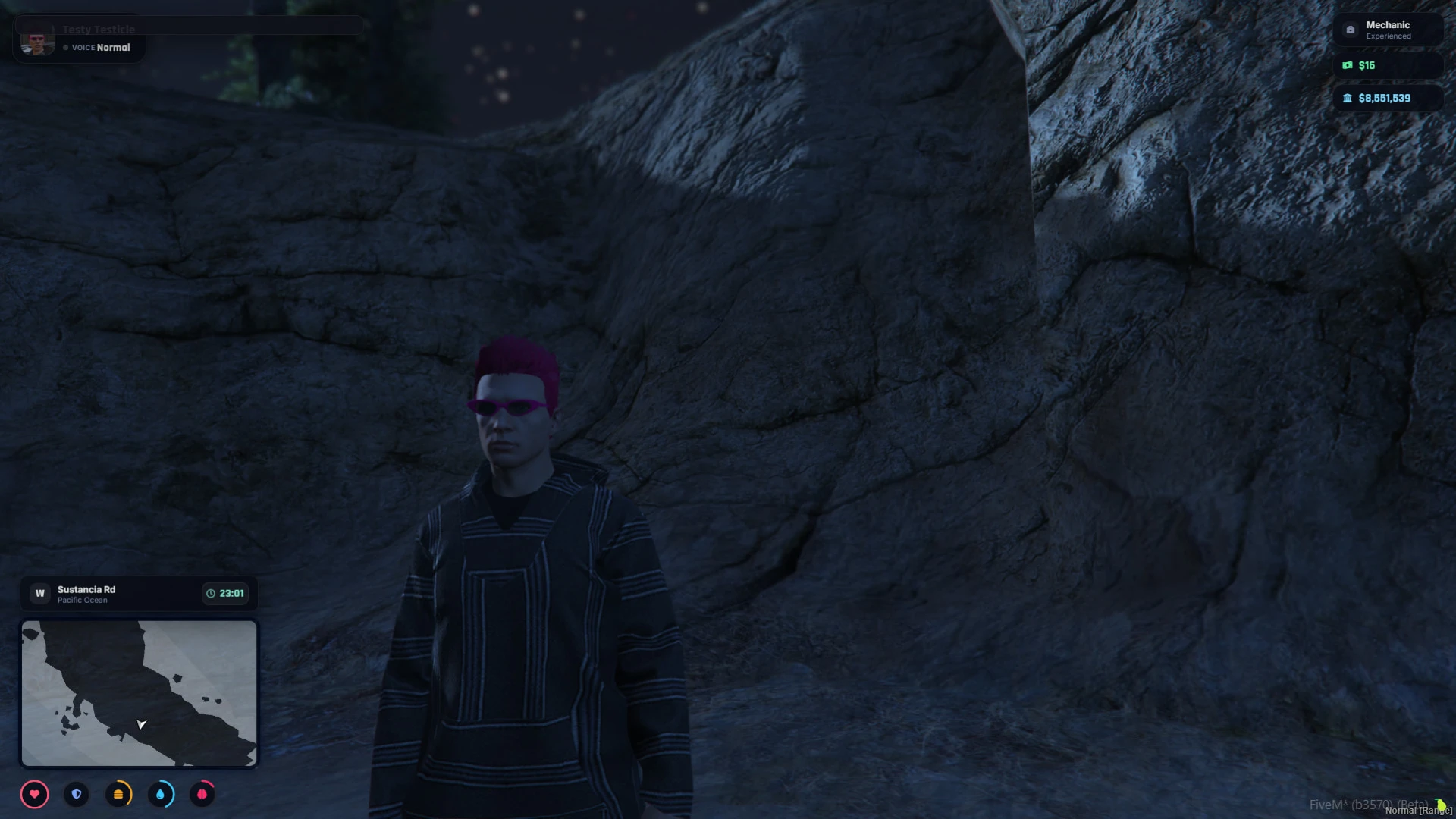
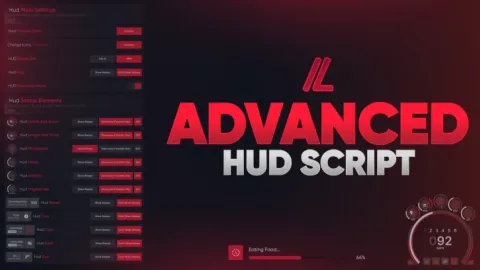
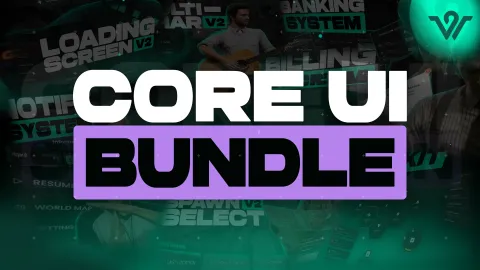
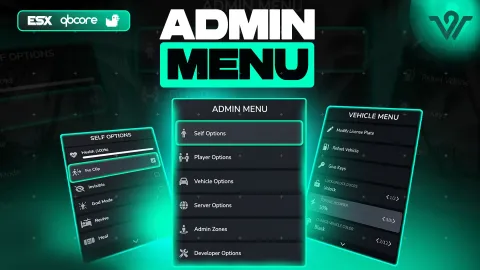
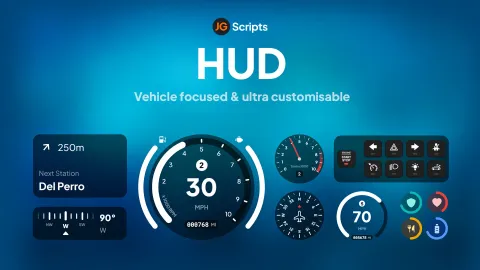
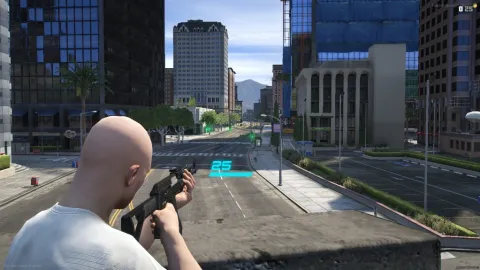
The CX HUD system is a modern, lightweight heads-up display that gives QBox and QBCore servers a clean, fully customizable status and vehicle interface. Players tune it to their taste, and administrators get a polished default that looks sharp from the very first connection.
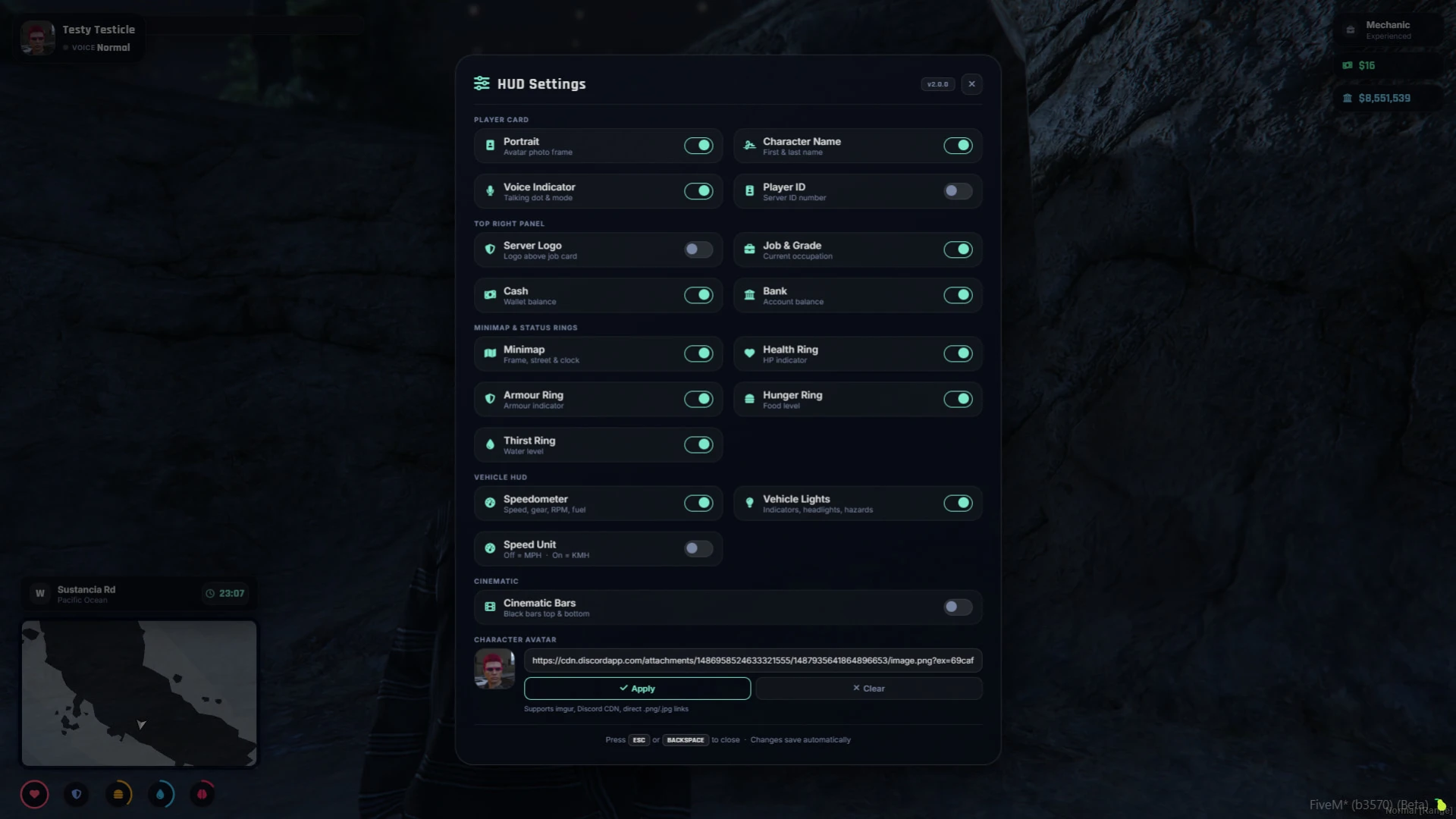
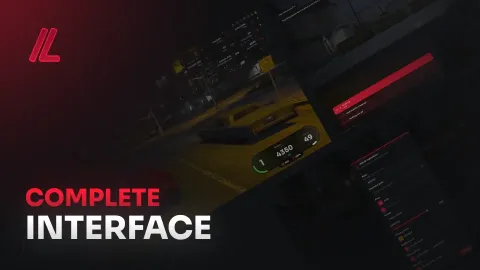
A single /hud command opens the controls, letting players toggle individual elements, swap their avatar and switch speed units, with every choice saved locally. A newer in-game layout editor even lets them reposition pieces to build the exact HUD they want. That freedom means one interface can satisfy minimalists who want a clean screen and power users who want every stat in view at once.
What the CX HUD system includes
- Toggle individual HUD elements on or off with settings saved per player.
- In-game Edit Layout mode to reposition components without touching code.
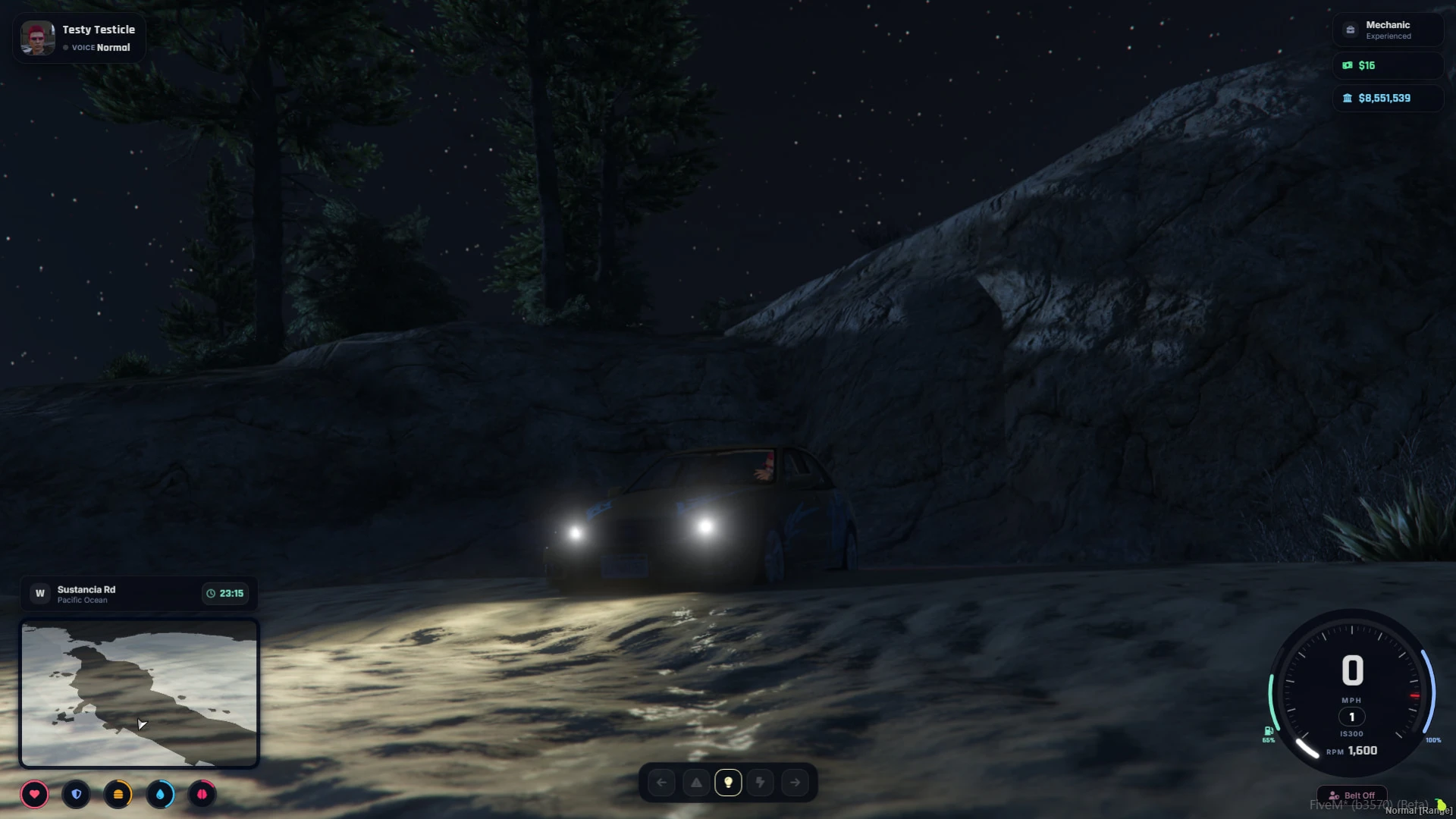
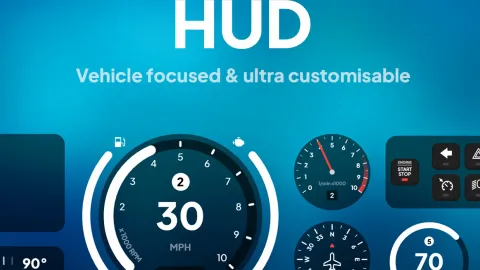
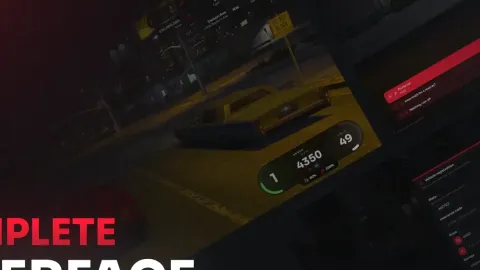
- Immersive vehicle HUD with speed, RPM, gear animations and fuel arcs.
- Seatbelt warnings plus turn signal and headlight indicators for realism.
- Custom avatar support and switchable MPH or KMH speed units.
Polished and performance-minded
- Dynamic minimap with street names, compass, time and waypoint distance.
- Clean, modern styling that scales cleanly up to 4K resolution.
- Lightweight footprint tuned to keep your resource monitor healthy.
- QBox and QBCore compatibility with a straightforward install path.
- Actively maintained with a readable structure for future tweaks.
A HUD is the single interface every player stares at constantly, so its quality quietly shapes how the whole server feels. Cluttered or ugly status bars drag down immersion, while a crisp, well-organized display makes even simple driving and walking feel more refined. The vehicle interface in particular, with its gear animations and fuel arcs, turns an ordinary drive across the map into something that feels satisfying and grounded.
Because players control their own layout and elements, the same HUD suits a hardcore driver, a casual roleplayer and everyone in between. That flexibility cuts down on support requests while giving your community a sense of ownership over their screen. And with clean scaling all the way to 4K, the display stays sharp whether players are on a modest laptop or a high-end setup, so nobody is left with a HUD that looks out of place.
Give every player a HUD they love. Browse more interface upgrades in our hud ui scripts collection, or explore the full catalog of premium scripts for your server.