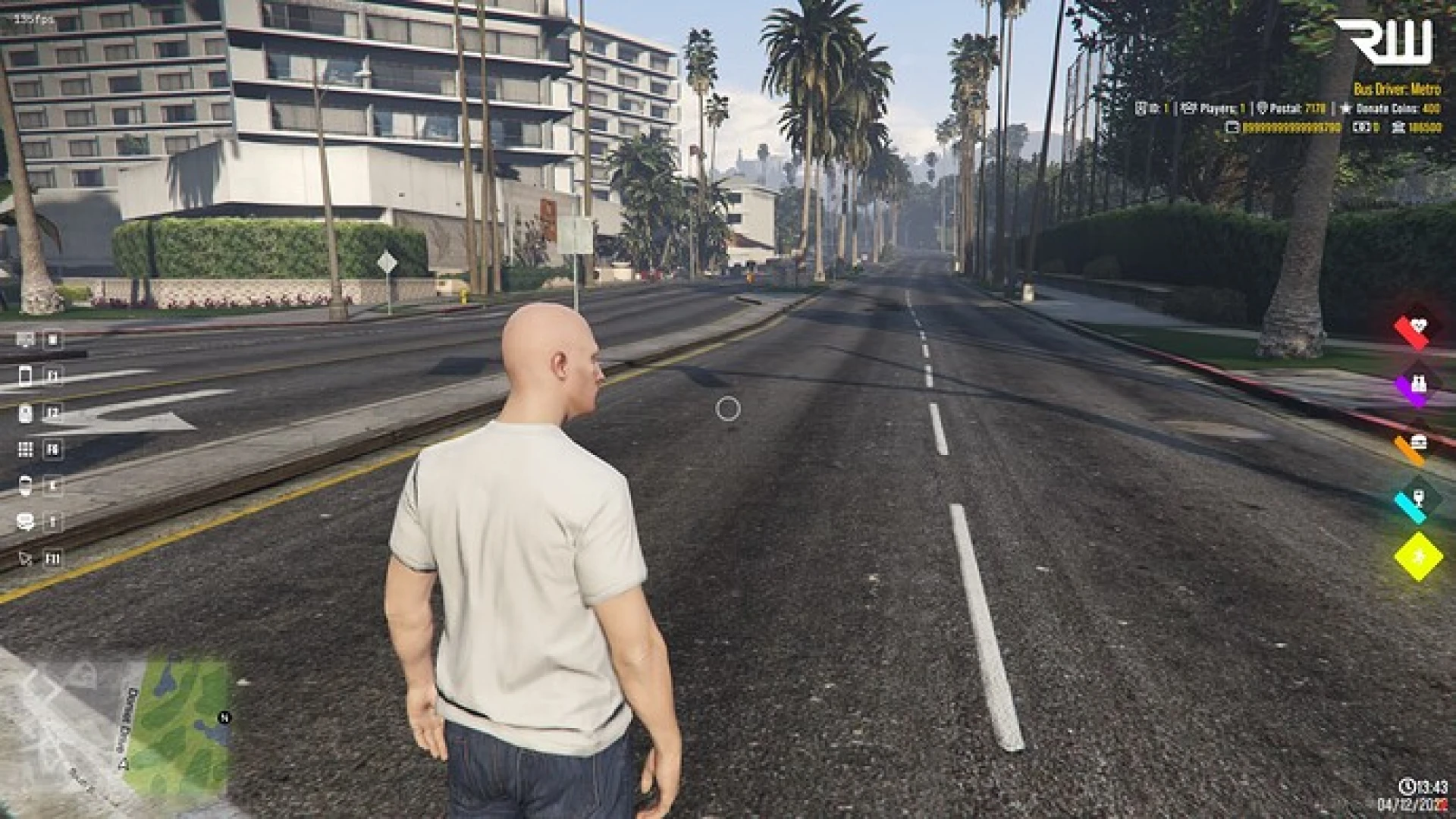
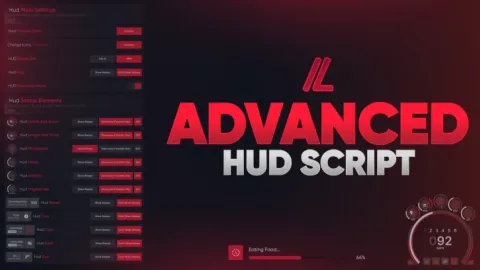
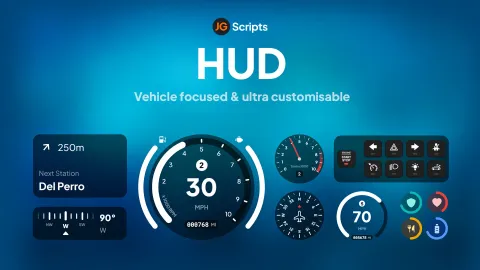
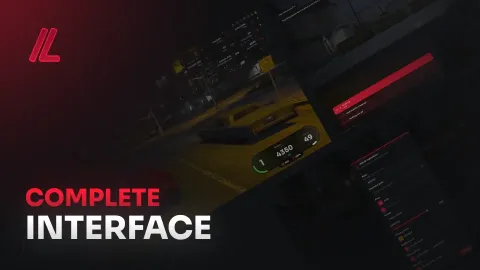
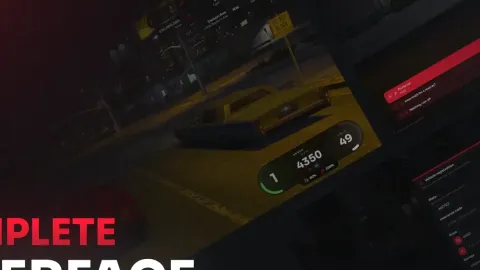
This FiveM HUD script gives your roleplay server a clean, lightweight status overlay that keeps every player fully aware of their character's condition without ever cluttering the screen. It reworks the tired default interface into a sharp, modern layout that reads clearly during firefights, long drives and the busiest downtown scenes, so the information players rely on is always exactly where they expect it to be.
Built for performance from the ground up, the resource stays completely idle when nothing changes and only redraws when a tracked value actually moves, which protects your frame rate even on heavily populated servers with dozens of players streaming in at once. The result is an overlay that feels responsive and immediate without ever becoming a background drain on the client.
Why choose this FiveM HUD script
Every element was designed to stay legible at any resolution while blending naturally with the rest of your interface and your existing branding.
- Health and armor bars that update instantly and smoothly as damage is taken or healed.
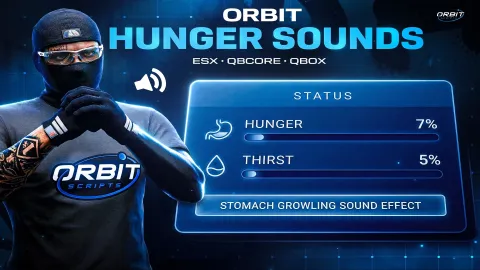
- Hunger and thirst indicators tied directly into your framework status system for accuracy.
- A repositioned, rounded minimap that matches the modern overlay styling and sits cleanly in the corner.
- Stamina, oxygen and voice-range icons that appear only when they are actually relevant to the moment.
- Soft fade animations that keep every transition gentle rather than sudden or distracting.
Simple setup and deep configuration
Getting the overlay running takes only a couple of minutes, and the config file exposes the options that server owners actually want to change day to day.
- Drag and drop installation into your resources folder with a single ensure line.
- Toggle individual HUD elements on or off without ever touching the underlying code.
- Adjust colors, opacity and corner radius to match your community branding perfectly.
- Reposition the minimap and the status cluster to suit any custom screen layout.
- Compatible with the major frameworks used across modern roleplay servers today.
Because the interface is fully data driven, it adapts to whatever values your framework already reports, meaning you rarely need to edit anything beyond the sample configuration to get a genuinely polished result on the first restart.
The overlay was carefully tested across low and high resolutions to make sure text stays crisp and bars never overlap important gameplay information, giving players a dependable, immediate read on their status in every single situation they encounter.
Add it to your server today for an instant visual upgrade, and browse more matching resources in our HUD and UI scripts collection or the wider scripts library.