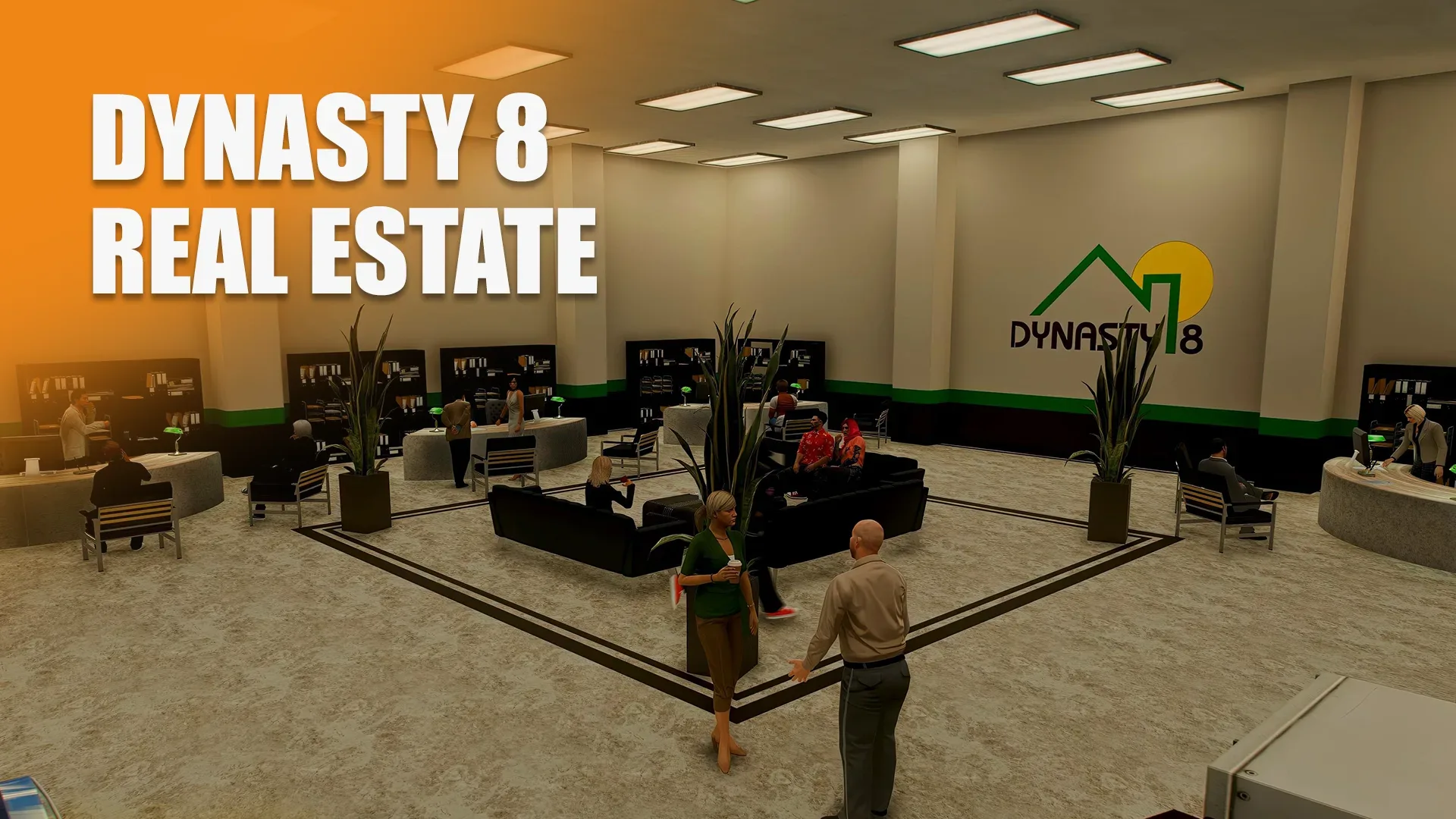
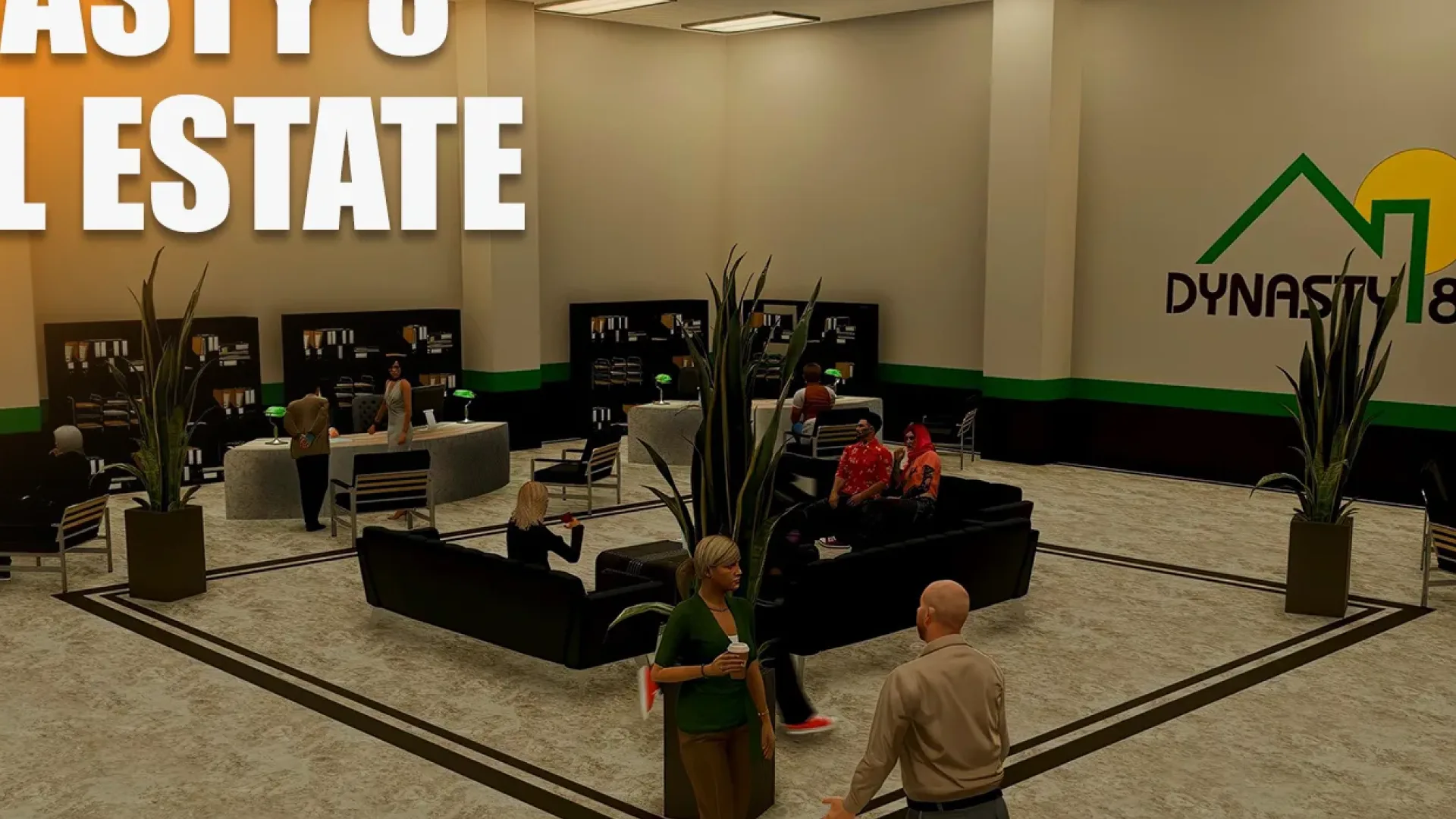
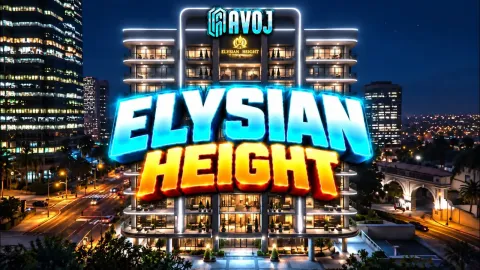
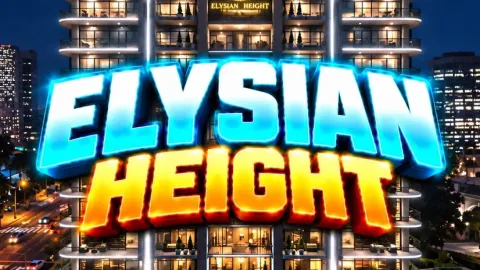
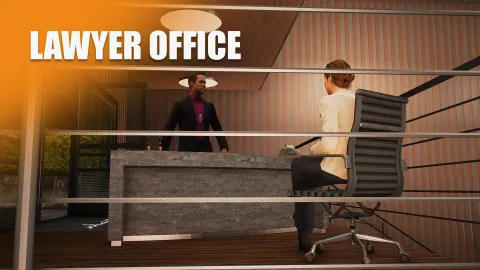
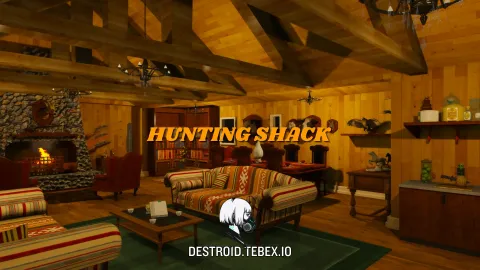
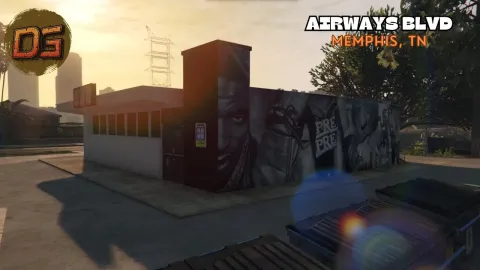
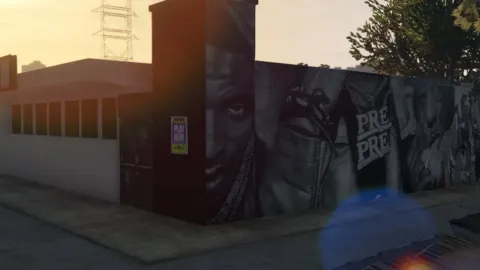
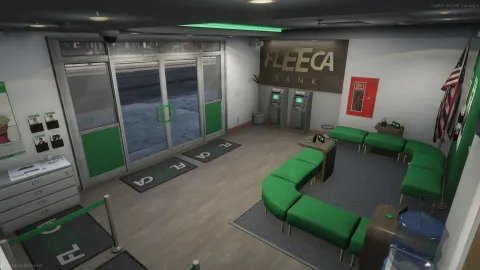
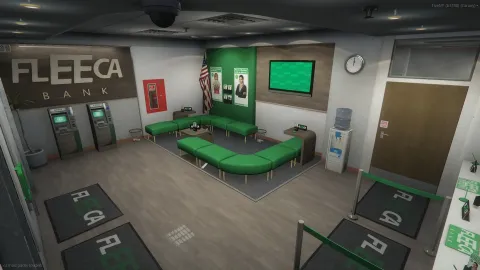
Forge Studios Dynasty 8 MLO gives your city a fresh, fully built location from Forge Studios, made to stream smoothly on a busy FiveM server.
What Forge Studios Dynasty 8 MLO brings to your server
Forge Studios Dynasty 8 MLO is designed for daily use, not just for a trailer. Proportions follow GTA V's own scale, textures are sized for streaming, and the space has room for the scenes your community runs every night: meetings, business, chases and events.
Key features
- Forge Studios Dynasty 8 MLO built for FiveM servers
- Interior collisions, LOD, and prop placements pass server tests
- Lore-friendly materials that match the vanilla GTA V palette
- Compatible with ESX, QBCore, QBox, and standalone frameworks
- Stream-ready folder - drop in resources and ensure in server.cfg
- Optimized for live-server performance under heavy player load
How servers use it
On a live server Forge Studios Dynasty 8 MLO quickly becomes part of the routine. Businesses can run shifts there, crews can use it as a base, and event staff can stage scenarios without building anything from scratch. Performance was part of the build: textures are sized for streaming, LODs step down properly at range, and nothing in Forge Studios Dynasty 8 MLO runs a script every frame. It behaves on a full server, which is the test that matters.
Installation and compatibility
Installation is standard for FiveM: place the folder in your resources directory, add it to your server.cfg with ensure, and restart. The location is framework-independent, so it works on ESX, QBCore, Qbox and standalone servers, and your existing job, door-lock and robbery scripts can point at it straight away. Browse more City & Public MLOs, or see the full Maps & MLOs range to complete your setup.
Every order of Forge Studios Dynasty 8 MLO is a one-time purchase with instant delivery after payment, so you can install it the same day. FiveM Shops keeps premium FiveM content affordable for growing servers.
Quick specs
- Type: MLO / interior
- Category: City & Public MLOs
- Framework: Any framework - ESX, QBCore, Qbox or standalone
- Install: Drag and drop into resources, ensure in server.cfg
- Delivery: Instant download after payment
Frequently asked questions
Does Forge Studios Dynasty 8 MLO work with QBCore and ESX?
Yes. Forge Studios Dynasty 8 MLO is a framework-independent city and public MLO, so it runs on ESX, QBCore, Qbox and standalone servers. Your existing job, door-lock and target scripts can use it straight away.
How do I install this MLO?
Drop the folder into your resources directory, add ensure with the resource name to server.cfg and restart the server. The location streams automatically when players get close.
Will it hurt server performance?
No. The interior uses LODs and streaming-friendly textures, so it stays light even on busy servers with many custom maps.