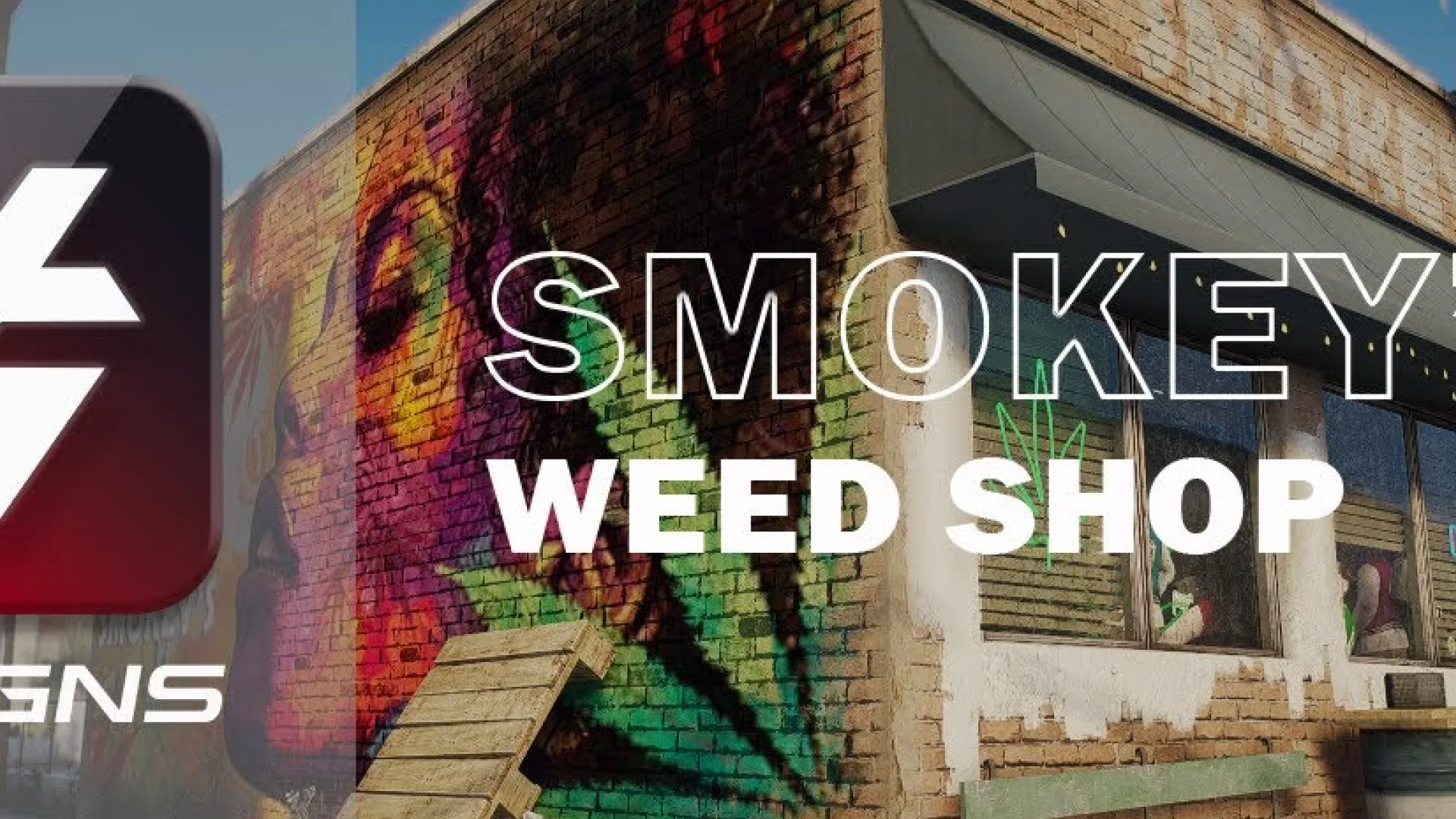
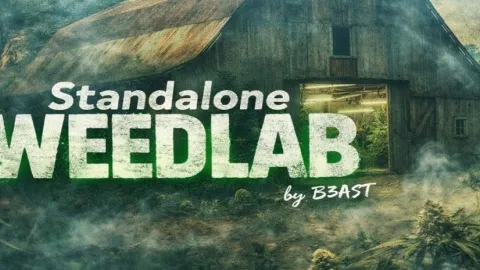
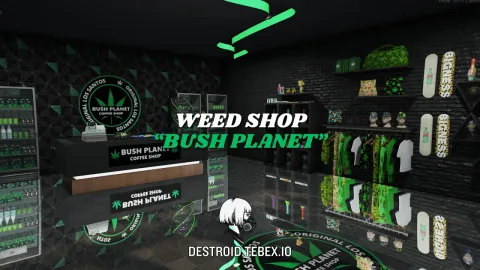
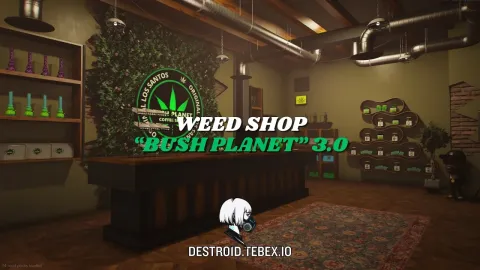
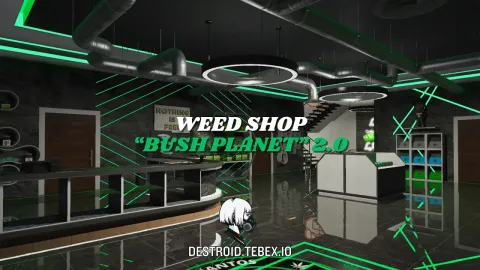
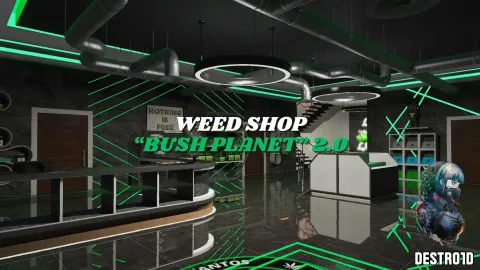
The HG Designs Weed Shop MLO turns an unused shopfront into a modern cannabis dispensary that reads cleanly on any FiveM server. The interior focuses on the three things a dispensary RP needs most: a strong sales counter, well-lit display shelves and clear sightlines so staff and customers can move around each other without getting stuck on props. The whole venue is tuned to showcase angles, which keeps the dispensary photogenic for clips and social posts while still working as a day-to-day roleplay location.
Inside the HG Designs Weed Shop MLO
Beyond the main floor, the shop includes a small back area, a street-facing terrace and editable logo panels so each server can brand the place as its own. The map behaves well with existing dispensary scripts and job menus, and the branding YTDs are easy to swap in a texture tool. Interactive counter positions give job scripts clean anchor points for ordering, bagging and pickup, and the terrace extends the venue outside for group RP without a map conflict.
- Modern dispensary interior with a long branded counter
- Display shelves and props tuned for weed-shop job scripts
- Outdoor terrace / seating area for social RP
- Fully editable branding via accessible YTD textures
- Reflective materials and balanced lighting for day and night footage
- Clean collision and LOD setup
- Drops into existing FiveM resources without conflicts
- Fits ESX, QBCore and standalone dispensary jobs
Server owners can wire the interior to their favourite drug or dispensary script, or run it as a flavour location with no backend at all. Install is the standard FiveM MLO flow — unpack into resources, add the resource name to server.cfg and ensure it, then wire the sales counter into a dispensary or drug job script, point your scripts at the shelf display positions for stock and open the terrace zone for queueing or group RP outside the shop on ESX, QBCore or Qbox. Need more polished retail spaces? Check the Maps and MLOs collection for compatible interiors that pair with this dispensary for a complete retail block.
Quick specs
- Type: MLO / interior
- Category: Gang & Criminal MLOs
- Framework: Any framework - ESX, QBCore, Qbox or standalone
- Install: Drag and drop into resources, ensure in server.cfg
- Delivery: Instant download after payment
Frequently asked questions
Does HG Designs Weed Shop MLO work with QBCore and ESX?
Yes. HG Designs Weed Shop MLO is a framework-independent gang and criminal MLO, so it runs on ESX, QBCore, Qbox and standalone servers. Your existing job, door-lock and target scripts can use it straight away.
How do I install this MLO?
Drop the folder into your resources directory, add ensure with the resource name to server.cfg and restart the server. The location streams automatically when players get close.
Will it hurt server performance?
No. The interior uses LODs and streaming-friendly textures, so it stays light even on busy servers with many custom maps.