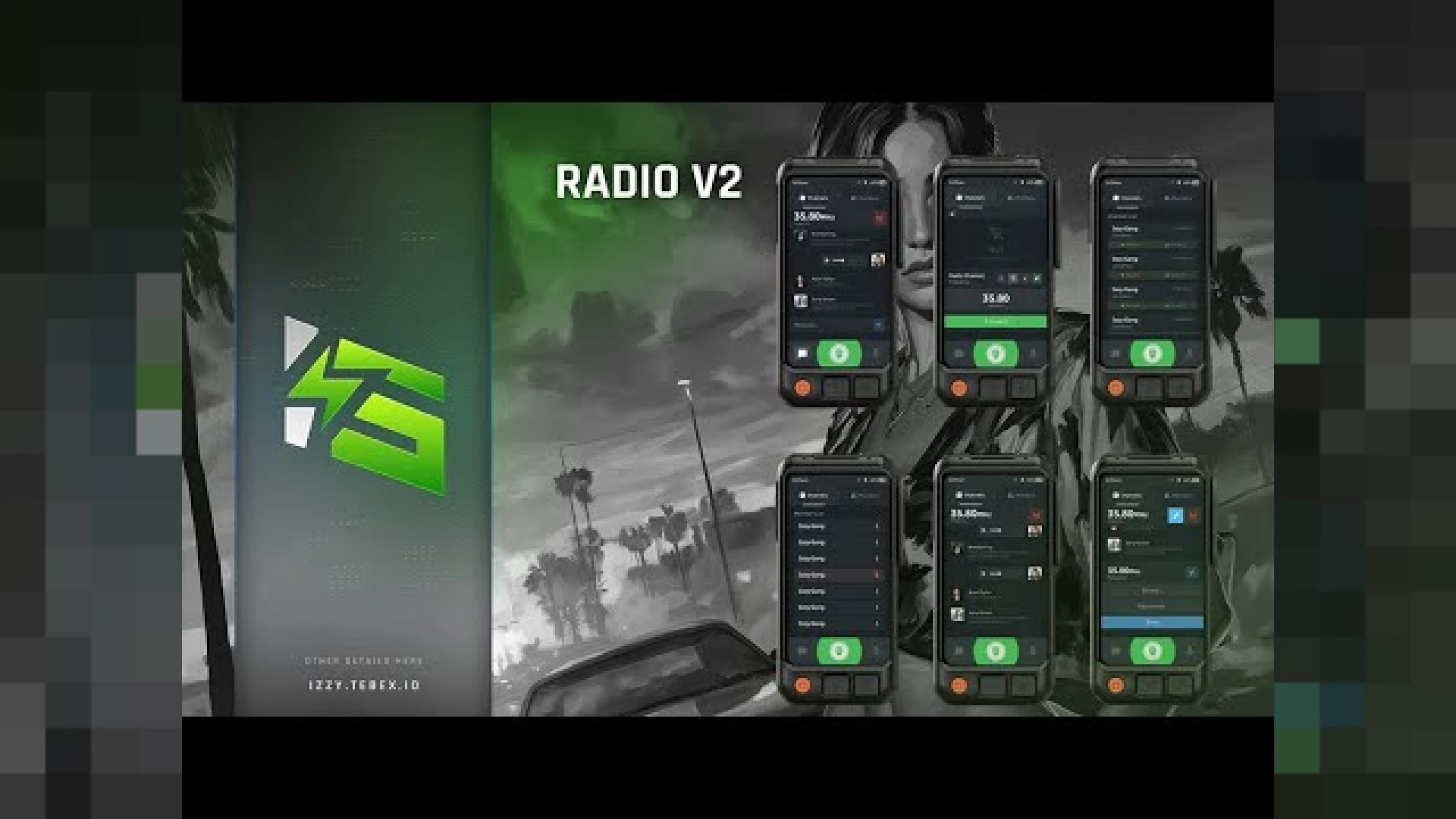
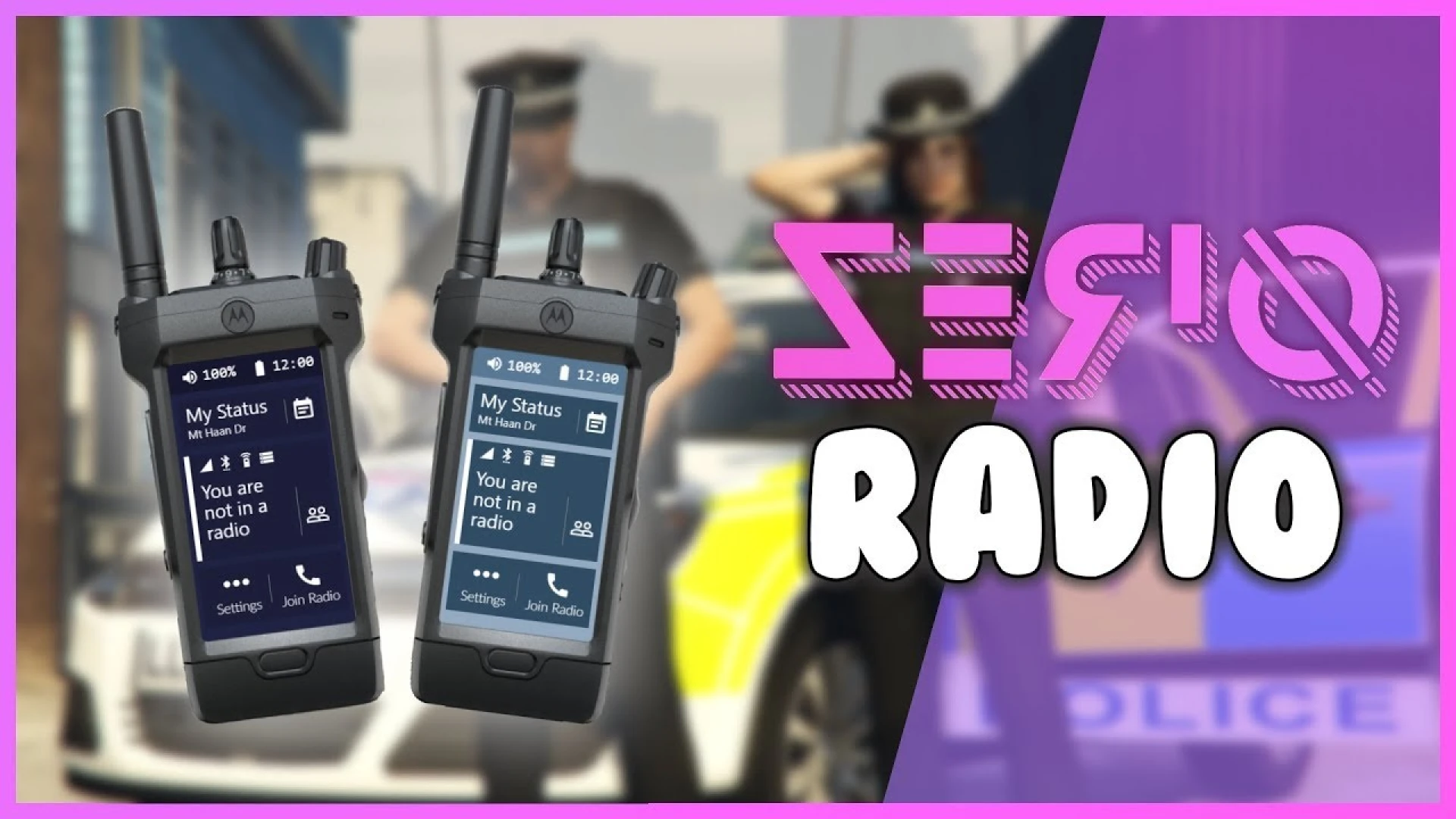
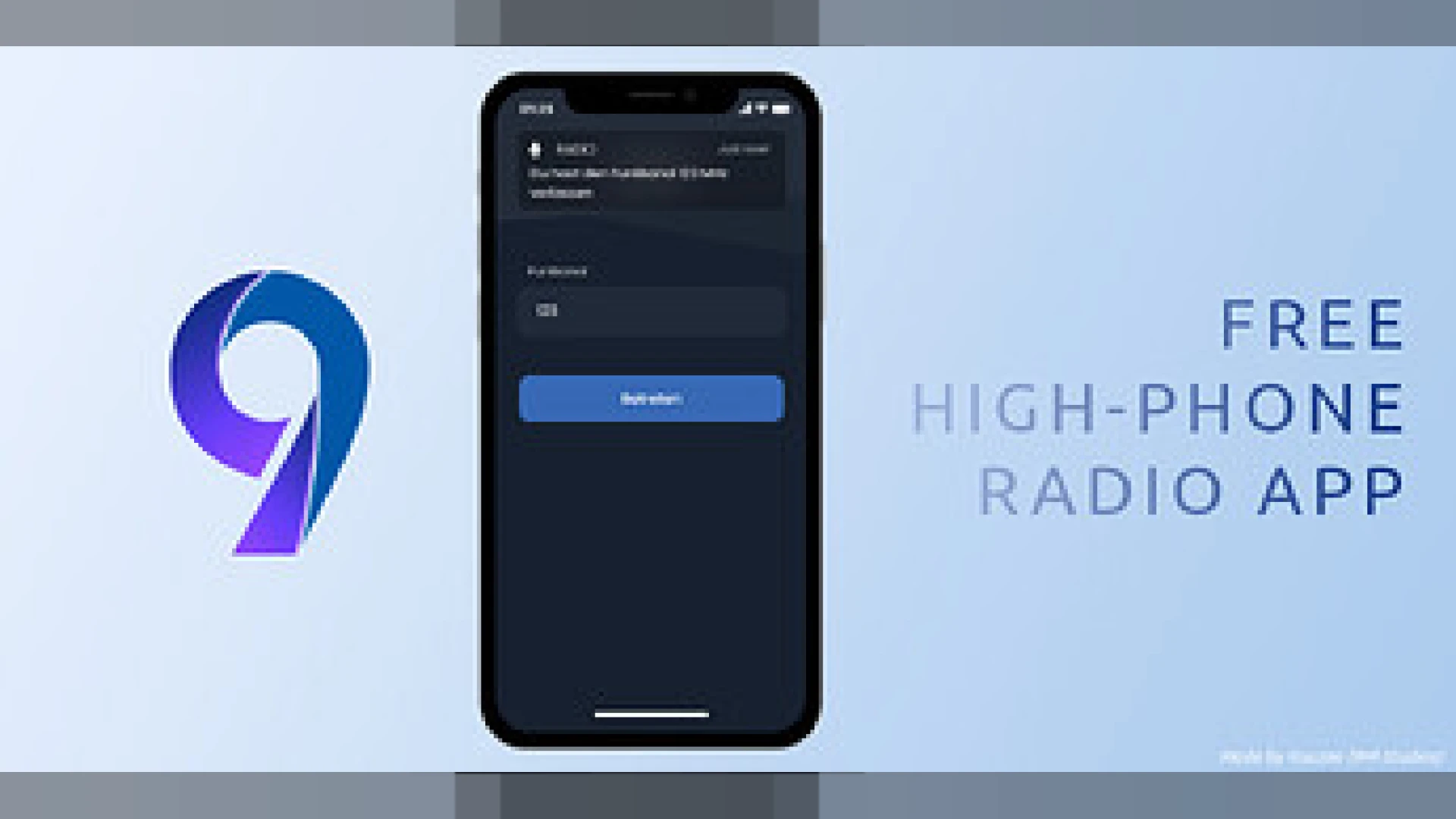
The Advanced Radio from Izzy is a polished, ready-to-run release built for FiveM roleplay servers that want a noticeable upgrade without a heavy configuration burden. It layers channel-based comms on top of your voice system so players and job teams can coordinate over dedicated frequencies. Everything is packaged to install cleanly, with organized files and clear notes so you can get it running on your server quickly and without guesswork.
Compatible with ESX and QBCore setups, it installs as a standard resource and exposes clear settings so admins can tailor channels and access. The goal is a dependable result that looks right the first time, so you spend less effort fighting setup issues and more time actually enjoying the improvement it brings.
Why the Advanced Radio stands out
- Multiple channels players can join, switch, and leave on the fly
- Clean, readable UI that shows the active frequency at a glance
- Configurable access so jobs can have restricted channels
- Works alongside common voice systems used on roleplay servers
- Adjustable settings for keybinds, ranges, and permissions
Why teams like the Advanced Radio script
- Keeps police, EMS, and crews coordinated over clear frequencies
- Reduces clutter compared to shouting everything on proximity
- Gives events organizers a reliable command channel
- Simple enough for new players to pick up quickly
- Config-driven so admins can adjust without deep edits
Reliable radio communication is a backbone feature for structured roleplay, especially for jobs that depend on tight coordination across a large and busy map. Giving each team its own dedicated channel keeps chatter organized, cuts down on cross-talk, and makes larger, multi-group scenes far easier to run and follow. It is put together with everyday use in mind, so the experience stays consistent whether you are testing quietly or running a busy session with many players online.
Installation is the usual resource flow: add the folder, ensure it in your config, and set your channels and permissions in the settings file. The options are laid out clearly so you can adapt the radio to your framework and community. Documentation is included to walk you through the key options, which keeps the learning curve gentle even if you are still getting comfortable with FiveM resources.
Browse more matching releases in our scripts collection, or explore related picks in the phone and communication scripts collection to round out your setup; both are curated so you can find compatible additions that fit the same style, framework, and overall quality.