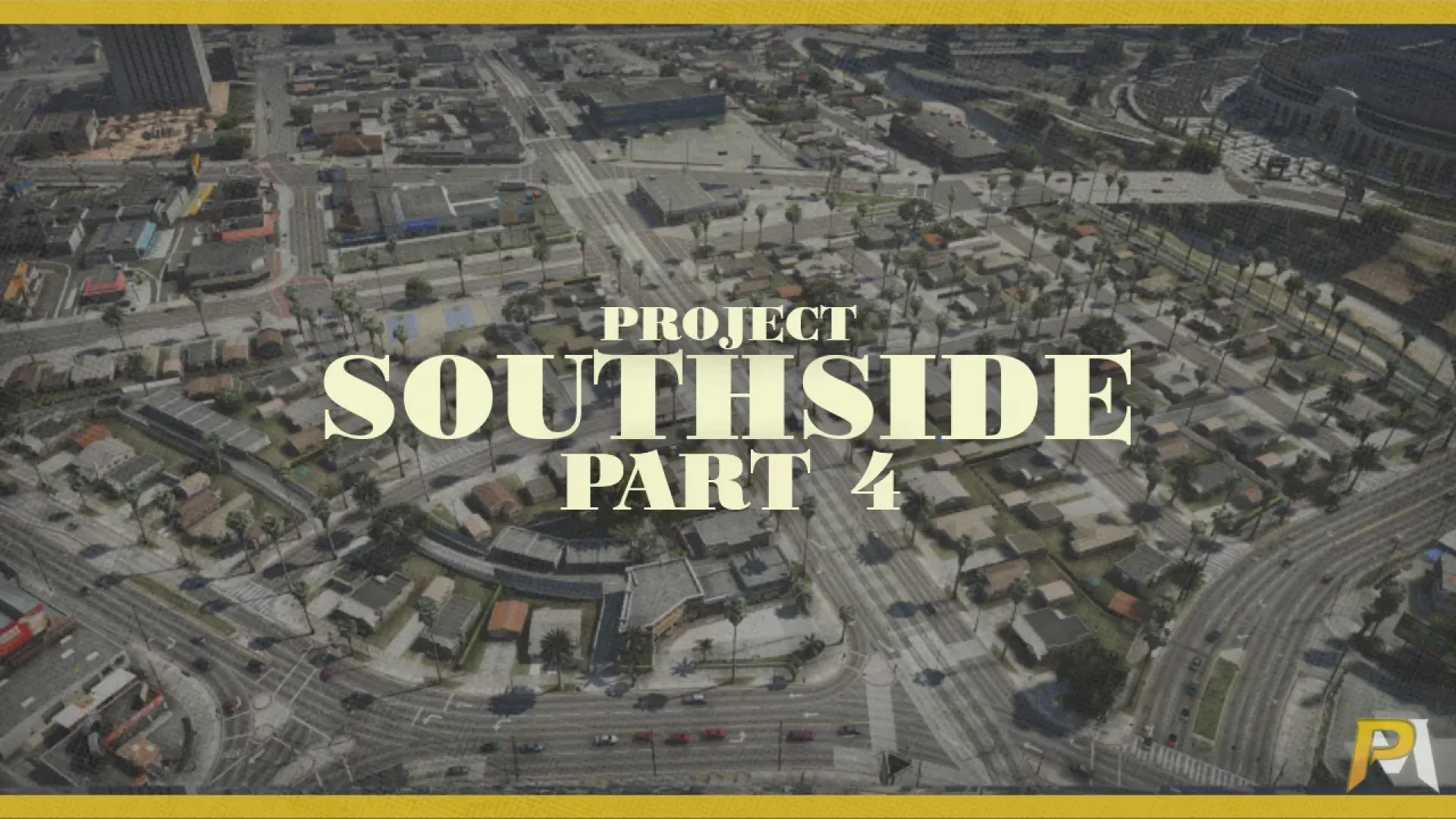
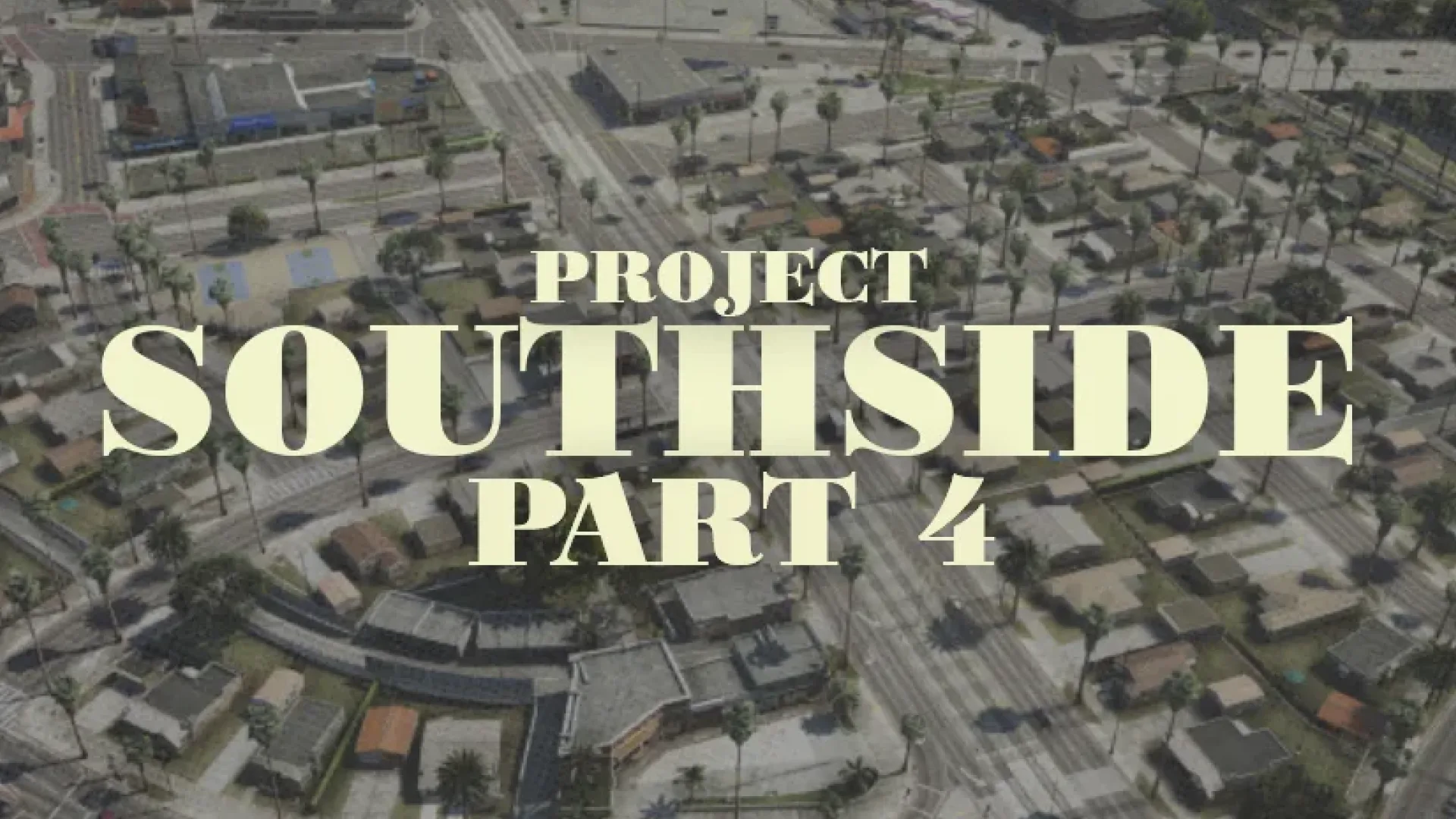
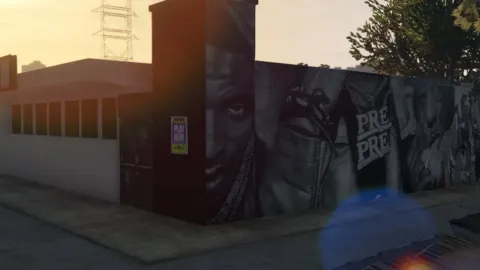
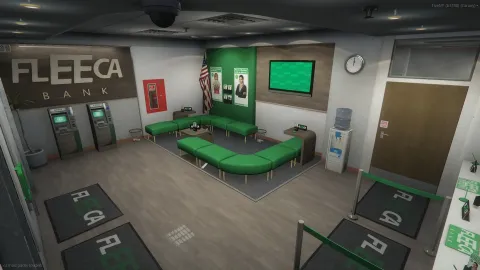
PablitoModz South Side Part 4 MLO turns an ordinary corner of Los Santos into a finished roleplay location from PablitoModz, ready for your FiveM server from day one.
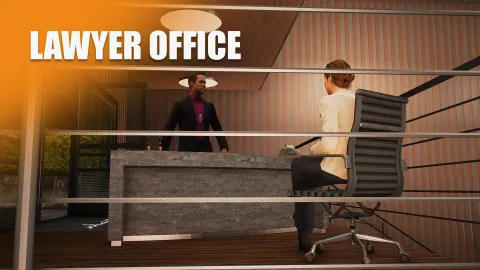
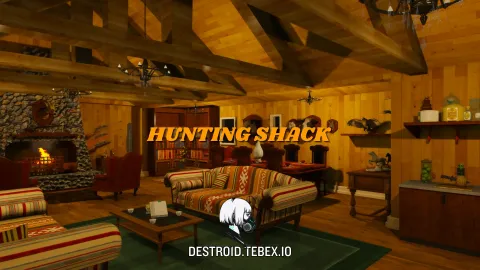
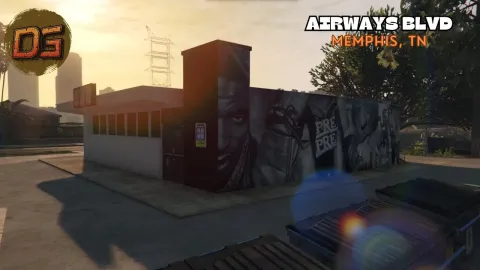
- 9 fully custom MLO interiors - Custom barber shop interior - Detailed and immersive houses, streets, and alleys - Custom landscaped environments for enhanced realism - Ambient NPC scenarios and neighborhood life - Custom navmesh for advanced NPC AI navigation - Custom vehicle nodes for realistic local traffic - Emissive windows activated at night - Custom LOD lights for realistic long-distance lighting - Custom map occlusions for optimized performance - Audio occlusion for immersive indoor / outdoor transitions - Optimized assets while keeping high visual quality - Authentic street atmosphere and environment
What PablitoModz South Side Part 4 MLO brings to your server
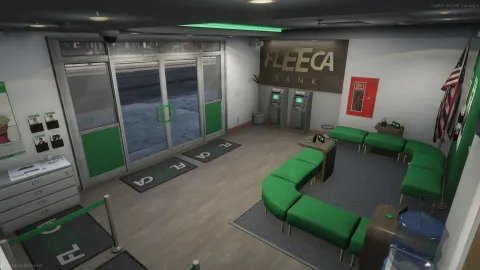
What makes PablitoModz South Side Part 4 MLO worth adding is how it holds up in play. The layout is built around real roleplay use: rooms where people can gather, clear paths for players and staff, and enough detail that screenshots and live scenes both look good. It sits naturally in the GTA V world instead of looking like an obvious add-on.
Key features
- 9 fully custom MLO interiors
- Custom barber shop interior
- Detailed houses, streets, and alleys
- Custom navmesh and vehicle nodes
- Emissive windows and custom LOD lights
- Fully furnished interior with roleplay-ready room layout
How servers use it
On a live server PablitoModz South Side Part 4 MLO quickly becomes part of the routine. Businesses can run shifts there, crews can use it as a base, and event staff can stage scenarios without building anything from scratch. Performance was part of the build: textures are sized for streaming, LODs step down properly at range, and nothing in PablitoModz South Side Part 4 MLO runs a script every frame. It behaves on a full server, which is the test that matters.
Installation and compatibility
Installation is standard for FiveM: place the folder in your resources directory, add it to your server.cfg with ensure, and restart. The location is framework-independent, so it works on ESX, QBCore, Qbox and standalone servers, and your existing job, door-lock and robbery scripts can point at it straight away. Browse more City & Public MLOs, or see the full Maps & MLOs range to complete your setup.
Every order of PablitoModz South Side Part 4 MLO is a one-time purchase with instant delivery after payment, so you can install it the same day. FiveM Shops keeps premium FiveM content affordable for growing servers.
Quick specs
- Type: MLO / interior
- Category: City & Public MLOs
- Framework: Any framework - ESX, QBCore, Qbox or standalone
- Install: Drag and drop into resources, ensure in server.cfg
- Delivery: Instant download after payment
Frequently asked questions
Does PablitoModz South Side Part 4 MLO work with QBCore and ESX?
Yes. PablitoModz South Side Part 4 MLO is a framework-independent city and public MLO, so it runs on ESX, QBCore, Qbox and standalone servers. Your existing job, door-lock and target scripts can use it straight away.
How do I install this MLO?
Drop the folder into your resources directory, add ensure with the resource name to server.cfg and restart the server. The location streams automatically when players get close.
Will it hurt server performance?
No. The interior uses LODs and streaming-friendly textures, so it stays light even on busy servers with many custom maps.